Everything posted by Marc
-
As mentioned by Matt in the message you quoted there, this was to reduce the complexity of what people can choose, and reduce issues within the platform.
-
Yes, that is correct
-
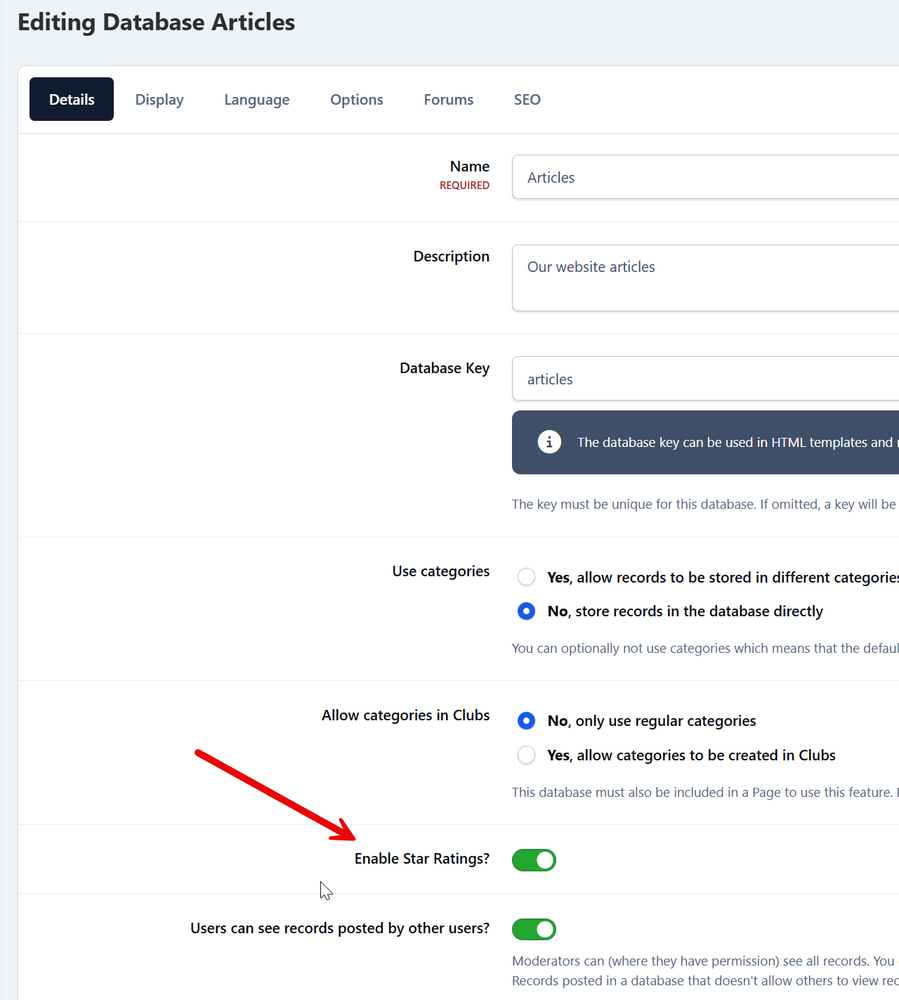
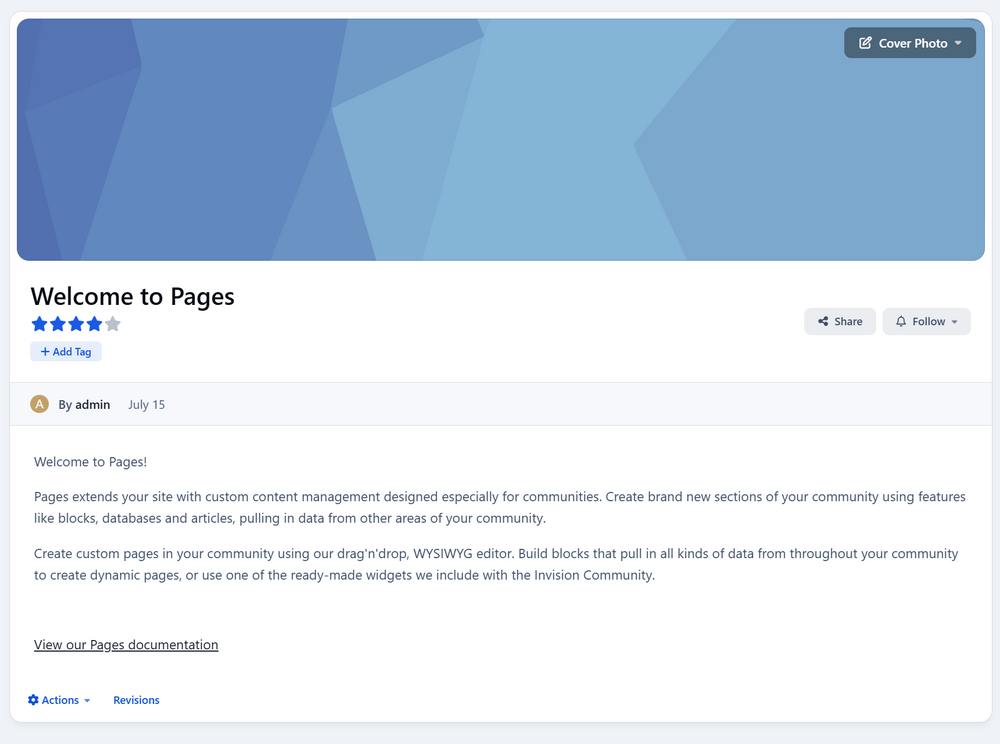
Is this what you are referring to? 🙂
-
If you have a look at the page here, this explains what can/cant be done for different platforms 🙂 Of course, if you have any other questions, please let us know https://invisioncommunity.com/clubs/page/3-beta-information/
-
Click ok on the cookie bar
-
No problem. Its been added to our bug tracker now in any case
-
Had you previously opened the services page? I ask as thats what I had done there, but it then doesnt close
-
Please log this as a bug We can then take a look for you.
-
Could you give me some examples on your test instance of the oddities, so I can take a look? From what you describe, it sounds like a bug, but I can certainly confirm
-
You need to be checking your server error logs, not console
-
There is no way in which to show them in that size without modification at present
-
If you are getting an internal server error, you should be getting errors being logged from that too. The above are from the upgrade, so not recent
-
In System->Settings->Posting & Editor, check the "Maximum embedded content width" setting
-
Im not seeing it showing in this way on my end. If you can get this to a location we can look at, then we can certainly take a look. However at present, Im not seeing any issues on this end
-
We would need to look further into this for you, however the access details on file appear to be incorrect or missing. Could you please update these details by visiting your client area, selecting the relevant purchase, then clicking "Review/Update Access Information" under the "Stored Access Information" section. We look forward to further assisting you.
-
I'm assuming the "Demand" is likely a language barrier. Request may be better suited there 🙂 If something is looking broken like that, please feel free to post as a bug
-
Glad to hear you figured it out 🙂
-
No problem
-
Marc replied to T. Batuhan BULGURLULAR's topic in Invision Community 5: Beta Testing's Beta DiscussionThere are no active plans for this currently, that Im aware of
-
Yes, you can certainly add an item to our feedback forum
-
Marc replied to T. Batuhan BULGURLULAR's topic in Invision Community 5: Beta Testing's Beta DiscussionWhile not a sidebar as such, you can drag blocks side by side, so you could have more than 2 columns
-
No. You would not edit templates any longer. Rather you would use template hooks and CSS to achieve things like this. Its a new way of working, but you can do most things in this way. Please see what was posted here, which would be the correct way to achieve this
-
I can tell you 100% nobody will be here releasing software on Christmas day lol
-
See if you can run upgrade from /admin/upgrade now
-
You cannot give permissions to a club, so if you are using promotions to promote to a group which gives x permissions, it would have to be forums