


Marc
Invision Community Team
-
Joined
-
Last visited
Everything posted by Marc
-
Its not a percentage, and not sure where you are seeing the word percentage there. Its an absolute score. So if you add 25 there, then the user would need 25 points in order to pass
-
You seem to have invented a percentage setting there, that doesnt exist in the platform. As the setting says, its a percentage score they have to get to pass. So if you have one where there are 15 questions and you are giving 1 point per correct answer, if you want 75% of them to be correct then you would be putting the passing score as 12 (as its actually 11.25 and you cant have part of a point). In answer to your question on "What is you set the passing score to 2500". The simple answer is, everyone would fail.
-
It would indeed. No problem, Jimi 🙂
-
Only forums.
-
This is actually a bug, as mentioned in your topic We're still actually going through this on your topic. Its worth going through that first before ascertaining you have something missing 🙂
-
No problem at all. Glad to hear you have the issue resolved
-
Im not actually able to replicate this on my end. Its showing as it should be with no problem. Please ensure you have no 3rd party items enabled, and that you are using a default unaltered theme
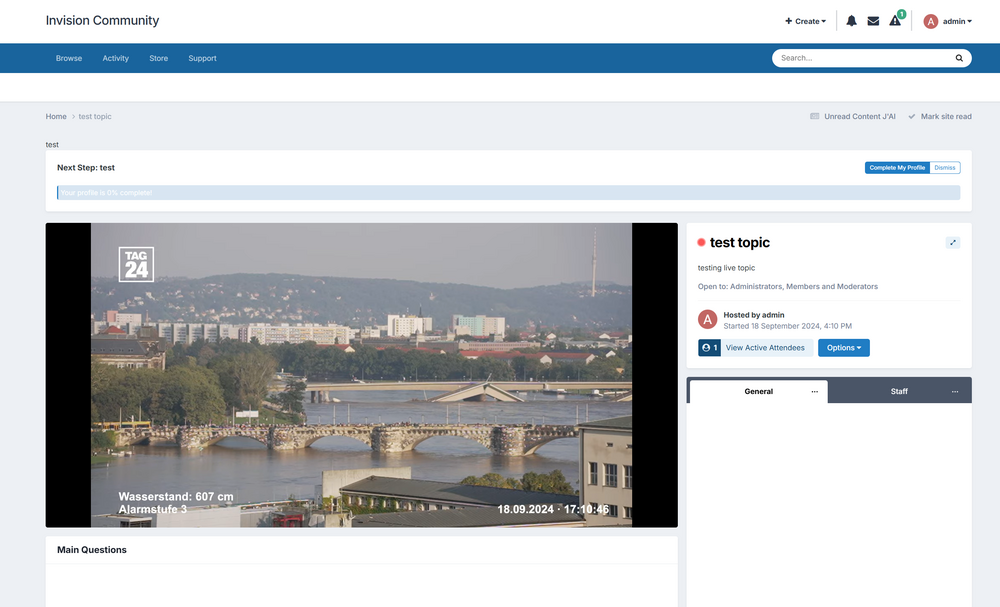
-
Version 5 of the software is currently in alpha testing, so cannot be used on your site quite yet
-
There will be betas available at some point, but we arent there quite yet 🙂
-
Yes, these are default templates 🙂
-
No. It works in the same manner as downloads. You could of course create more than one files section
-
Its only the first release of version 5. There will of course me many changes into the future. But with so many changes to the software, not everything will make the first release (as much as we would like it to)
-
Fixed Yes, this is done via account settings
-
Dont shout too loud or they'll all want one! Pssssss - Fixed
-
Im not seeing your email attempted to register. Please PM me the email you are using Assuming you mean seeing a snippet on the home page? If so, this is now a theme option (You can also change personally in your account settings) EDIT:- You should be able to register on what you sent me now 🙂
-
It depends on the betas 🙂 May well be before then. You will be able to upgrade Yes, version 5 will be available on our classic offering. There arent any planned. Thats not to say prices will be the same forever, of course lol. But nothing planned at present There are no plans for this at present. Feel free to post within our feedback area if you wish to see things like this added in the future. I would think however that dropbox and google drive probably wouldnt be suitable for the file storage side of a site
-
There isnt this planned at present. I would advise posting this in our feedback forum if you wish to see something like this in the future
-
Matt knows more than me 😄
-
Not as of yet. As Matt mentioned, we are currently aiming for a release in Q4 2024. The beta will clearly be a little before that. There is little point in guessing exactly when that will be as it depends on the alphas 🙂
-
Always something good to do 🙂 I've done the same myself in the past, and ended up with none at all lol
-
I would very much advise on playing with the new ways of doing things before passing judgement. I would say however, I feel that "everything except pages" on what is a complete rewrite of the way in which pages are put together, is a little unfair
-
We're a way off that yet. A downloadable alpha/beta would need to come well before that point 🙂
-
Much love 🙂
-
I imagine around 20% of mine lol
-
I got back from holiday, realised everything has changed, and only just found out its Thursday




