


Build a Collaborative Learning Community
Deliver courses, host live sessions and build the discussions that make knowledge stick. Invision Community gives educators, institutions and course creators everything they need to teach, engage and grow in one place.
-
Live sessions
Host live teaching events with Live Topics and convert them into permanent course resources the moment they end.
-
Student community
Discussion threads, clubs and peer connections that turn passive learners into an engaged, supportive cohort.
-
Resource Library
Centralize lesson media, worksheets and reference files with version control and download tracking built in.
-
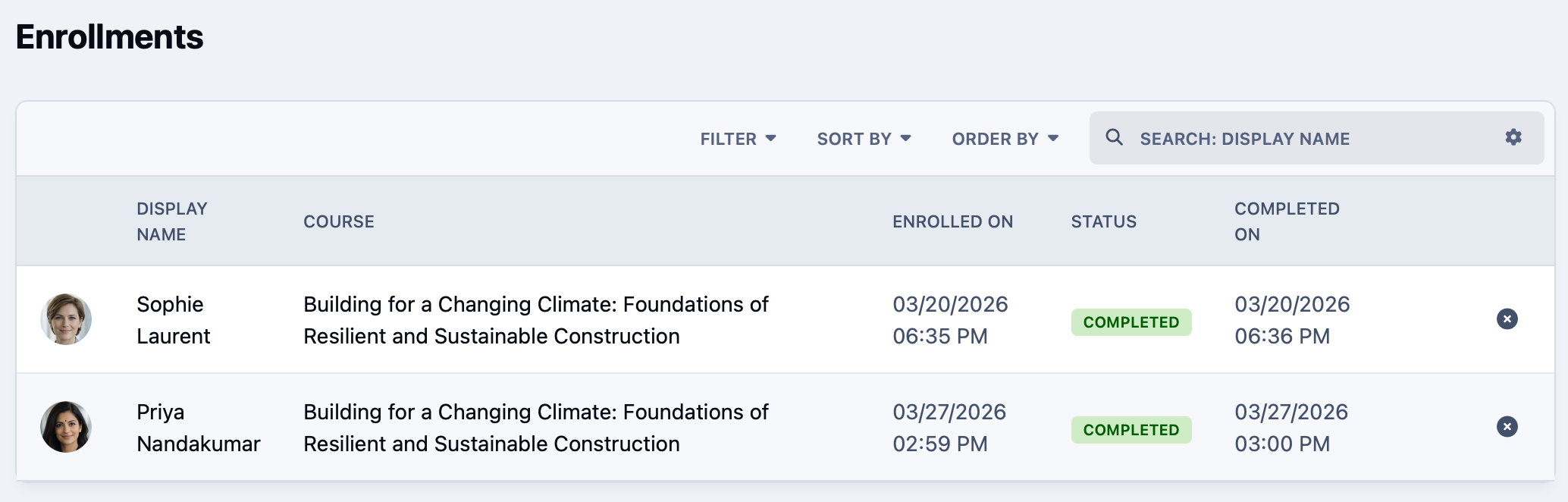
Progress tracking
Enrollment, completion and quiz analytics that show you exactly how your students are performing over time.
Structure learning your way , from single lessons or a full curriculum.
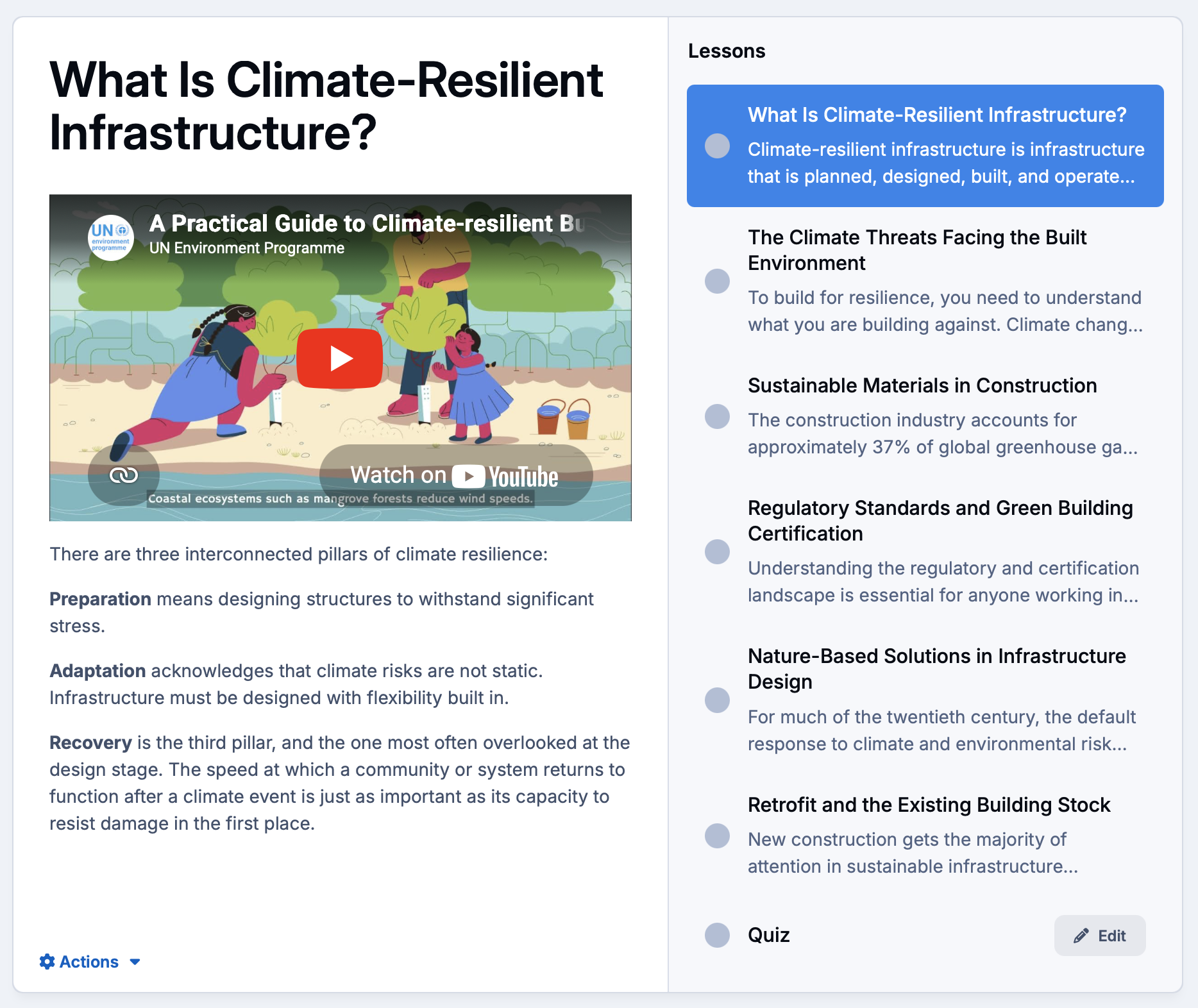
Organize content into courses, modules and individual lessons using text, video or a mix of both.
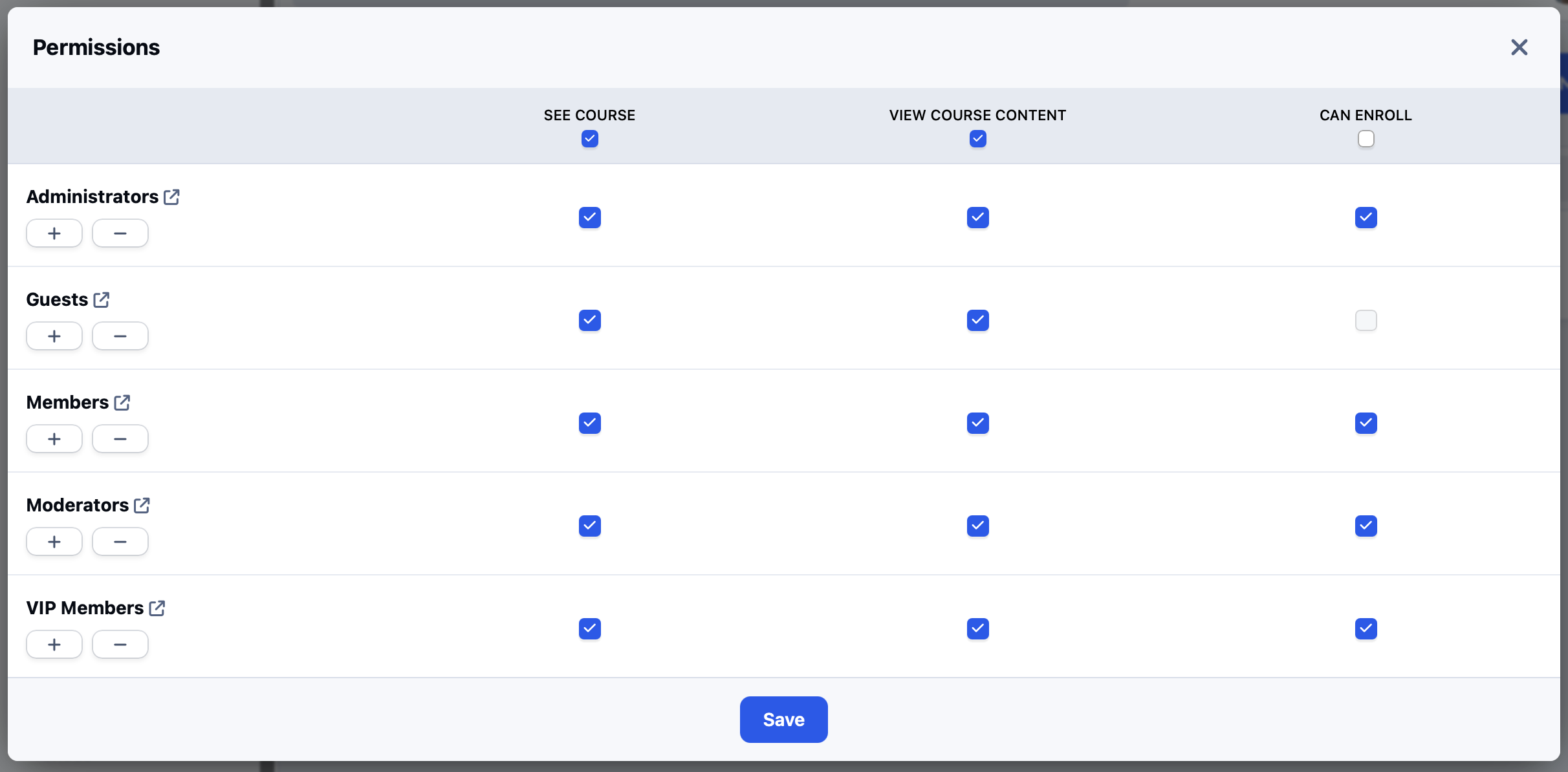
Limit access based on member group, and promote members when they have successfully completed a course.
-
Courses and lessons
Build structured learning paths with ordered sections and lessons that guide students from start to completion.
-
Access control
Restrict courses by member group, club membership or paid subscription tier.
-
Video and text lessons
Deliver lessons as standalone pre-recorded video, written content, or a combination of both to suit every learning style.
Learning sticks when it happens in community
Give every course its own discussion space so students ask questions, share progress and learn from each other.
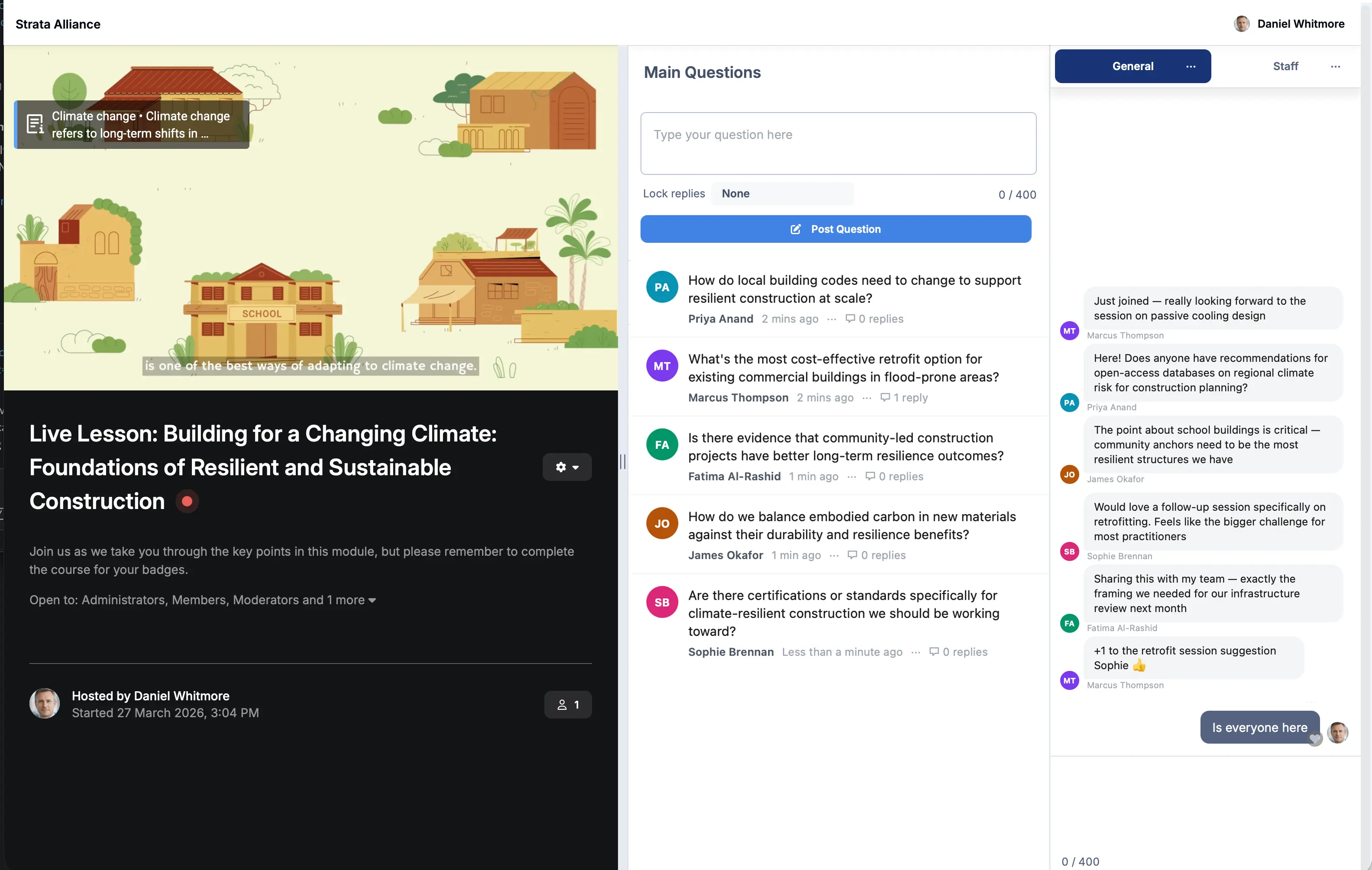
Host live webinar-style sessions with Live Topics and convert them into a permanent resource the moment they end.
-
Lesson discussions
Each module can have it's own discussion area so questions stay in context and answers benefit every student who follows.
-
Live learning sessions
Run live Q&A events and webinars with Live Topics, then automatically convert the session into a searchable forum topic for future students.
-
Achievements & badges
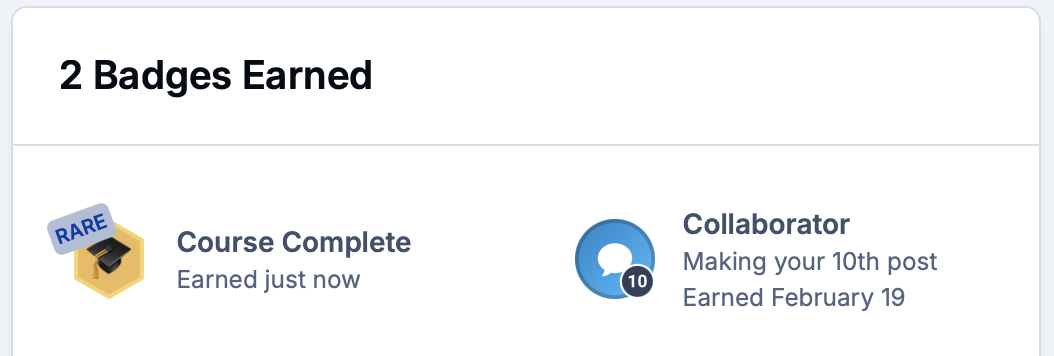
Reward progress and completion with badges and rank promotions that motivate students and recognize their effort publicly.
Every piece of course material , organized and always accessible
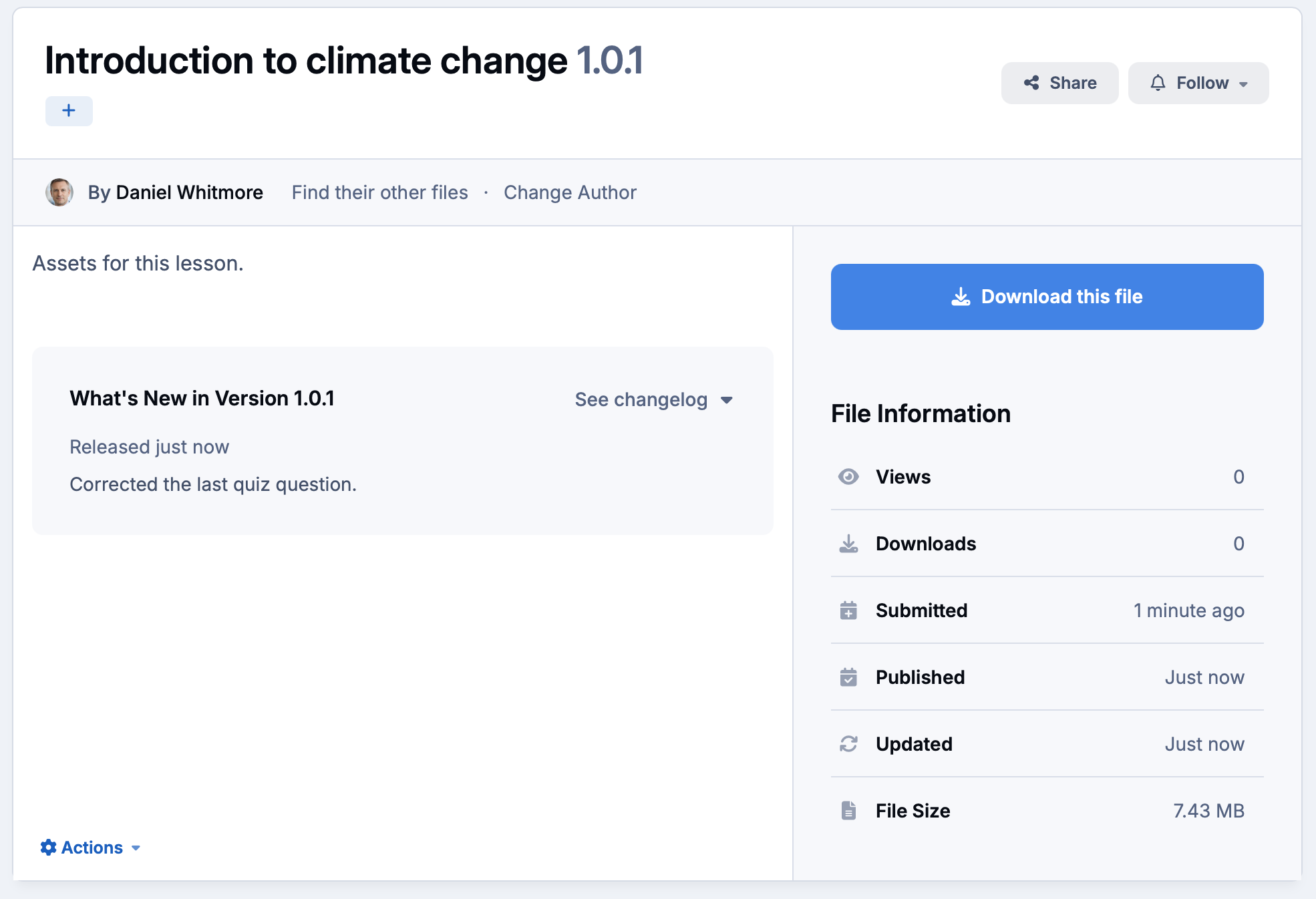
Centralize lesson media, supplementary files and reference documents in the built-in Downloads manager.
Version control ensures students always access the latest material, and download tracking tells you exactly who has accessed what.
-
Downloads manager
Upload and organize lesson media, worksheets and reference files in structured categories students can browse and download at any time.
-
Version control
Keep course materials current with file versioning so updates are tracked and students always download the latest version.
-
Download tracking
See exactly which students have downloaded which resources, giving instructors a clear picture of material engagement.

Connect your learning environment to the tools your team relies on
Sync student data and course completions with your CRM, HR or LMS platforms via the REST API and webhooks.
Use SSO to give students seamless access without managing separate credentials.
-
Single Sign-On
Connect via OAuth, SAML or your own identity provider so students move between your systems without needing a separate login.
-
REST APIs
Automate enrollment, sync completions and trigger workflows in external platforms the moment a student hits a milestone.
-
External tool sync
Push course completion and engagement data into Salesforce, HubSpot or your HR platform to close the loop between learning and business outcomes.
Explore all solutions
-
Customer Success
Customer Success
Deflect tickets, empower customers, and turn your user base into a self-sustaining support ecosystem.
-
Brand Advocacy
Brand Advocacy
Turn customers into loyal advocates. Connect your audience and build a community around your brand.
-
Educational
Educational
Build a learning community where knowledge is structured, shared and retained.
-
Creator Communities
Creator Communities
More control, deeper relationships, and real monetisation, without handing your audience to someone else.
-
Internal Teams
Internal Teams
The intranet your employees will actually use. Knowledge, culture, and communication in one place.
See Invision Community in action
Explore real communities built with Invision Community and discover how organizations are driving engagement, building loyalty and creating thriving communities.


Key Features
Invision Community is packed full of features to ensure your community has all that it needs.
- Live eventsRun a live Q&A which converts to a topic
- Structured learningUse modules and lessons to break up learning
- QuizzesCheck for retained knowledge
- AssetsUse Downloads to store course material
- AnalyticsGain insights on learning
- ClubsKeep all course conversation in one place
Ready to elevate your learning experience?
Build a learning community that blends structure, support, and student-driven collaboration—at any scale.