


Employee and Private Communities
Give your organization a secure, private home for the conversations, resources and events that keep teams connected. Whether you are running a company intranet, a member association or a private partner network, Invision Community gives you the structure and control to build it your way.
-
Private and secure
Invite-only access, SSO support and granular permissions keep your community visible only to the people who belong in it.
-
Organized discussions
Forums and clubs give every team, department and working group their own structured space to collaborate and stay aligned.
-
Centralized resources
Store documents, guides and internal data in a searchable repository with version control and permission-gated access.
-
Events and live sessions
Plan meetings, training days and all-hands sessions with the built-in calendar and Live Topics for virtual events that leave a permanent record.
Build a directory that reflects how your organization actually works.
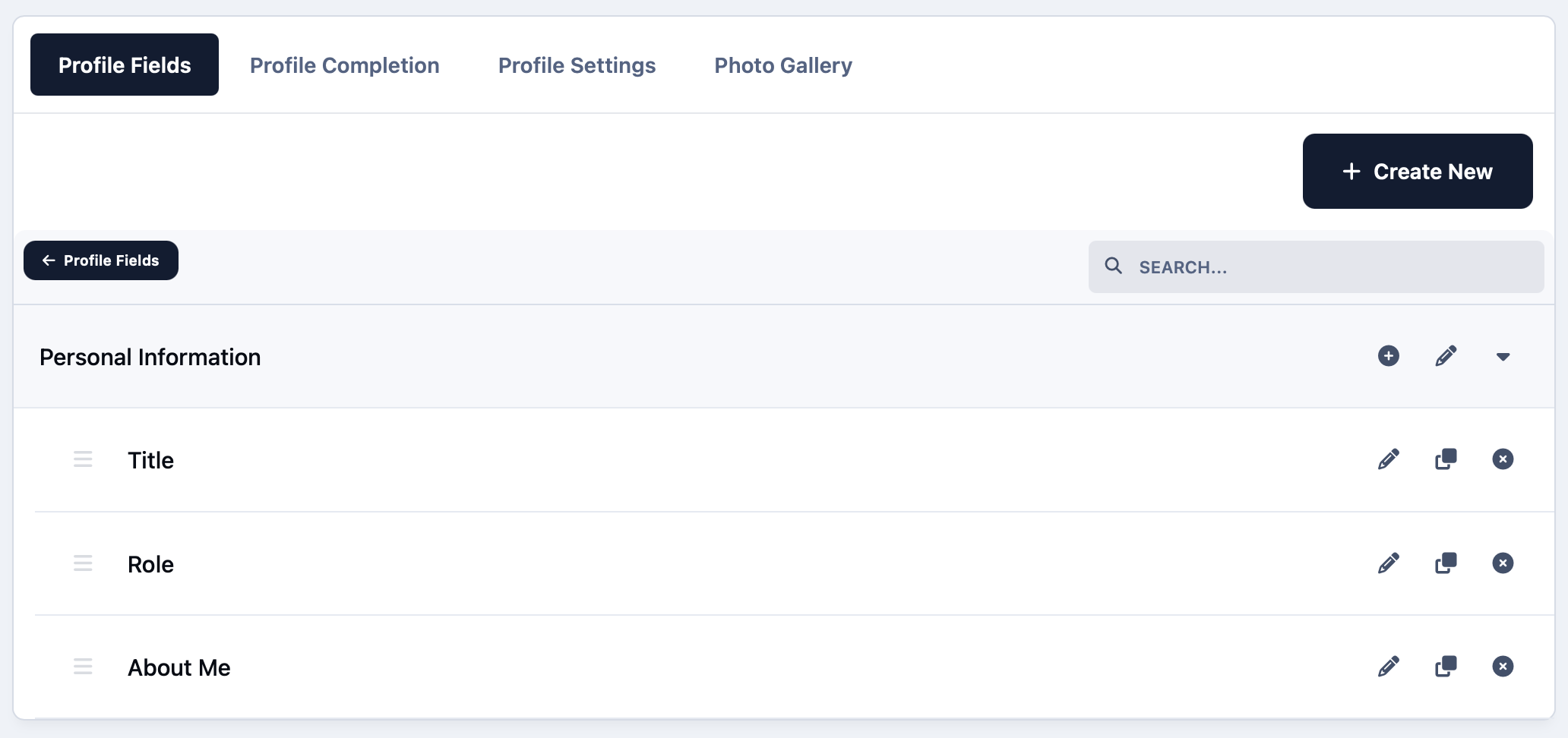
Custom profile fields let you capture the details that matter most, from departments and locations to skills and certifications.
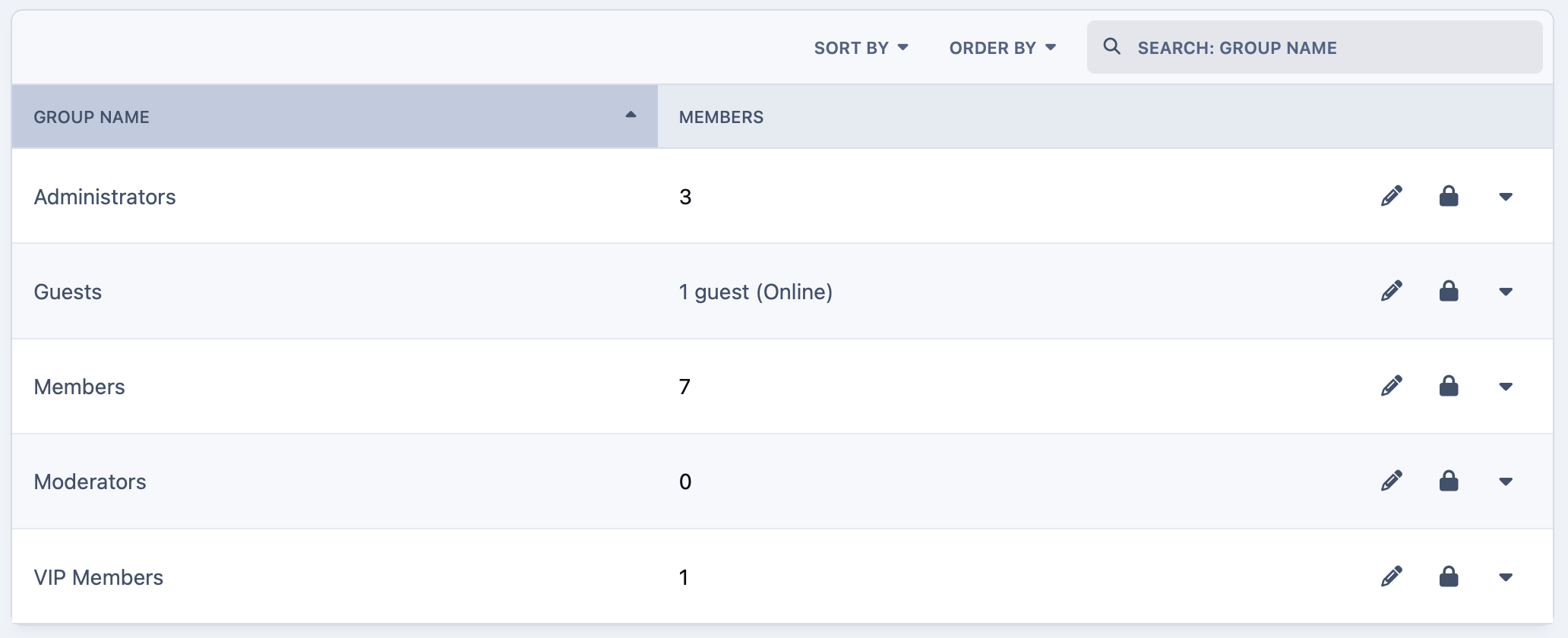
Assign roles and permissions across teams and spaces so every member sees exactly what is relevant to them.
-
Custom profile fields
Capture department, location, skills and any other attribute that helps colleagues find and connect with the right people.
-
Roles and permissions
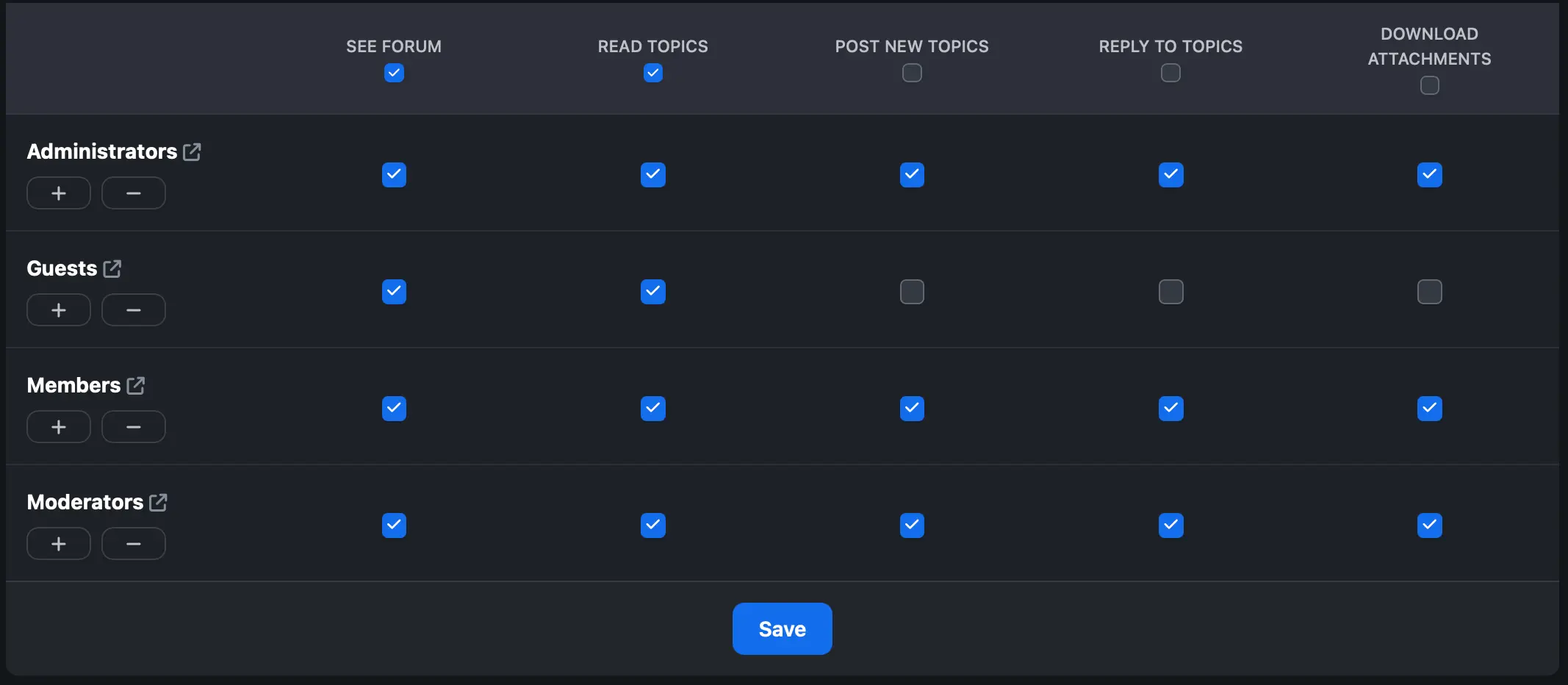
Define exactly what each member group can see, post and manage so access stays aligned with your organizational structure.
-
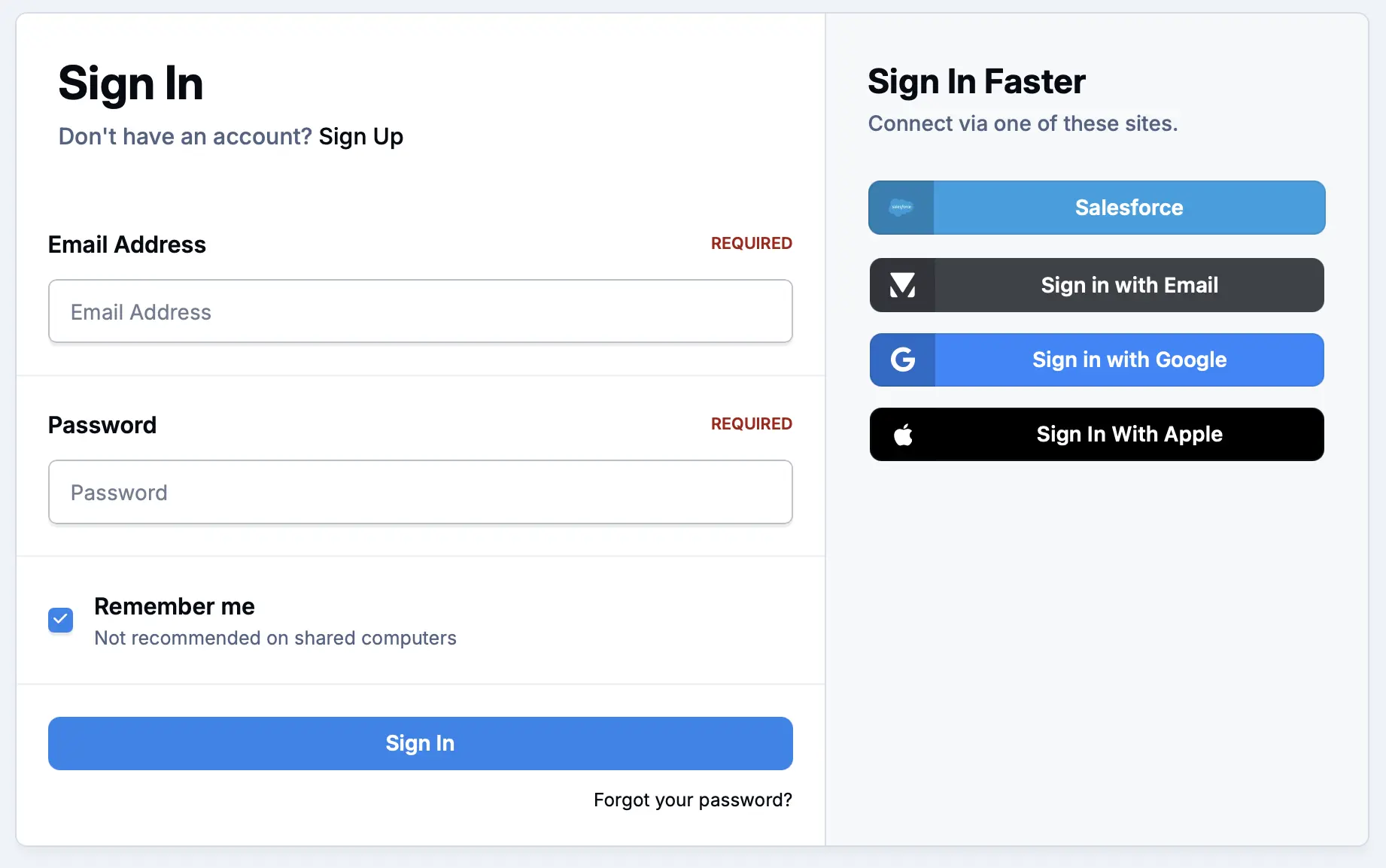
Single sign on
Connect to any existing systems, or services such as Apple and Google to sync members across systems.
Give every team a space to think out loud.
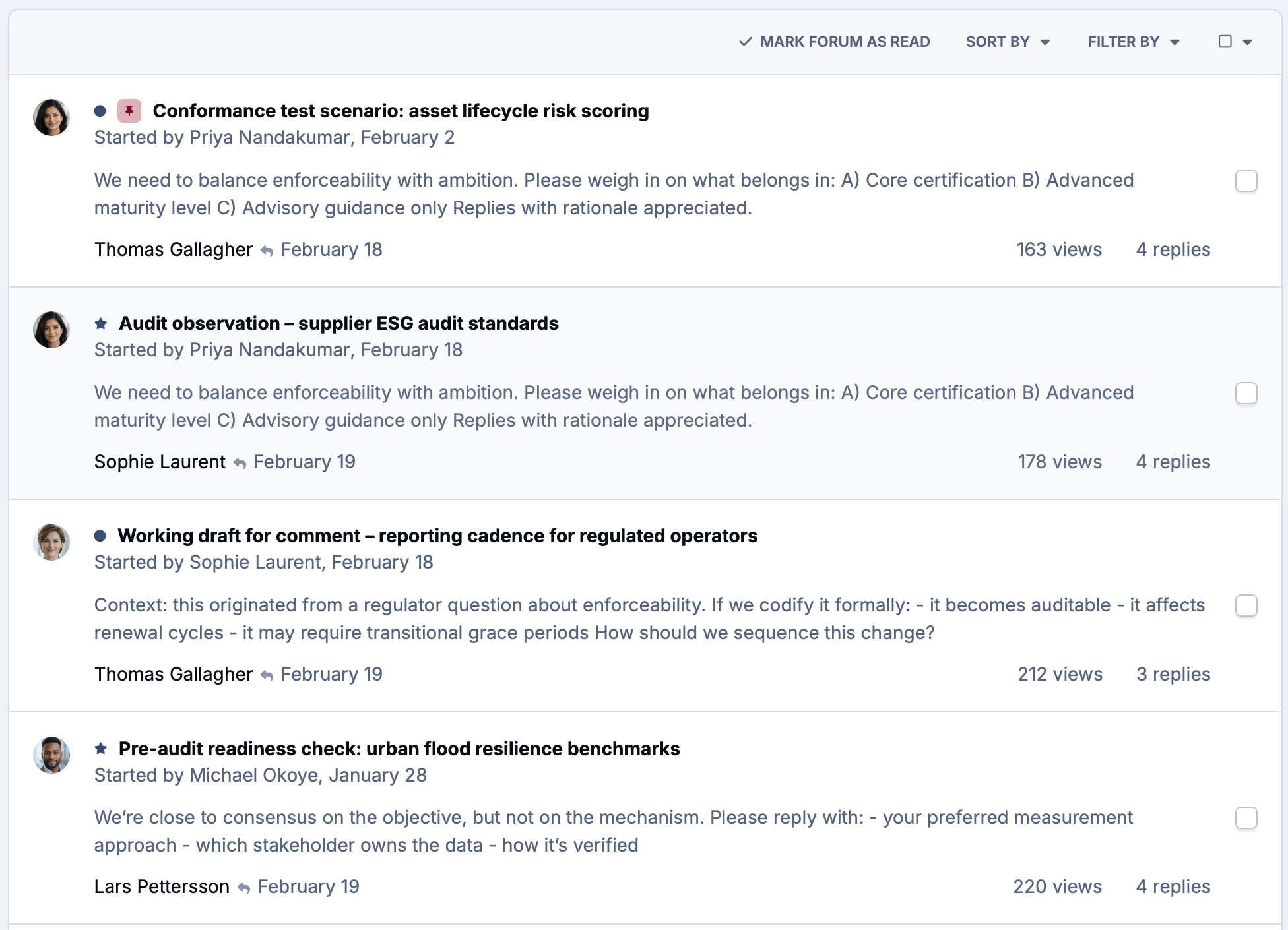
Forums and clubs keep discussions organized by team, project or topic so conversations stay in context and nothing gets lost in email threads. Permission controls ensure sensitive discussions stay visible only to the right people.
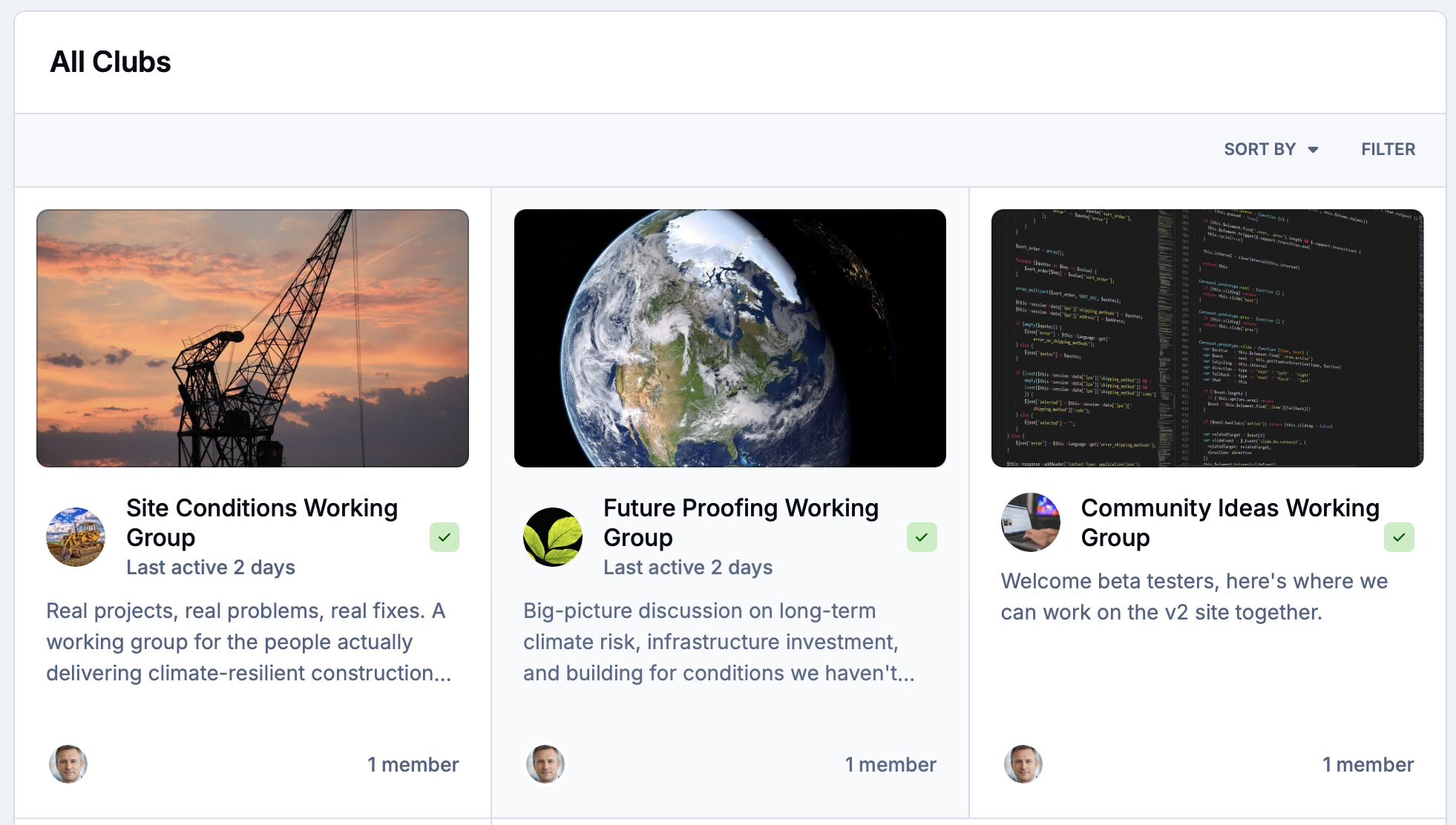
Clubs give smaller working groups their own private space to collaborate without cluttering company-wide channels.
-
Team forums
Organized discussion spaces for departments, projects and topics that keep conversations searchable and permanently on record.
-
Private clubs
Focused group spaces for working groups, committees or project teams with their own forums, events and file sharing.
-
Access controls
Granular permissions ensure sensitive discussions, documents and spaces are only visible to the members who need them.
Keep your whole organization in sync.
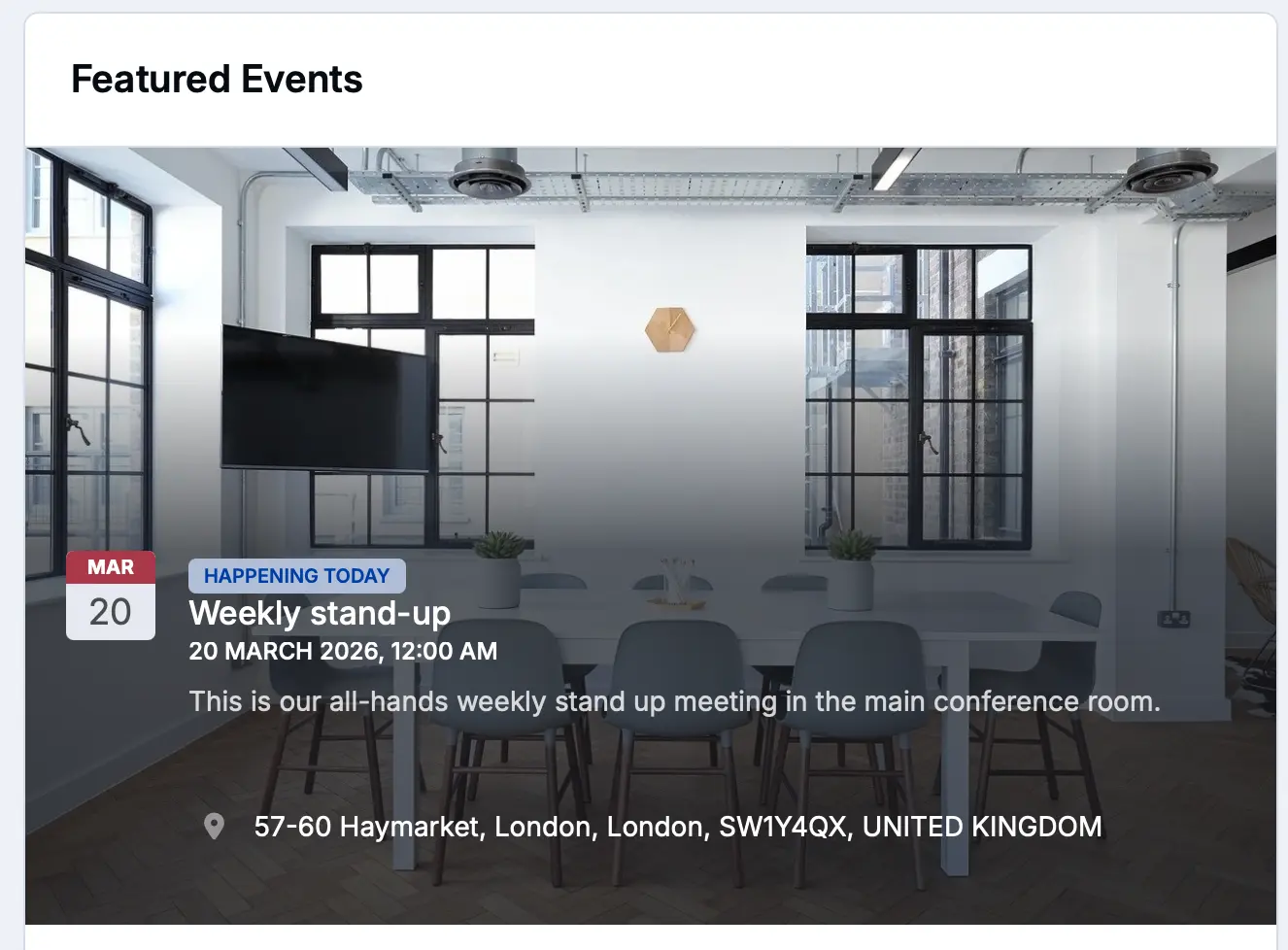
Plan and promote internal meetings, training sessions and social events with the built-in calendar and events system. Members can RSVP, get reminders and stay informed whether the event is in person or online.
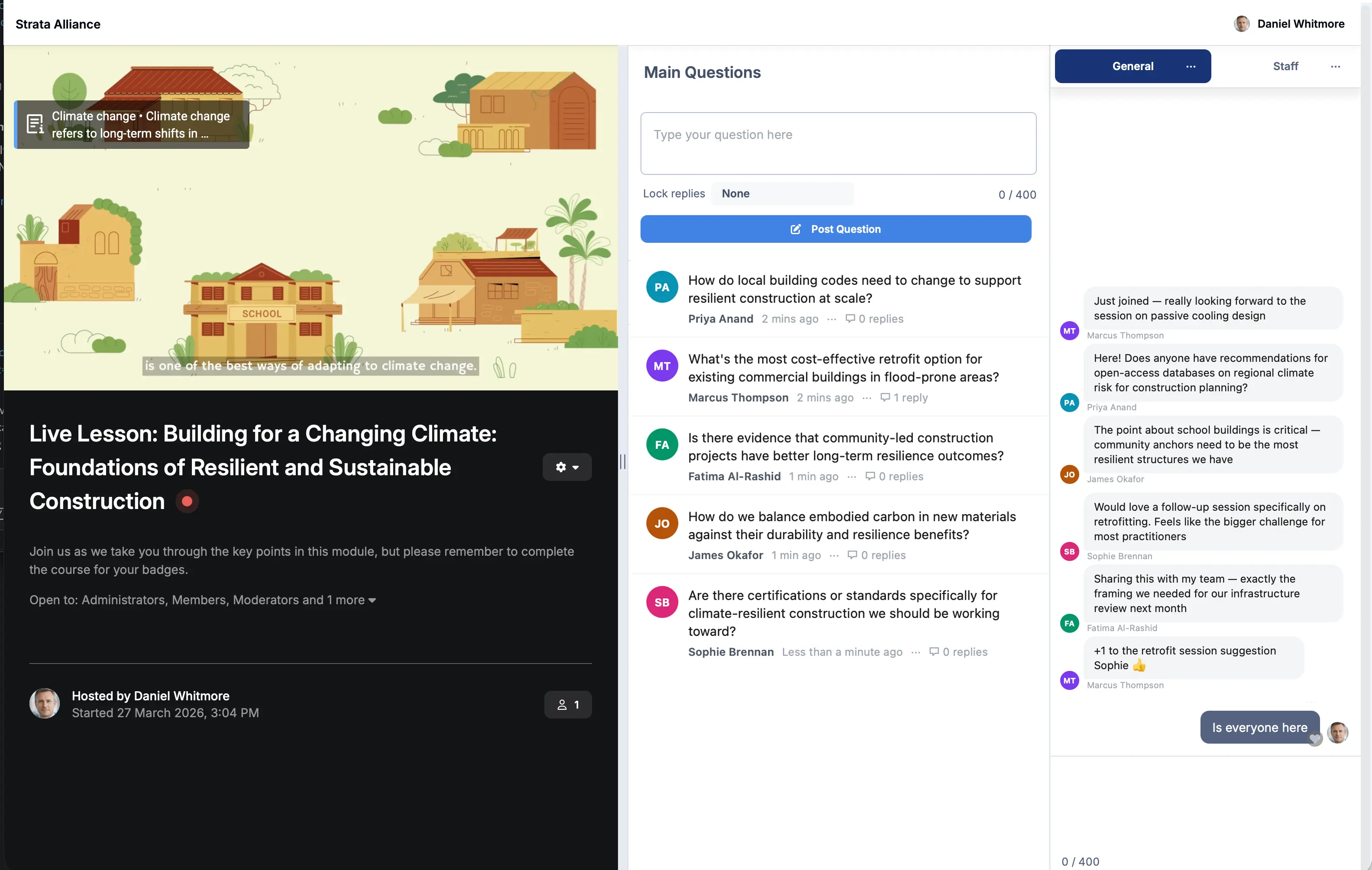
Live Topics brings live virtual sessions directly into the community, with Q&A and chat that converts into a permanent record the moment the session ends.
-
Events calendar
Schedule and promote meetings, training days and social events with RSVP tracking and automated member notifications.
-
Live sessions
Host live all-hands meetings, team briefings and training webinars with Live Topics and automatically convert them into a permanent record.
-
Reminders
Keep members informed with automated notifications for upcoming events, new discussions and content relevant to their role.
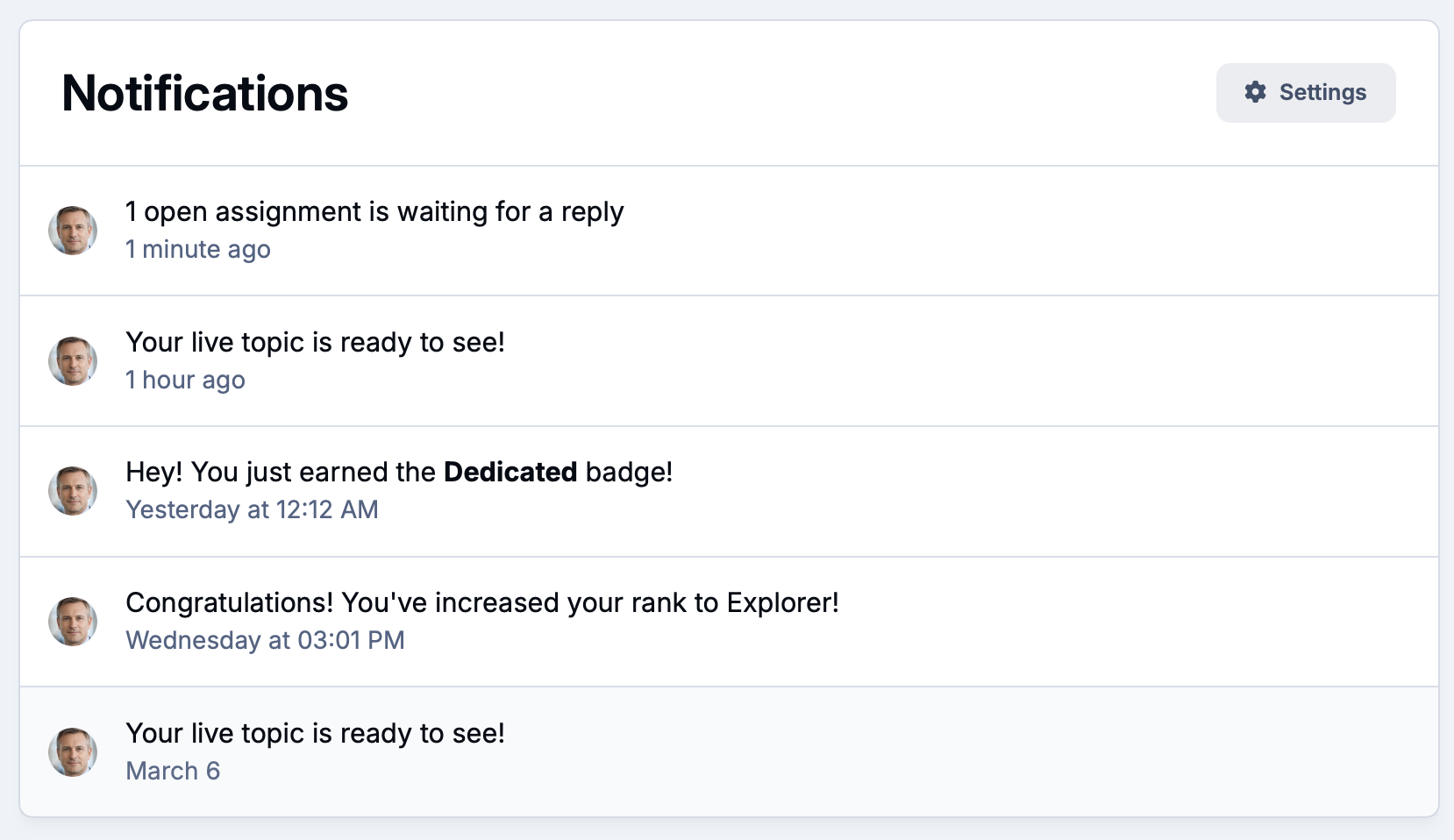
One place for every document , guide and resource your team needs.
The Downloads manager gives your organization a structured file repository with version control and download tracking built in. Custom Pages and databases let you build internal directories, wikis and data collections with custom fields tailored to your needs.
Everything is searchable, permission-controlled and accessible to the right people at the right time.
-
File repository
Store and organize internal documents, templates and guides in structured categories with version control and download tracking.
-
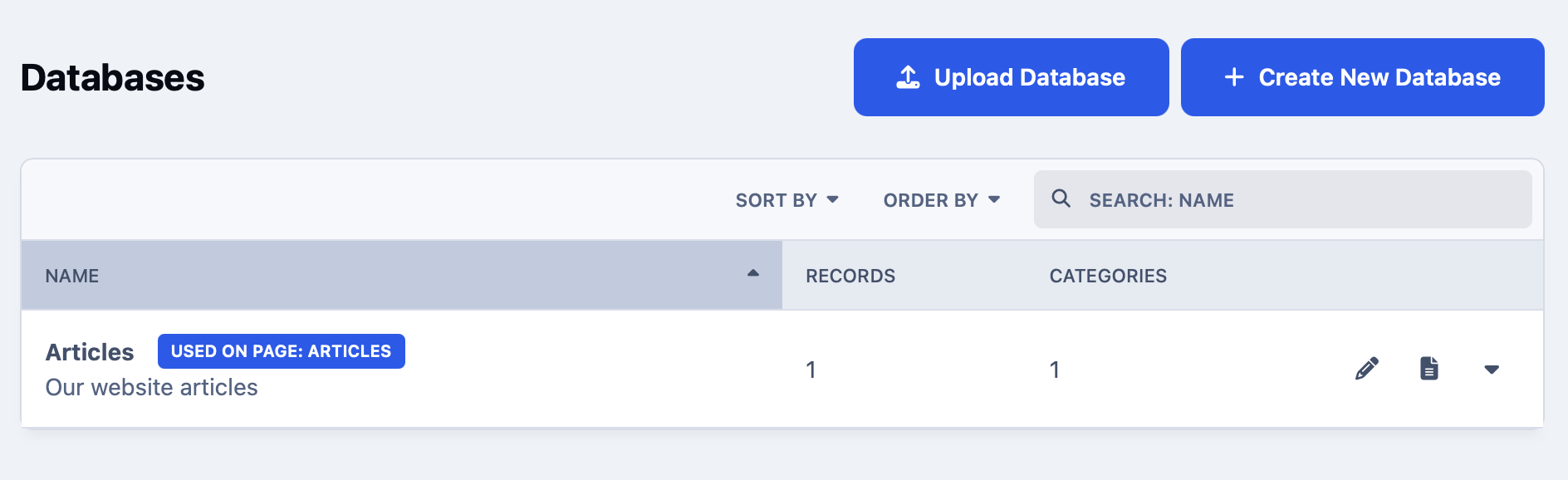
Custom databases
Build internal directories, project trackers and data collections using Pages databases with fully customizable fields and layouts.
-
Search and discovery
Full-text search across forums, files, databases and profiles so no internal resource ever gets buried or forgotten.
Fit your community into the tools your organization already relies on.
Connect Invision Community to your existing identity provider for seamless single sign-on so members never manage a separate login. The REST API and webhooks let your IT team build automations and sync data with HR, project management and communication platforms.
Custom integrations can push community activity into the external tools your teams already work in every day.
-
Single Sign-On
Connect via OAuth, SAML or your own identity provider so members log in once with their existing organizational credentials.
-
REST API and webhooks
Sync member data, automate workflows and trigger actions in external platforms whenever activity happens in your community.
-
Custom integrations
Push community content and member activity into HR, project management and communication tools using a flexible, fully documented API.
Explore all solutions
-
Customer Success
Customer Success
Deflect tickets, empower customers, and turn your user base into a self-sustaining support ecosystem.
-
Brand Advocacy
Brand Advocacy
Turn customers into loyal advocates. Connect your audience and build a community around your brand.
-
Educational
Educational
Build a learning community where knowledge is structured, shared and retained.
-
Creator Communities
Creator Communities
More control, deeper relationships, and real monetisation, without handing your audience to someone else.
-
Internal Teams
Internal Teams
The intranet your employees will actually use. Knowledge, culture, and communication in one place.
See Invision Community in action
Explore real communities built with Invision Community and discover how organizations are driving engagement, building loyalty and creating thriving communities.


Key Features
Invision Community is packed full of features to ensure your community has all that it needs.
- Team forumsOrganized discussions
- Private clubsFocused group spaces
- Custom profilesFields and directories
- Roles and permissionsGranular access control
- Events and calendarIn-person and online
- Live sessionsWebinars and all-hands
- File repositoryVersion controlled
- Custom databasesPages and directories
- Single Sign-OnSSO, SAML and OAuth
- SecurityPrivate and permission-gated
- IntegrationsAPI and webhooks
- SearchAcross all content
Ready to build a private community that fits your organization?
Bring your members together in a secure, invite-only space designed for collaboration and connection.