


Give your fans a home of their own
Fans don't just talk about the thing they love. They make things, share things, meet up and help each other get better. Give them a community built for all of it, on your own domain and on your terms, for an enthusiast-run fan club or an official community backed by a global brand.
-
Your space, your rules
Own your community and your audience instead of renting them from a social platform.
-
Share what you make
Mods, maps, patterns, photos and builds, organized and easy to find.
-
Groups within groups
Clubs for guilds, local meetups, collections and every niche within your niche.
-
Recognition that matters
Badges, ranks and leaderboards that celebrate your most dedicated members.
Conversations that don't disappear in the scroll
Chat apps and social feeds are great for the moment, but the best answers, theories and guides get buried within hours. Your community deserves a place where good conversations last and new members can find them years later.
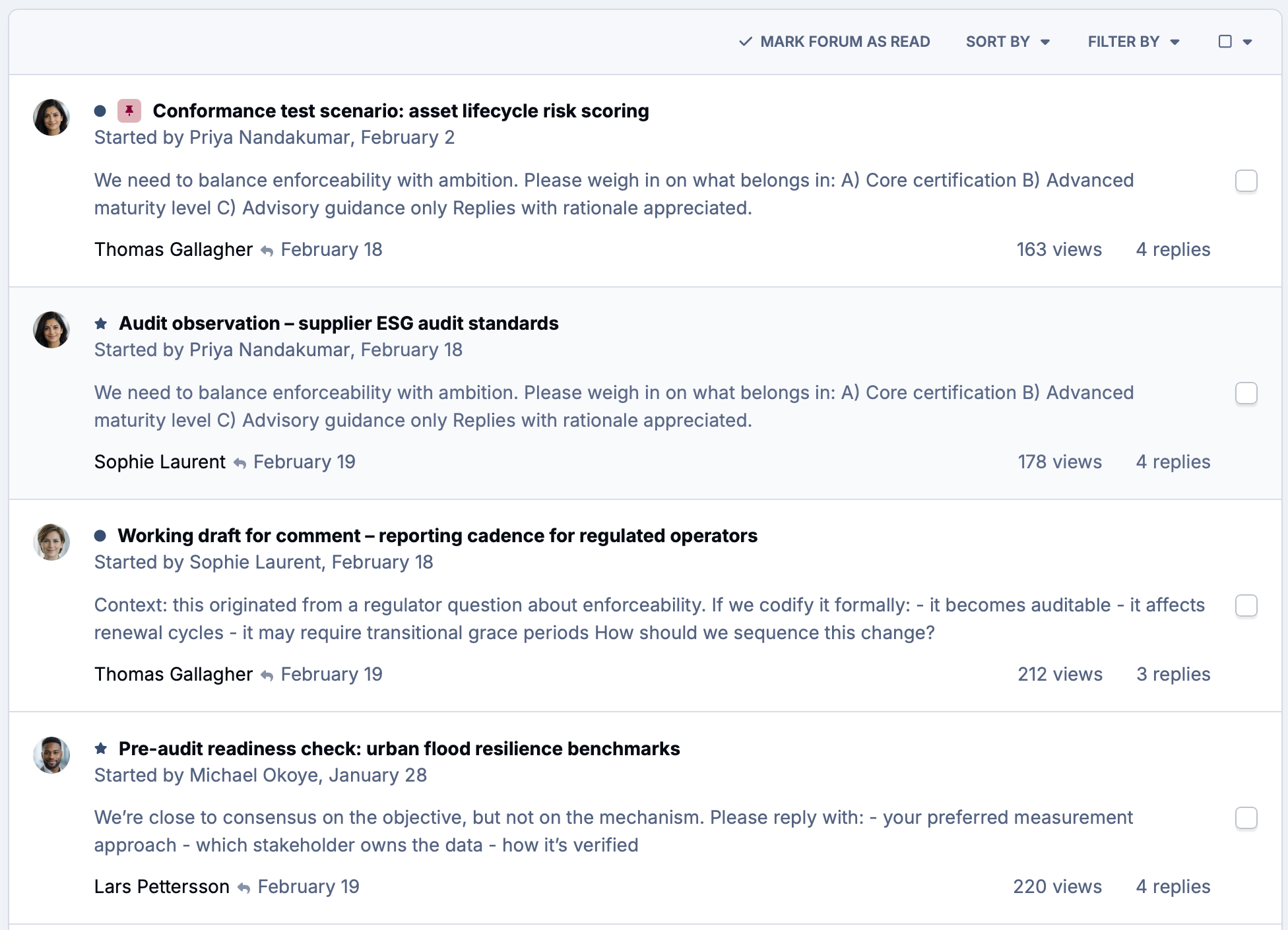
Structured forums keep every topic organized and searchable, and because it's on your own domain, the community is yours to shape.
-
Structured forums
Organize discussion by game, series, product or topic so members always know where to post and where to look.
-
Searchable history
Guides, answers and long-running threads stay findable on your site and in search engines, bringing new fans to you.
-
On every device
A fully branded mobile experience with push notifications, so members never miss a reply or a new release.
A proper home for everything your members make
Some of the best things in any fandom are made by the fans themselves. Mods, custom maps, knitting patterns, 3D prints, photos of finished builds. They deserve better than a link in a chat that expires next week.
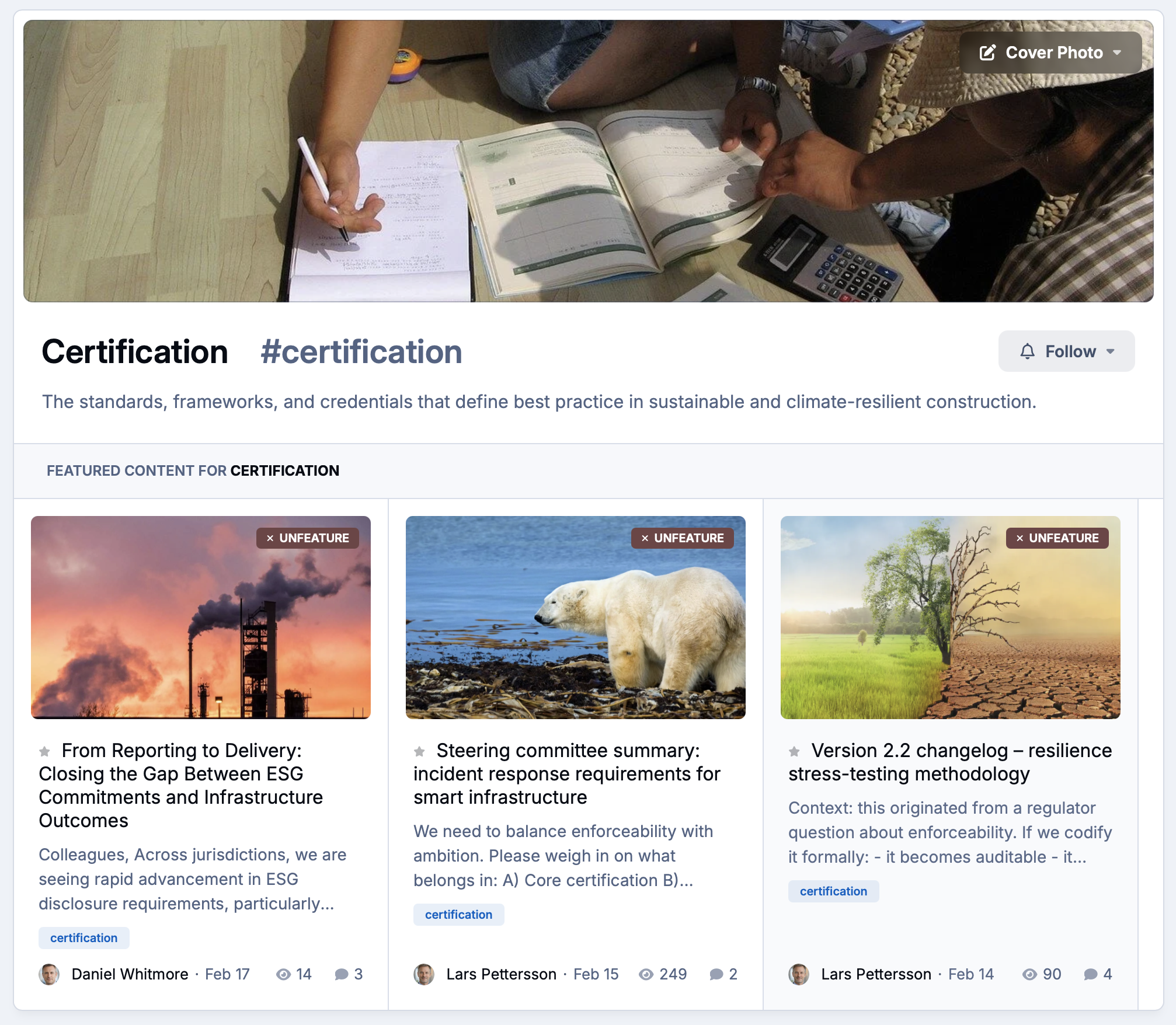
Give creators a library with version history and feedback, and give everyone else an easy way to find the good stuff.
-
Downloads library
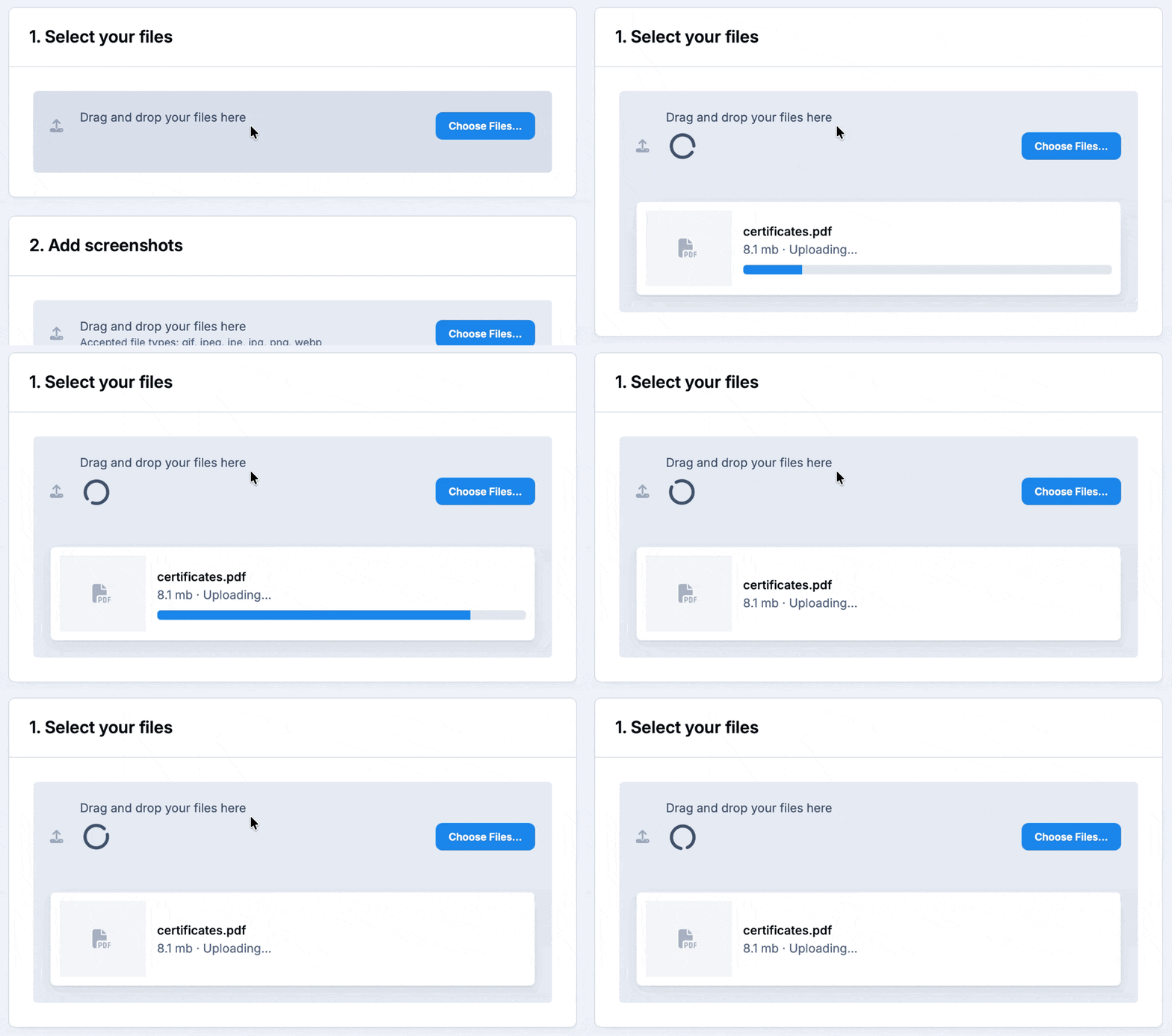
Host mods, maps, patterns and files in categories, with version updates and changelogs so members always get the latest release.
-
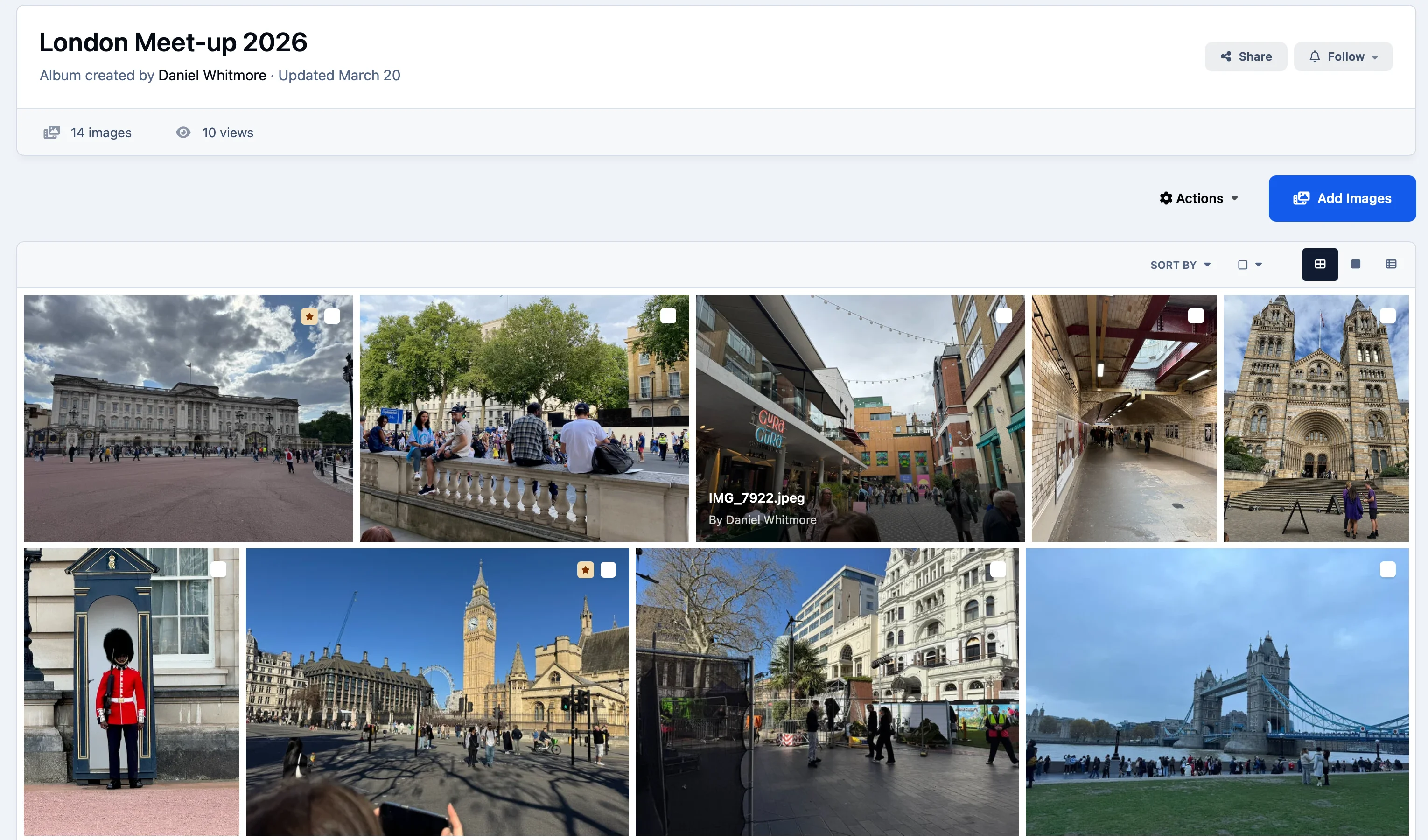
Galleries
Members show off collections, builds and event photos in albums the whole community can browse, comment on and react to.
-
Reviews and ratings
Ratings and reviews help the best work rise to the top and give creators the feedback that keeps them making more.
Room for every niche within your niche
Big fandoms are made up of smaller groups: guilds and clans, regional clubs, collectors of one particular range, people who only care about one character. Clubs give each of them their own space without splitting the community apart.
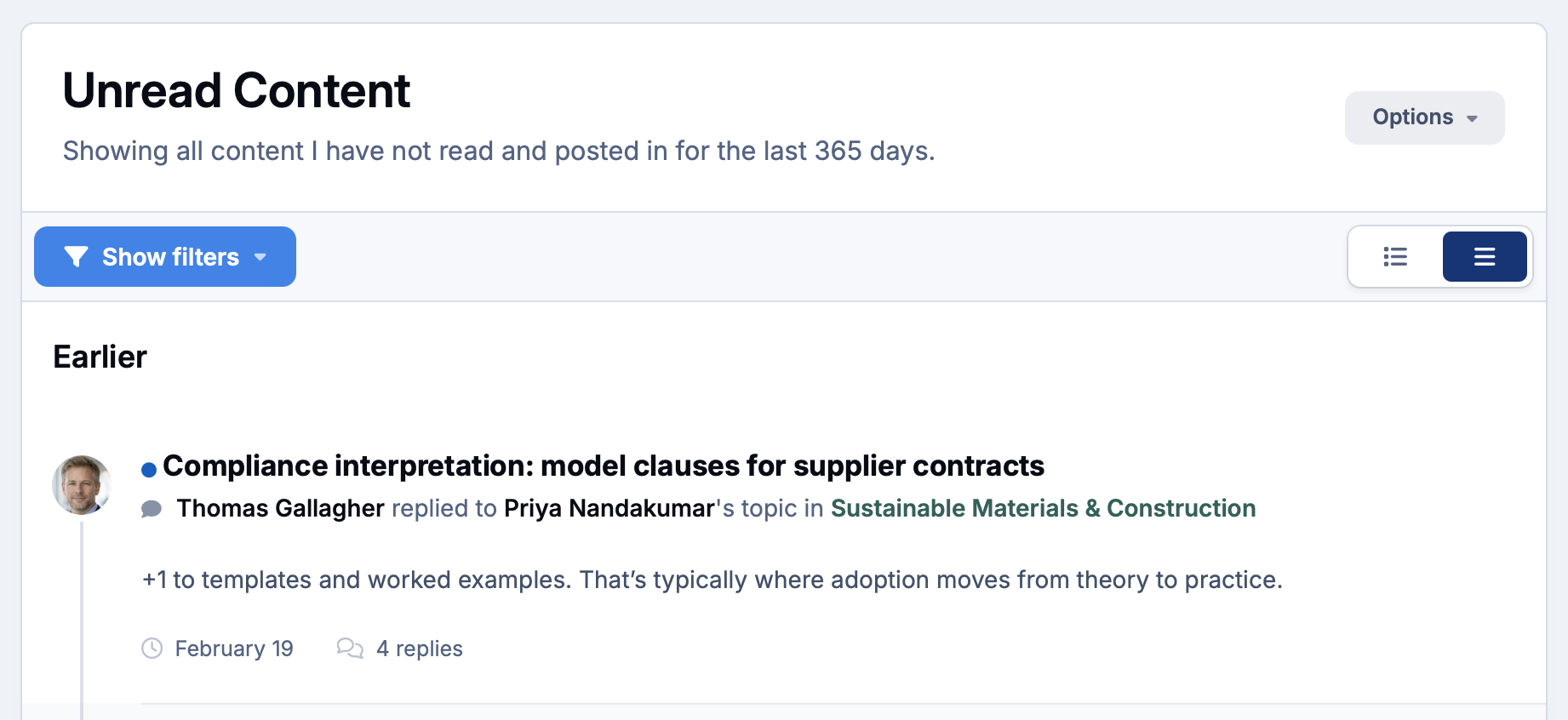
When members want to meet in person or online, the calendar and Live Topics bring them together.
-
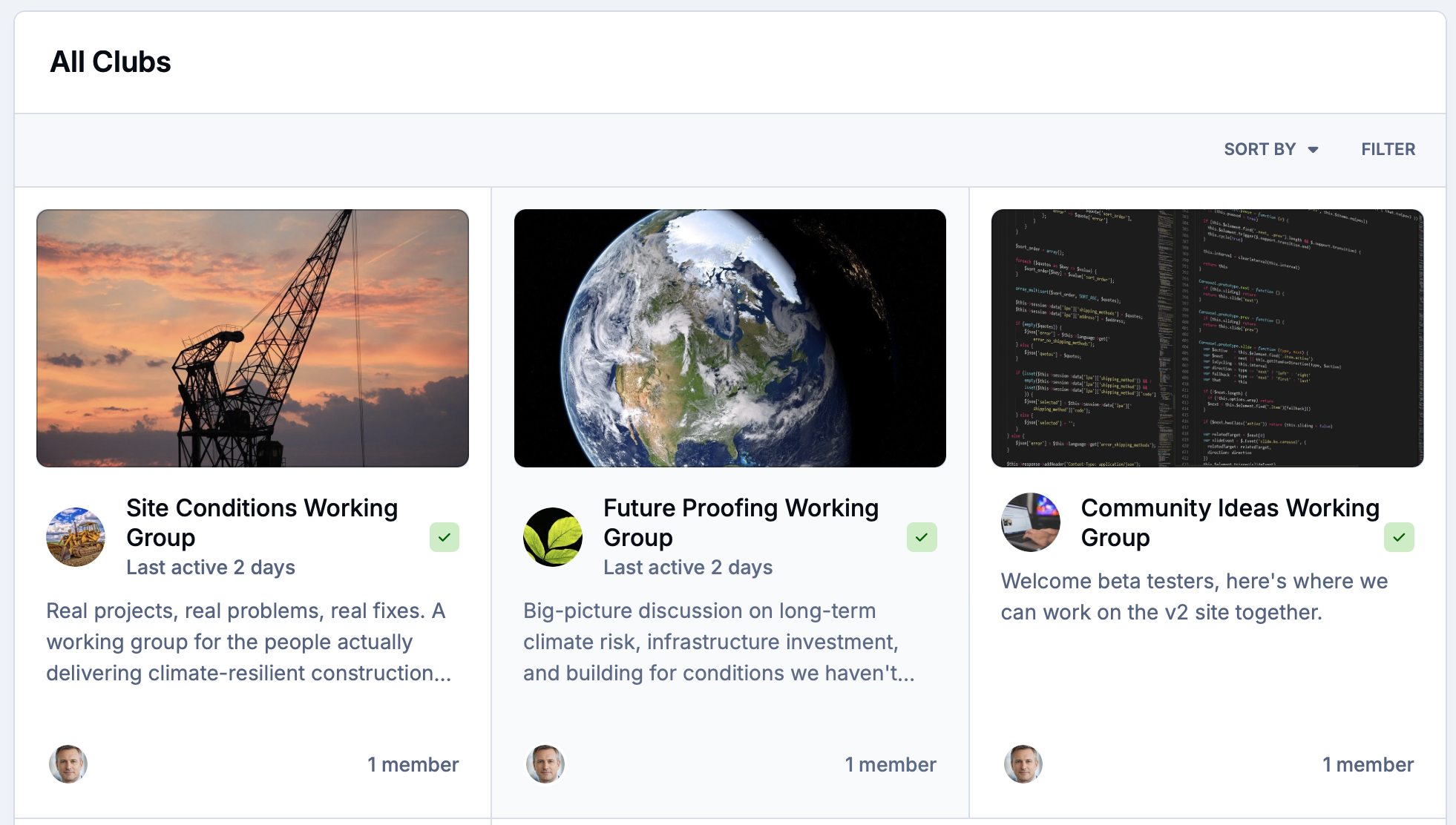
Member-run clubs
Let members start clubs for guilds, local groups and special interests, with their own leaders, forums, galleries and events.
-
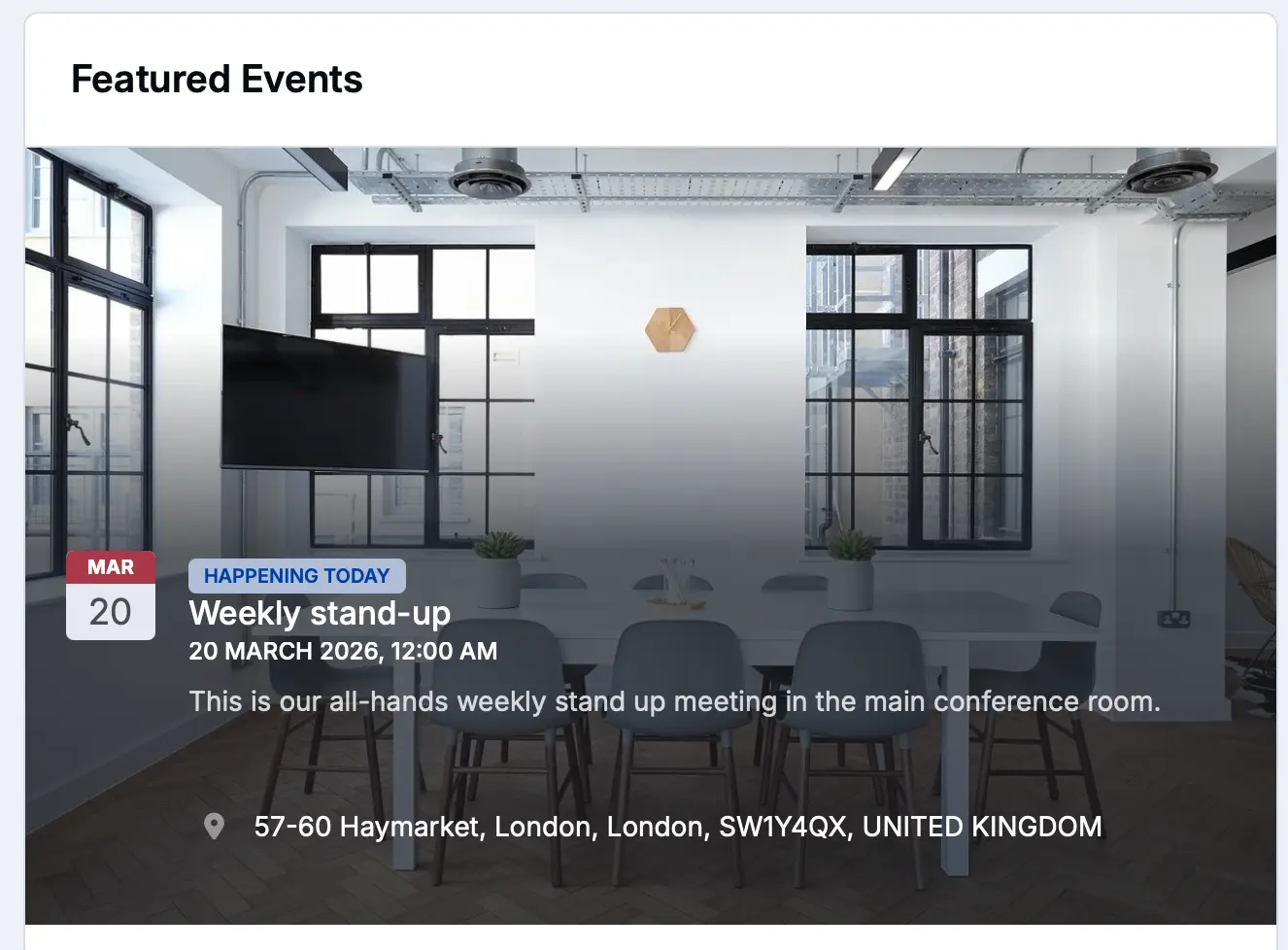
Events and meetups
Publish tournaments, conventions, meetups and watch-alongs with RSVPs, maps and reminders.
-
Live Topics
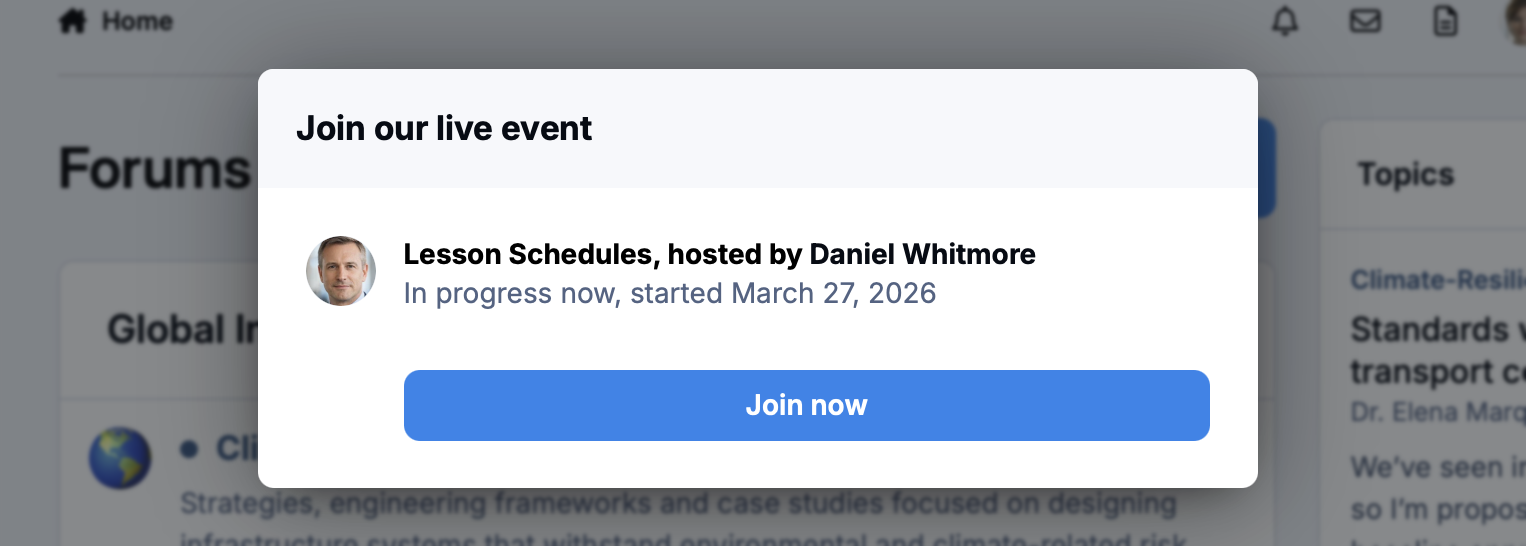
Host AMAs, reveals and live reactions in real time. When the excitement dies down, the conversation stays on record.
Celebrate the members who make it special
Every great fan community has its legends: the member who writes the definitive guides, the one who welcomes every newcomer, the creator everyone waits on. Make sure the whole community knows who they are.
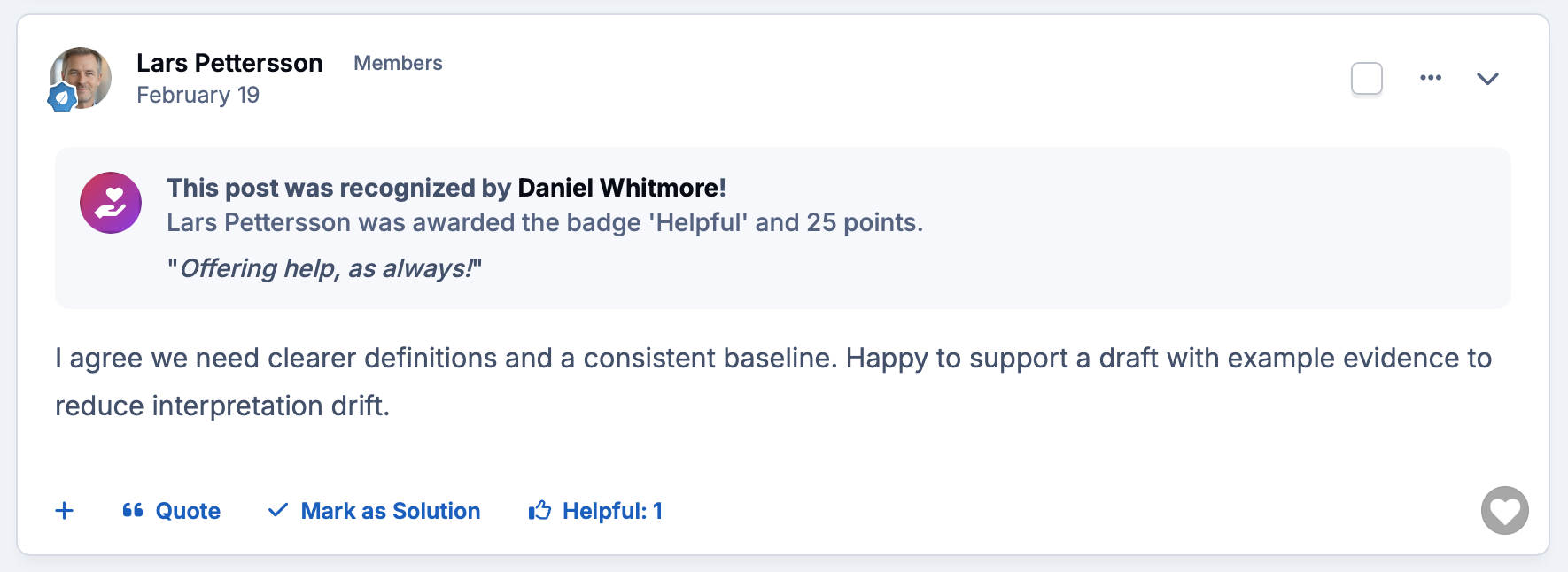
Reputation, badges and ranks reward the behavior you want more of, and give newer members something to aim for.
-
Badges and ranks
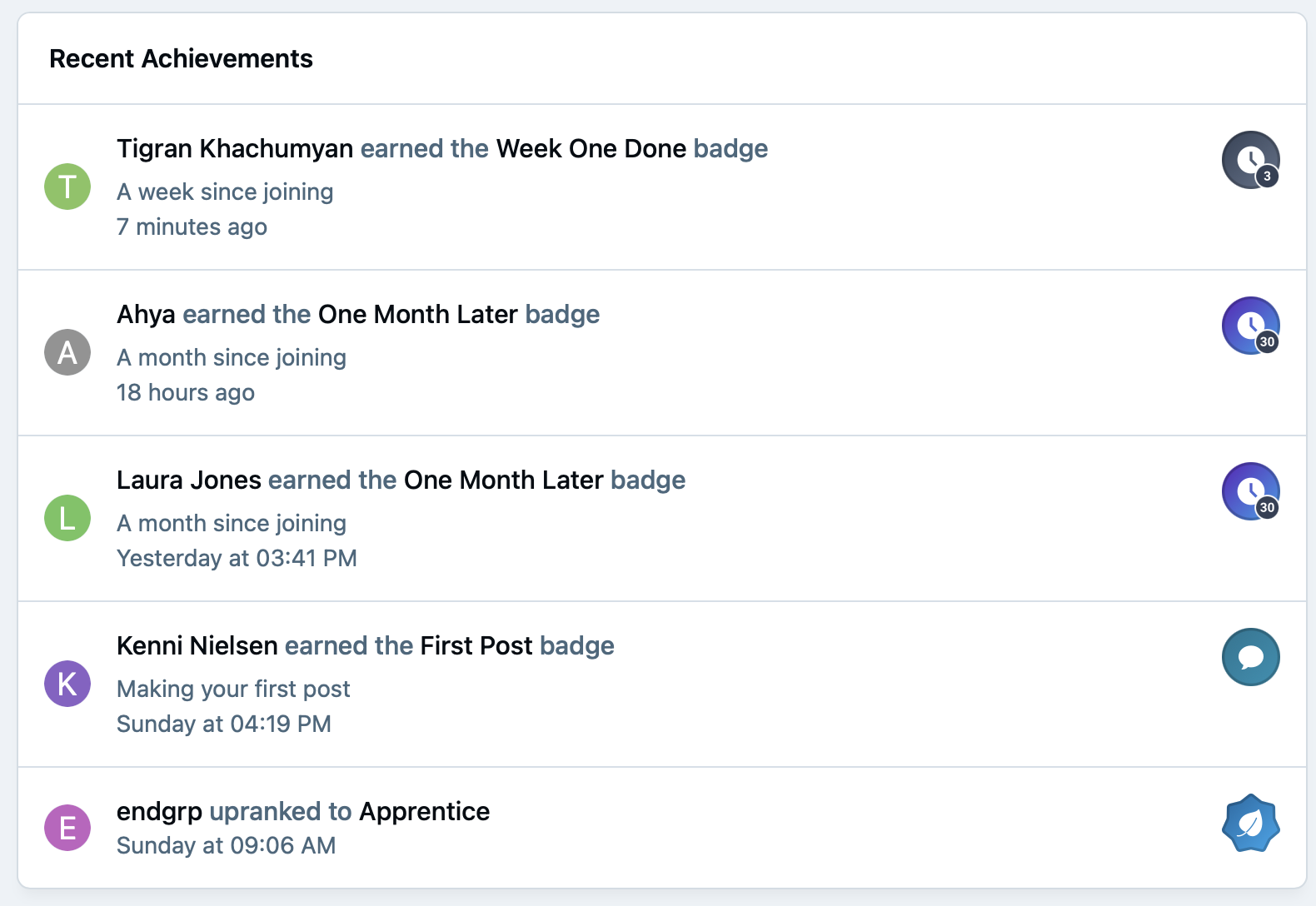
Award badges and ranks automatically as members post, share, help and hit milestones, all shown on their profile.
-
Leaderboards
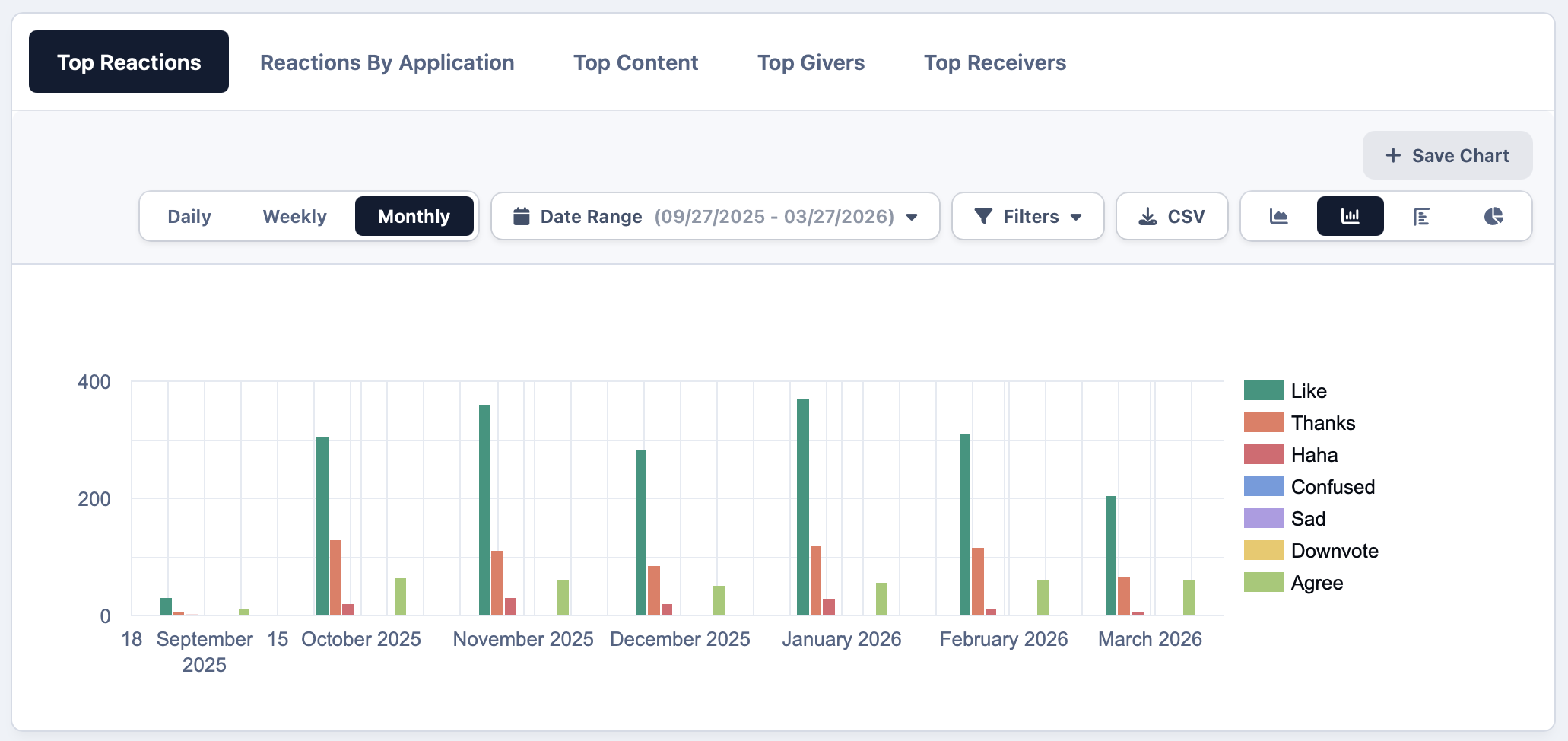
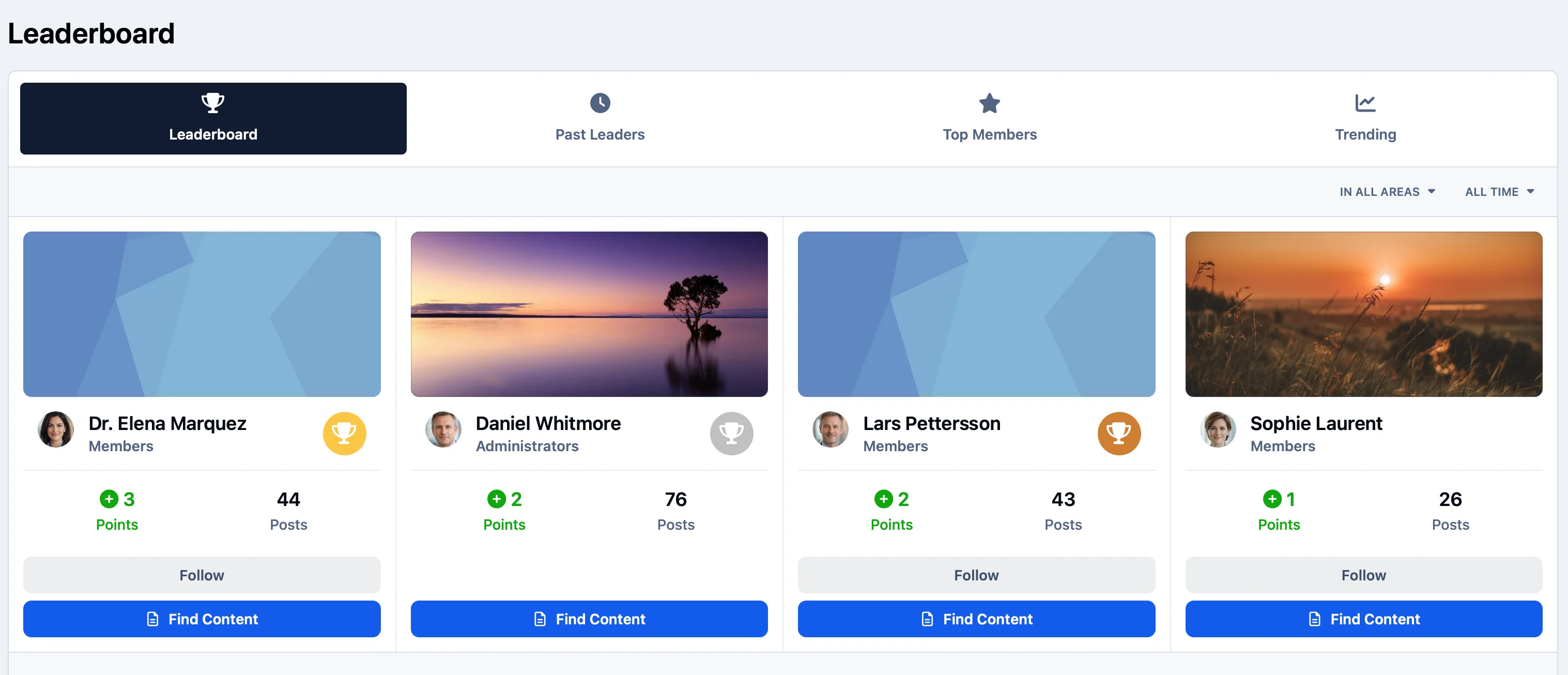
Show who's contributing most this week, this month and of all time, and give members a reason to come back.
-
Quests
Design challenges that guide new members through the community, or turn a convention booth into an interactive hunt.
Keep the passion, lose the toxicity
Passionate fans have strong opinions, and big launches bring big crowds. Your moderators need tools that keep things friendly without spending every evening cleaning up.
AI catches spam and bots before they post, and clear warning systems keep enforcement fair and consistent.
-
AI spam protection
Suspicious registrations and spam posts are blocked automatically, so moderators can focus on the community.
-
Image moderation
Uploaded images are scanned and inappropriate content is flagged or removed before it reaches your members.
-
Warnings and reports
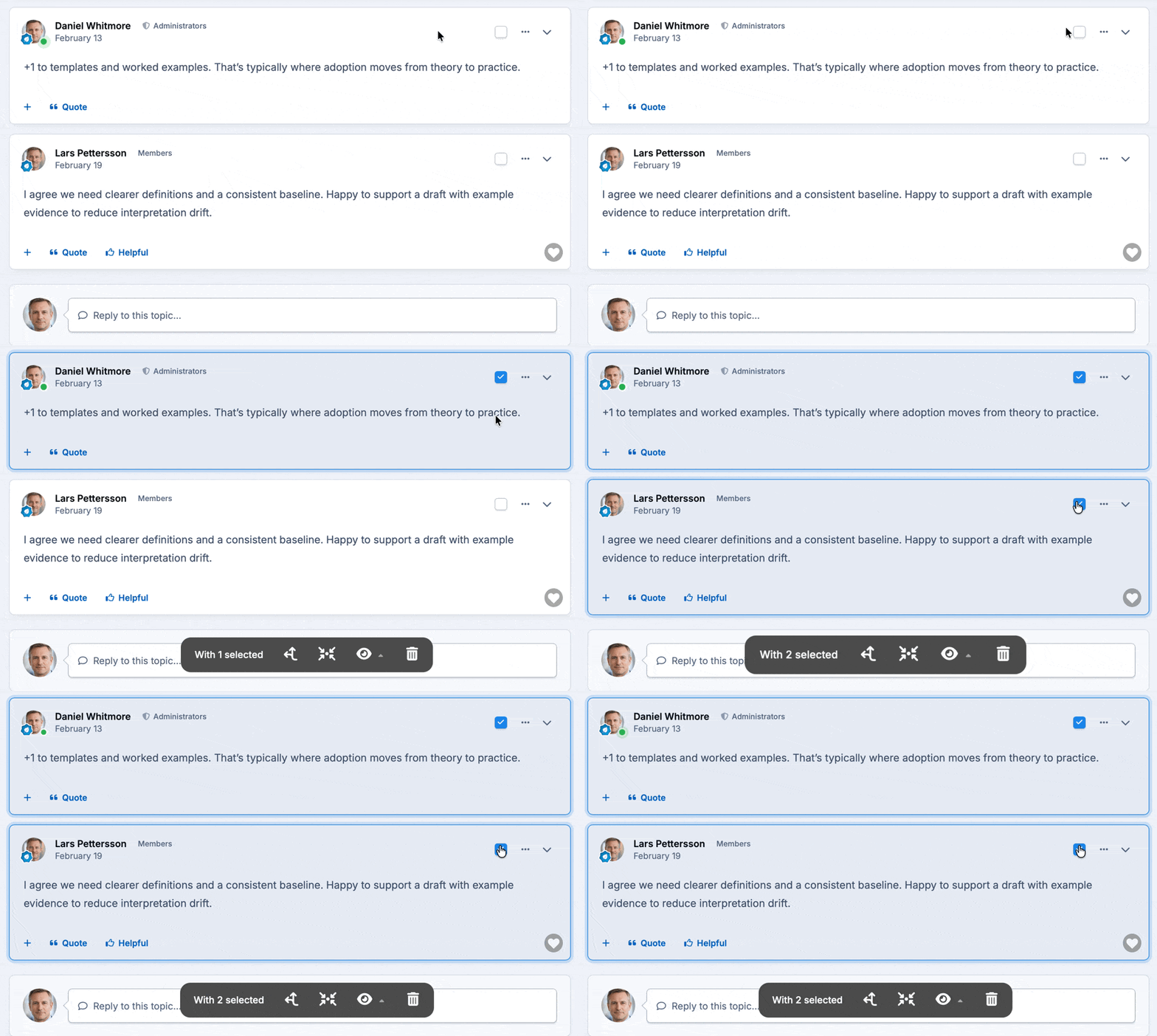
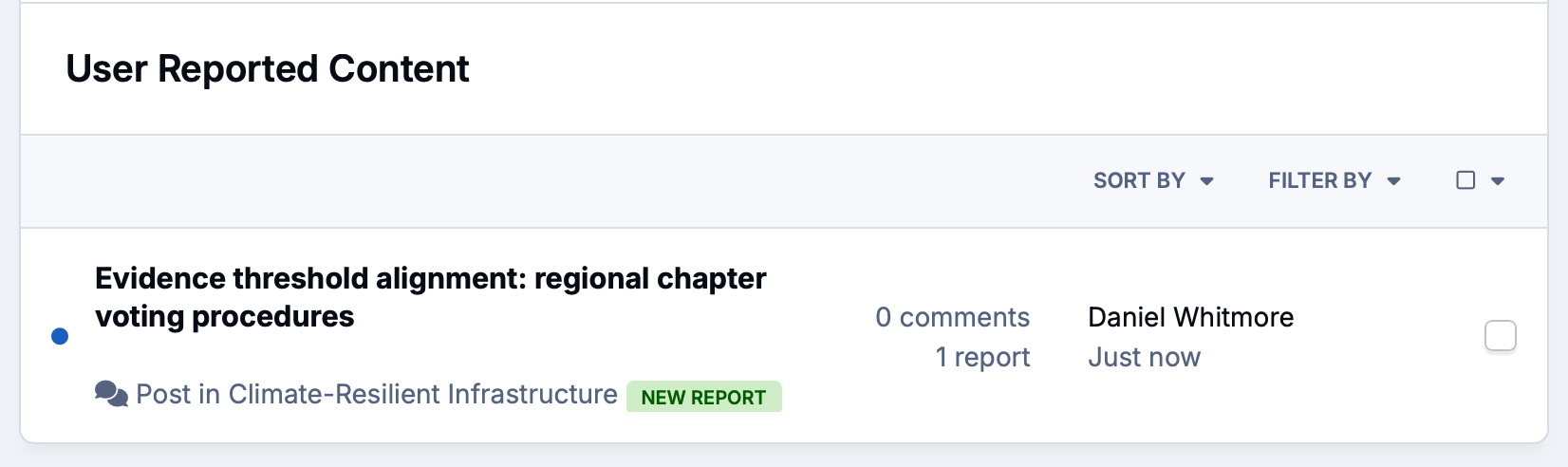
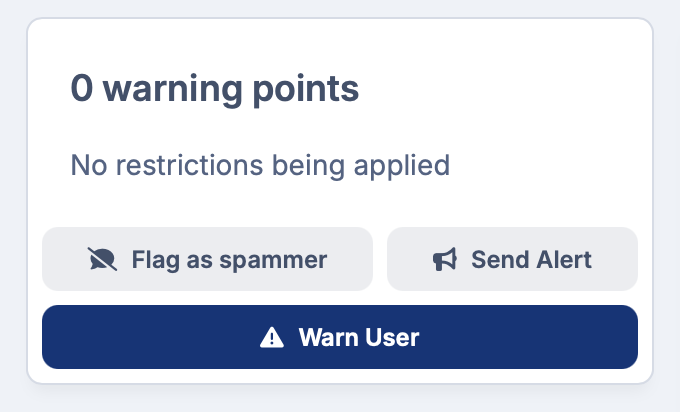
Members report problems in a click, and a points-based warning system gives moderators a fair, consistent way to act.
Give your biggest fans more to love
Running a popular community costs time and money. Your most dedicated members are often happy to chip in, especially when they get something back for it.
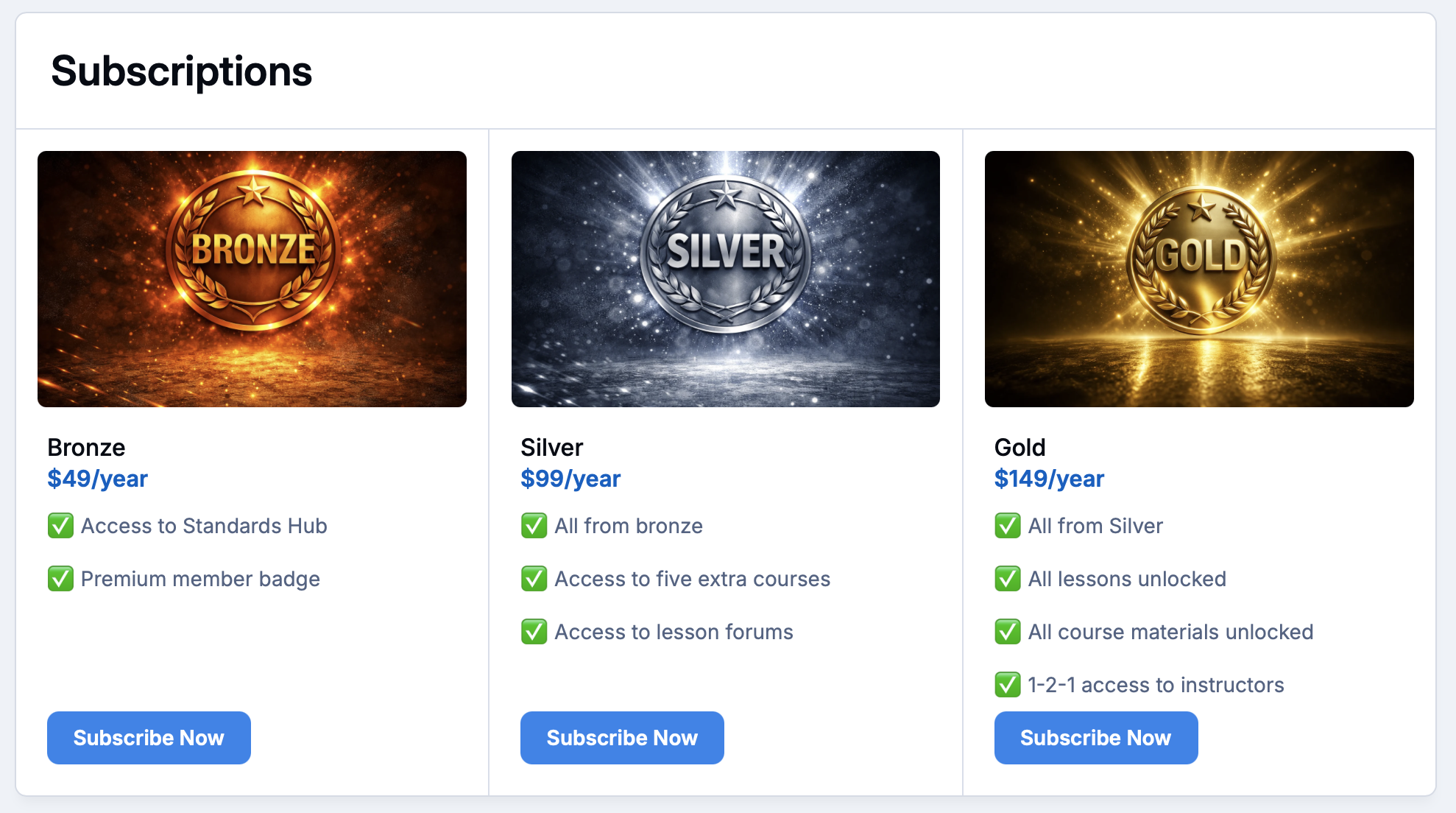
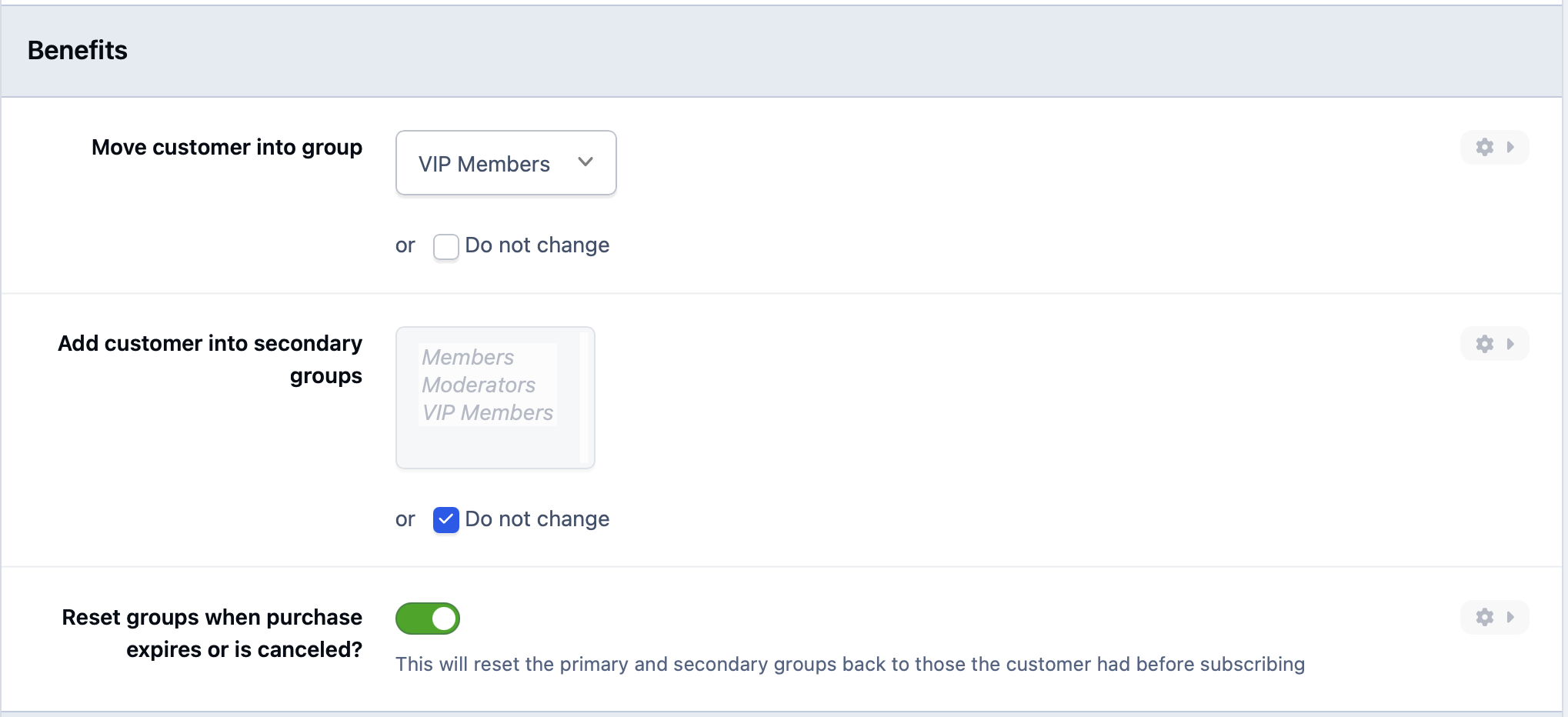
Offer supporter memberships with perks, sell digital extras, and keep everything in one place with no third-party platform in the middle.
-
Supporter tiers
Offer paid memberships with perks like an ad-free experience, exclusive forums, early access and a badge to show it off.
-
Digital products
Sell premium files, guides and downloads directly to your members, with delivery handled for you.
-
Donation goals
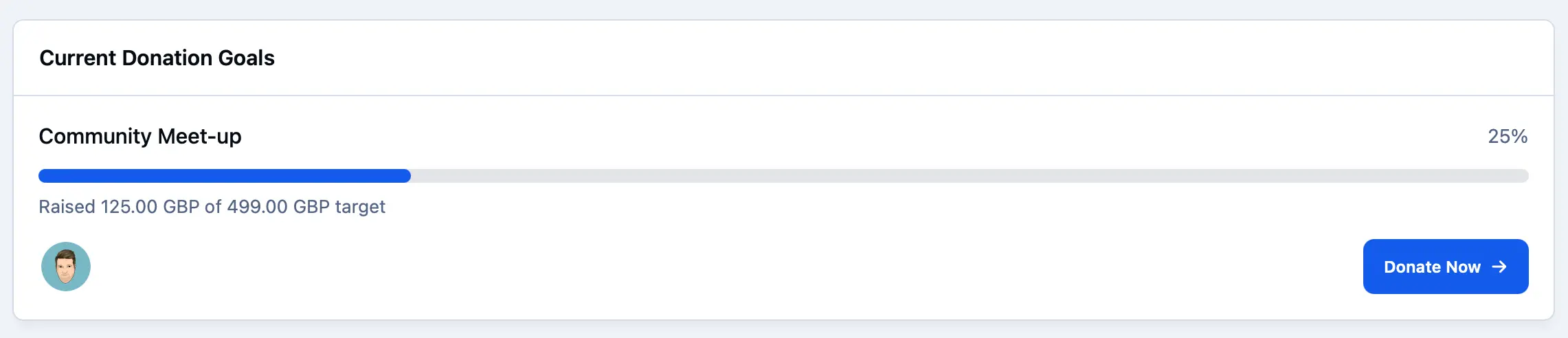
Set a target for server costs or a community project and let members see how close you are.
Explore all solutions
-
Customer Success
Customer Success
Deflect tickets, empower customers, and turn your user base into a self-sustaining support ecosystem.
-
Brand Advocacy
Brand Advocacy
Turn customers into loyal advocates. Connect your audience and build a community around your brand.
-
Educational
Educational
Build a learning community where knowledge is structured, shared and retained.
-
Creator Communities
Creator Communities
More control, deeper relationships, and real monetisation, without handing your audience to someone else.
-
Internal Teams
Internal Teams
The intranet your employees will actually use. Knowledge, culture, and communication in one place.
-
Associations & Clubs
Associations & Clubs
Membership, chapters, events and decades of shared knowledge, all in one place members want to visit.
-
Fan Communities
Fan Communities
A home for fans to talk, share what they make, meet up and celebrate the members who make it special.
-
Media and Publishers
Media and Publishers
Turn readers into a community you own, with articles, discussion, and subscriptions in one place.
See Invision Community in action
Explore real communities built with Invision Community and discover how organizations are driving engagement, building loyalty and creating thriving communities.


Key features
Invision Community is packed full of features to ensure your community has all that it needs.
- ForumsOrganized, searchable discussion
- DownloadsMods, maps and files
- GalleriesBuilds, collections and photos
- ClubsGuilds and local groups
- EventsMeetups and tournaments
- Live TopicsAMAs and live reactions
- LeaderboardsCelebrate top contributors
- AchievementsBadges, ranks and quests
- AI moderationSpam and image protection
- Supporter tiersPaid perks for superfans
Frequently asked questions about fan communities
What should I look for in a fan community platform?
Look for a platform you own, that keeps conversations organized and searchable, and that gives fans more to do than chat. The best fan communities combine discussion with file sharing, galleries, groups, events and recognition, plus moderation that scales when a big launch brings a crowd. Invision Community includes all of these, on your own domain.
How is a fan community website different from Discord?
Discord is great for live chat, but conversations scroll away and can't be found in search engines. A fan community website keeps guides, theories and answers organized by topic for years, and every discussion helps new fans find you through Google. You also own the community, the member list and the rules, rather than renting space on someone else's platform. Many communities use both.
Can fans share mods, custom assets and creative files?
Yes. The Downloads app hosts mods, maps, patterns and other files in categories, with version updates, changelogs, ratings and reviews. Galleries let fans show off builds, collections and event photos in albums the whole community can browse and comment on.
Can a large fan community be moderated effectively?
Yes. AI spam protection blocks suspicious registrations and spam posts automatically on every plan. Members can report problems in a click, moderation queues hold posts for review, and a points-based warning system keeps enforcement fair. AI image moderation, available on the Business plan, scans uploads and removes inappropriate images before members see them.
Can a brand host an official fan community?
Yes. Brands including LEGO and Corsair run their communities on Invision Community. Your community is fully white-labeled on your own domain, with permissions, moderation tools and integrations that suit an official brand presence. Enterprise plans add a dedicated account manager, custom SSO and a formal SLA.
Can fans create their own sub-groups inside the community?
Yes. Clubs let fans start their own groups for guilds, regional meetups, collections or favorite characters. Each club has its own leaders and can have its own forums, galleries and events, without splitting the wider community apart.
How do we keep fans active and engaged over time?
Give them reasons to return: badges, ranks and leaderboards that celebrate contributors, Quests that guide new members (Professional plan and above), events, and notifications when something they follow gets a reply. A branded mobile experience with push notifications keeps the community in their pocket.
Can fans help fund and support the community financially?
Yes. Offer supporter memberships with perks such as an ad-free experience, exclusive forums, early access and a badge to show it off. You can also sell digital extras and set donation goals for server costs or community projects.
Ready to build a home for your fans?
Bring your discussions, creations, clubs and events together in a community you own, and give your fans somewhere worth coming back to.