


Build a Loyal Product and Brand Community
Create a sense of belonging that turns customers into advocates. Engage with meaningful discussions, manage feedback, and exclusive updates.
-
Shared Connection
Create a community around your brand's values and purpose.
-
Customer Feedback Loop
Collect ideas and insights to guide your product roadmap.
-
Brand Advocacy
Turn loyal customers into ambassadors with recognition and rewards.
-
Exclusive Access
Offer early access to products and news with insider perks.
Turn customer ideas into product direction
Make feedback part of your product engine. Customers can propose ideas, vote on what matters most, and explain real-world use cases.
Close the loop by promoting popular requests to roadmap items and sharing progress. Insights flow from discussion to delivery so customers feel heard and your roadmap stays customer-led.
-
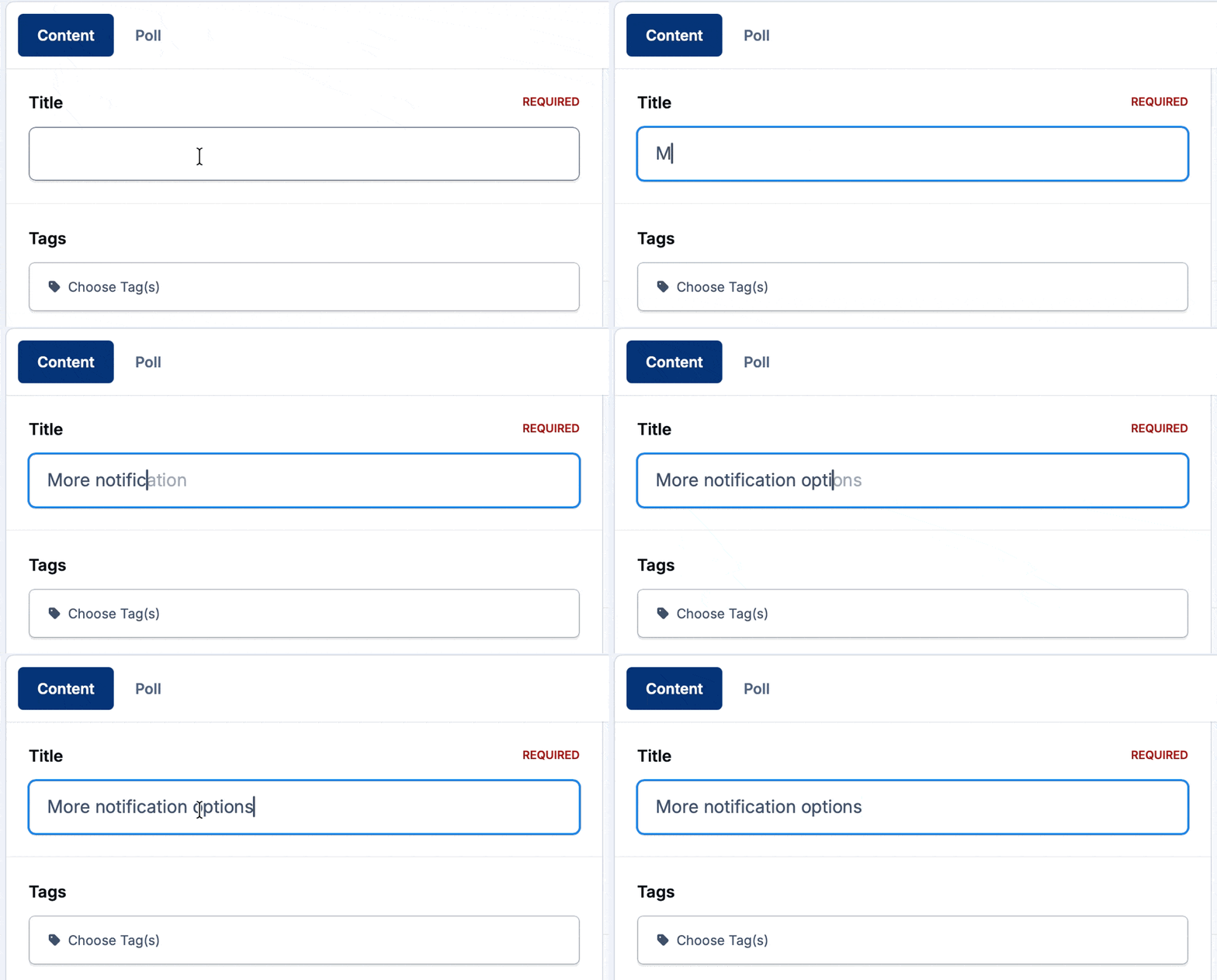
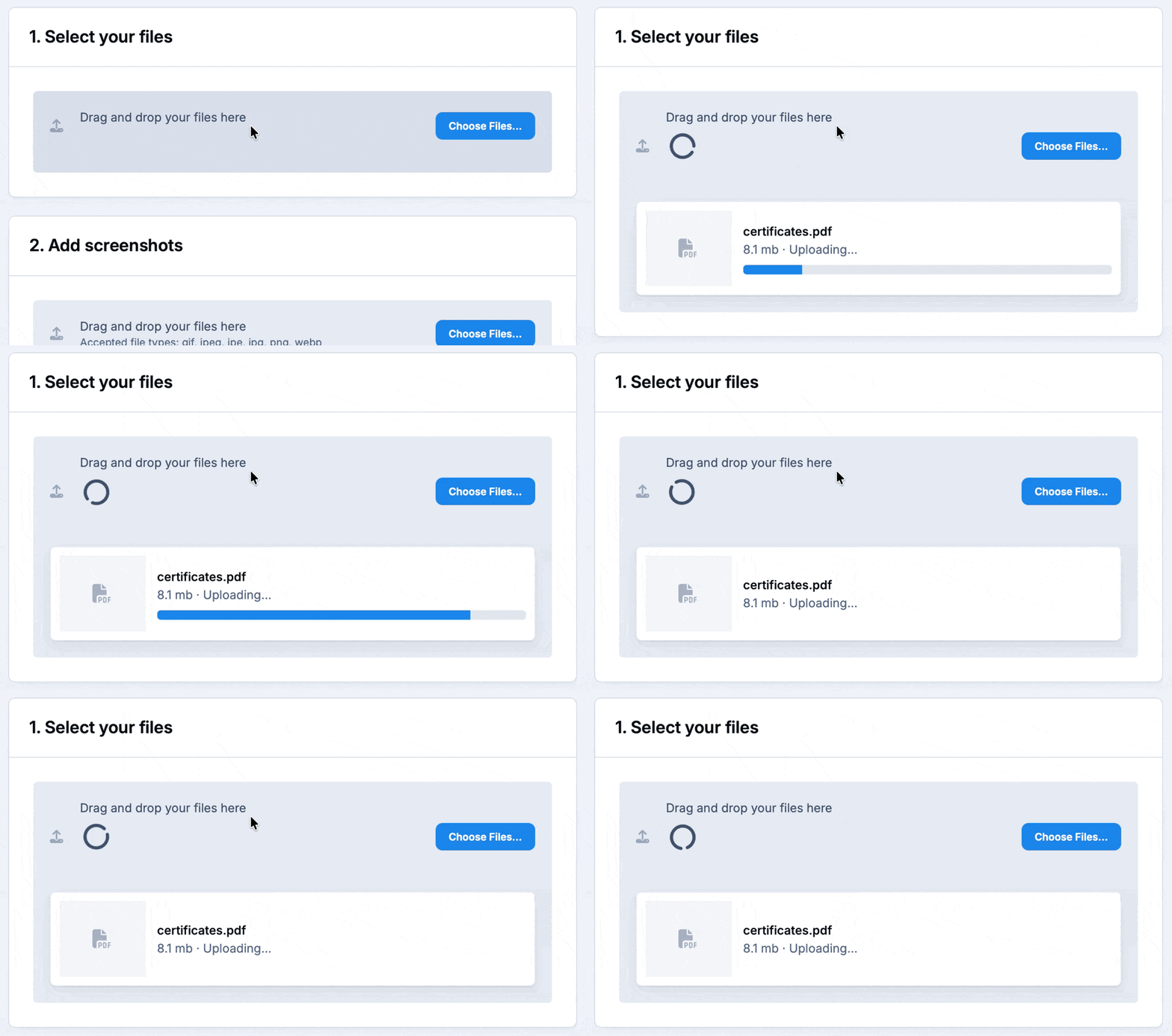
Ideas and requests
Customers submit feature ideas and real-world use cases directly from the community.
-
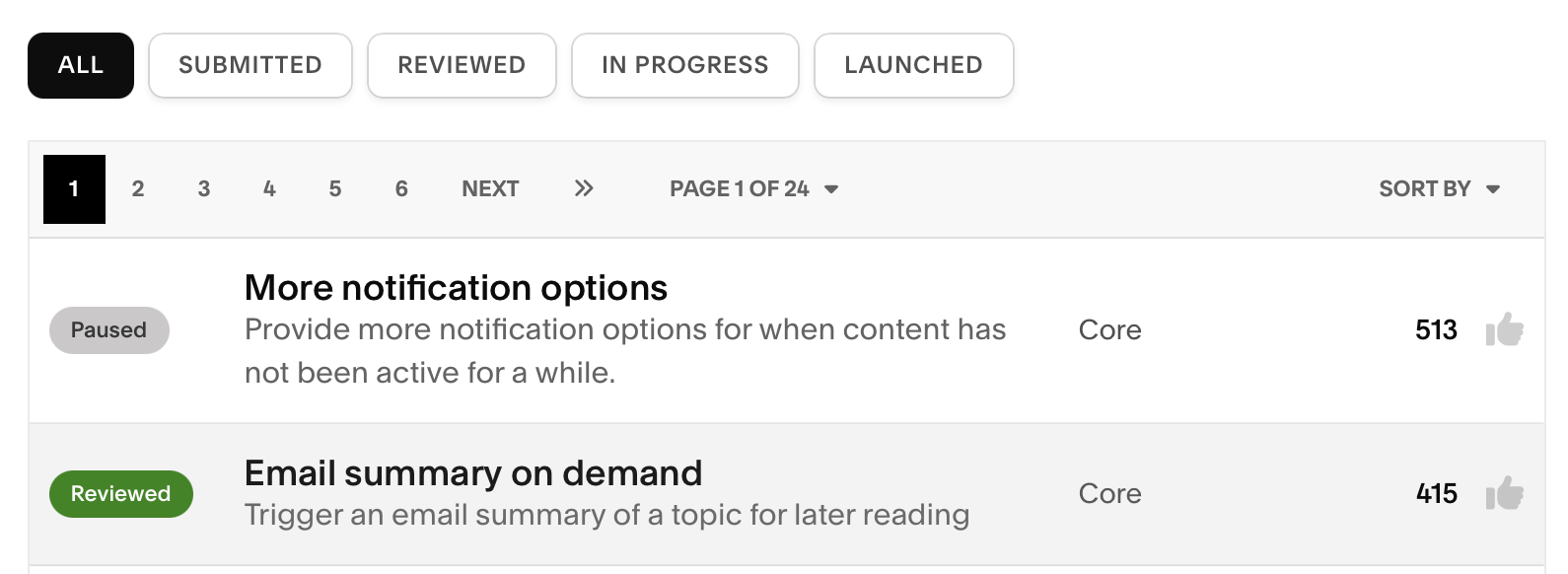
Upvoting and sorting
The best ideas rise to the top, so your team always knows what matters most.
-
Roadmap input
Promote popular requests to roadmap items and keep customers updated on progress.
Measure community health and brand impact
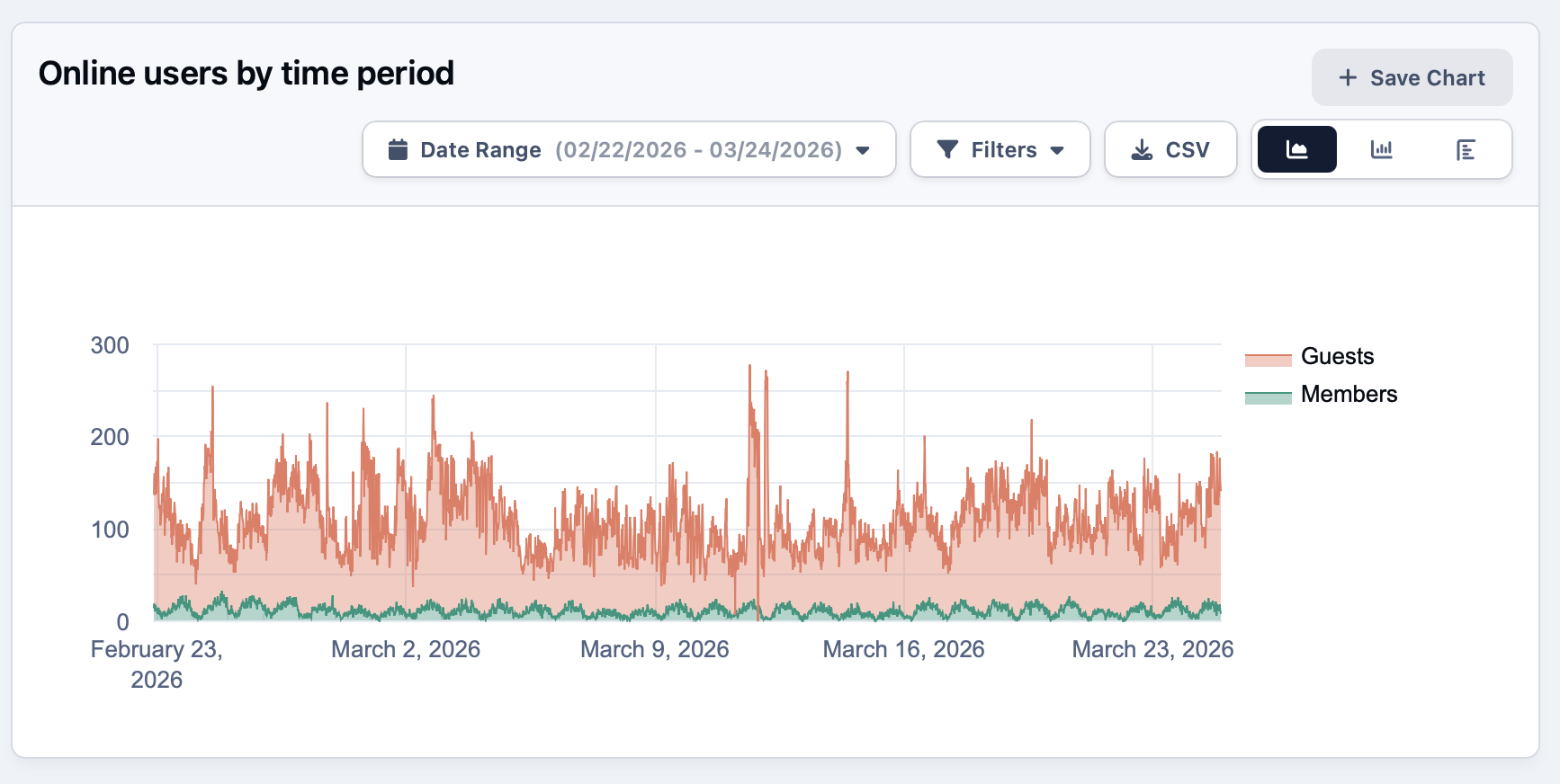
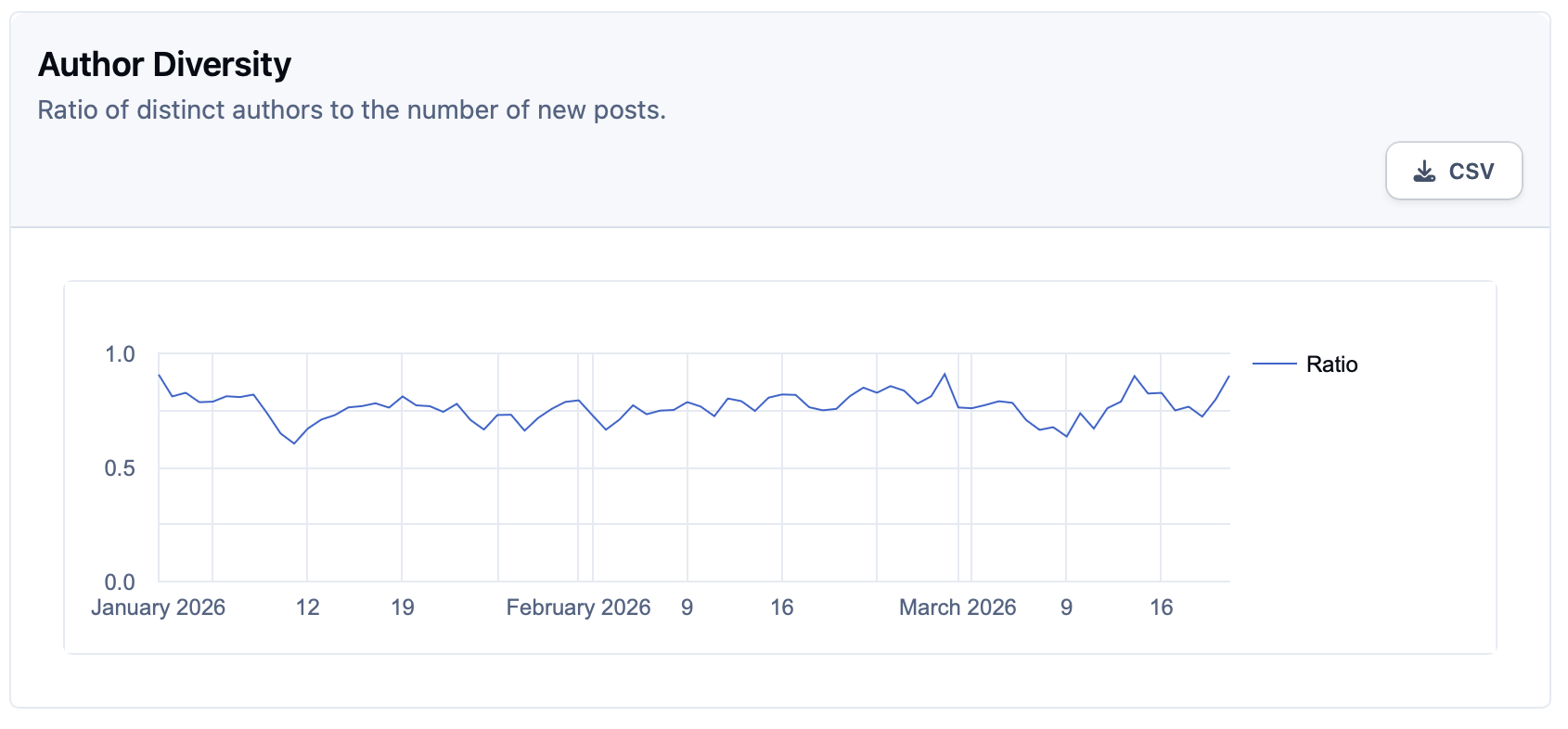
Bring engagement, content performance, and contributor activity into one view to spot what resonates. Track over time to understand how launches and campaigns impact your customers.
Identify emerging trends to loop back into your product and marketing goals so you can double down on what drives outcomes.
-
Engagement analytics
Track posts, replies, active members and content performance over time to see what's driving participation.
-
Campaign impact
Measure how product launches and marketing campaigns affect community activity and contributor growth.
-
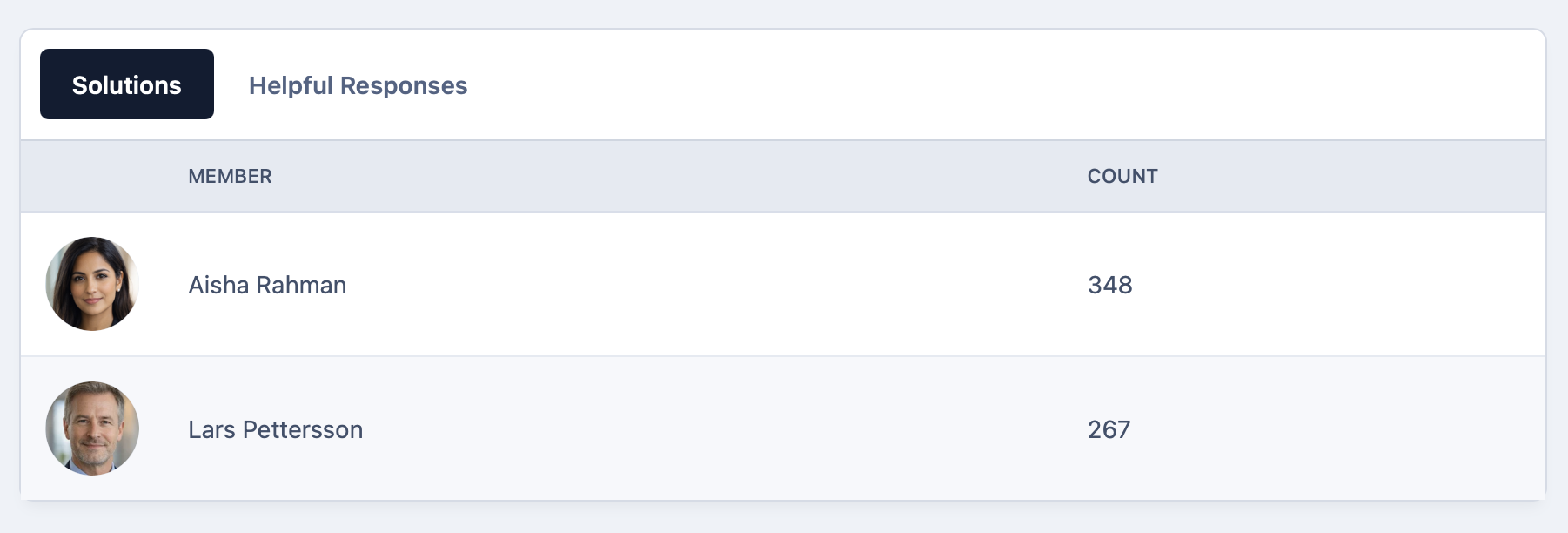
Advocates
Identify your most active and influential members so you can nurture advocates and reward participation.
Share news where customers already gather
Your community becomes the home for every release, update and sneak peek. Publish announcements directly to the people who care most.
Early adopters become your loudest advocates. Give select members a first look, let discussion build naturally around each release, and get instant feedback .
-
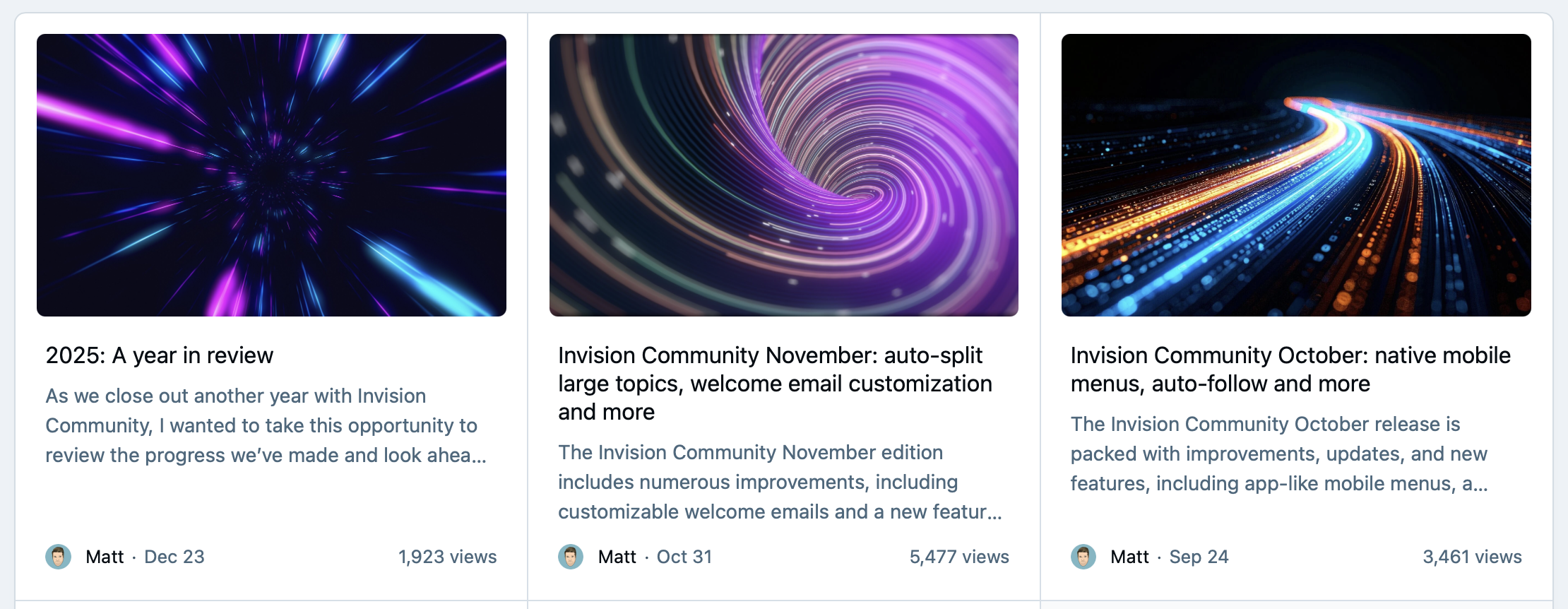
Branded news
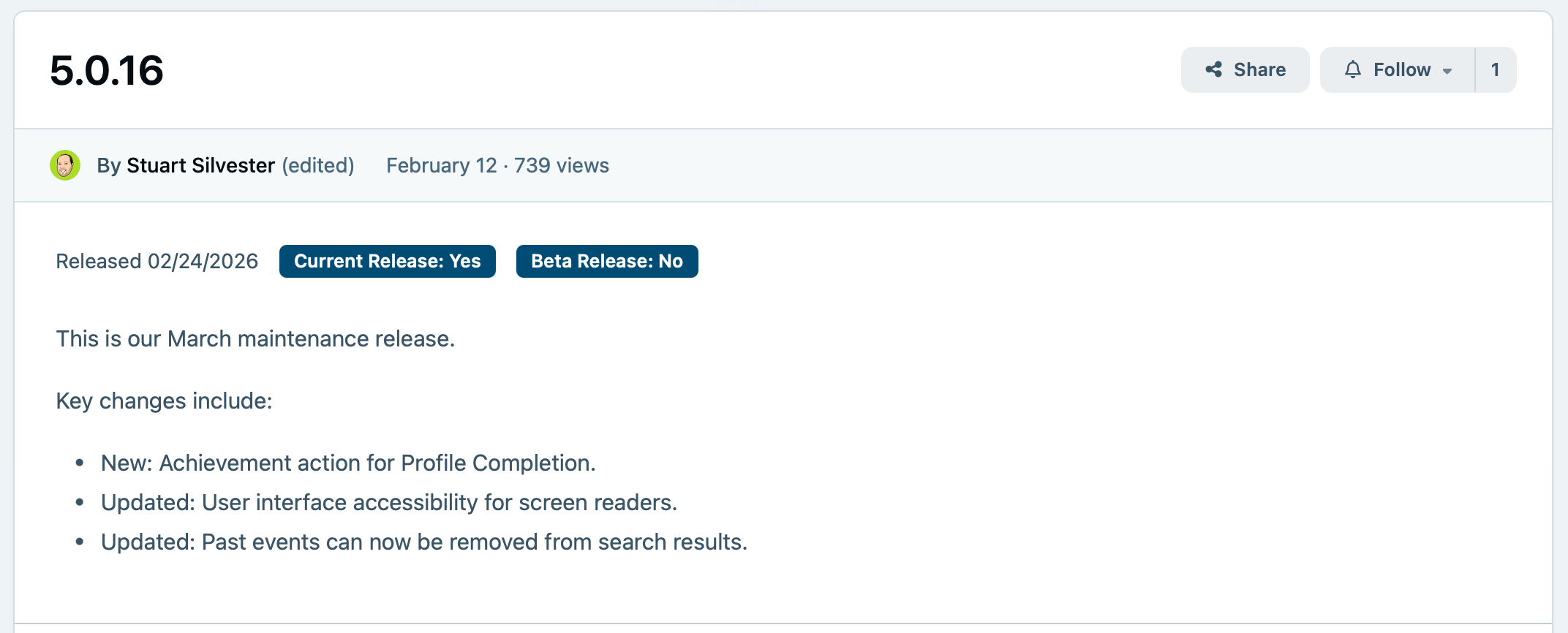
Publish releases, updates and sneak peeks as polished announcements using articles and blog posts built into the platform.
-
Targeted alerts
Use member groups and notifications to ensure product updates reach the audiences they're most relevant to.
-
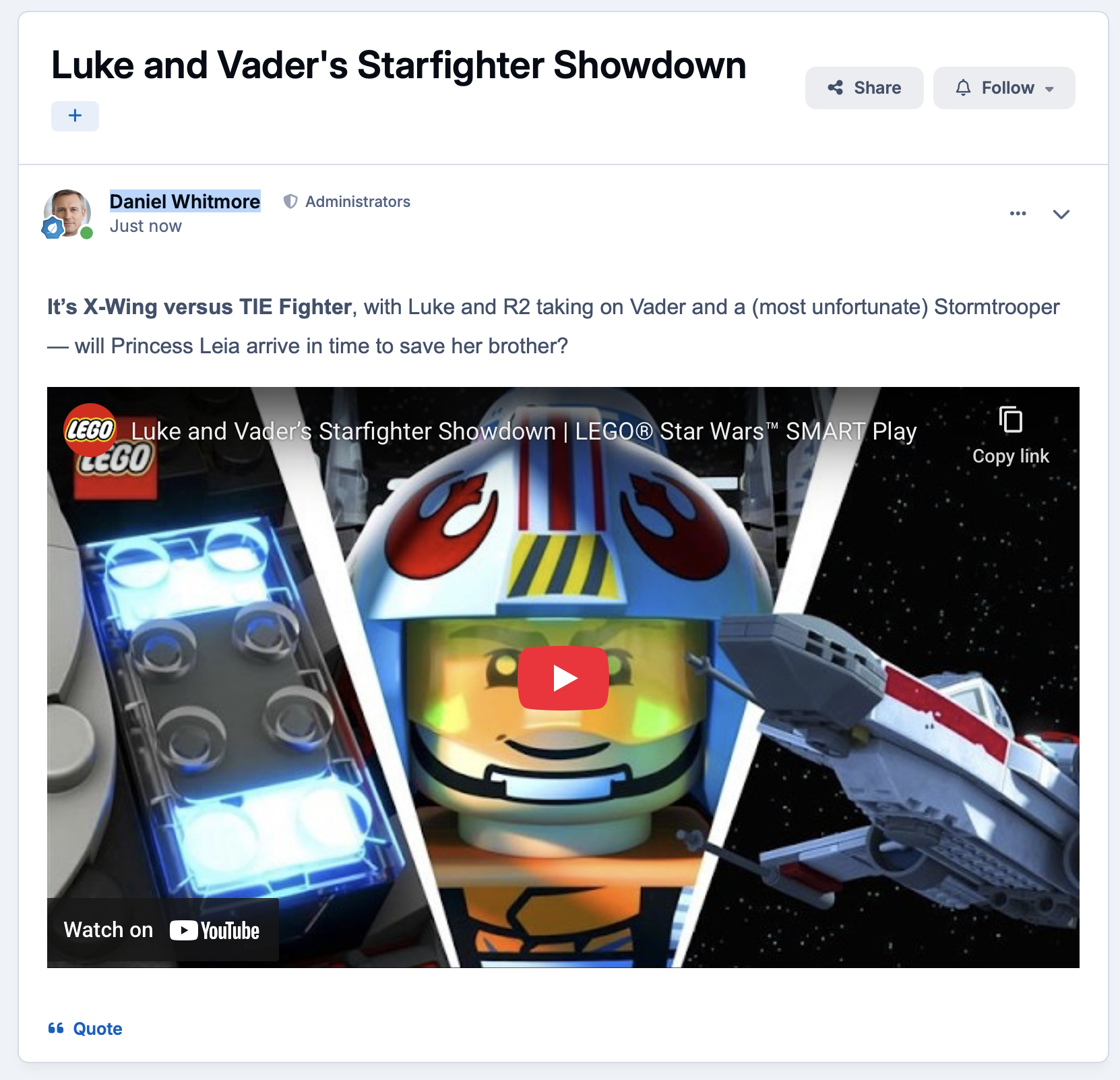
Rich media
Embed video, images and file downloads directly into announcements using the built-in editor.
Make answers easy to find and easy to trust
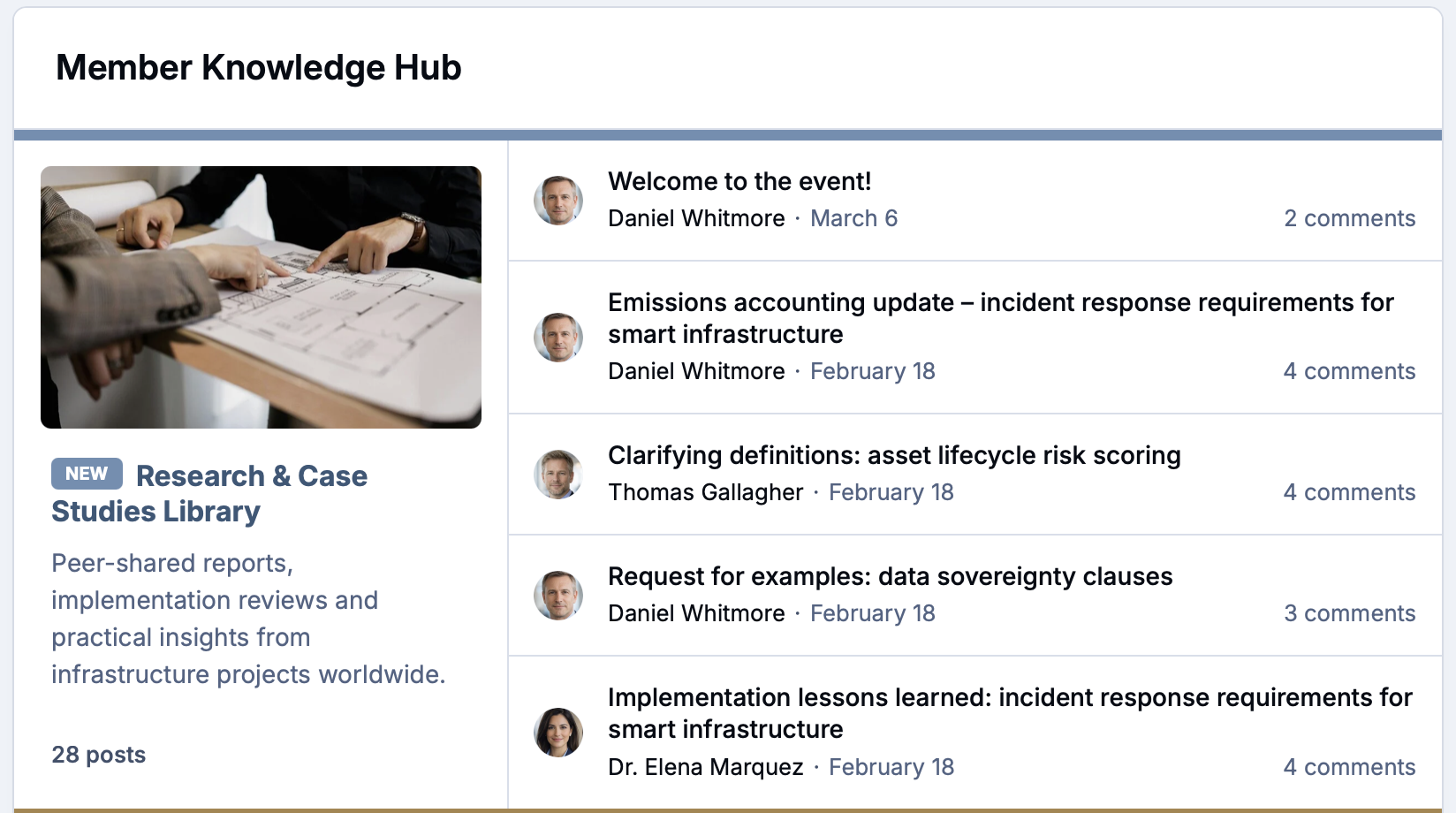
Centralize guides, templates, media kits, and best practices in structured libraries. Search and tagging surface the most relevant assets the moment customers need them.
Invite the community to contribute tutorials and case studies, getting real customer insight and lightening the load on your teams.
-
Centralized library
Store guides, templates, media kits and best practices in the Downloads app, organised into categories members can browse intuitively.
-
Search and tagging
Tag every resource by topic, format or audience so the platform's built-in search surfaces exactly what customers need the moment they look.
-
Community content
Open contributions to trusted members so customers can submit tutorials and case studies, expanding your library without expanding your team.
Plug your community into your sales and marketing stack
Sync profiles and engagement signals with CRM and marketing tools. Use APIs and webhooks to automate workflows across support, analytics, and product.
Embed widgets in sites or apps so content travels to where customers work, while governance and security remain centralized.
-
CRM and marketing
Connect to Salesforce, HubSpot and marketing platforms to pipe member activity and engagement signals directly into your existing workflows.
-
APIs and webhooks
Use the full REST API and real-time webhooks to trigger automations across support, analytics and product tools whenever community activity happens.
-
Embeddable widgets
Drop community content into your website, docs or product using widgets, keeping customers engaged without pulling them out of their workflow.
Shine a light on the customers who champion your brand
Motivate participation with badges, roles, and spotlights that recognize meaningful contributions. Celebrate customer stories and creativity to inspire others and deepen loyalty.
Scale an advocacy program with clear paths to unlocking perks, private groups, and opportunities for your top ambassadors.
-
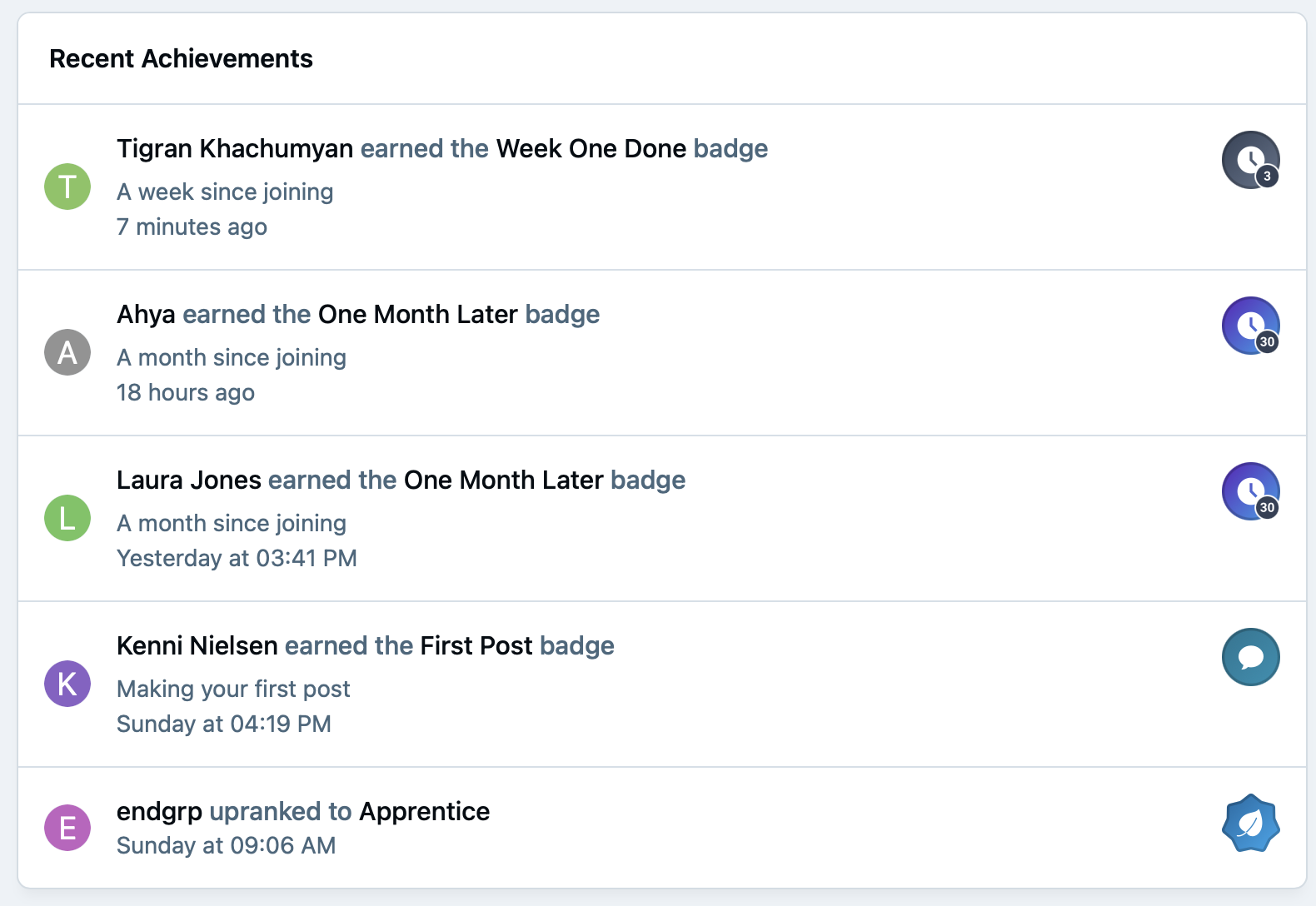
Badges and roles
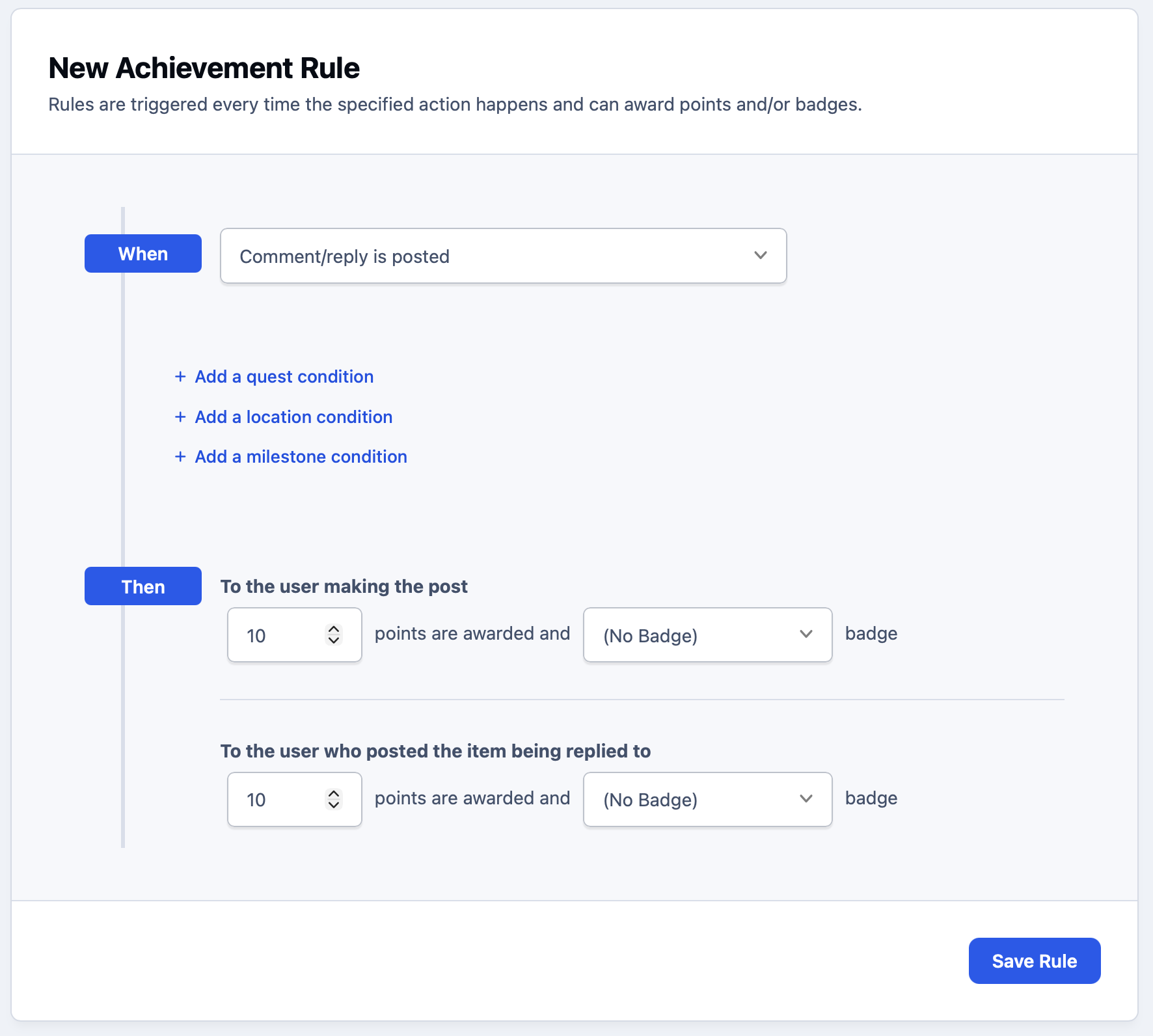
Reward meaningful contributions with achievement badges and custom member ranks that are automatically assigned as members hit milestones.
-
Customer spotlights
Give your best advocates a platform with featured posts, member interviews and pinned stories that inspire the wider community.
-
Advocacy programs
Use member groups and clubs to build a tiered ambassador program with exclusive access, private spaces and perks for your top champions.
Explore all solutions
-
Customer Success
Customer Success
Deflect tickets, empower customers, and turn your user base into a self-sustaining support ecosystem.
-
Brand Advocacy
Brand Advocacy
Turn customers into loyal advocates. Connect your audience and build a community around your brand.
-
Educational
Educational
Build a learning community where knowledge is structured, shared and retained.
-
Creator Communities
Creator Communities
More control, deeper relationships, and real monetisation, without handing your audience to someone else.
-
Internal Teams
Internal Teams
The intranet your employees will actually use. Knowledge, culture, and communication in one place.
See Invision Community in action
Explore real communities built with Invision Community and discover how organizations are driving engagement, building loyalty and creating thriving communities.


Key Features
Invision Community is packed full of features to ensure your community has all that it needs.
- IdeationOrganize feature suggestions
- Voting & prioritizationHelp shape roadmaps
- Feedback integrationMake customers feel valued
- Topic forumsBrand discussions
- Featured contentPin announcements, feature key calendar dates
- Peer connectionsGrow a loyal customer base
- Branded newsKeep customers in the loop
- Targeted notificationsBring people back for key events
- Exclusive perksEarly access and live events
- Multi-format conversationsVideos, webinars and topics
Ready to grow your brand community?
Build a central hub where customers connect, share ideas, and become passionate advocates for your products.