


Build a Profitable Creator Community
Invision Community lets you build a membership-powered home for your most loyal fans, with paid tiers, exclusive content, live events and digital downloads all under your own brand.
-
Subscription Memberships
Offer monthly and yearly membership tiers with automatic billing, renewal and group access built in.
-
Digital Products and Courses
Sell structured courses, downloadable templates and resources directly to your audience from your own platform.
-
Sponsorships and Partnerships
Give brand partners dedicated spaces and co-hosted events that feel native to your community and relevant to your audience.
-
Fan Engagement and Rewards
Keep your most loyal members coming back with badges, rank progression, exclusive clubs and early access perks.
Turn your audience into a sustainable membership business
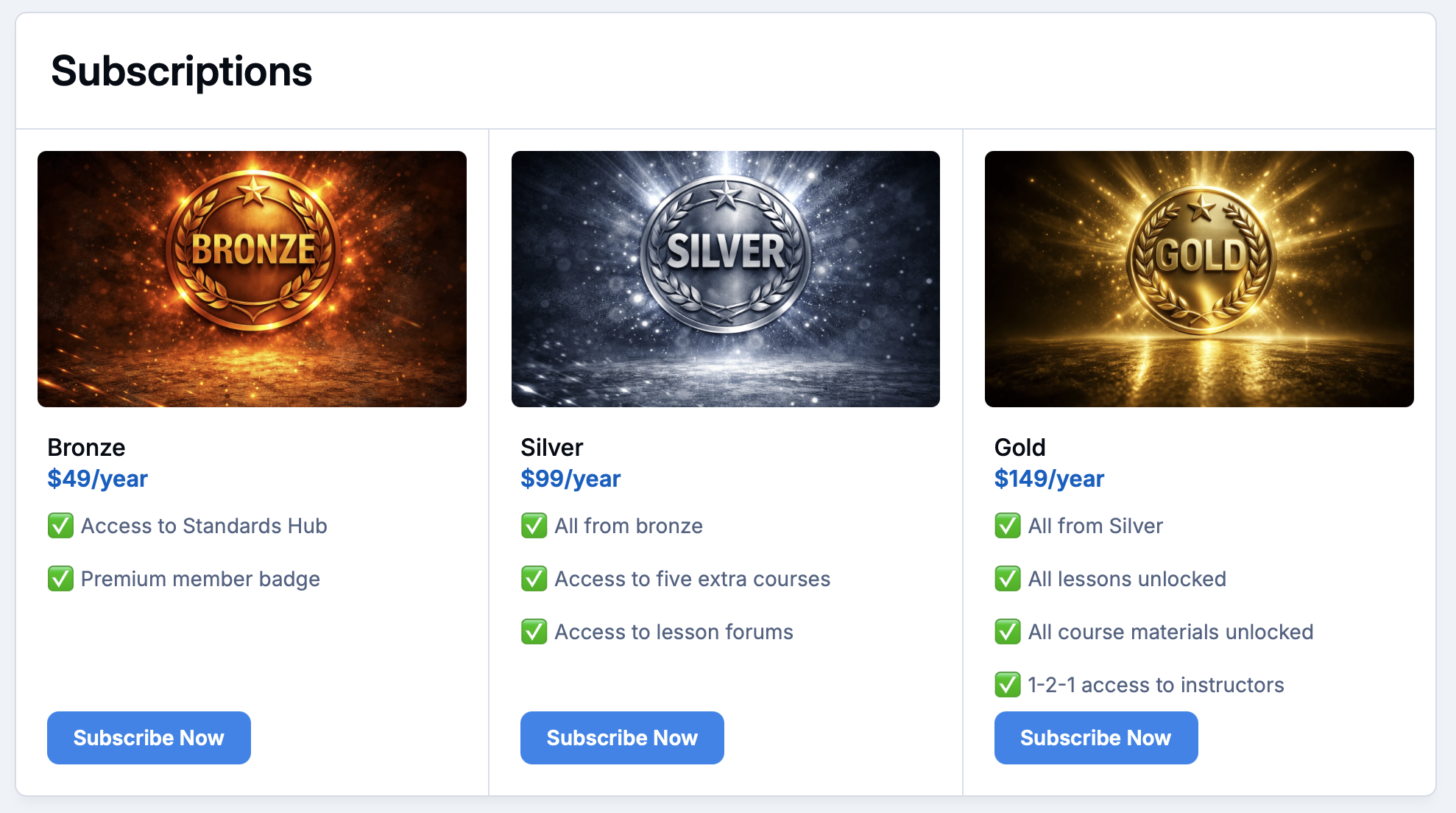
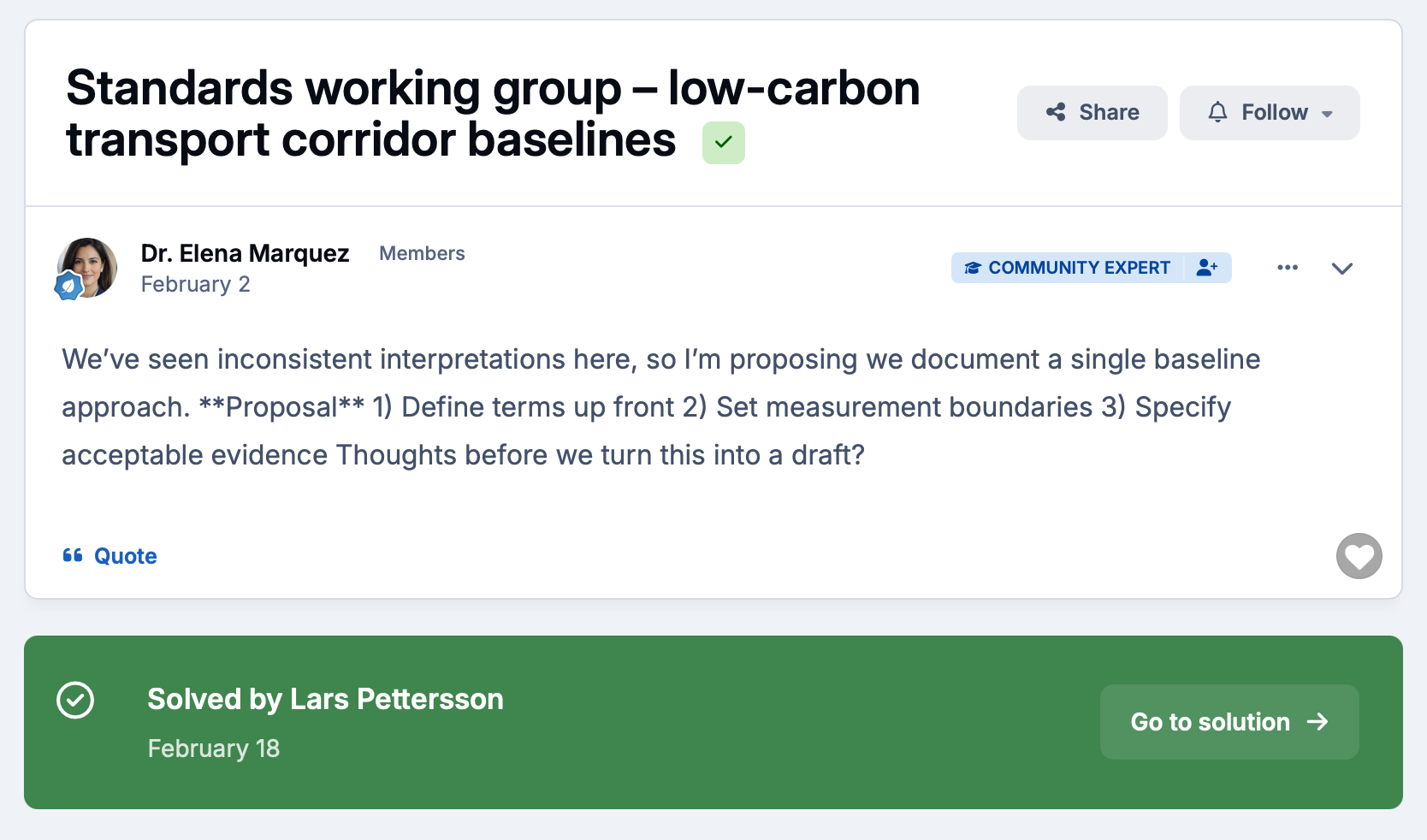
Give your most loyal followers a reason to subscribe with tiered access, exclusive content and member-only spaces.
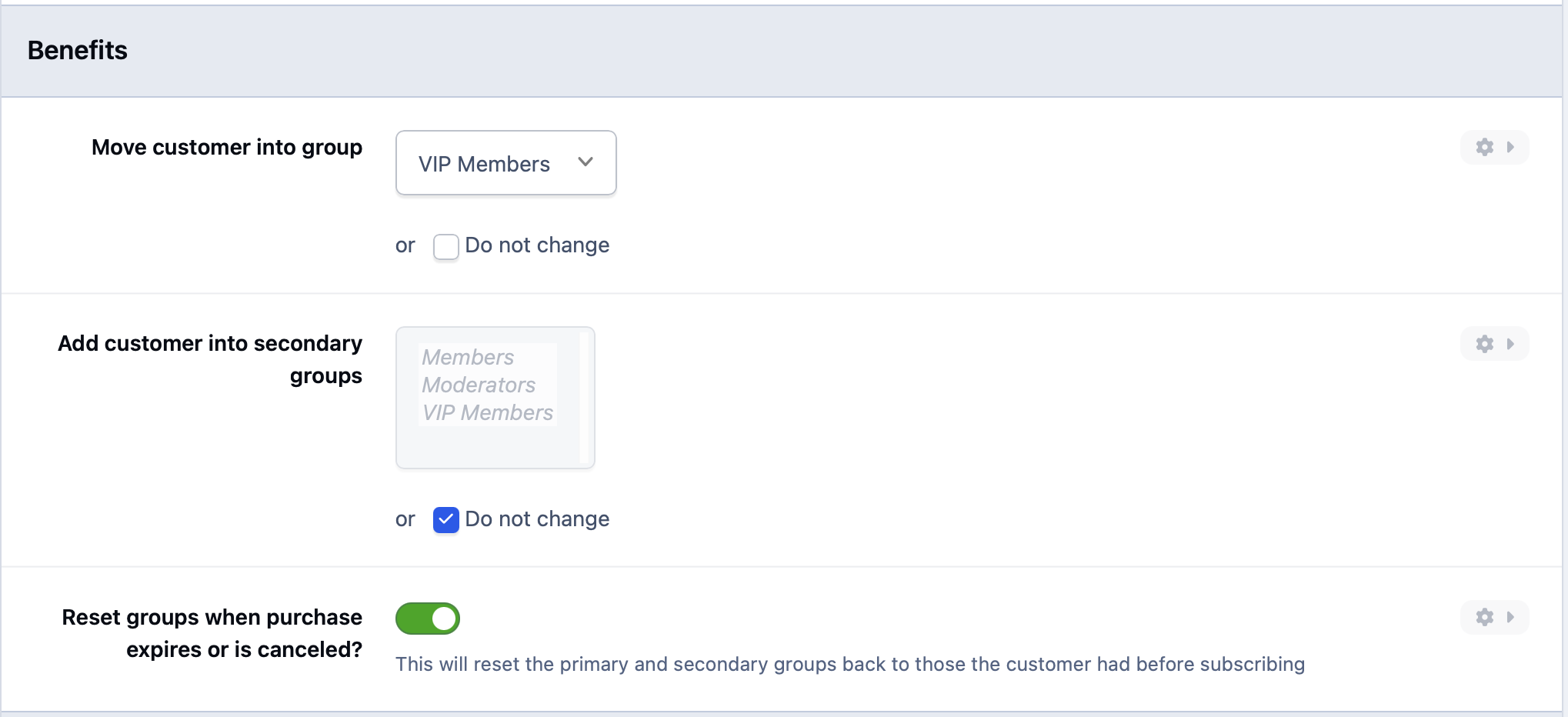
Invision Community handles billing, renewals and group assignment automatically so you can focus on creating.
-
Membership tiers
Create multiple subscription levels with different price points, access permissions and perks that reward your most committed members.
-
Gated content
Restrict forums, clubs, downloads and courses to paid members so your best content stays behind the paywall where it belongs.
-
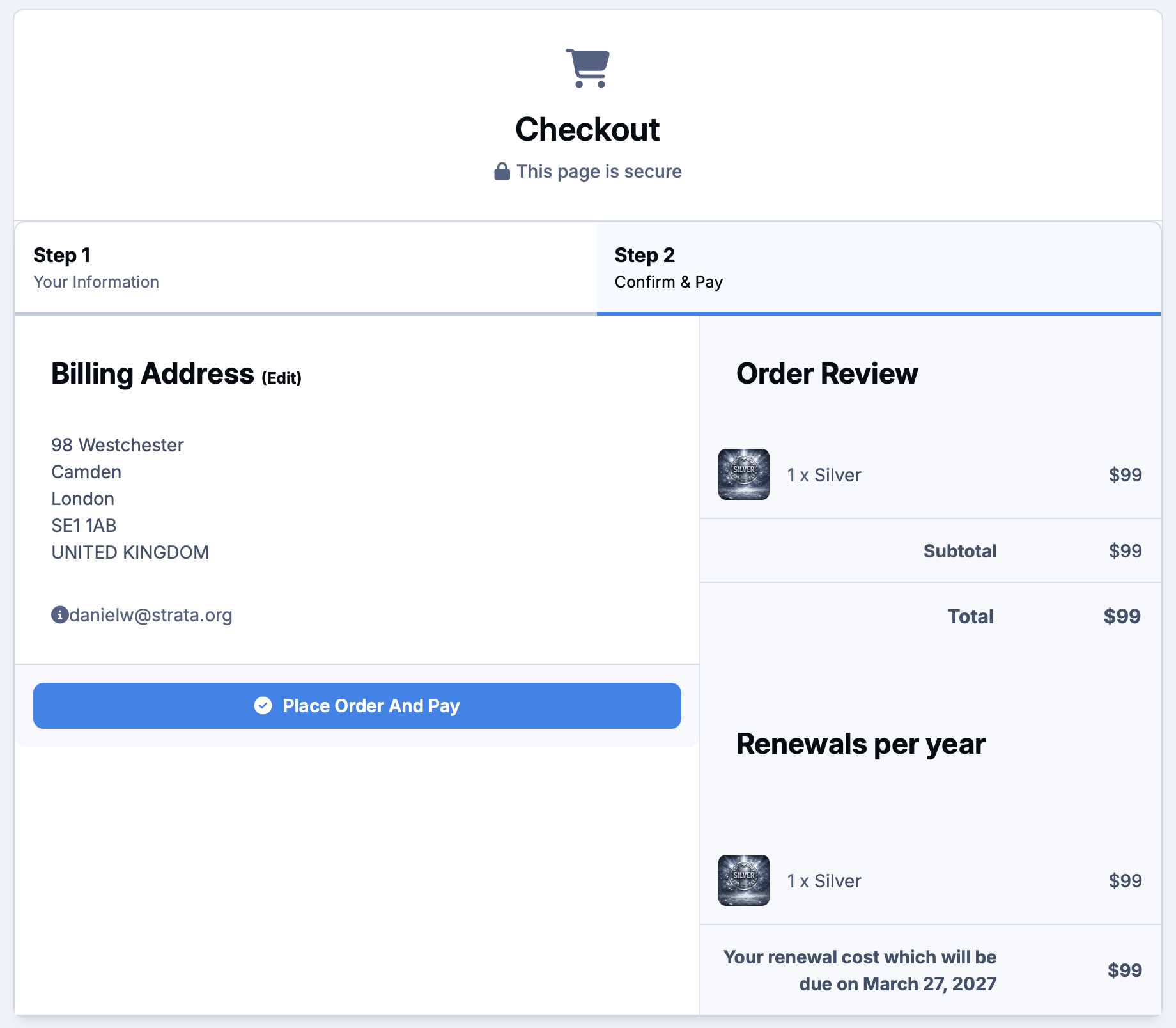
Automatic renewals
Subscriptions renew automatically and member group access updates instantly on payment, with no manual intervention needed.
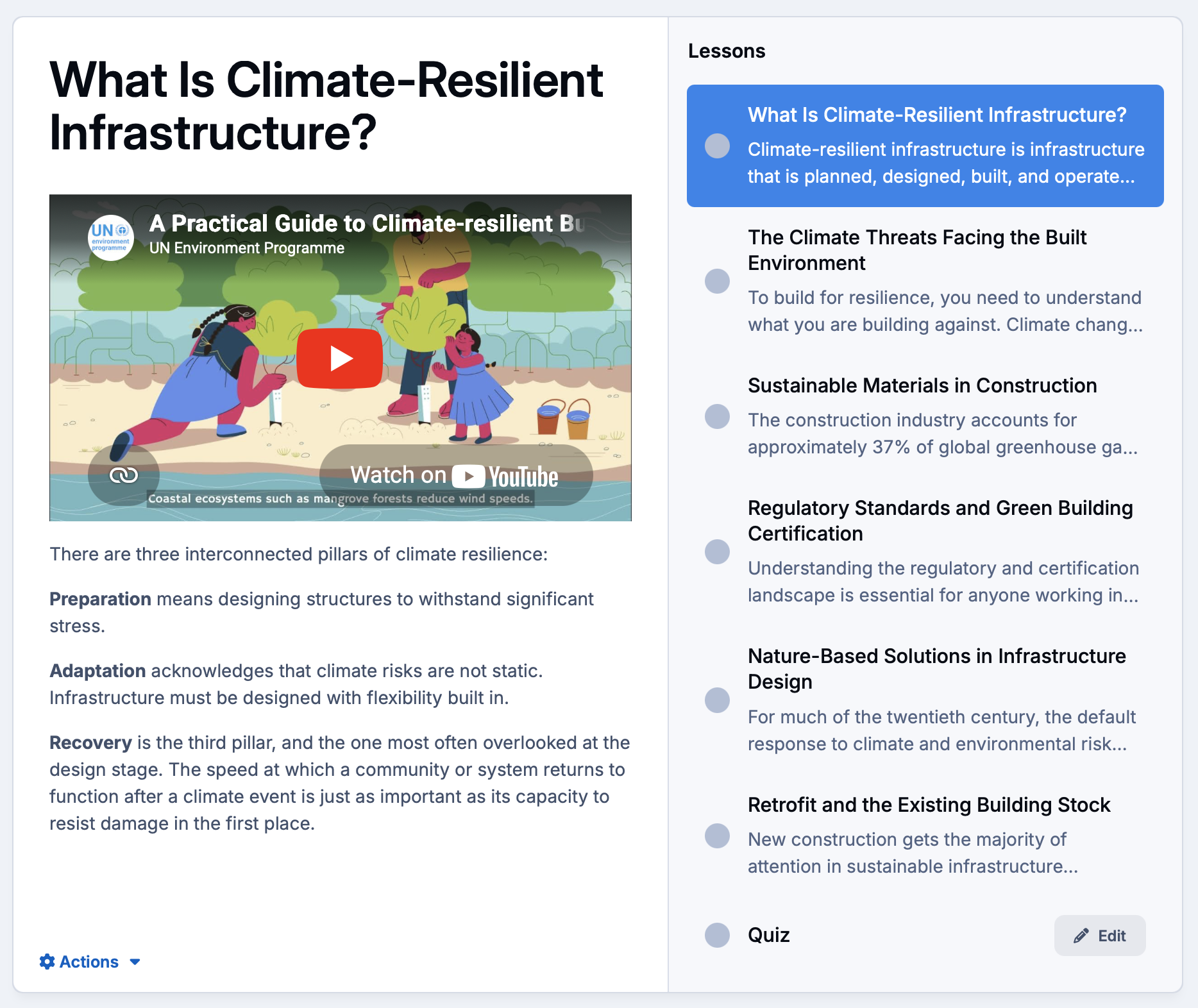
Package your knowledge and sell it directly to your audience.
Build structured courses with video lessons and quizzes, or offer downloadable templates, presets and resources through the built-in Downloads manager.
Everything lives on your platform, under your brand.
-
Online courses
Create structured learning paths with video or text lessons and end-of-module quizzes to check for knowledge retention.
-
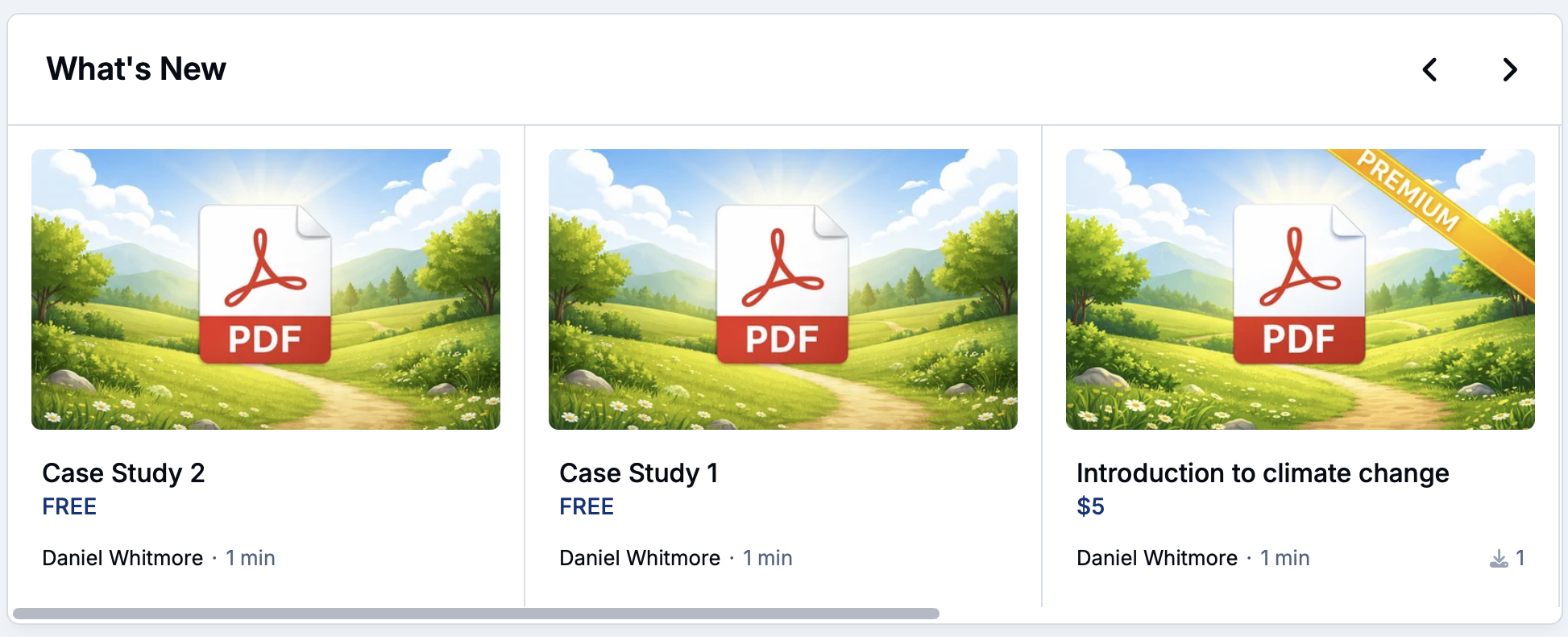
Digital downloads
Sell or restrict access to templates, presets, guides and resources through the Downloads manager with version control and delivery tracking built in.
-
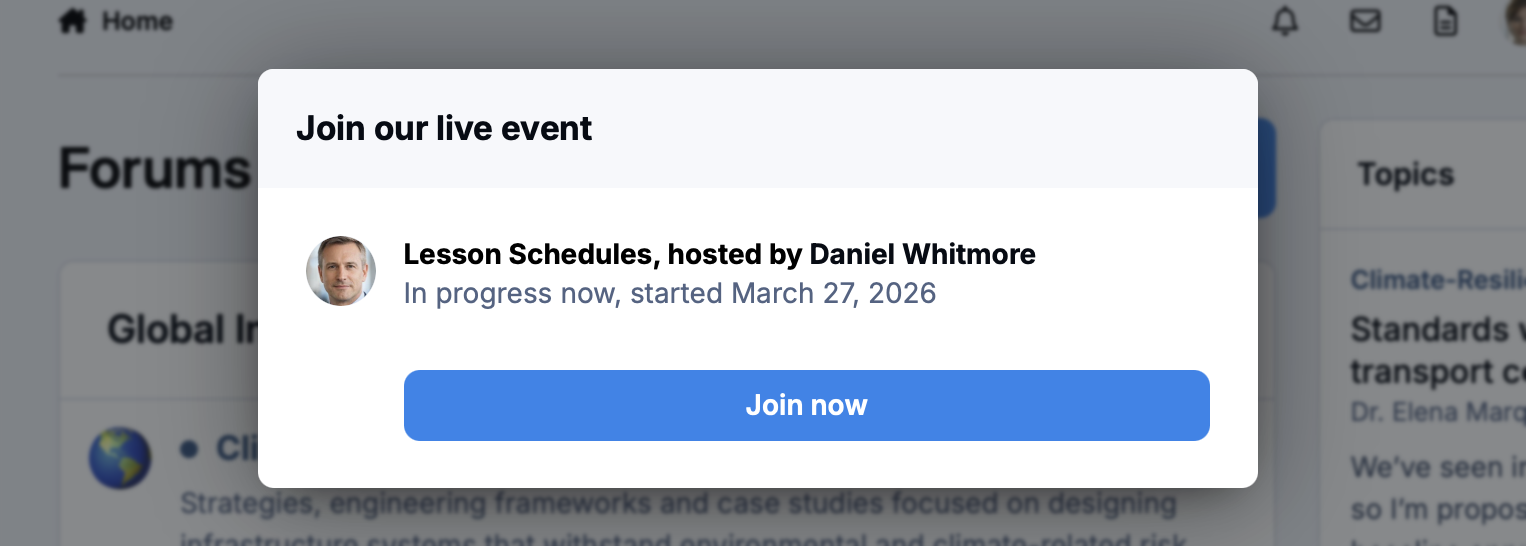
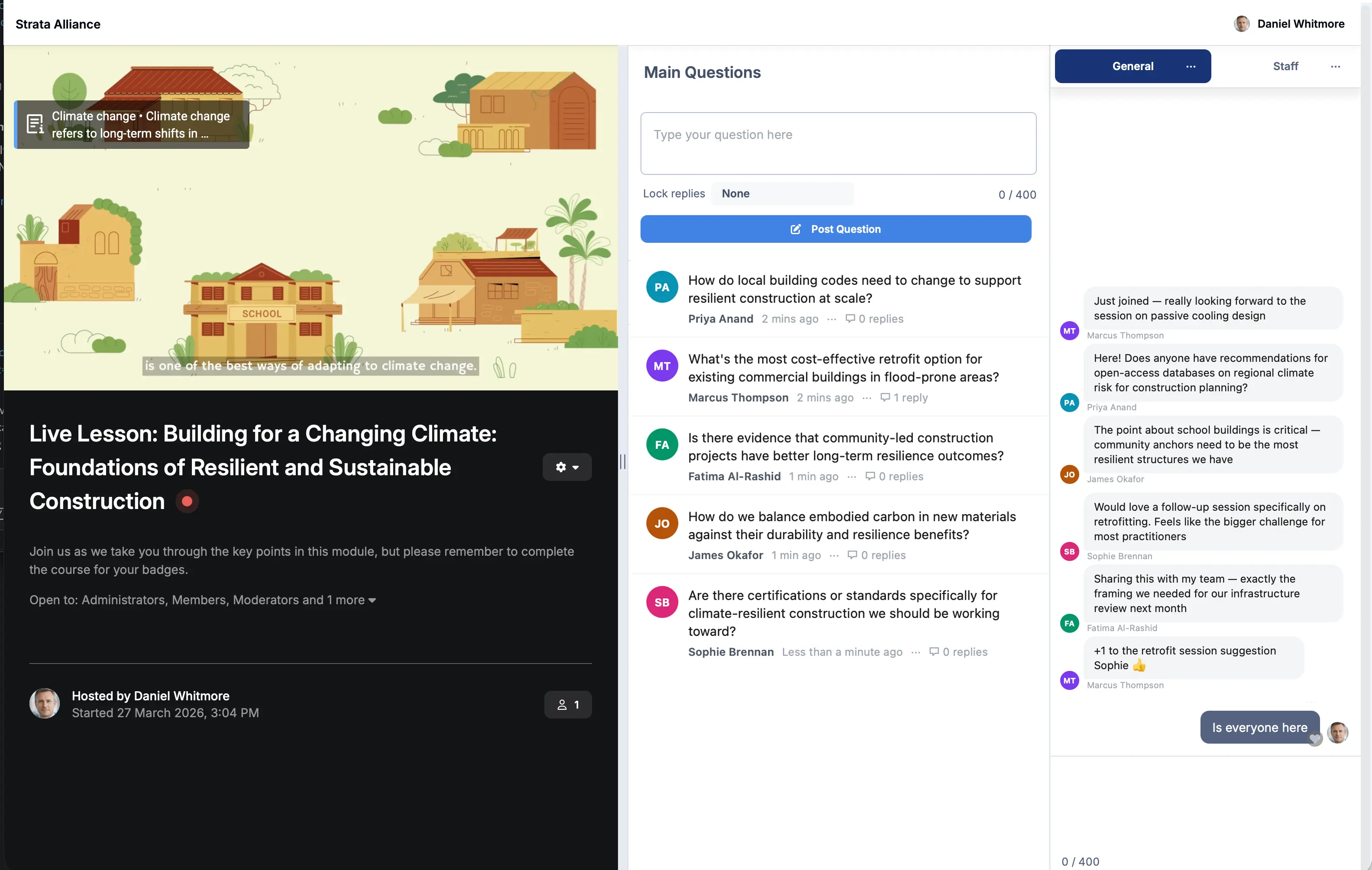
Live sessions
Host live teaching events and Q&A sessions with Live Topics, then convert them into permanent resources your entire audience can revisit.
Collaborate with brands your audience already trusts
Create dedicated spaces for sponsored content, partner announcements and co-branded events without disrupting the organic community experience.
Keep partnerships transparent and your audience engaged.
-
Partner spaces
Create branded clubs or forum sections for sponsor collaborations that feel native to your community rather than bolted on.
-
Sponsored announcements
Publish partner content and co-branded campaigns directly to your most relevant member segments.
-
Co-hosted events
Run live events, webinars and product launches alongside brand partners using Live Topics and the built-in calendar.
Your most engaged members are your best creative directors
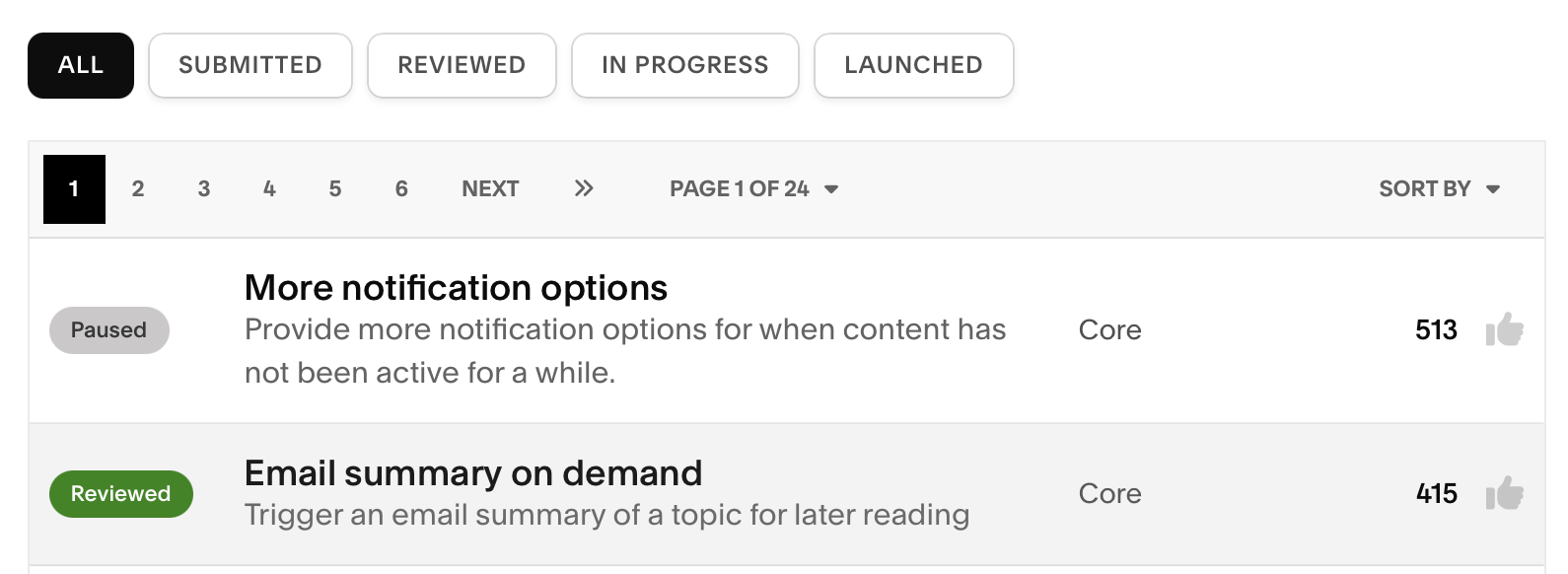
Open up polls, discussion threads and idea boards to understand what your audience wants more of.
The members who care enough to give feedback are the same ones who will stick around longest.
-
Open discussions
Dedicated forums for content feedback give your audience a direct line to influence what you create next.
-
Ideas and requests
Members submit and upvote content ideas so you always know what your audience is most excited about before you hit record.
-
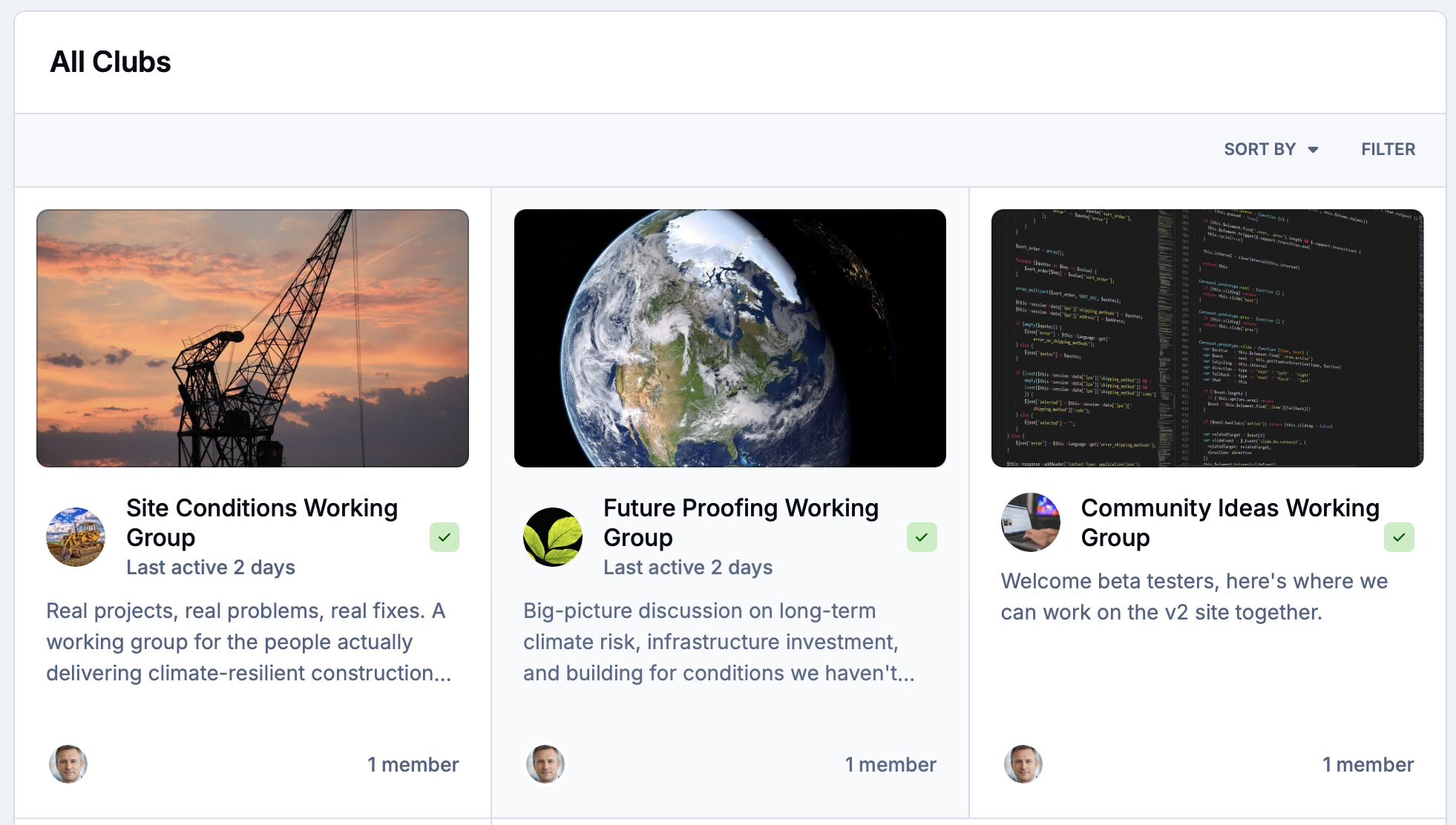
Member clubs
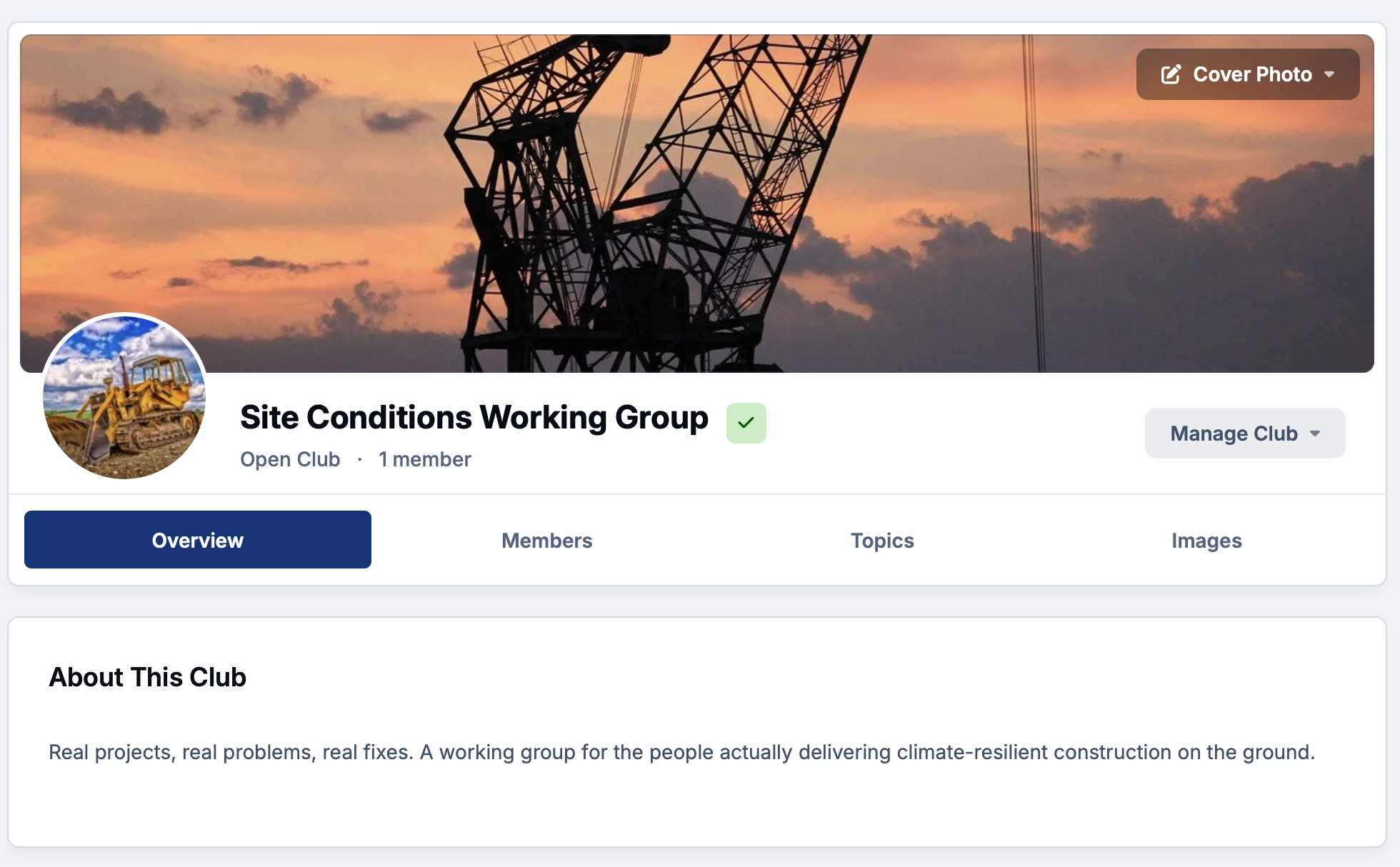
Create smaller group spaces for super-fans, beta audiences and early access members who want a closer relationship with your work.
Know exactly what is growing your community and what is not
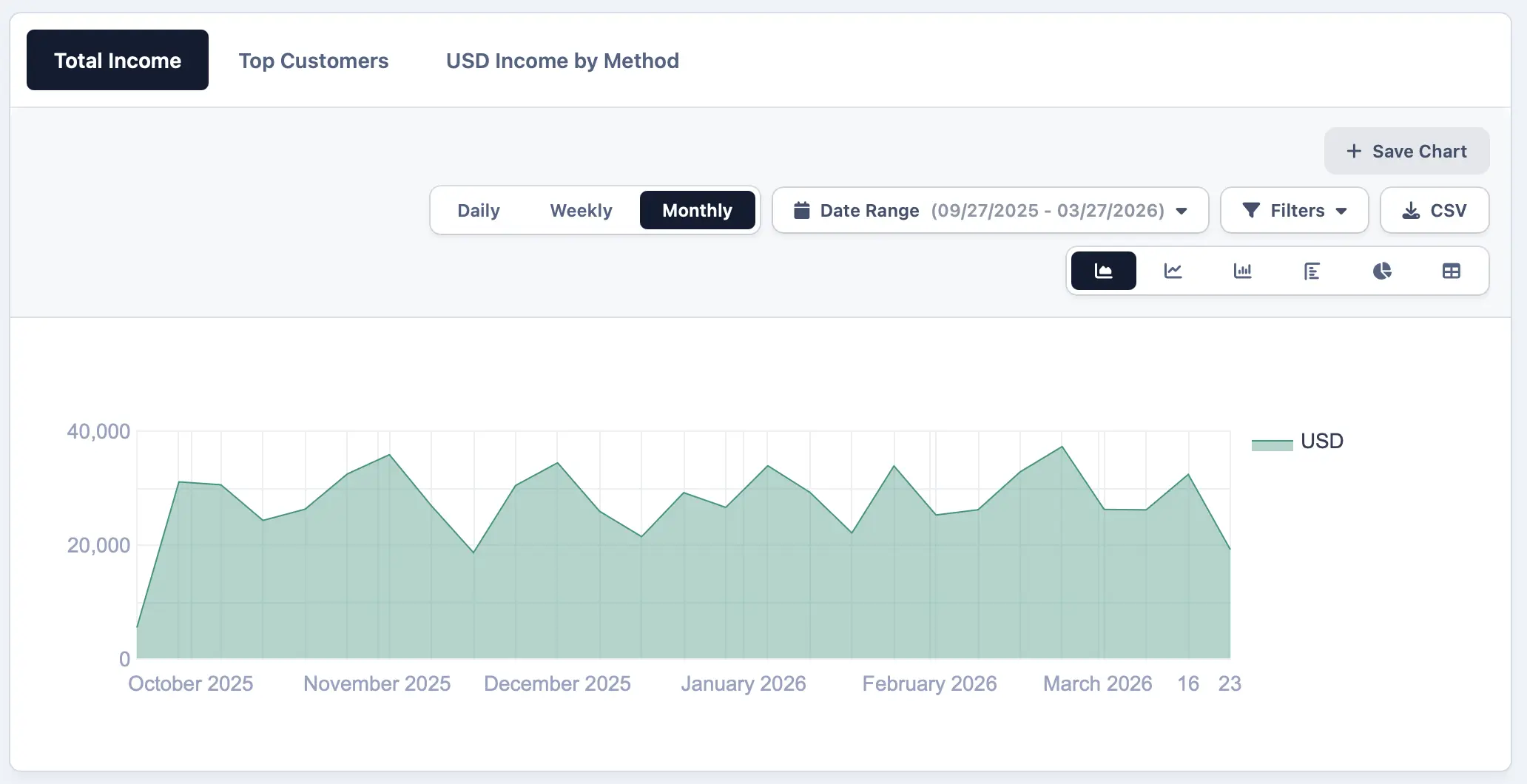
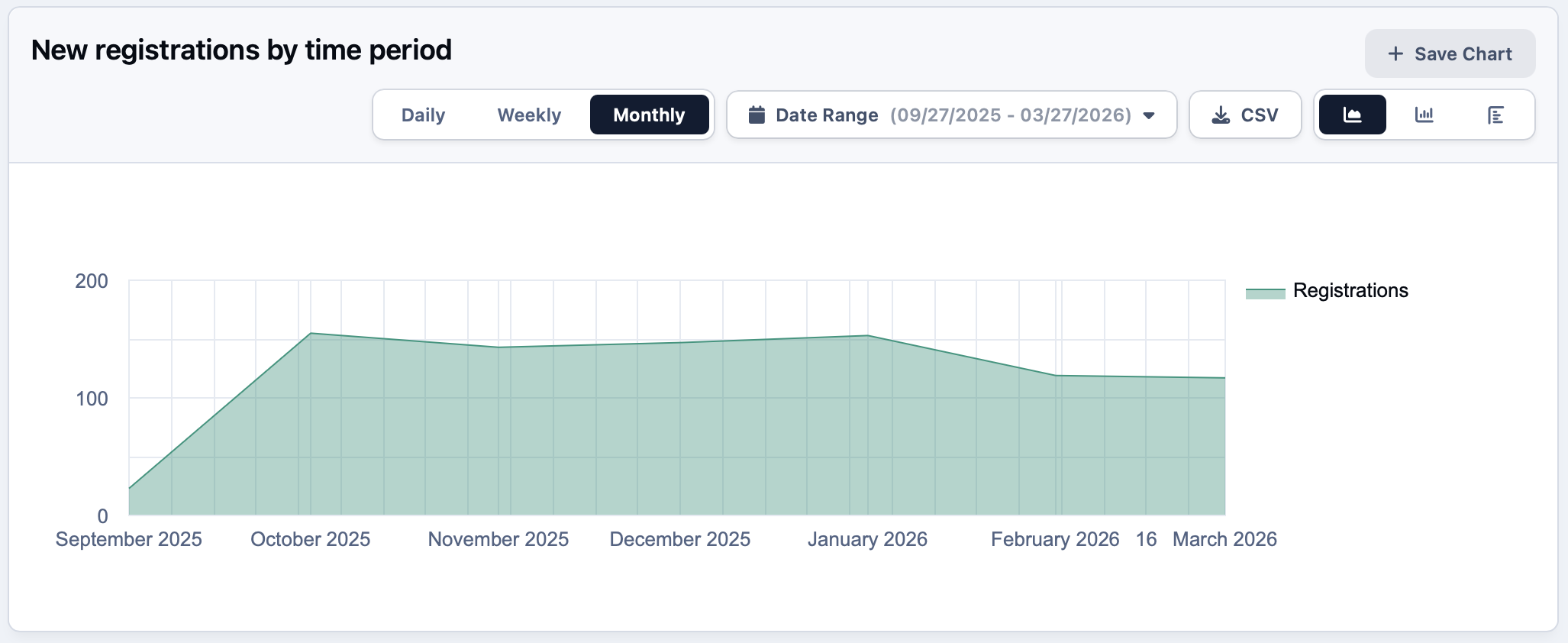
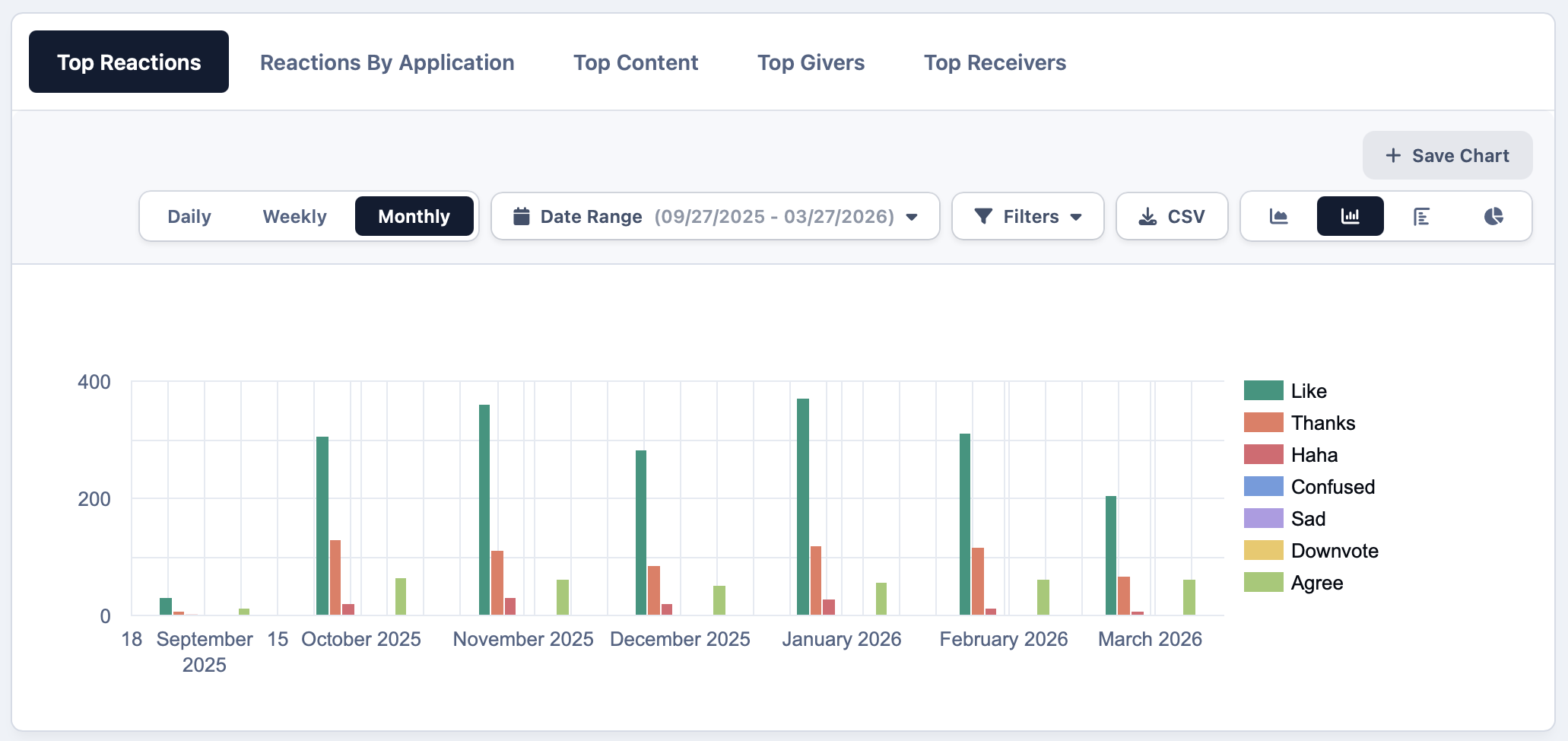
Track membership revenue, content engagement and retention trends from a single reporting view.
Understand which content drives new subscriptions and which keeps existing members coming back.
-
Engagement analytics
Monitor post activity, reactions and member participation over time to understand what content resonates most with your audience.
-
Membership growth
Track new subscriptions, renewals and churn rates so you can make informed decisions about pricing, perks and content strategy.
-
Exportable reports
Pull membership, activity and revenue data into CSV to share with collaborators or feed into your wider business reporting.
Explore all solutions
-
Customer Success
Customer Success
Deflect tickets, empower customers, and turn your user base into a self-sustaining support ecosystem.
-
Brand Advocacy
Brand Advocacy
Turn customers into loyal advocates. Connect your audience and build a community around your brand.
-
Educational
Educational
Build a learning community where knowledge is structured, shared and retained.
-
Creator Communities
Creator Communities
More control, deeper relationships, and real monetisation, without handing your audience to someone else.
-
Internal Teams
Internal Teams
The intranet your employees will actually use. Knowledge, culture, and communication in one place.
See Invision Community in action
Explore real communities built with Invision Community and discover how organizations are driving engagement, building loyalty and creating thriving communities.


Key Features
Invision Community is packed full of features to ensure your community has all that it needs.
- Tiered plansGood, better, best
- Paywalled contentExclusive member access
- Recurring billingMonthly and yearly
- CouponsPromos and free trials
- Digital downloadsFiles and resources
- CoursesLessons and certificates
- Member groupsRoles and permissions
- Badges and ranksRecognition and status
- EventsLive and scheduled
- Live TopicsWebinars and Q&A
- ClubsPrivate member spaces
- AnalyticsEngagement and retention
Ready to monetize with a paid community?
Create a space where fans pay to connect, learn, and get exclusive access while you grow a reliable income stream.