


Community platform for associations and member clubs
Boost member retention with an all-in-one engagement hub for chapters, events, and member resources.
-
Membership that pays for itself
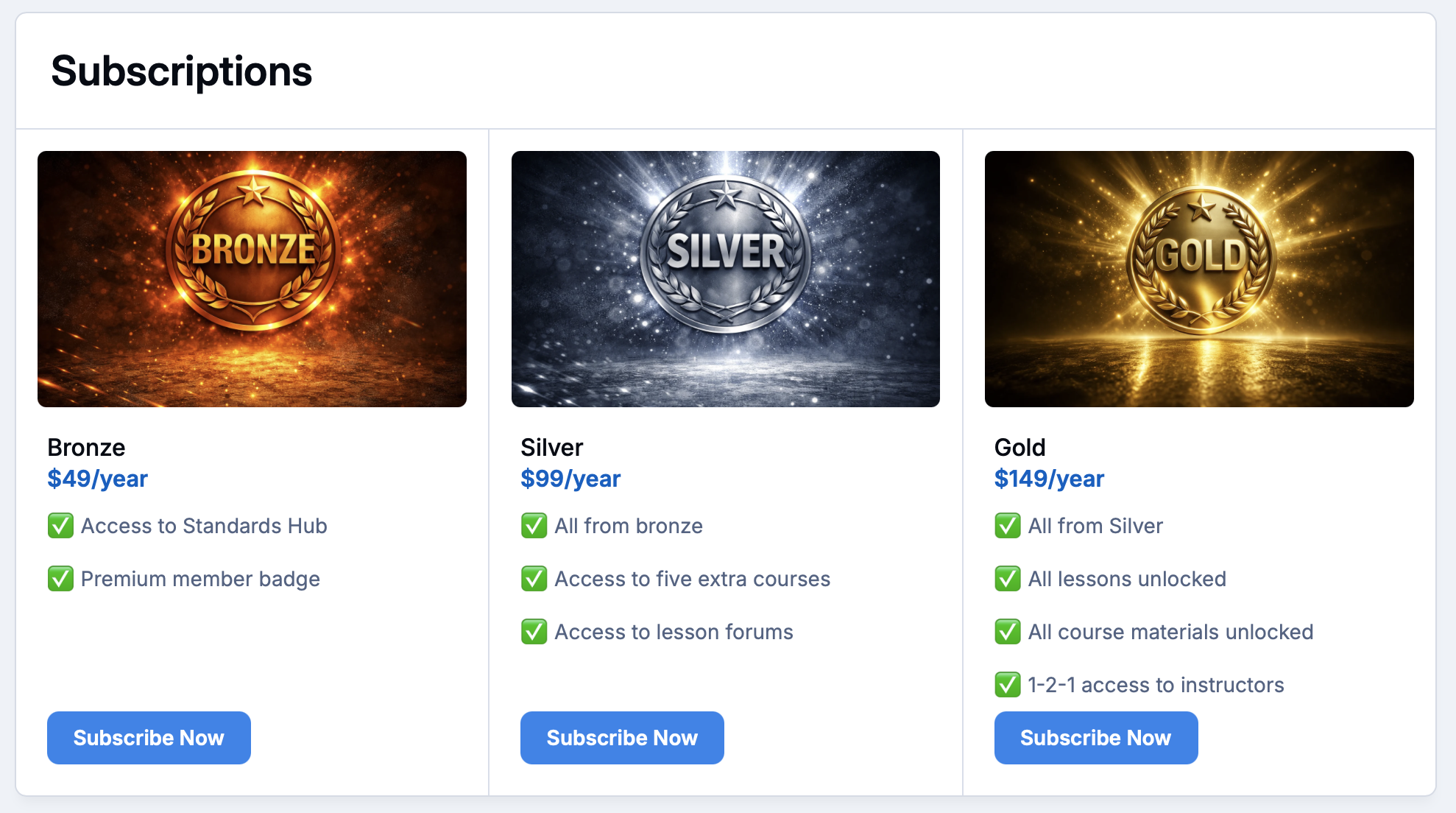
Sell membership tiers with automatic renewals, and unlock access the moment someone joins.
-
Chapters and committees
Give every region, chapter and working group its own space, run by its own leaders.
-
Events all year round
Run meetups, AGMs, rallies and conferences, with registration and payment built in.
-
Your history, searchable
Keep journals, minutes, records and old forum posts in one archive members can actually find things in.
Drive member retention and year-round engagement
When members can talk to each other, get answers and see what's coming up, the value of joining is obvious, and renewing becomes an easy decision.
Sell membership tiers directly through your community, give each tier its own access and perks, and let renewals take care of themselves.
-
Membership tiers
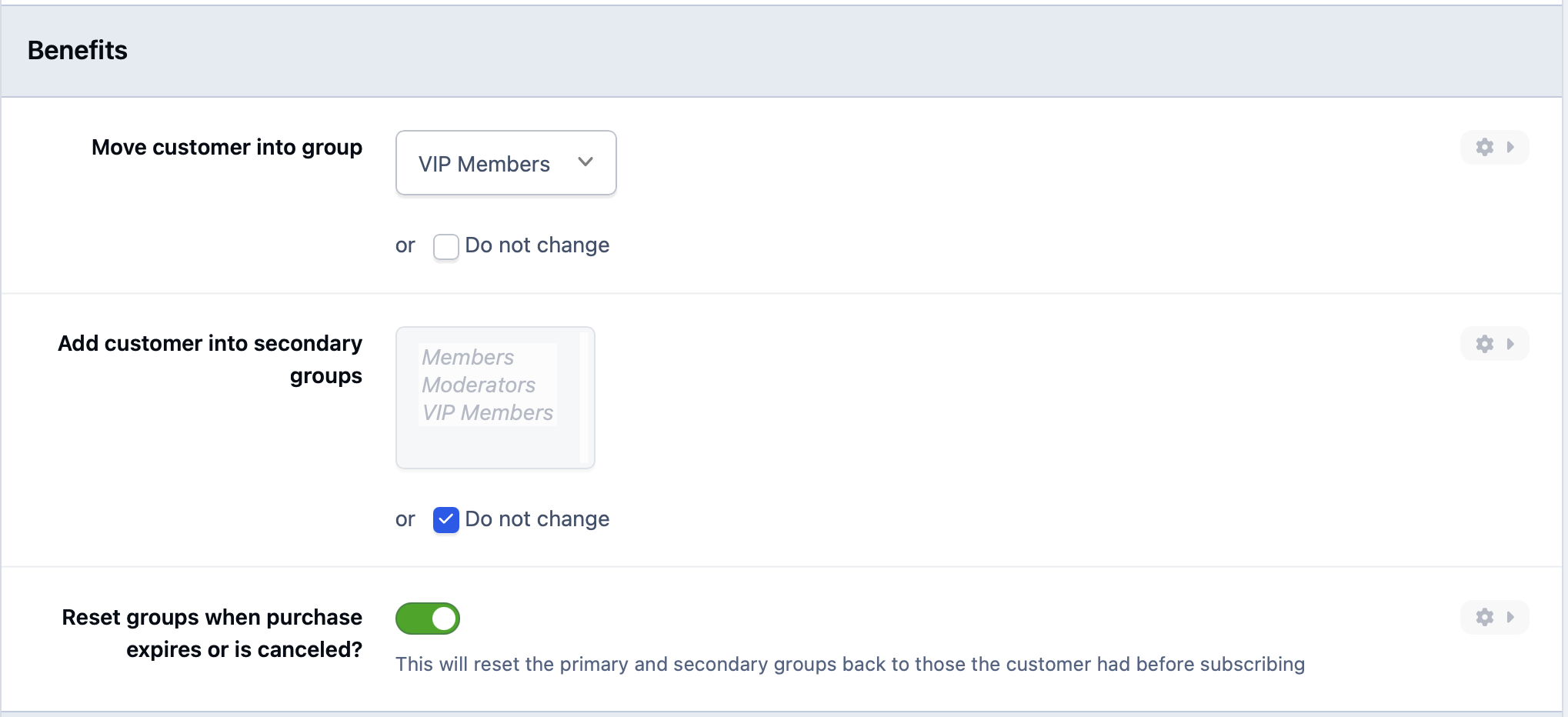
Offer standard, family, lifetime or corporate membership as paid subscriptions, each mapped to its own member group and permissions.
-
Members-only content
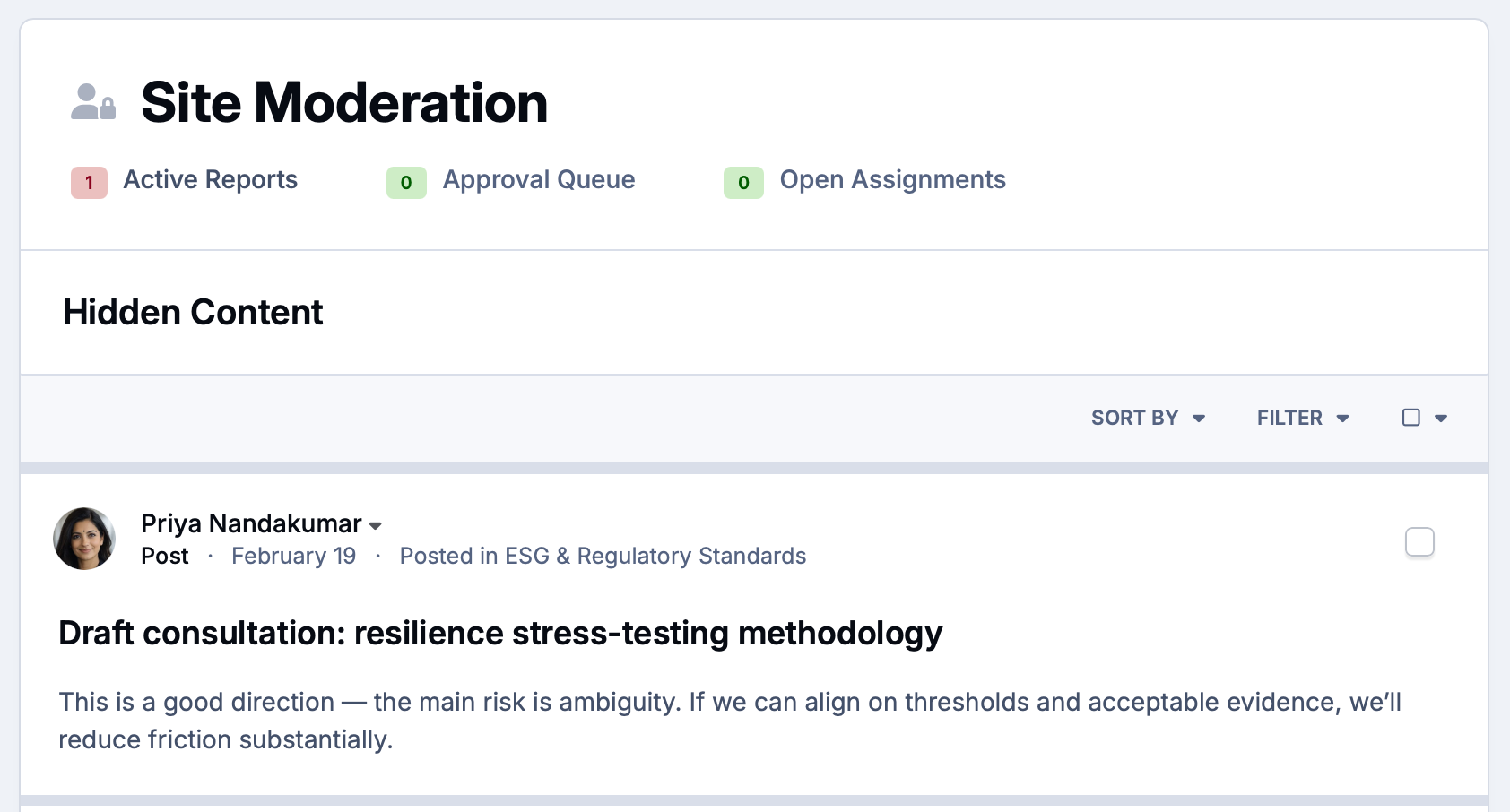
Let visitors preview discussions and resources, then invite them to join to see the rest. Your best content becomes your best recruiter.
-
Connect your membership system
Already manage members elsewhere? Single sign-on lets members log in with the account they already have, so there's nothing new to remember.
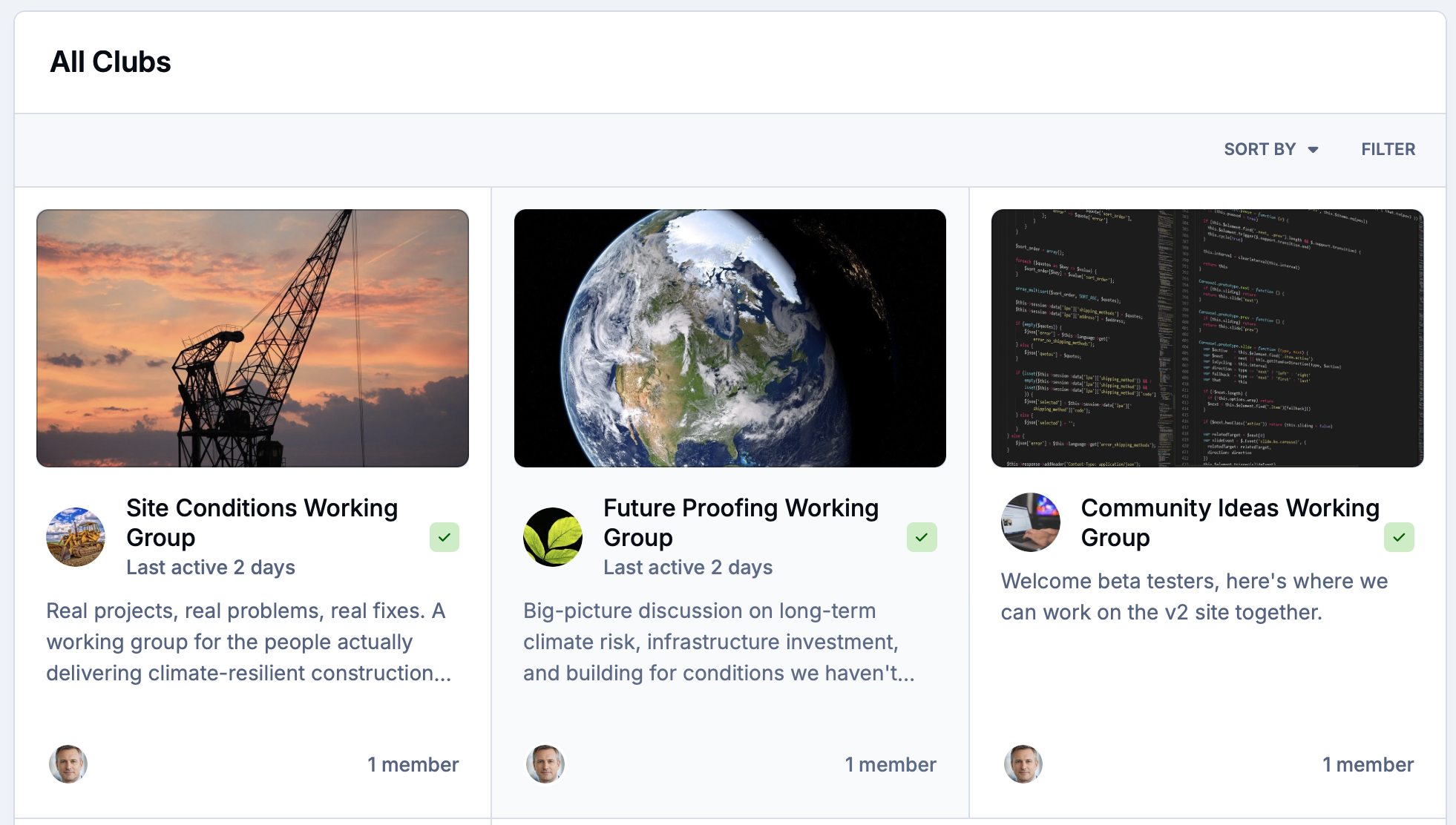
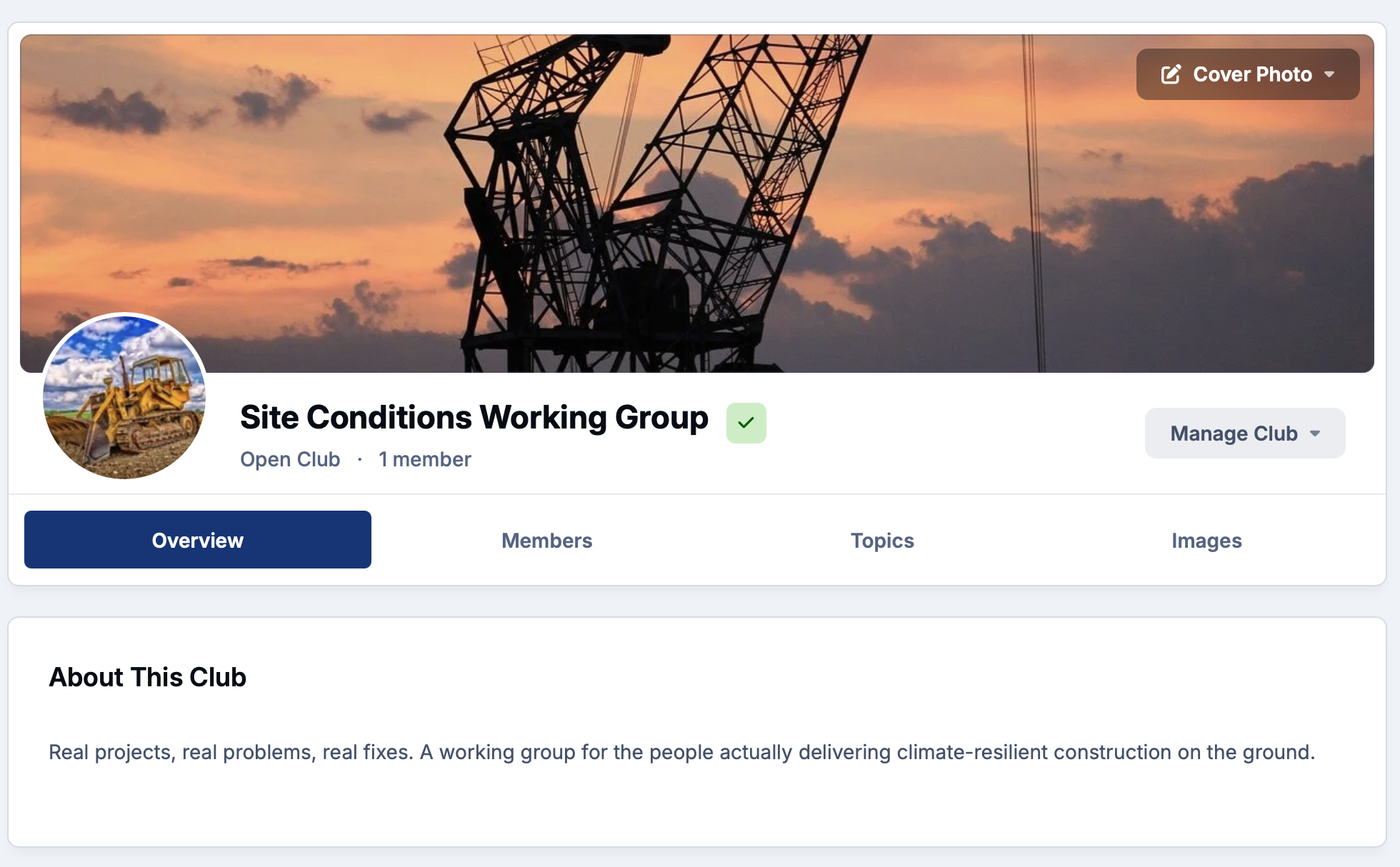
Give every chapter a home with dedicated spaces for regional groups and committees
Most associations and clubs are really lots of smaller groups under one roof. Clubs give each chapter, region, committee or special interest group its own space, with its own leaders, members and conversations.
Local leaders run their own corner of the community, while you keep oversight of the whole organization from one admin panel.
-
Regional chapters
Set up a club for every region or branch so members can find people and events close to home.
-
Local leaders
Hand chapter leads the tools to welcome members, post updates and moderate their own space, without giving them the keys to everything.
-
Private committees
Boards, committees and volunteer teams get private spaces for planning, with polls for quick decisions.
Virtual and in-person event spaces that keep members connected
Your annual conference, show or rally is the highlight of the year. The community keeps that energy going for the other 364 days, with conversations that start before the event and carry on long after it.
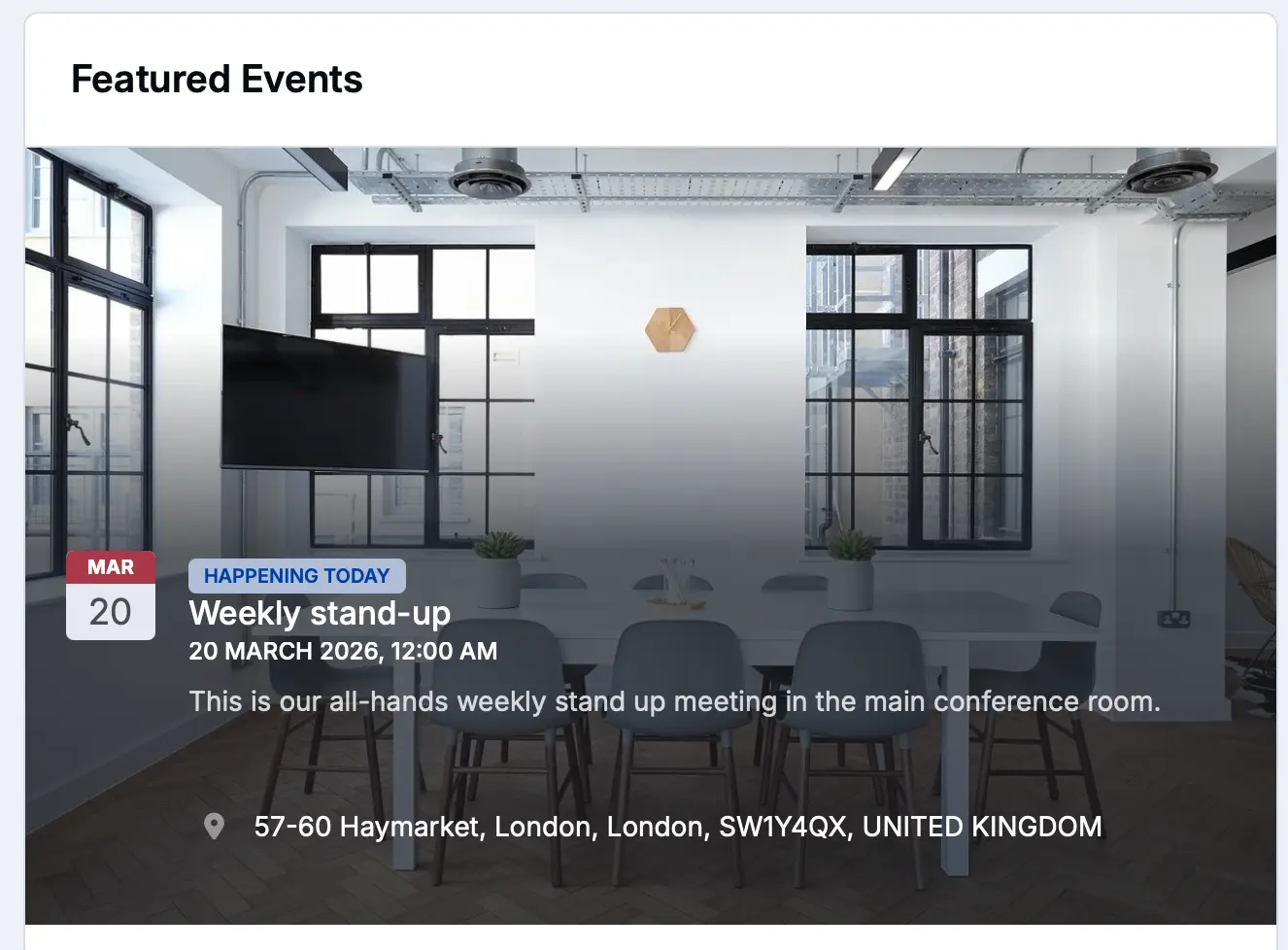
Publish your full calendar, take registrations and payments, and run virtual sessions for members who can't make it in person.
-
Event calendar
List every meetup, AGM and show with RSVPs, venue maps and repeating schedules, and let members add them to their own calendars.
-
Paid registration
Take bookings and payments for events directly in the community, with attendee lists ready for the organizers.
-
Live sessions
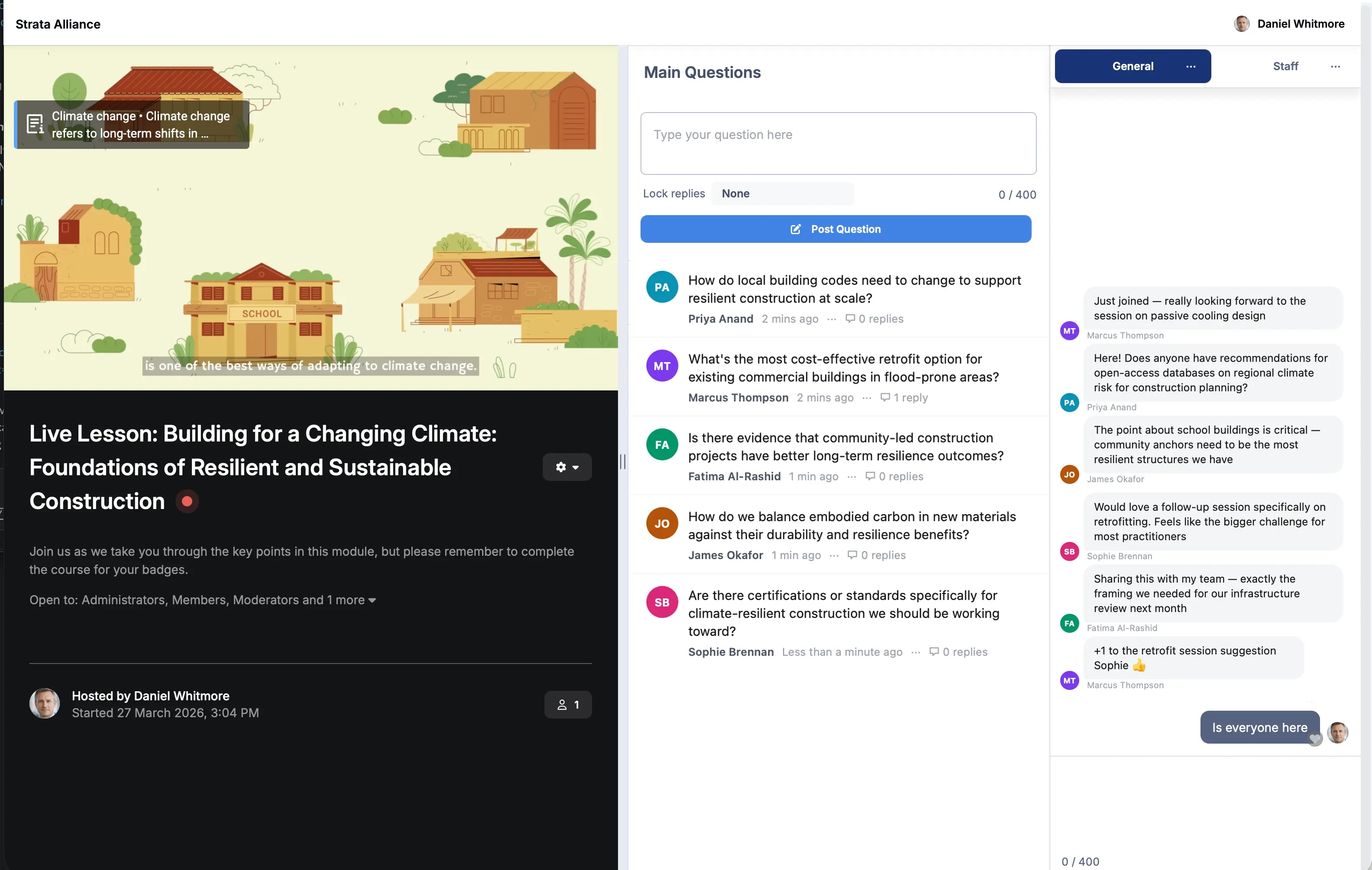
Host Q&As, webinars and online meetings with Live Topics. When the session ends, the conversation stays on record for everyone who missed it.
A central knowledge base and resource library for decades of member insights
Associations and clubs hold knowledge you won't find anywhere else: back issues, technical guides, meeting minutes, member records and years of hard-won advice. Too often it's scattered across old websites, shared drives and filing cabinets.
Bring it together in a searchable library, and bring your existing forum with you so none of that history is lost.
-
Document library
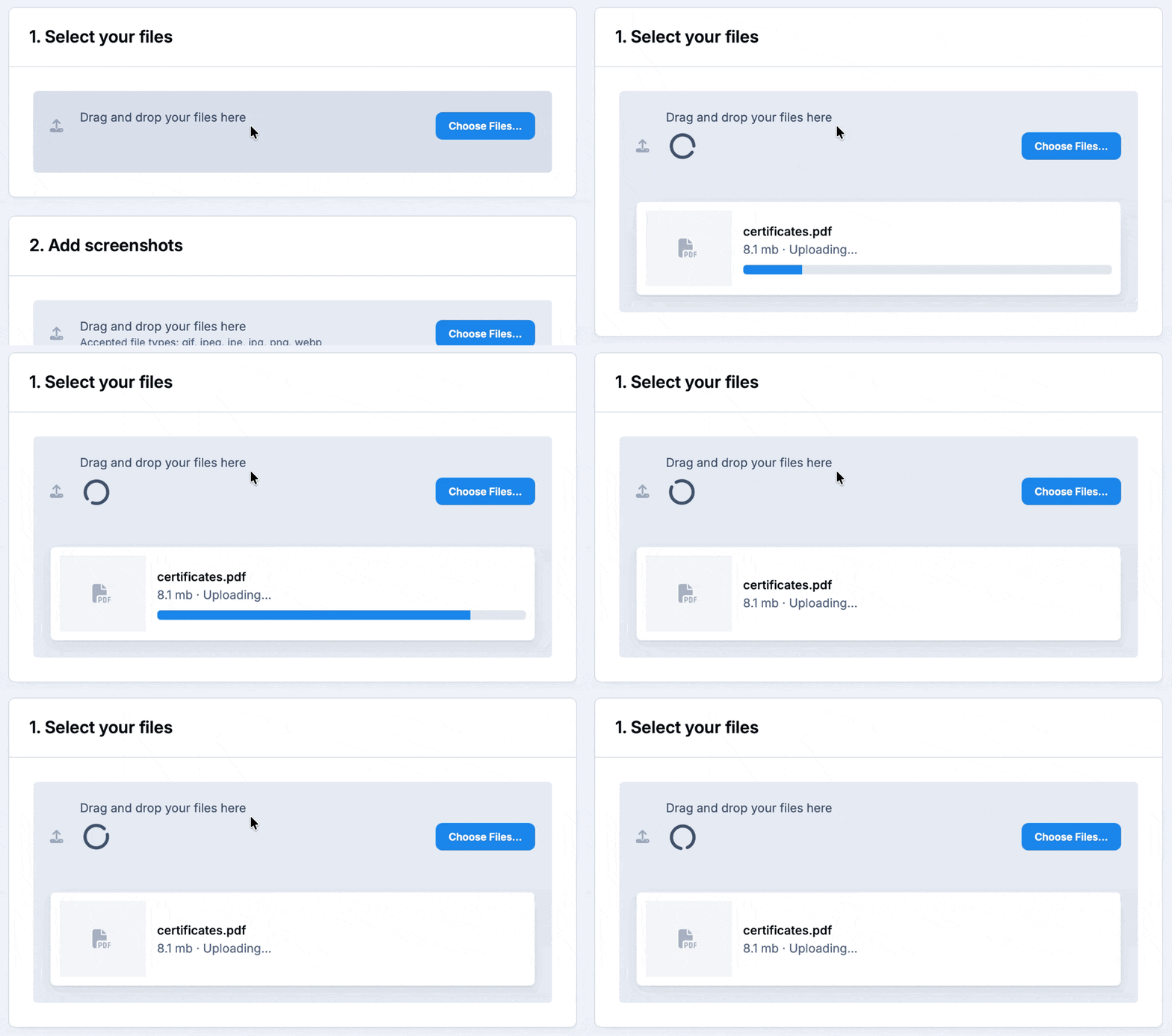
Share journals, newsletters, bylaws and minutes in organized categories, with access set by membership tier.
-
Custom databases
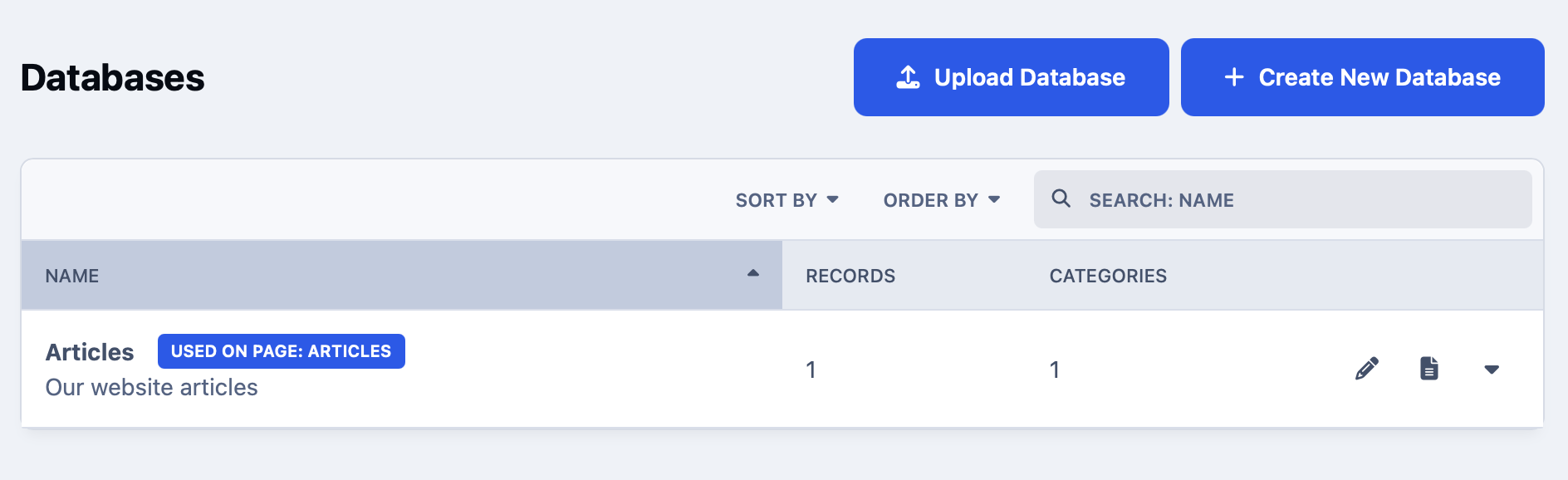
Build searchable records for anything your members care about, such as registers, directories, historical records or member projects.
-
Bring your old forum
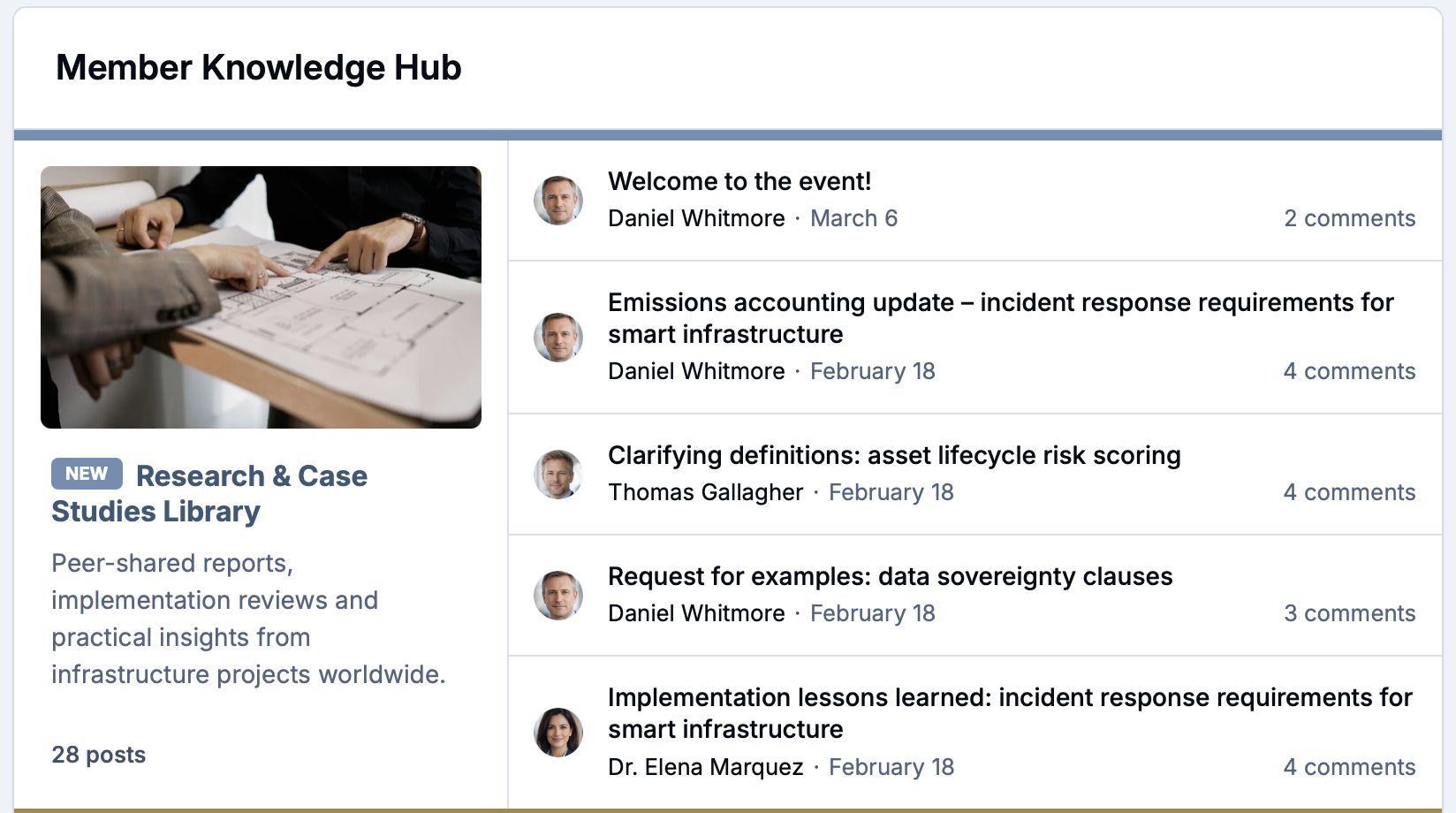
Running on vBulletin, phpBB or another platform? We'll move your members, posts and history across so the community picks up where it left off.
Support member professional development with built-in learning and recognition
For professional bodies, learning is often the main reason people join. For clubs, it's the know-how passed from experienced members to newer ones. Either way, the community is where it happens.
Run structured courses, recognize the members who share their expertise, and celebrate milestones that matter to your organization.
-
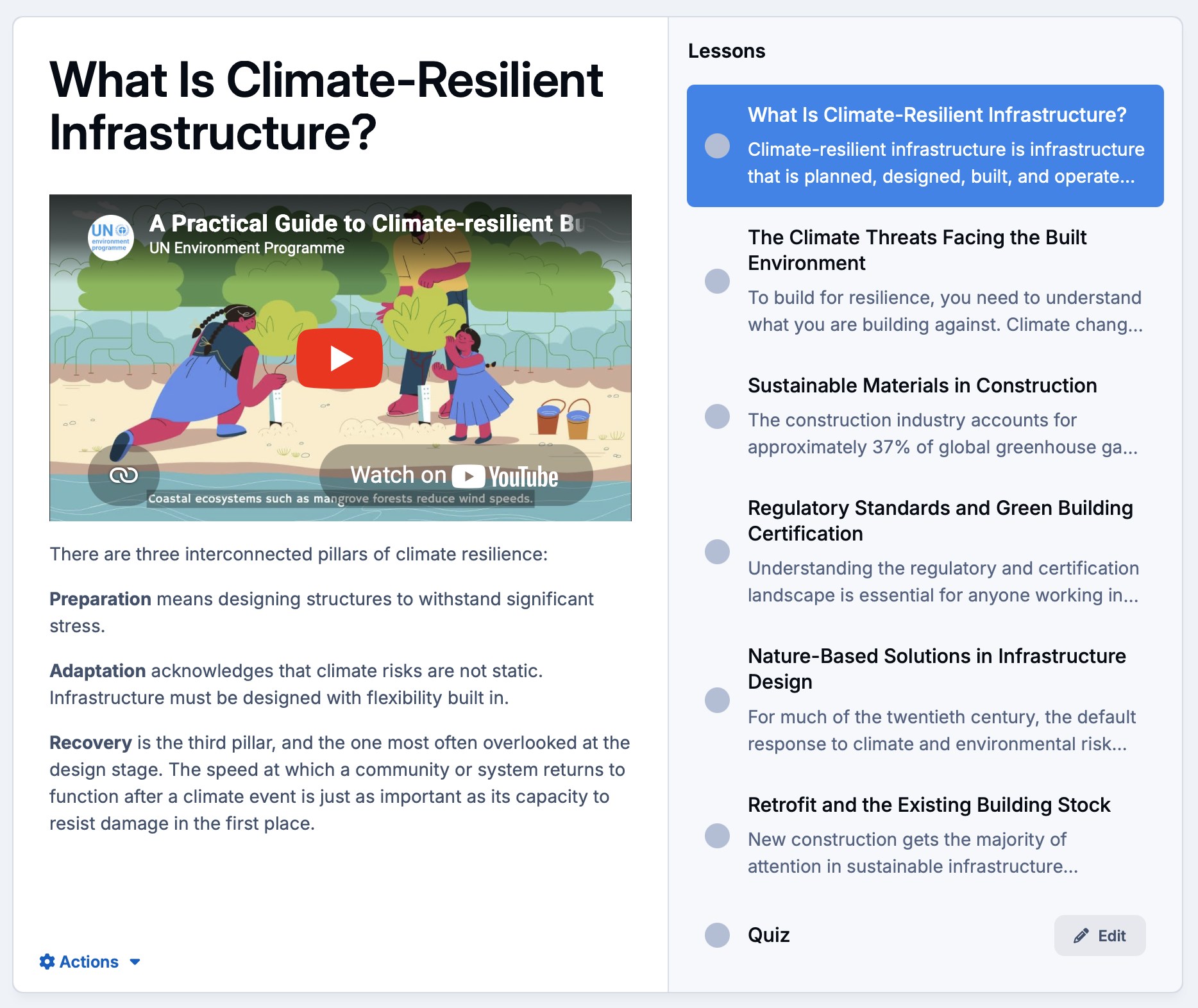
Courses and CPD
Deliver training, onboarding and professional development as structured courses, with lessons members work through at their own pace.
-
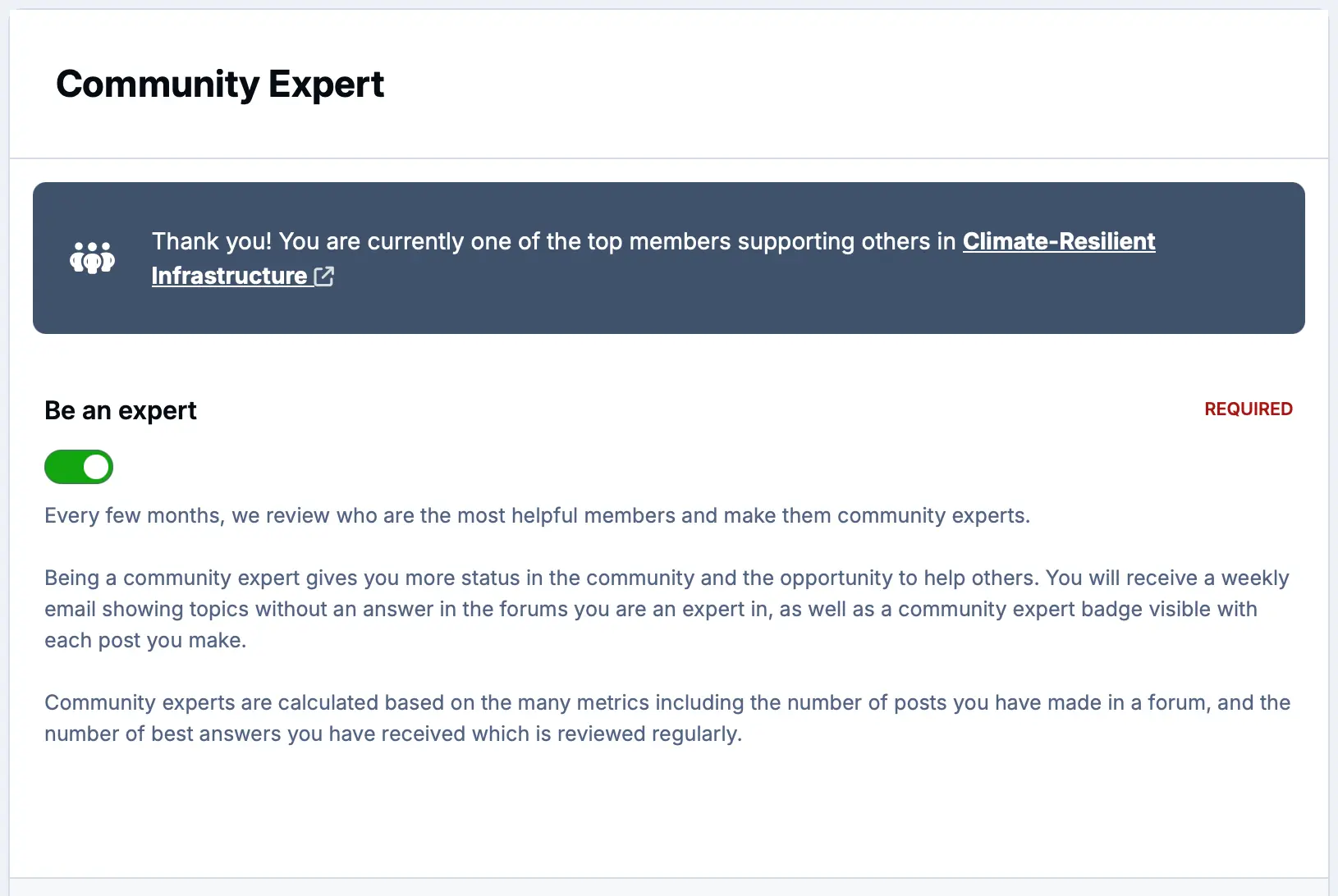
Recognized experts
Highlight the members who answer questions and share their knowledge, so newer members know who to ask.
-
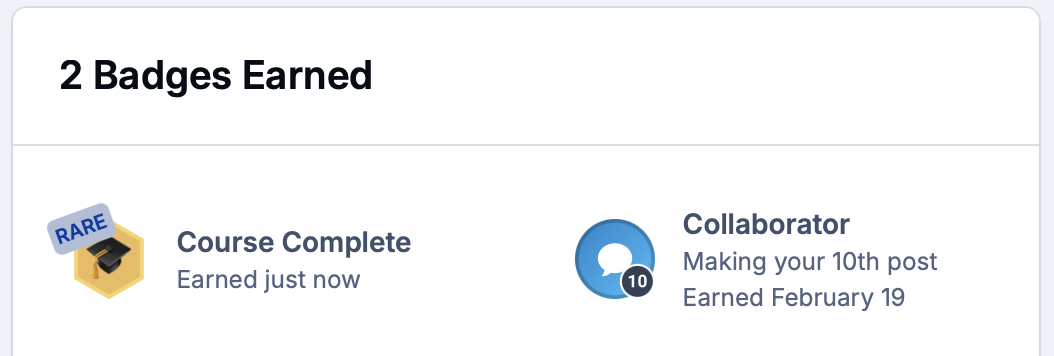
Badges and milestones
Award badges for course completion, event attendance and years of membership, shown proudly on every member's profile.
Seamless integrations with your current tech stack
Your community should work alongside your membership database, email platform and website, not replace them overnight.
Connect the systems you already use, keep member data in sync, and automate the admin that eats into your volunteers' time.
-
Single sign-on
Connect your membership management system with OAuth, OpenID Connect or SAML so members use one login everywhere.
-
Email and newsletters
Sync members to your mailing lists, and send digests so members keep up with the community from their inbox.
-
Zapier and APIs
Automate renewals, sign-ups and event bookings across thousands of apps with Zapier, or build your own with the REST API and webhooks.
Explore all solutions
-
Customer Success
Customer Success
Deflect tickets, empower customers, and turn your user base into a self-sustaining support ecosystem.
-
Brand Advocacy
Brand Advocacy
Turn customers into loyal advocates. Connect your audience and build a community around your brand.
-
Educational
Educational
Build a learning community where knowledge is structured, shared and retained.
-
Creator Communities
Creator Communities
More control, deeper relationships, and real monetisation, without handing your audience to someone else.
-
Internal Teams
Internal Teams
The intranet your employees will actually use. Knowledge, culture, and communication in one place.
-
Associations & Clubs
Associations & Clubs
Membership, chapters, events and decades of shared knowledge, all in one place members want to visit.
-
Fan Communities
Fan Communities
A home for fans to talk, share what they make, meet up and celebrate the members who make it special.
-
Media and Publishers
Media and Publishers
Turn readers into a community you own, with articles, discussion, and subscriptions in one place.
See Invision Community in action
Explore real communities built with Invision Community and discover how organizations are driving engagement, building loyalty and creating thriving communities.


Key features
Invision Community is packed full of features to ensure your community has all that it needs.
- Paid membershipsTiers with automatic renewal
- Member groupsAccess set by membership level
- ClubsChapters, regions and committees
- Events calendarRSVPs, maps and reminders
- Paid eventsRegistration and payment
- Live TopicsVirtual meetings and Q&As
- Document libraryJournals, minutes and guides
- Custom databasesRegisters and records
- Single sign-onOne login for members
Frequently asked questions about association and club communities
How does a community platform help improve member retention?
Member retention usually drops when the experience is limited to an occasional newsletter and a single annual conference. If members don't feel actively connected between those rare touchpoints, engagement quietly fades.
A dedicated community platform sustains long-term retention by making membership an everyday habit:
- Ongoing connection: Keeps event energy alive year-round so conversations, networking, and collaborations never stall.
- On-demand peer support: Gives members an immediate space to solve day-to-day challenges with colleagues who share their exact professional focus.
- Active local chapters: Provides regional groups and committees a dedicated home to organize initiatives and build lasting professional relationships.
When your community platform becomes the central, all-in-one hub for genuine relationships and peer learning, staying actively involved is an easy choice. Members find real daily value every time they log in, whether they want to grow their careers, share a craft, or collaborate around shared passions.
Can we create private spaces for regional chapters and committees?
Yes. You can easily set up dedicated sub-communities, private discussion areas, and custom groups tailored to each group's exact needs. Granular permission controls allow you to decide whether a space is completely private for board members and working committees, restricted to verified regional members, or open to the entire community. Each group gets an organized home to share files, host discussions, and manage initiatives without cluttering the main community feed.
How does the platform support annual conferences and virtual events?
A dedicated community platform turns single-day or weekend gatherings into ongoing, year-round engagement. Attendees can introduce themselves, coordinate meetups, and review schedules before sessions begin. During the event, members can access presentation materials, live updates, and conversation directly within the hub.
Once the event wraps up, discussions don't simply vanish. Attendees continue networking, sharing follow-up insights, and collaborating in the same space long after the badges come off. With integrated tools like Invision Community's event management system, organizers can easily manage ticket sales, display rich event details, host virtual sessions, and sustain active conversation around every gathering.
How does the resource library organize years of archives and content?
Decades of back issues, technical guides, newsletters, bylaws, and minutes often end up scattered across old websites and disorganized cloud drives. A dedicated resource library brings everything together into a clean, searchable hub that members can easily navigate:
- Organized document libraries: Categorize white papers, journals, and meeting minutes with granular permission settings, making core resources publicly discoverable to prospective members while keeping proprietary archives exclusive to verified, dues-paying tiers.
- Custom databases: Build tailored, searchable records for anything unique to your community, such as historical archives, professional registries, directories, or member-submitted projects.
- Preserved history and smooth migration: If you are running on another forum platform like vBulletin or phpBB, you can migrate your existing discussions, historical posts, and member accounts so years of accumulated knowledge remain fully intact and searchable.
Can we offer certifications, badging, and professional development programs?
Yes. You can structure clear paths for member growth, celebrate individual achievements, and keep participation high through built-in learning and gamification tools:
- Badging and milestone tracking: Automatically award profile badges and ranks when members hit key milestones such as completing educational courses, earning certifications, mentoring peers, or leading a volunteer committee.
- Interactive quests and challenges: Use guided quests and point systems to encourage healthy participation. You can challenge members to complete profile onboarding steps, contribute to technical discussions, or participate in professional development modules.
- Peer-to-peer learning: Foster continuous education with collaborative spaces where seasoned professionals can share best practices, lead discussions, and mentor newer members alongside formal credentialing programs.
What is the difference between an AMS (or membership software) and a community platform?
An AMS (Association Management Software) or membership CRM is built for operational administration. It manages backend records, directory data, dues processing, and member databases.
A community platform is built for human connection. It is the interactive front end where members actually meet, join chapter discussions, attend events, share resources, and collaborate year-round.
Rather than replacing your AMS or CRM, a dedicated community platform connects with your existing setup to turn static member records into an active, engaged membership.
Can we restrict access so only dues-paying members can view content?
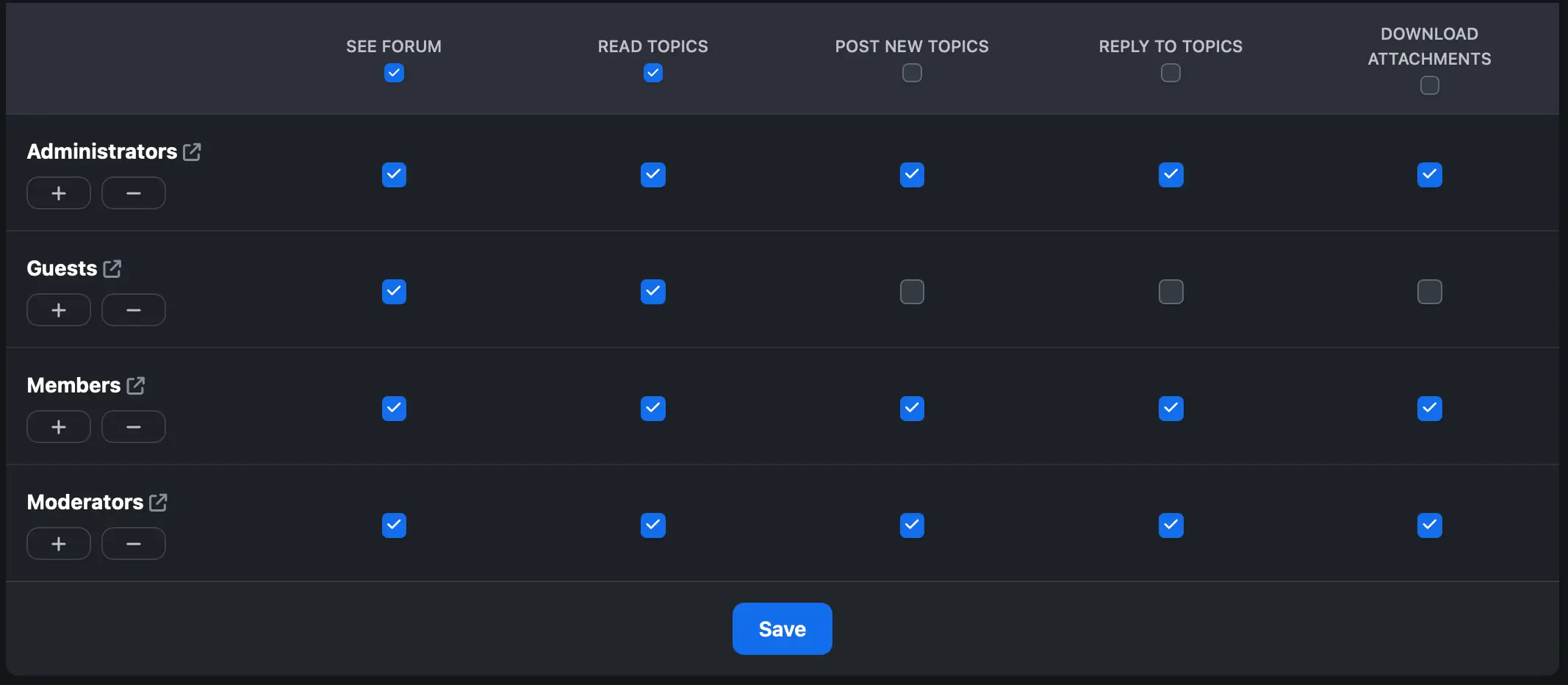
Yes. Invision Community includes granular, role-based permission controls that let you manage exactly who sees, downloads, and joins conversations across your platform.
- Protect exclusive content: Restrict premium discussion areas, resource libraries, and event recordings so only verified, dues-paying member groups can view or participate.
- Turn visitors into members: Keep select discussion forums, articles, or event teasers visible to public visitors. When non-members see active discussions and member-only resources, it creates a natural incentive to join.
- Automated group access: If you handle memberships through Invision Community Commerce, group permissions adjust automatically when subscriptions renew or expire. If you manage dues in an external AMS or CRM, integrations via REST APIs, webhooks, or Zapier sync those status changes directly into member groups without manual work.
Does the platform integrate with our existing AMS and CRM systems?
Yes. The platform fits directly into your current tech stack, functioning as the interactive member hub while your existing AMS or CRM remains your source of truth.
- Single sign-on (SSO): Members log in with their existing credentials using OAuth, SAML, or custom providers, so they never have to manage multiple passwords.
- No-code automation with Zapier: Connect to thousands of apps through Zapier to automate daily tasks, sync email lists, and trigger actions without writing code.
- REST APIs and webhooks: Real-time data sync keeps member profiles, renewal statuses, and engagement records aligned across platforms.
- AMS and CRM compatibility: Works smoothly with leading platforms like Salesforce, Fonteva, Personify, HubSpot, and custom internal databases.
- Developer flexibility: For custom workflows and unique internal tools, teams can use the Invision Community Developer Hub to build custom applications and integrations.
Ready to bring your members together?
Give your association or club one home for membership, events, chapters and conversation, built to last as long as your organization does.