Everything posted by Adriano Faria
-
Adriano Faria replied to Adriano Faria's topic in Invision Community 5: Beta Testing's Beta DiscussionI'm re-uploading the screenshots and will update this topic if it happens again.
-
Adriano Faria replied to Adriano Faria's topic in Invision Community 5: Beta Testing's Beta DiscussionCrazy!
-
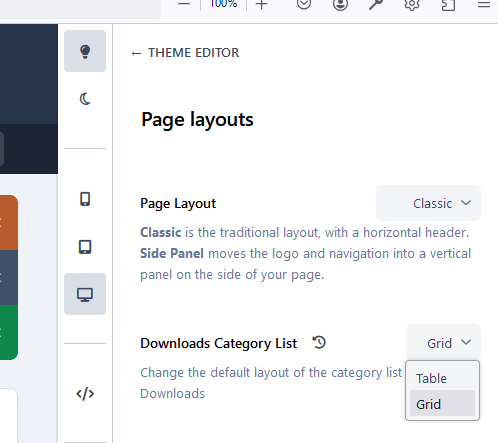
Adriano Faria replied to Adriano Faria's topic in Invision Community 5: Beta Testing's Beta DiscussionGrid: Happens with Table too:

-
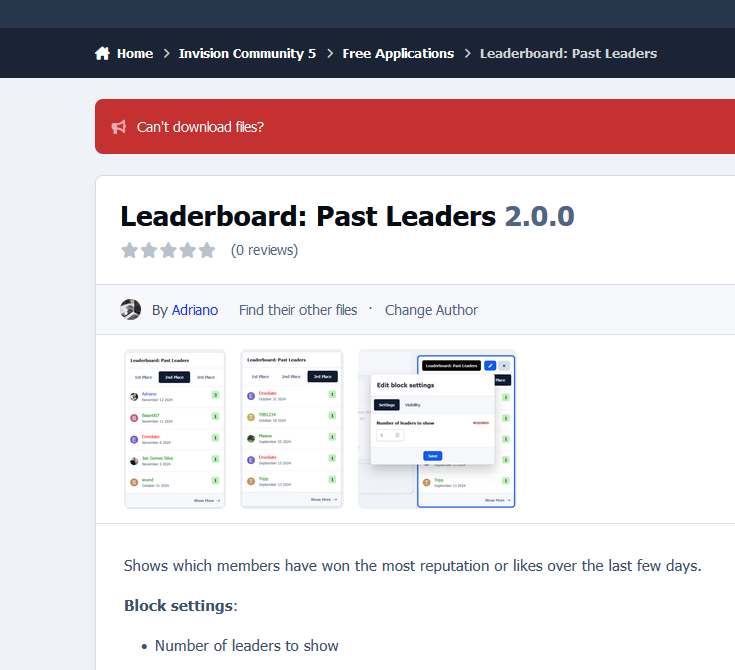
It started on Beta4... if I edit a file, the category thumb is gone. On Beta5, they vanished. The only thing I did differently than usual, was to run the tool to rebuild support topics. That's what I got now: The image files exist and they are there on file view. Example: URL: https://www.sosinvision.com.br/index.php?/category/24-free-applications/

-
Sure. I meant, the word “require” would prevent me from upgrading the board.
-
I was able to upgrade my online board from 4.7.18 to B4 and there were some tables MyISAM. I converted later but got no notice or something.
-
https://www.sosinvision.com.br/index.php?/file/91-email-address-confirmation/
-
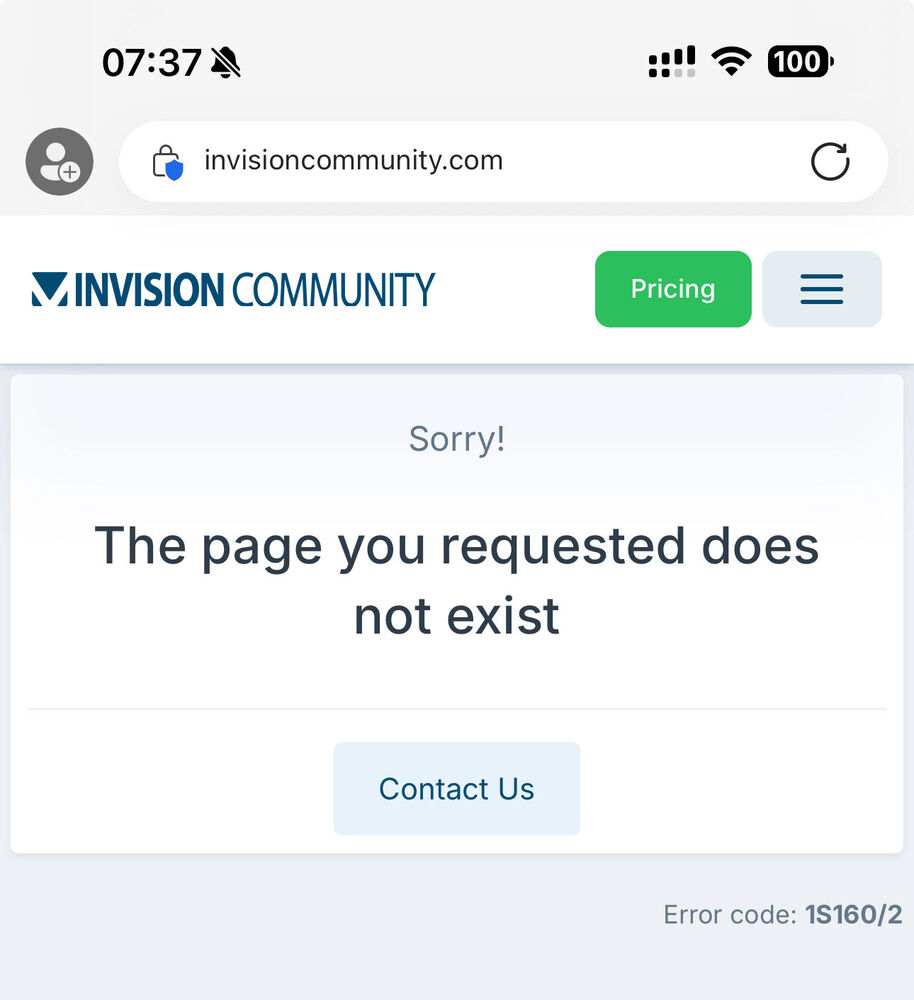
Adriano Faria replied to Sinistra Sensei's topic in Invision Community 5: Beta Testing's Beta DiscussionAssign a specific moderator to a report would be a good improvement.Just tested and got the error too:
 https://www.sosinvision.com.br/index.php?/file/214-display-files-from-subcategories/The question type is dropped on IPS5:No.@Esther E., no change from IPS4 to IP5: Isn't this going to be a feature? I'm asking because those who use different Downloads categories for IPS4 and IPS5 will need to develop an app to transfer purchases from IPS4 files to IPS5; it could be avoided by adding an option to add the initial purchase, like there was here before in the MY PAID FILES section of the Marketplace. Thank you.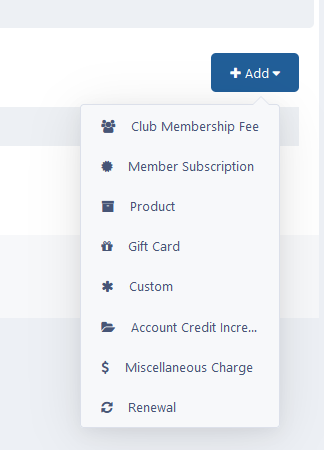
 I would add the ability to set my own order of tags (in the content item) if I don't want to order them alphabetically. I was also hoping for multiple prefixes, colors, etc.