Everything posted by Adriano Faria
-
Do i have to enable a setting on the ACP? That’s all that appears for me: I don’t see any relevant setting in the Forums app.

-
Which is bizarre. So if you have 5 different themes, you need 15 of that workaround. 🤦🏻♂️
-
This: But I didn't try it yet.
-
Bingo! Wil play with it a bit more. Thanks.

-
@Ehren or anyone else. I got this on IPS4: I used: <div class='ipsGrid'> <div class='ipsBox ipsGrid_span2 ipsType_center'>...</div> <div class='ipsBox ipsGrid_span2 ipsType_center'>...</div> <div class='ipsBox ipsGrid_span2 ipsType_center'>...</div> <div class='ipsBox ipsGrid_span2 ipsType_center'>...</div> <div class='ipsBox ipsGrid_span2 ipsType_center'>...</div> <div class='ipsBox ipsGrid_span2 ipsType_center'>...</div> </div> Trying to do the same on IPS5. I'm trying: <div class='ipsGrid ipsGrid--max-6 i-margin-top_2'> <div class='ipsBox i-text-align_center i-padding_2'>...</div> <div class='ipsBox i-text-align_center i-padding_2'>...</div> <div class='ipsBox i-text-align_center i-padding_2'>...</div> <div class='ipsBox i-text-align_center i-padding_2'>...</div> <div class='ipsBox i-text-align_center i-padding_2'>...</div> <div class='ipsBox i-text-align_center i-padding_2'>...</div> </div> but it isn't working as expected: Can you point out what I'm doing wrong? Thanks.


-
Adriano Faria replied to Adriano Faria's topic in Invision Community 5: Beta Testing's Beta DiscussionOk, I’m stuck on Beta 6, by my own will. Thanks.
-
Adriano Faria replied to Adriano Faria's topic in Invision Community 5: Beta Testing's Beta Discussion@EliasM have you upgraded to Beta 8 and tested it?
-
Adriano Faria replied to 403 - Forbiddeen's topic in Invision Community 5: Beta Testing's Beta DiscussionYou have a LOT of this: EDIT: SORRY, I didn't see Jim's reply.
-
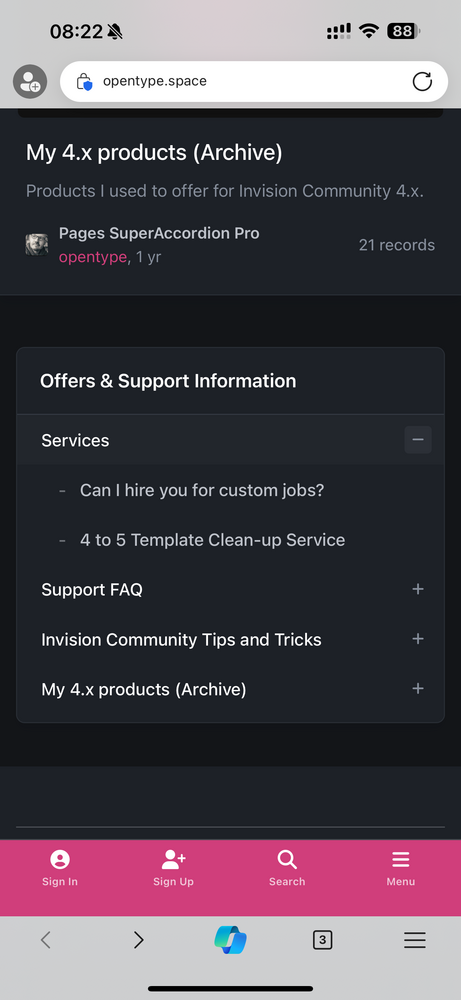
I can't confirm, but it seems all closed the first time then Services is open the second time. But I can't be sure.
-
Services is open by default:
-
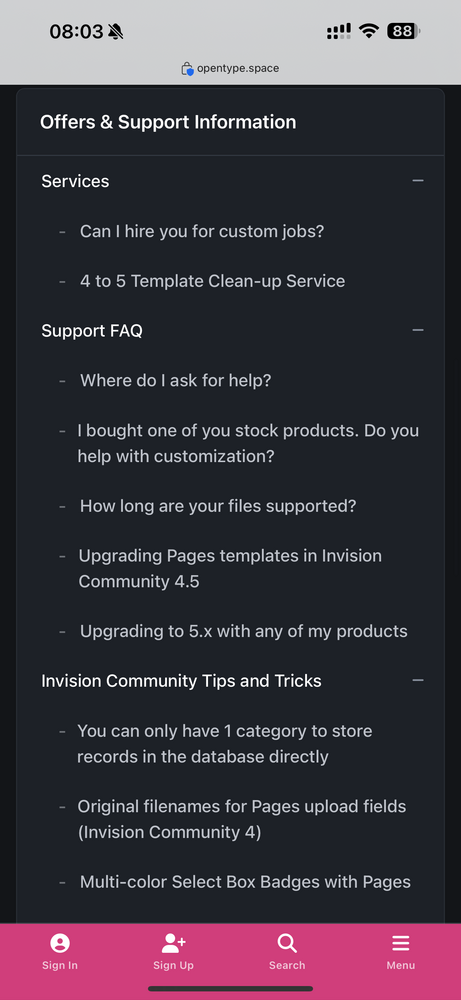
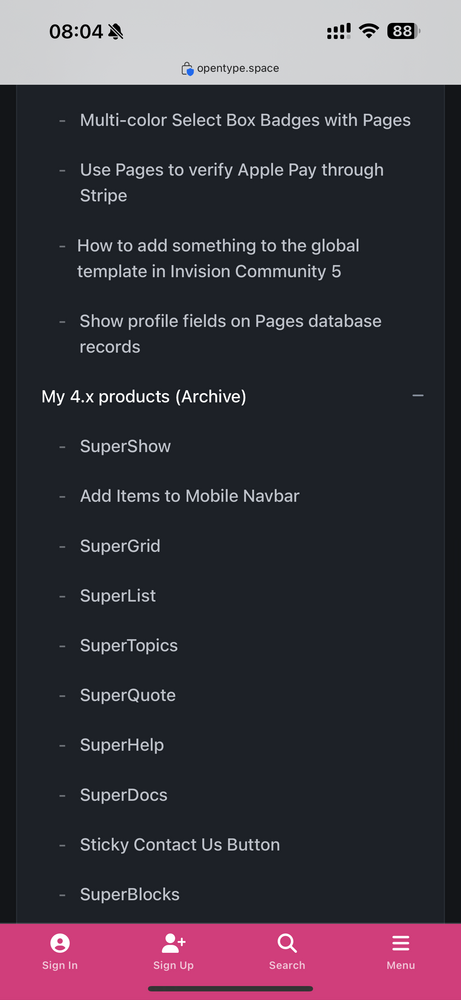
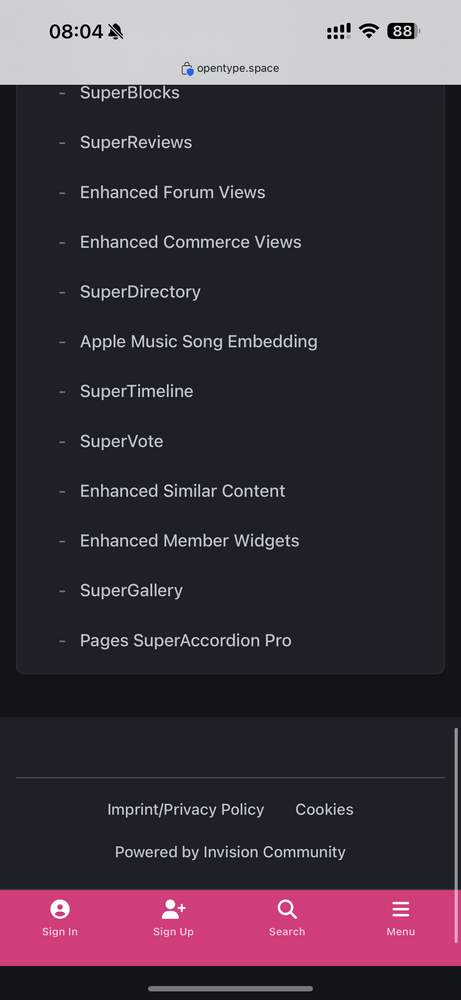
Just adding to the topic: it works well on Edge (mobile iPhone).
-
Adriano Faria replied to 403 - Forbiddeen's topic in Invision Community 5: Beta Testing's Beta DiscussionI meant the server error, notthe one you can see on the ACP.
-
Adriano Faria replied to 403 - Forbiddeen's topic in Invision Community 5: Beta Testing's Beta DiscussionWhat shows up in the error_log? You can see it via CPanel (File Manager) or FTP.
-
Adriano Faria replied to Adriano Faria's topic in Invision Community 5: Beta Testing's Beta DiscussionI'll skip this one... the site is running 100%, with no issues. I'll wait for Beta 8 to see if this is fixed.
-
Adriano Faria replied to Adriano Faria's topic in Invision Community 5: Beta Testing's Beta DiscussionI’m still on Beta 6 and will remain, it seems… but I can confirm the issue after editing the file.

-
I just replied to your report.
-
The sidebar can be fixed with this: Beta 7 must be out today so it is worth waiting.
-
Adriano Faria replied to Adriano Faria's topic in Invision Community 5: Beta Testing's Beta DiscussionAdriano Faria replied to Adriano Faria's topic in Invision Community 5: Beta Testing's Beta DiscussionDone. @Matt @Esther E.Adriano Faria replied to Adriano Faria's topic in Invision Community 5: Beta Testing's Beta DiscussionI’ll do it later. 👍Adriano Faria replied to Adriano Faria's topic in Invision Community 5: Beta Testing's Beta DiscussionThat’s the problem. No thumb on category view, downloads index, widgets, etc. The image doesn’t appear on file view carousel too.Adriano Faria replied to Adriano Faria's topic in Invision Community 5: Beta Testing's Beta DiscussionHere you go: https://www.sosinvision.com.br/index.php?/category/23-paid-applications/Adriano Faria replied to Adriano Faria's topic in Invision Community 5: Beta Testing's Beta DiscussionWhat do you need? ACP access or URL only? I can upload a new version now just to break it.Adriano Faria replied to Adriano Faria's topic in Invision Community 5: Beta Testing's Beta DiscussionMobile device now. Hope it helps. LOG_DATA: Not sure if this were triggered when I deleted all screenshots after saving with the problem. I’ll have to test it out later when I reach my PC. This one too is related to file screenshot: DOES_NOT_EXIST in LOG_MSG for this one.Adriano Faria replied to Adriano Faria's topic in Invision Community 5: Beta Testing's Beta DiscussionIt does. Disabled the category option, uploaded a new version, screenshot is gone.