Daniel F
Clients
-
Joined
-
-
-
Thanks, I have confirmed and fixed this for an upcoming release.
-
Thanks, I have logged a bug report for this.
-
Database items support tags, but you have to enable them on the database settings page in the ACP
-
There are several ways to accomplish this, but it really depends on the scope and what you want to do with the data. You could use the REST API to get all records and custom field values. You could use a custom RSS feed to get the records.
-
Is any error appearing? What exactly is not working? Are you able to place the widget and change the text, but then after closing the block manager and reloading the page, it disappears? Do you see any errors in the system log?
-
Hi, yes I'm sorry, this is automatically handled for cloud.
-
You can define how long the notifications stay in the database via the ACP => Members => Notifications => Prune Settings (it's the top right button)

-
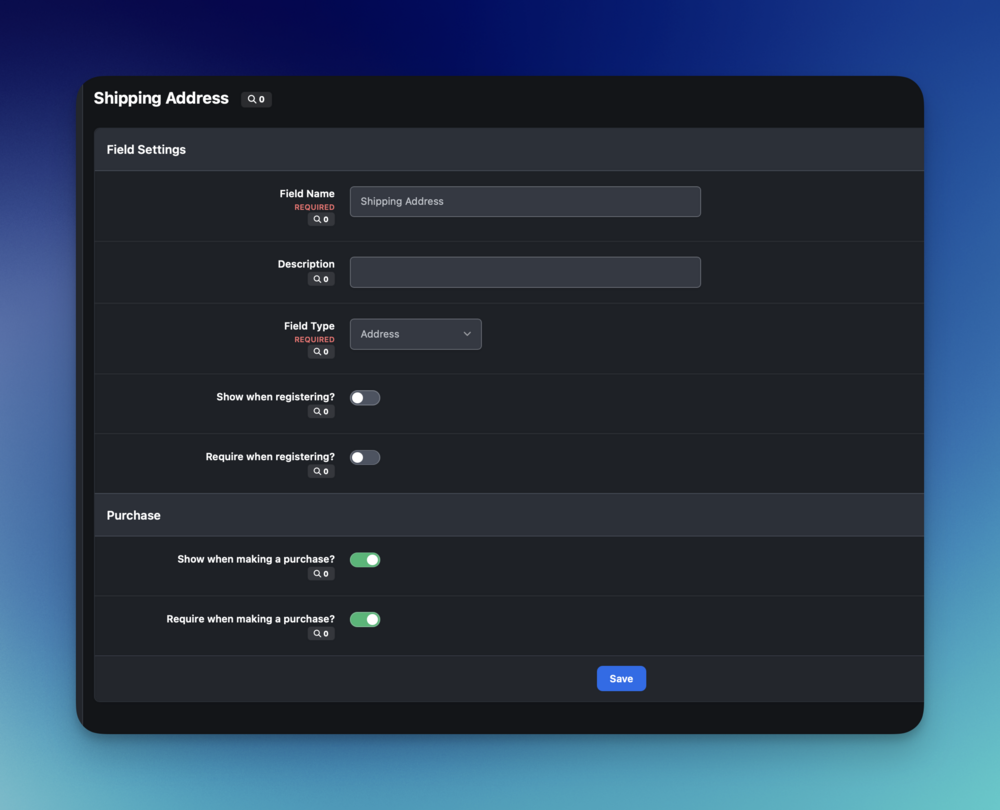
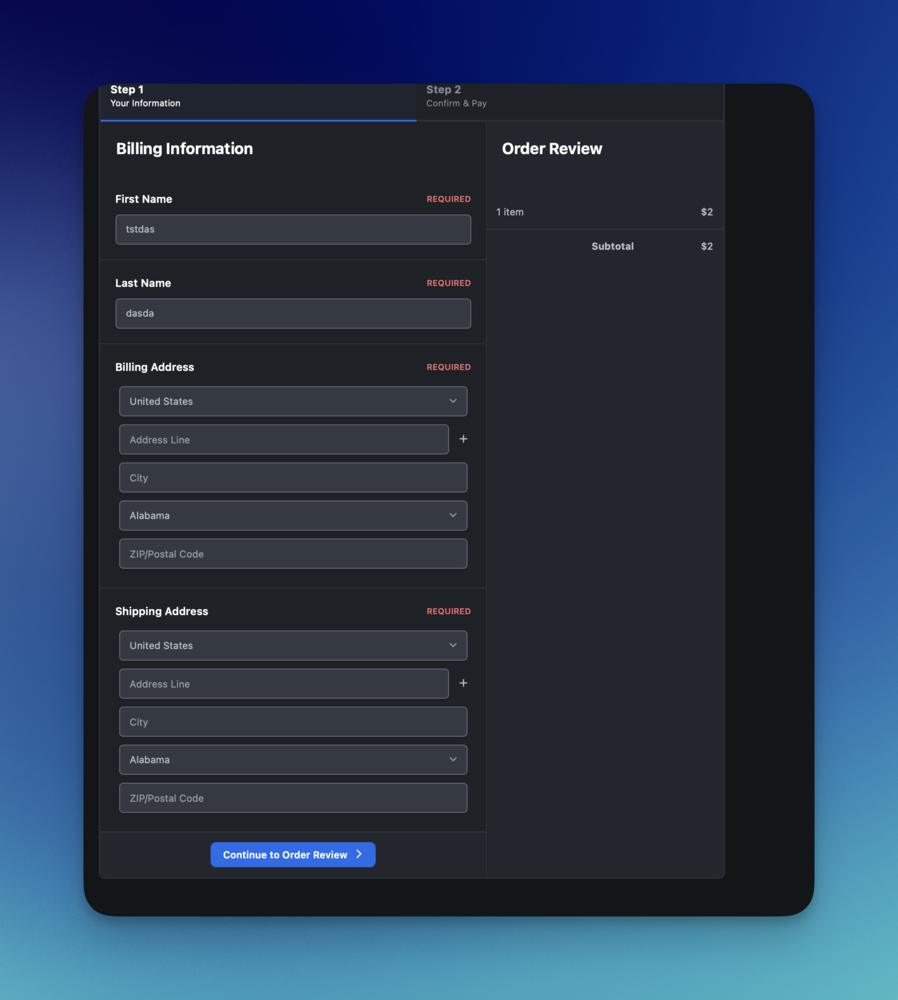
No, a CUSTOMER( not product) custom field, would appear on the checkout page. Result:
-
Couldn't you use a customer custom field for this and make it required while making a purchase.
-
Do you mean for your issue with the broken "move tags" task? Yes, it's included in 5.0.15
-
You could try the condition with an additional OR part which checks if \IPS\Request::i()->app is set , if it's probably not set at all for the Landing page!
-
-
You could use a global template hook like front/global/globalTEmplate , with target PrimaryColumn , after the opening tag with an condition for the app request parameter. {{if \IPS\Request::i()->app == 'forums'}} this will be shown on all forum sites {{endif}}
-
-
Thank you for bringing this issue to our attention! I can confirm this should be further reviewed and I have logged an internal bug report for our development team to investigate and address as necessary, in a future maintenance release.
-
-
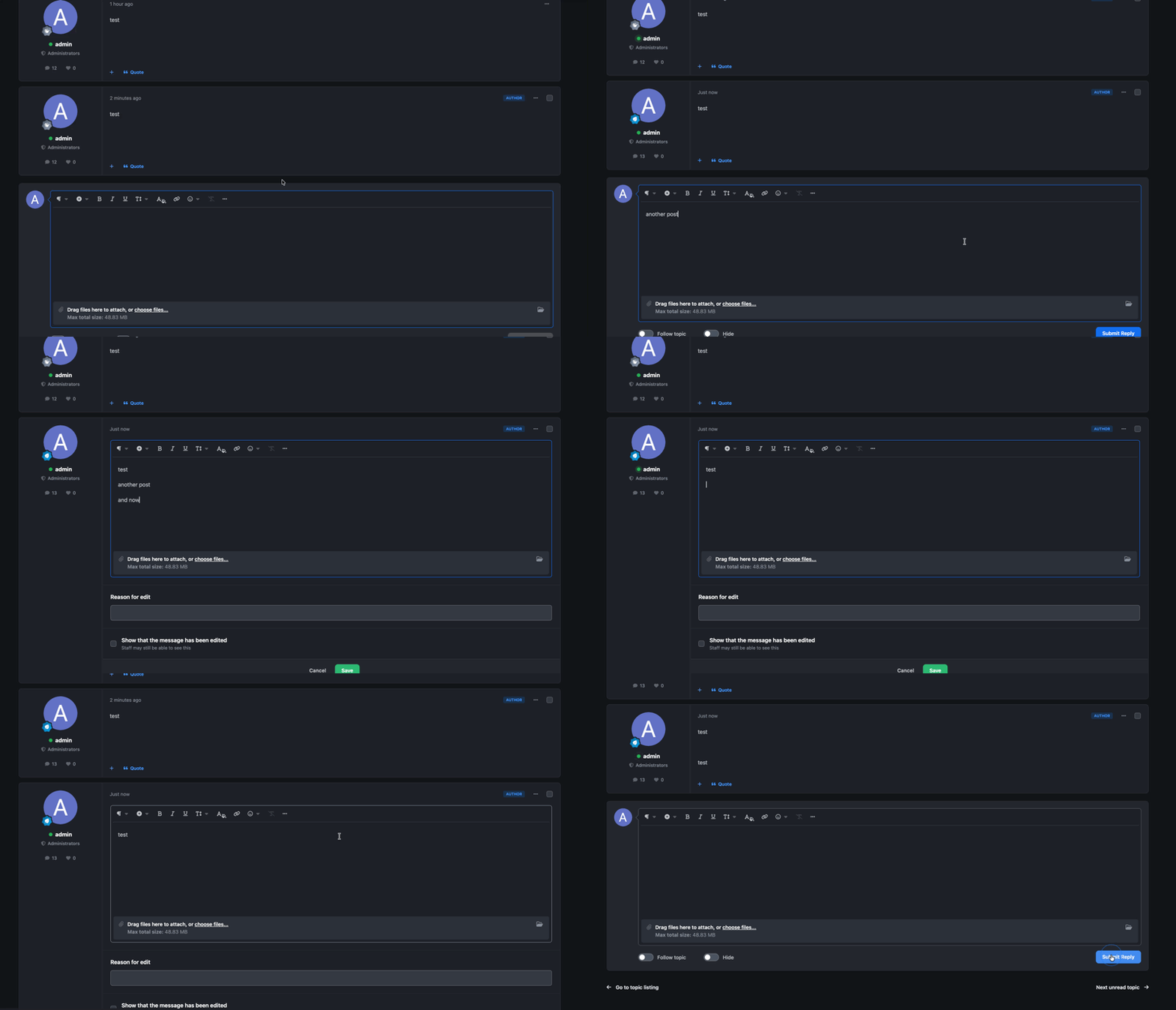
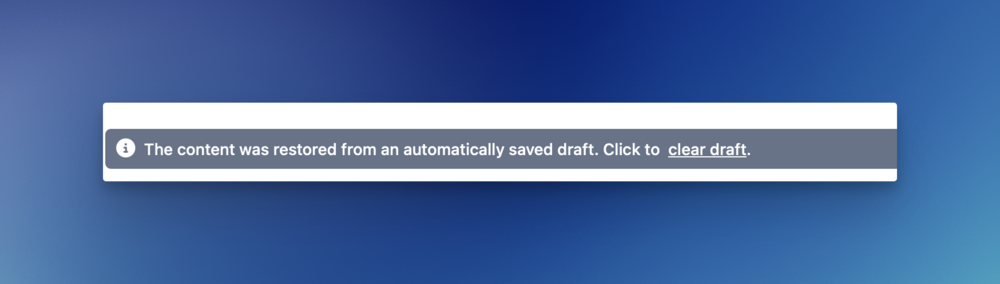
Could it be that you had the old editor content stored locally on your system?
-
I can't reproduce this. Am I missing here any steps :