




-
-
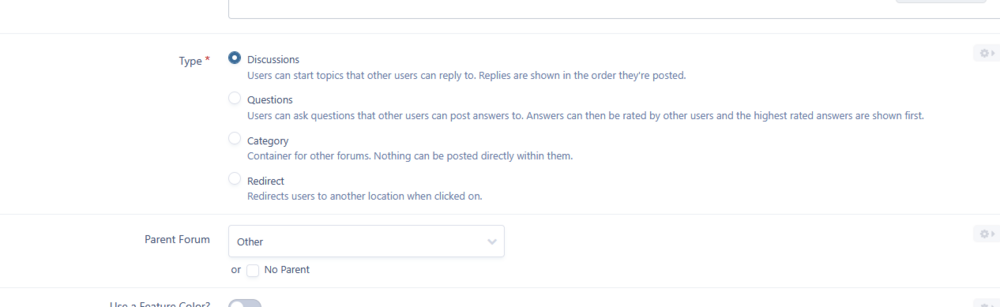
Did you set that forum as a Discussions type? Worth try. ;)
 Interested. Send me more details about this project. :)Hi, check this out maybe - BYPASS_ACP_IP_CHECK https://invisioncommunity.com/4guides/advanced-options/configuration-options/using-constantsphp-r25/Can't download this (and all other versions): (Account is mine).
 See:Works! Thanks! Can I ask a question? What if I or other developers use it more frequently to maintain different types of mods? Will it slow IC5 down too much?Woah, totally forgot it. I'll give it a chance, thanks!Did you managed it or got a reply?Hi, I do not need to touch the database itself. I need only change few words in the posts content. It's doable? UIComment does not support it I suppose?What? It was:
 Wohoo! This is something truly valuable for so many communities!Hello, it was discussed a lot my friend. Read this entry first: https://invisioncommunity.com/developers/devblog/blog/ic5-introduction-to-listeners-r8/ Best regards and good luck! IC5 isn’t as bad as it might seem at first. 😉Hm, https://invisioncommunity.com/forums/forum/533-invision-community-5-modification-questions/







