


One platform
Infinite Possibilities
Everything you need to build, grow, and evolve your community in one platform.
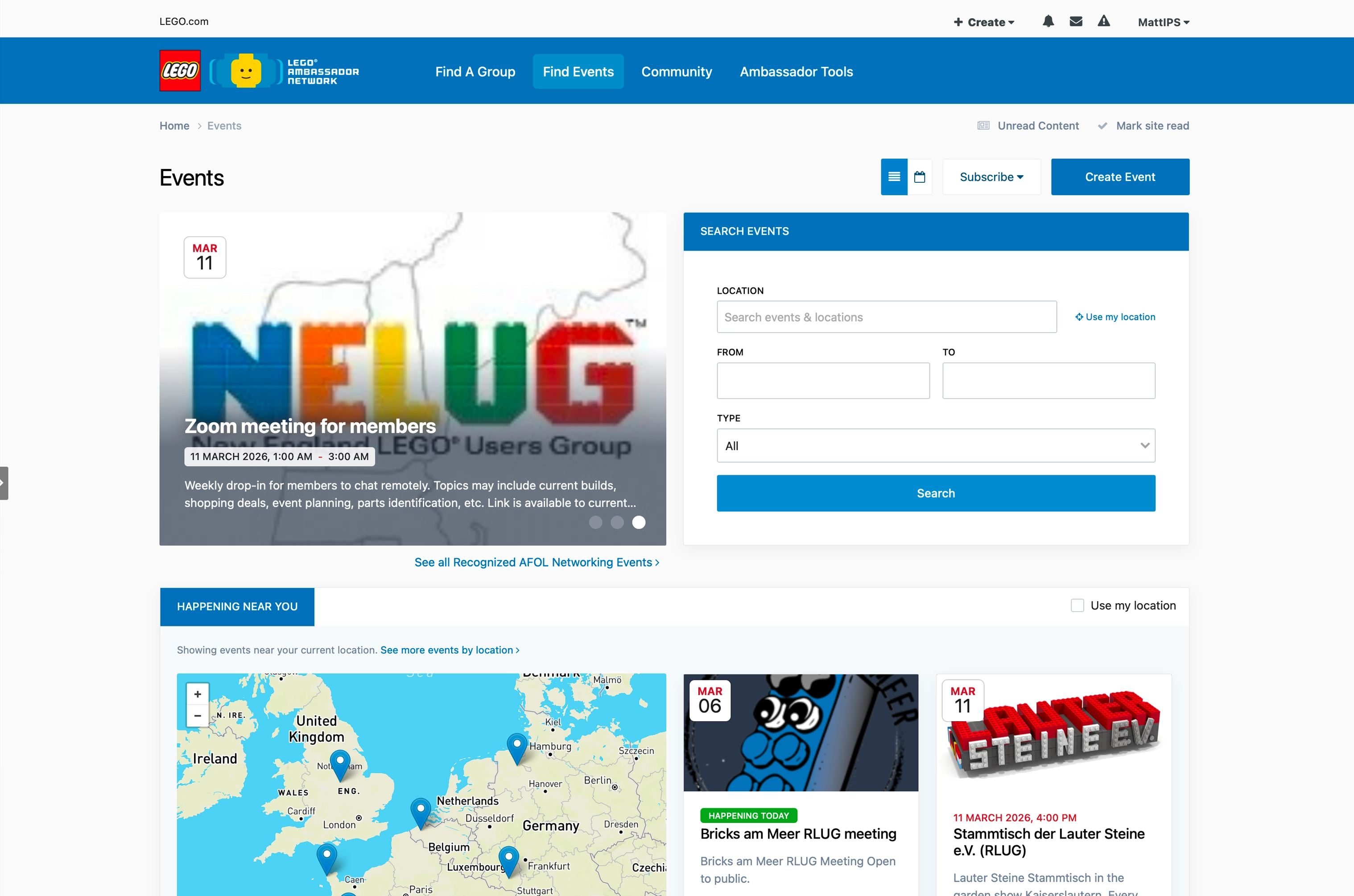
Move beyond conversation and into content publishing, event management, media galleries, real-time webinars, and more.
Flexibility by design
Features for every type of community, with powerful tools that grow alongside your organization.
-
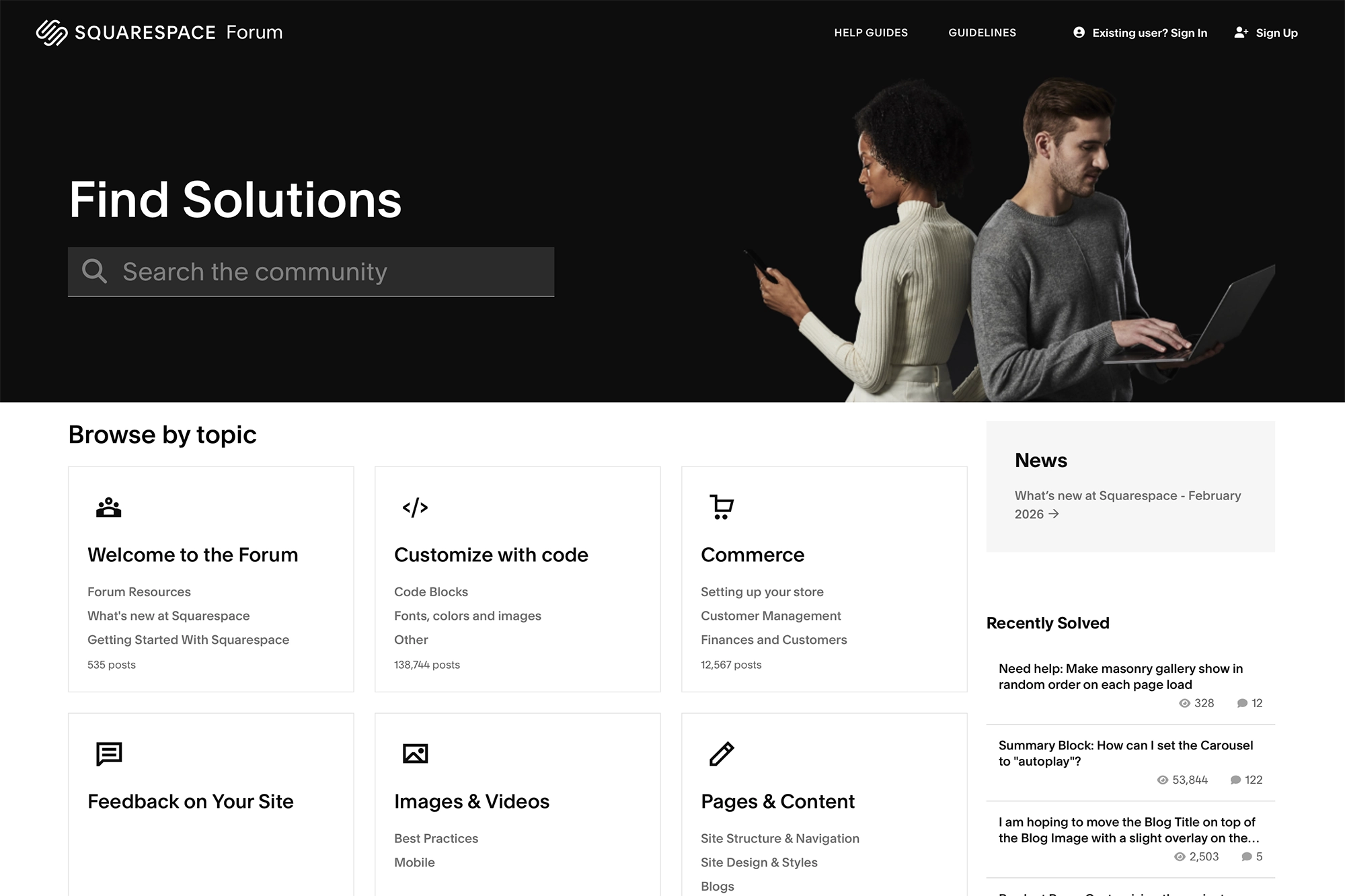
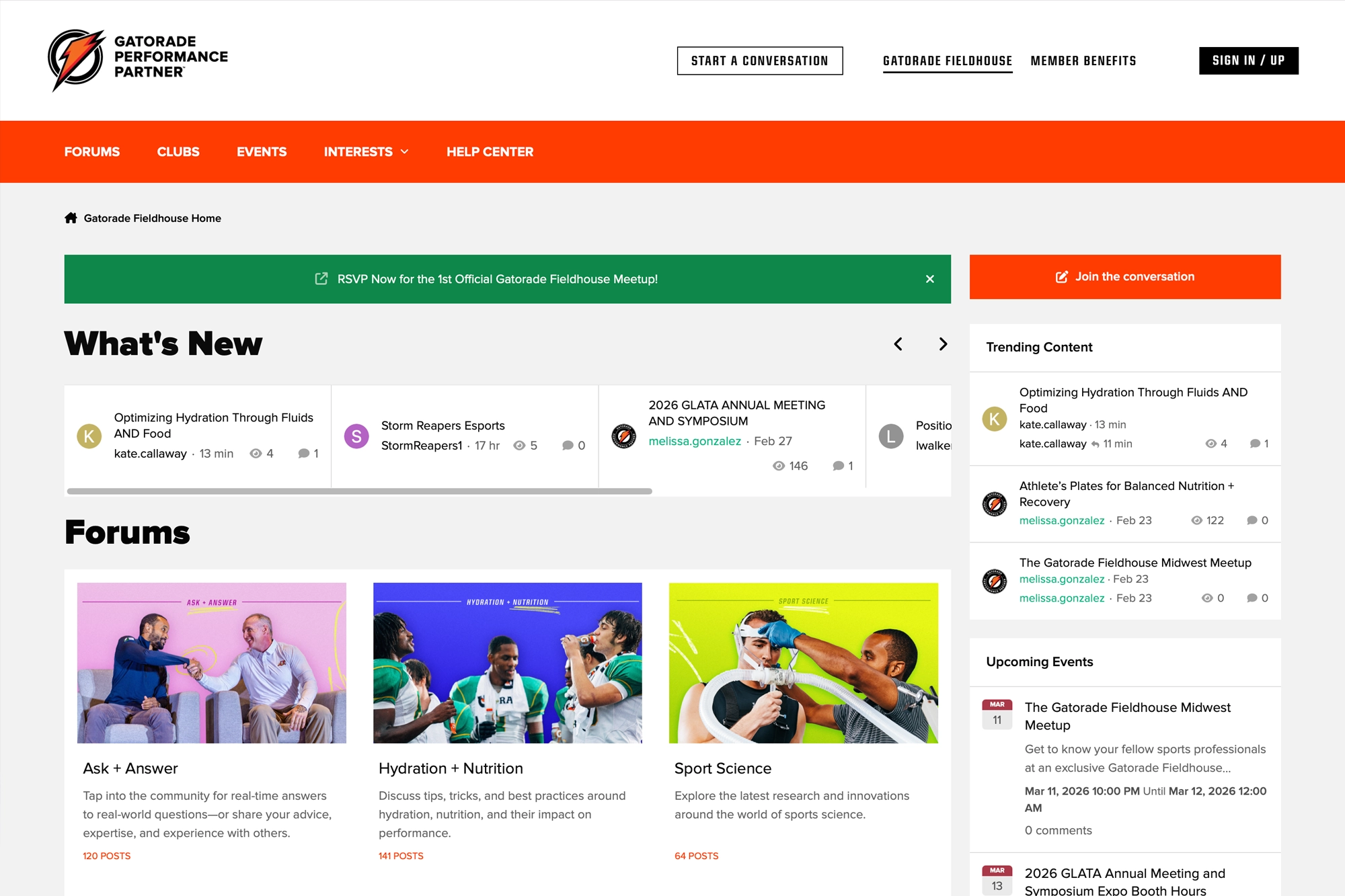
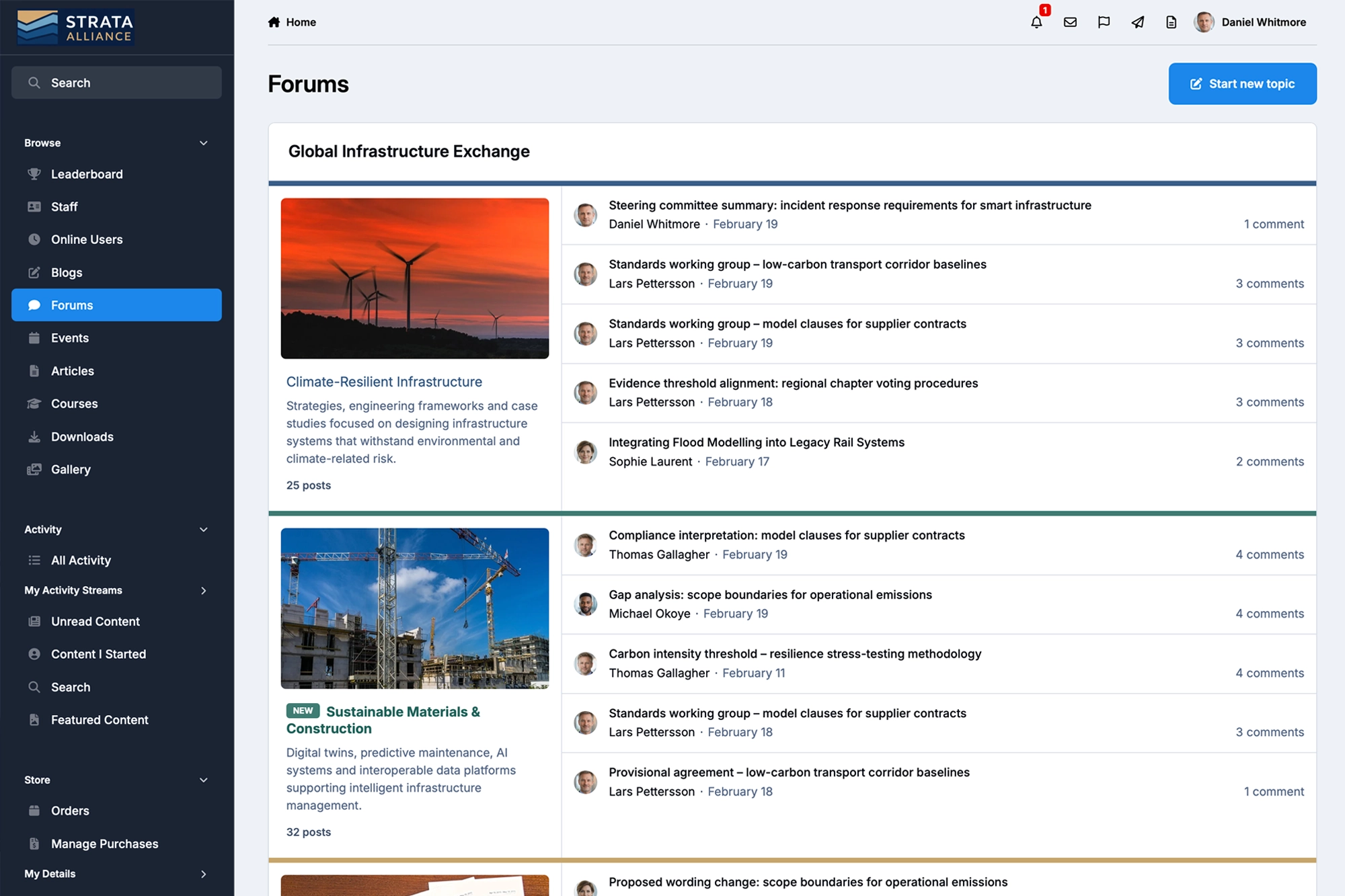
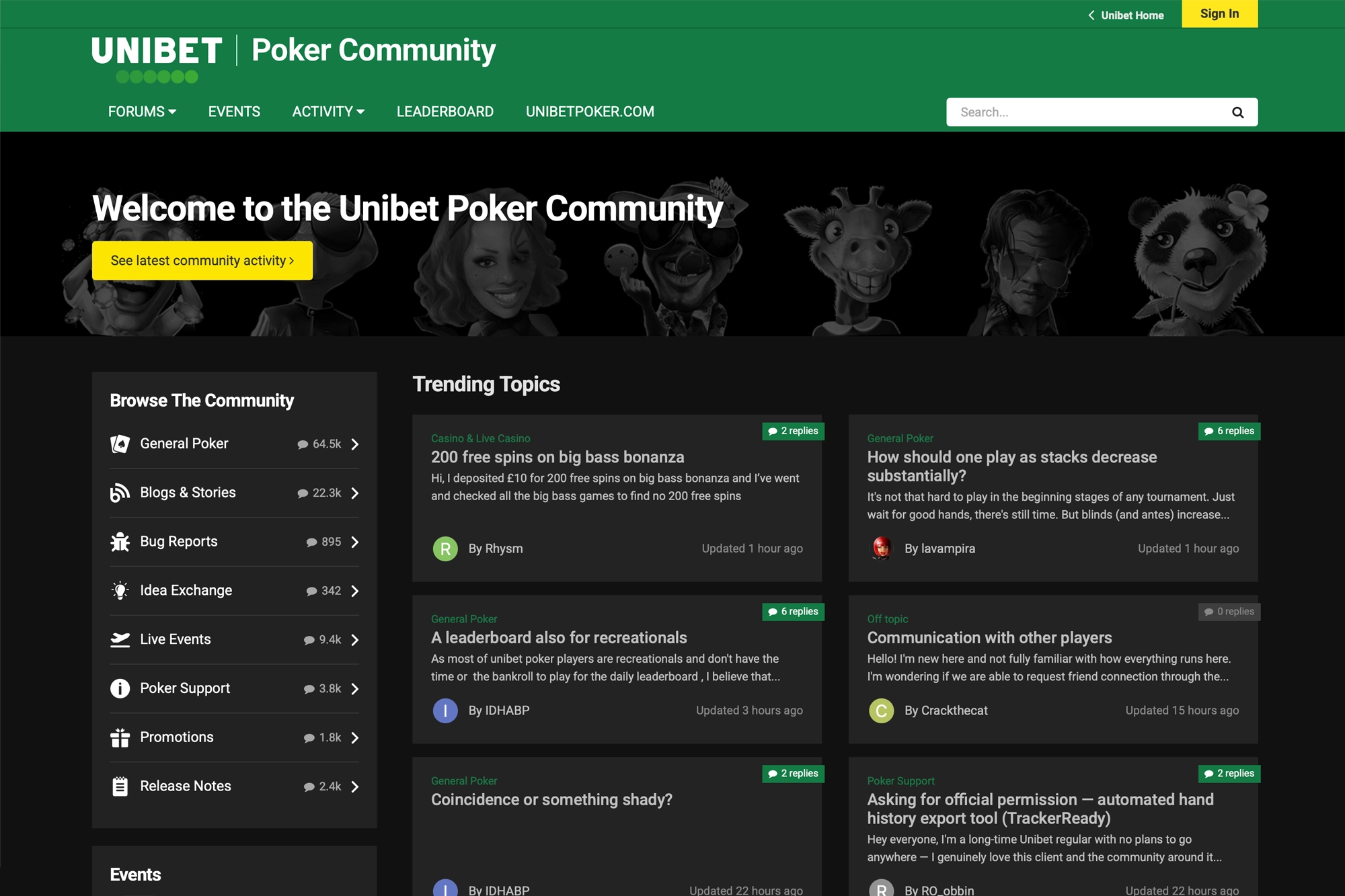
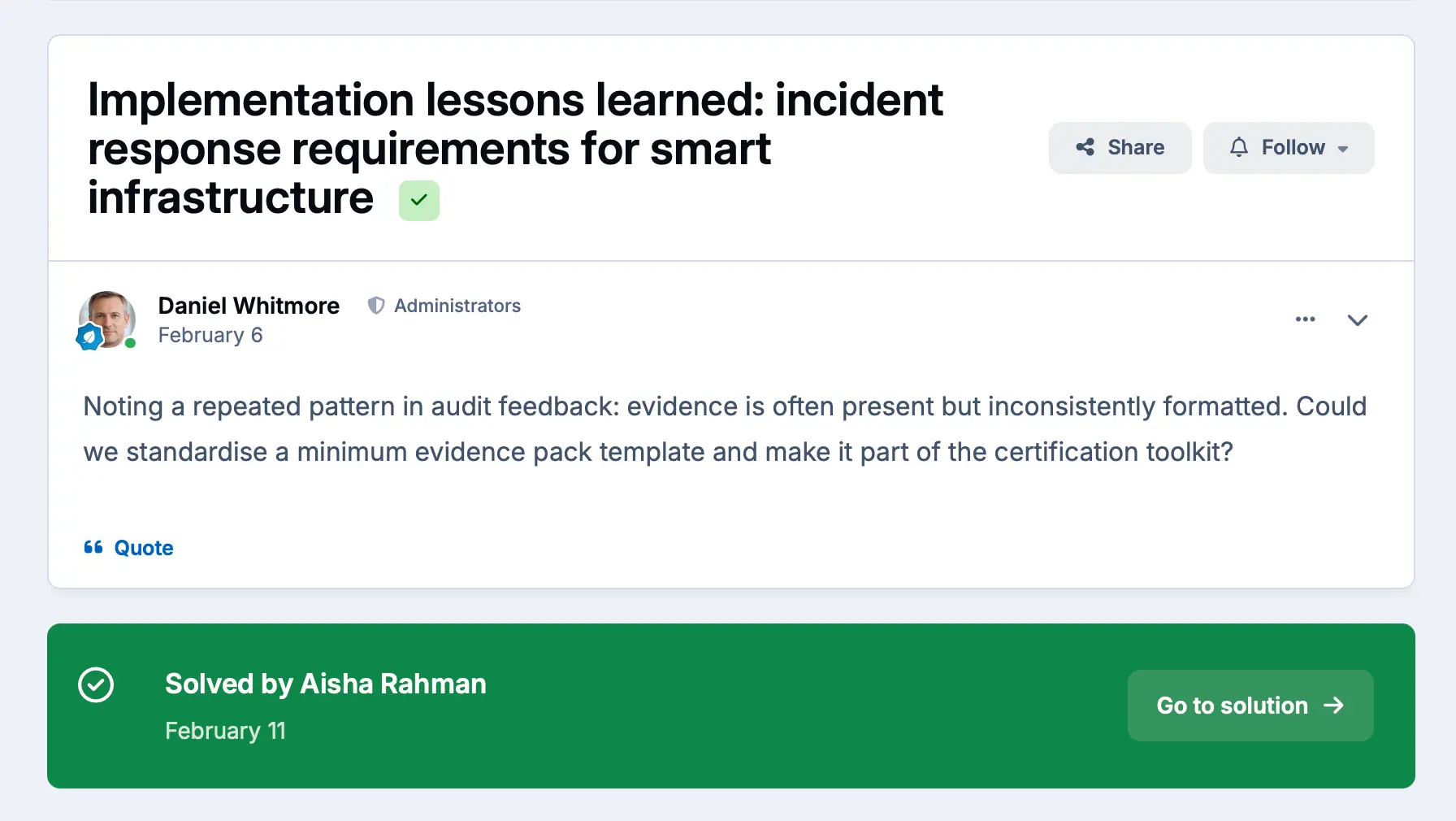
Discussion and Q&A
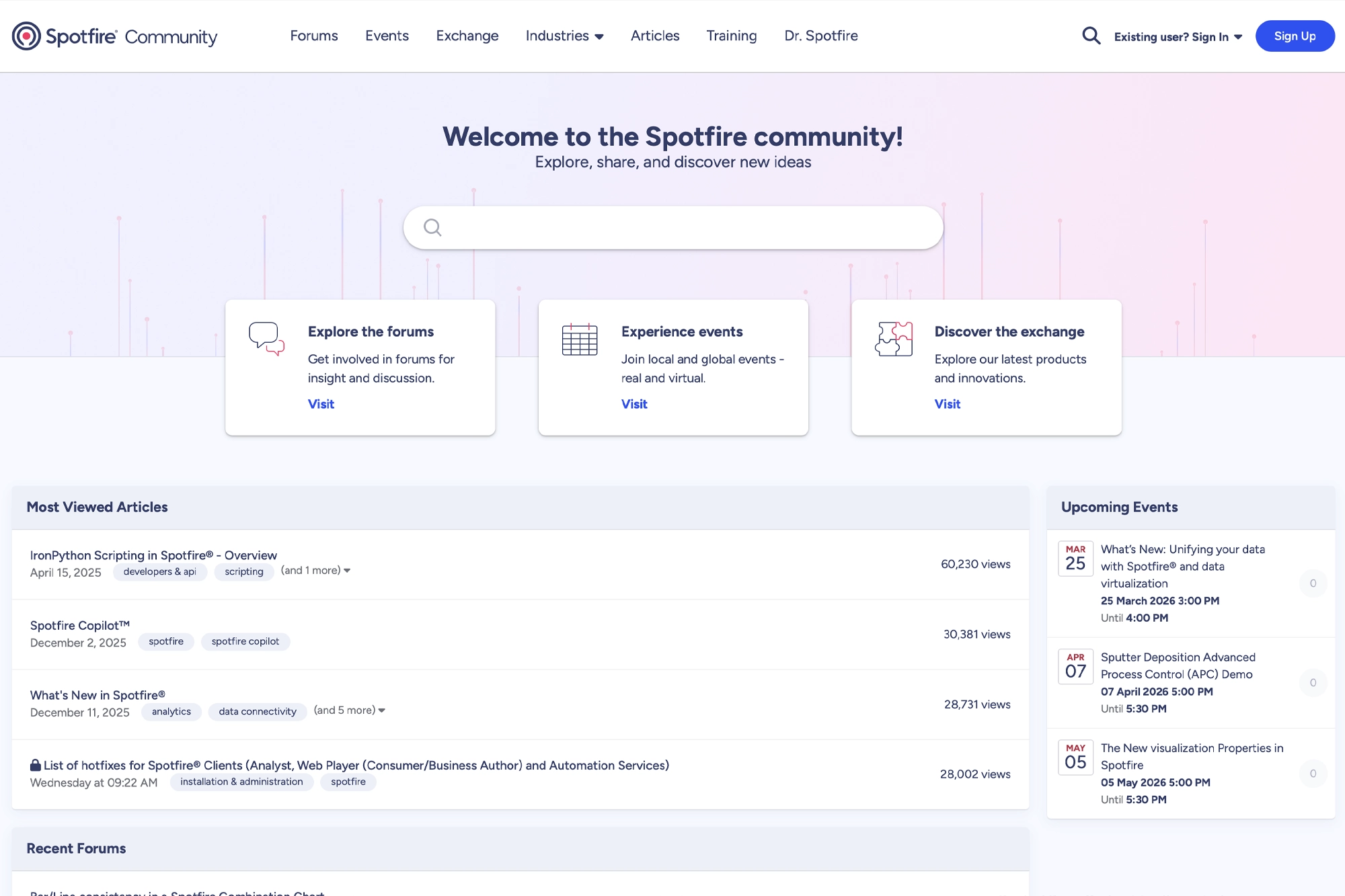
Scale structured discussions and encourage self-service with best answers and "helpful" voting.
-
Articles and knowledge
Build guides and documentation that surface in search and related content.
-
Events
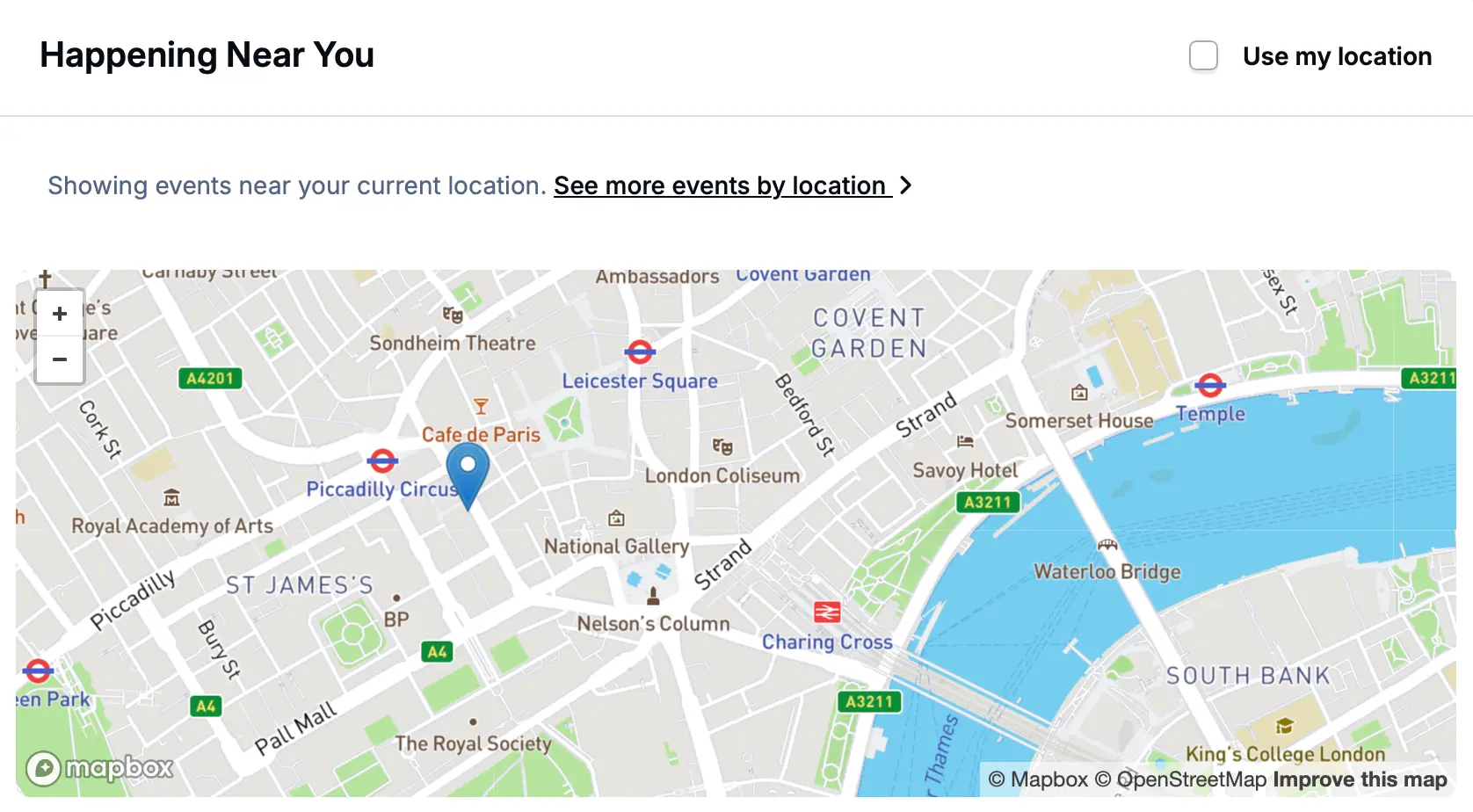
Webinars and meet-ups with RSVPs and post-event discussions.
-
Files and releases
Build a library of versioned downloads, change-logs, and member feedback.
-
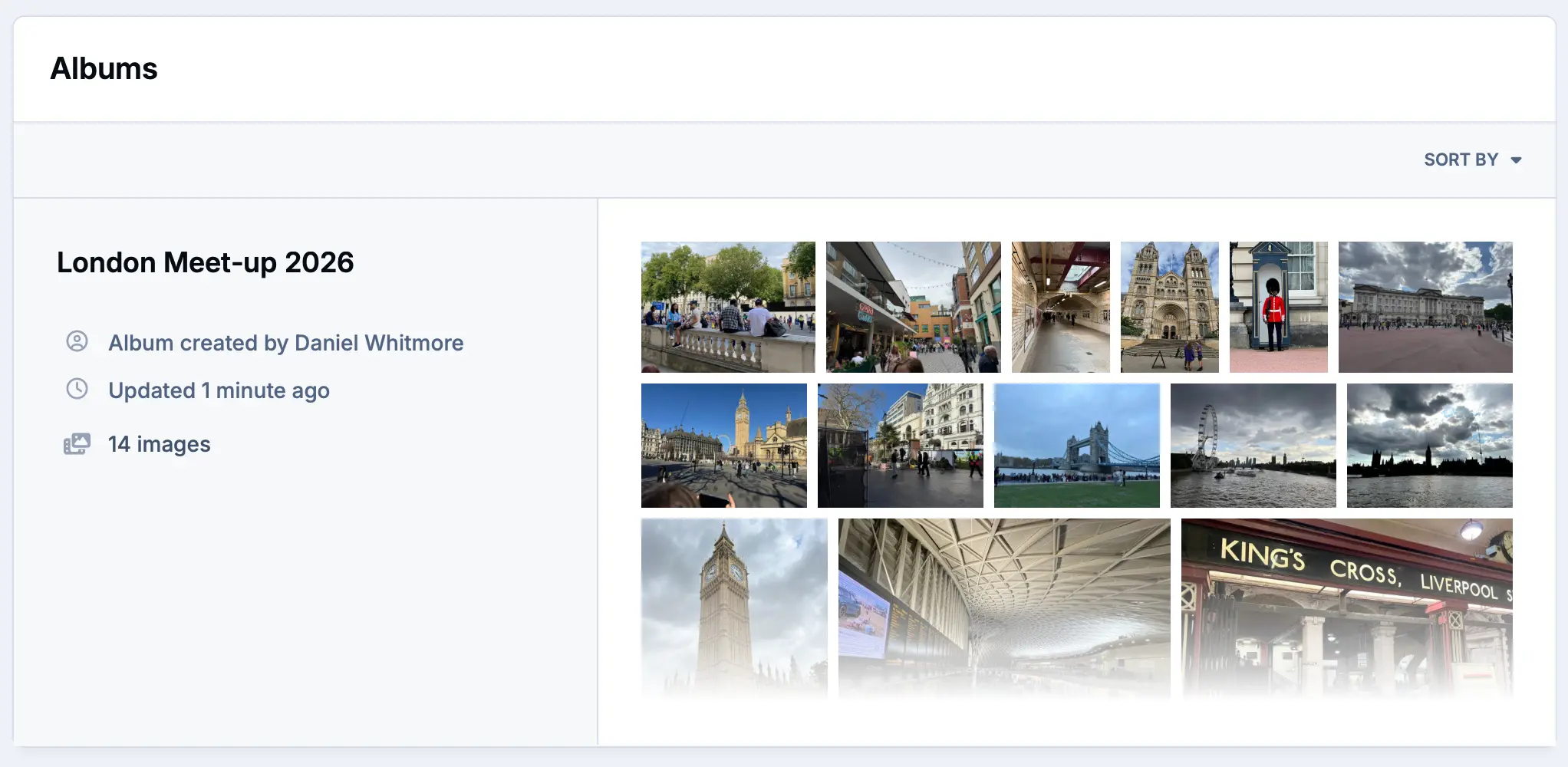
Media galleries
Curate member albums of videos and photos with AI image detection for age-related controls.
-
Publishing
Create articles, blogs, documentation, bug trackers, ideation capture and more.
Build any page without touching code
The drag-and-drop page builder lets you design custom landing pages, resource hubs, event pages, and homepages for your community. Using a library of pre-built blocks or creating your own. No developer required.
-
Pre-built content blocks including content feeds from forums, blogs, leaderboards, events
-
Multi-column layouts with responsive breakpoint controls
-
Custom HTML blocks for third-party integrations
-
Multiple formats for many feeds including grids, rows and featured blocks
-
Editor block to add content to any page, no code needed
Brand matching made easy
The live theme editor gives you real-time visual control over every aspect of your community's appearance. Adjust colors, typography, spacing, and component styles without touching a line of code. Changes preview instantly.
-
Live preview. See changes in real-time as you make them
-
Color palette system with automatic swatches
-
Preview mobile, tablet and desktop modes
-
Dark and light mode variants built into every theme
-
Full CSS editor for designers who want complete control
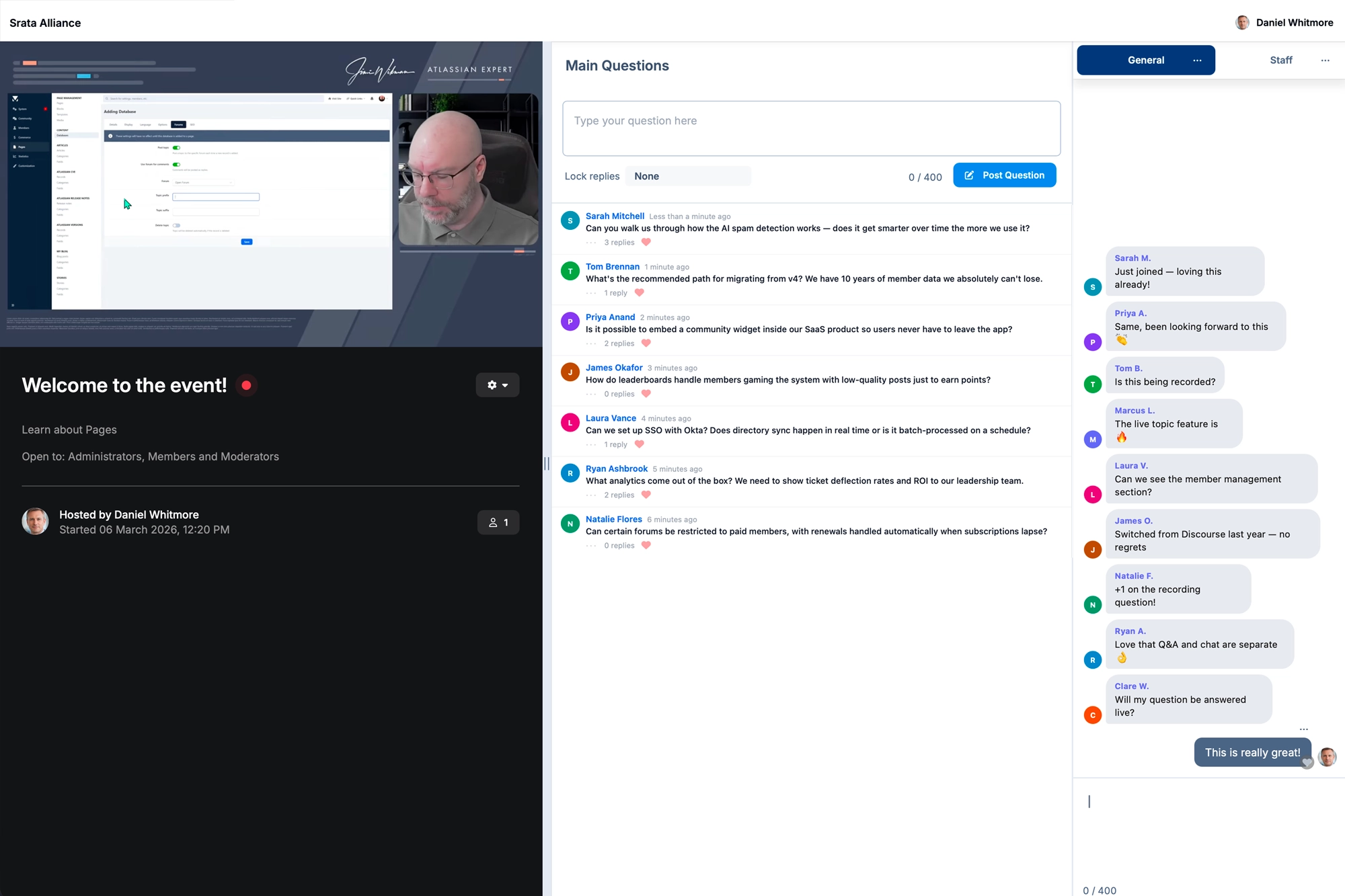
Live video and chat webinars that stay in your community forever
Get the best of both worlds by bringing your community together for a live event, and have the Q&A segment converted into a topic for those who could not attend.
-
Embed pre-recorded or live video streams
-
Structured Q&A format with live chat in the sidebar
-
Sync timestamps to questions for easier recapping post-event
-
Notify active members when a live event is in progress
-
Keep forever. The live event content is converted into a topic
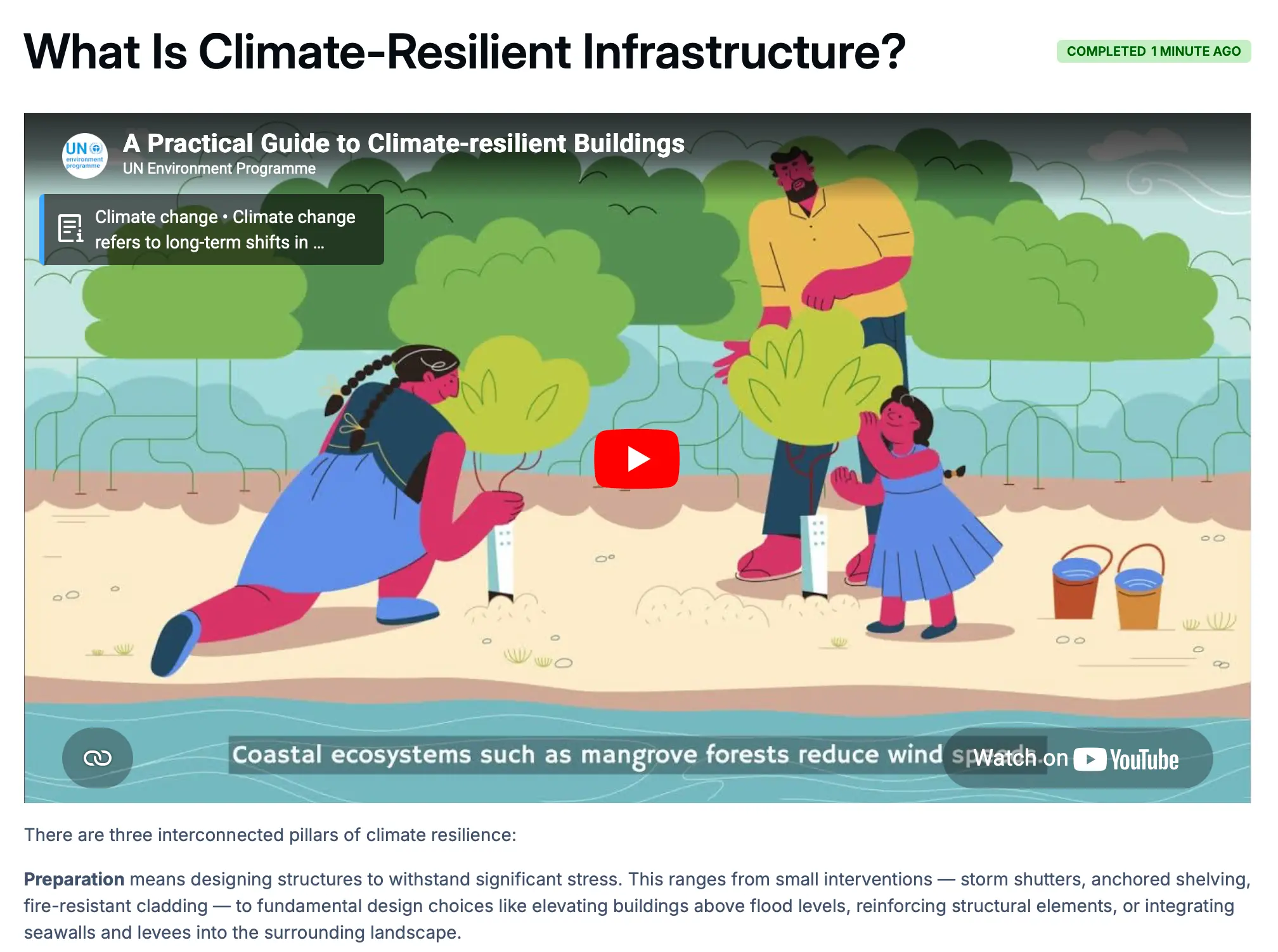
Learning that lives where your community does
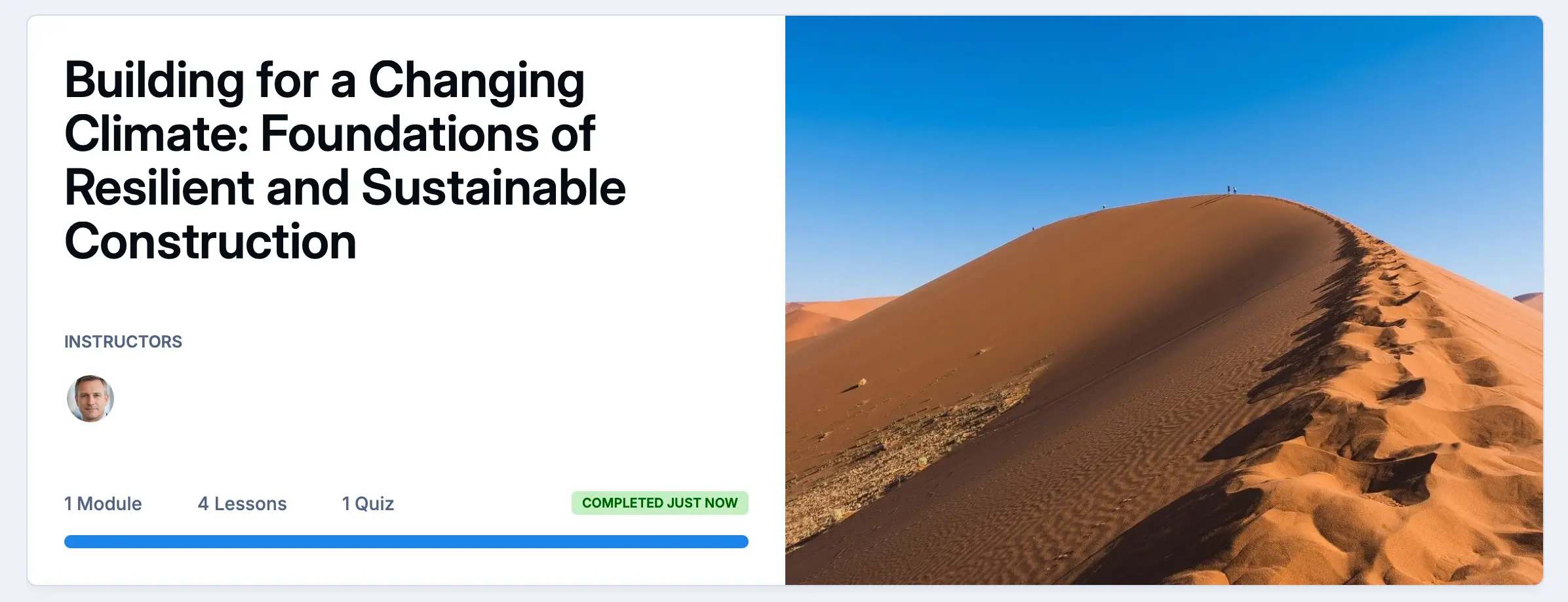
Bring structured courses to the platform your members already use every day. Help members gain knowledge, or get certified.
-
Organize content into courses, sections and individual lessons with a clear progression path
-
Members earn certificates and badges automatically when they finish a course
-
Gate courses by member group or subscription tier.
-
Members see exactly where they left off and how far they have to go
-
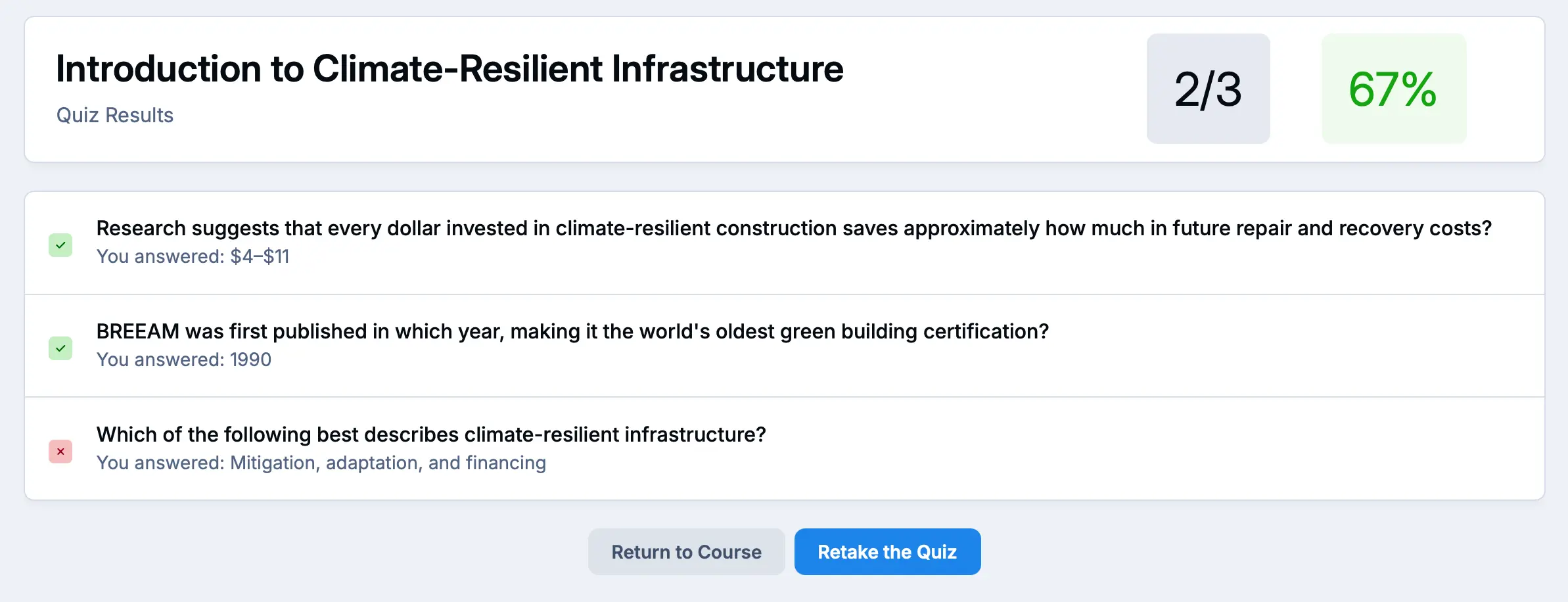
End of module quiz to ensure knowledge has been retained
The right access for every member
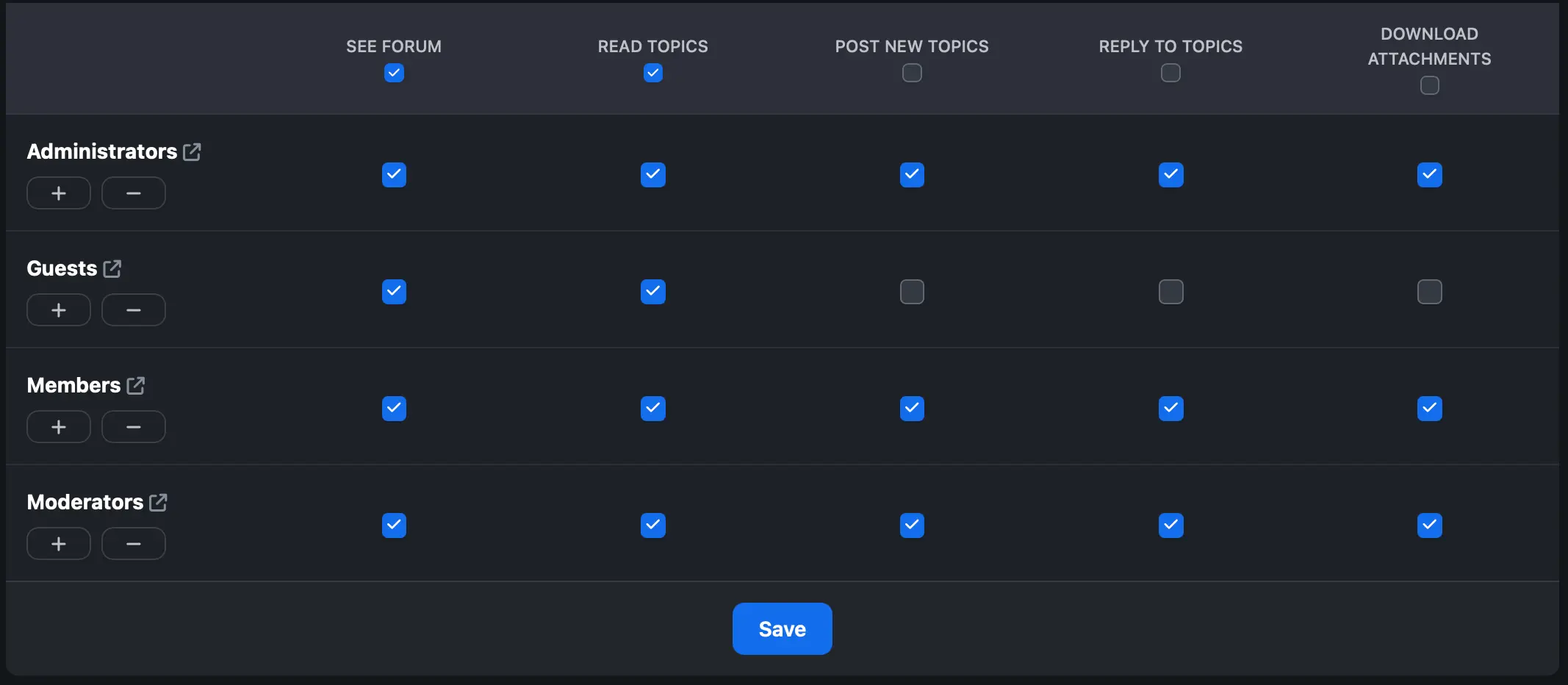
Granular group-based permissions let you control exactly who can see, post, and manage content across every section of your community. Run paid tiers, VIP programmes, and internal-only spaces all in one platform.
-
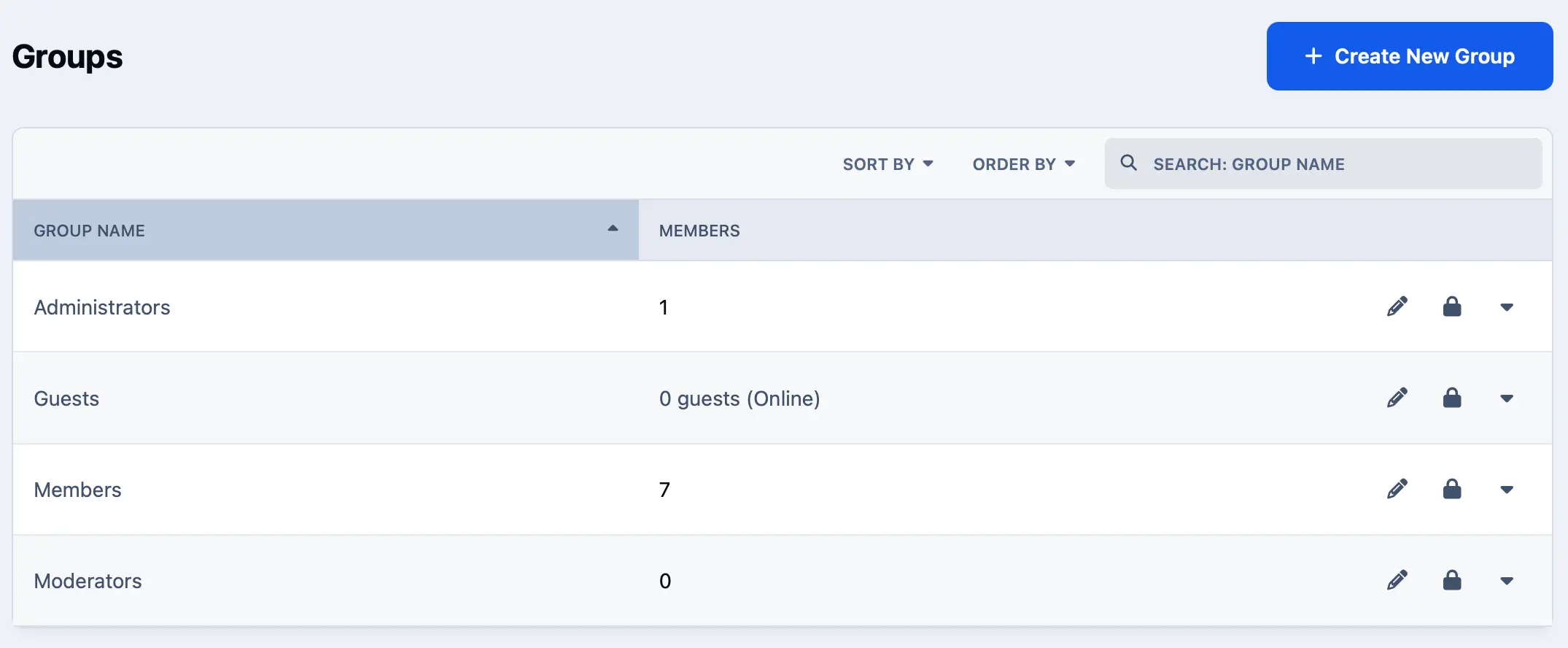
Unlimited member groups with custom permissions per forum, club or page
-
Paid membership tiers with automatic group assignment on purchase
-
SSO integration. Sync groups from Okta, OAuth, SAML, or your own system
-
Promotion rules automatically elevate members based on activity
-
Moderator delegation assign forum-level mods without full admin access

Connect to everything your business already uses
Invision Community doesn't live in a silo. A full REST API, real-time webhooks, a Zapier connection to 8,000+ apps, and a suite of built-in integrations mean your community fits cleanly into your existing stack
Much more to discover
Built on decades of experience, Invision Community gives you the tools to create, manage and grow a successful online community at any scale.
-
Content creation made easy
The Invision Community posting editor makes composing articles and comments effortless. A flexible permissions system gives your members a streamlined toolset for everyday posts, while unlocking advanced formatting options for articles and blogs.

-
Topic summaries
Scrolling through very long topics can be very time-consuming. The topic summary feature allows you to remove low-value posts within the topic to focus on the best of the topic.
(Note, this feature is available for Creator Pro and above)
-
Community Experts
Invision Community finds community experts through various metrics such as the number of solutions they have, the volume of 'helpful' votes on their replies, the speed of answers and more. These experts are identified in the community with special badges, allowing other members to follow them. Showcasing community experts is a great way to reward contributions and let newer members know where to get help.
(Note: this feature is available for Team and above)
-
Tagging Reinvented
Invision Community takes a unified approach to tagging and content discovery. Tags bring related content together across different sections of your community, each with its own dedicated, followable tag page.

-
Assign Topics to Moderators
The ability to assign a topic to a single moderator or a team of moderators ensures that each topic gets the best outcome regardless of where it was posted. It also helps keep your community team accountable by monitoring their workload and getting statistics on the time it takes for your team to reply. These statistics also help the community lead assess quality control.
(Note: this feature is available for Business and above)
The platform is ready.
Is your community?
Start your free trial today - no credit card, no setup fees. Or talk to our team about enterprise deployment, migration support, and custom plans.