


michimachi
Clients
-
Joined
-
Last visited
-
I had done that prior to sending you this message. When I select the comment, I cannot unhide. The option is ghosted. I can hide it. See attachment. The comment is still pending for approval.

-
Hello, I'm unable to approve a pending topic. This is the issue: Yesterday, a user posted a message on a topic that required moderation I realized that he had posted the message in the wrong topic before I approved it So I moved the comment he made to the right topic What is happening now? I still can see the topic needs to be approved But there is no option to approve it when I see the comment in the topic The approval is still pending but I can see as an admin that the topic cannot be approved when I am in the right topic. This is the topic: topic/115095-masco-corp-mas/#comment-249086 Thanks
-
I don't understand your answer and the exact steps I need to complete, sorry. I don't use user groups on courses because I can't assign a user group to a course, the user needs to be enrolled. My system is configured so that any user group can 1) see 2) view course content and 3) enrol. So I need to enrol the user to the course once the payment is done. All groups, even the default member group can enrol, but upon payment. I don't know the exact steps I need to follow to enrol a user to a paid course on Zapier given that all user groups can enrol. You're telling me to change the user group upon purchase, but I can't see the logic behind that since I need to enrol them to a course. All user groups can enrol, changing the user group won't have any effect without enrolling the user to the course. I am completely lost here to be honest. I can't see the logic. The logic to me would be: User fills out the form I get username and password Zapier checks if username exists If not, username is created No user group is added upon creating a username since buying a course does not change the user group, any user group can enroll a course, even the default member user group Payment is completed Enrol.user to course That's how I see it. But I can't make it work. You proposed to change the user group upon the purchase of a course. Why that? Changing the user group will change nothing since there's no enrollment. I'm lost to be honest.
-
-
I don't think you can hide the tags unless you do some custom template modification.
-
Hello, I've got a question about Zapier that is driving me crazy since I can't finish the integration I want work WooCommerce. --- I want to create a new user and enrol it to a paid course externally using Zapier and WooCommerce. The question is this... Is a course connected to a paid product valid for the enroll to a course webhook in Zapier? Does the enrolment bypass the fact that it's a paid course and it simply enrols the user to the course? All my courses are paid and they are connected to a product because courses do not support user groups. So the courses are not free and they are purchased through a product. Invision hasn't added any webhook to products, a key module in the system and I don't know why. So my question is, how do I enrol a member to a paid course linked to a product using Zapier? Thanks
-
Thanks a lot for your response. By the way, there was no announcement at the top of the community on my side. I've not seen any of those in a long time. That's why I asked again. Otherwise, I wouldn't have said what I said.
-
-
Hello, Is the support reading the issues reported in the forum?
-
I wanted to add a discount to that course in the invoice. That was the reason I wanted to create the invoice in the first place. So, I said, let's create a coupon for that course in particular. I did, and the couple doesn't work. I always get the error: You cannot use that coupon for this purchase. I wanted to try the coupon first, so I added it to the cart using the admin. All went well, but the coupon PA2026 cannot be applied. Why? The coupon takes s a specific amount off the subtotal and it was assigned to that specific course alone. Now, I have two problems instead of one. I cannot create a custom invoice and I cannot apply a valid coupon for that specific course Why? The only way I could make the coupon worked is by applying the coupon to the entire purchase. The coupon does NOT work when applied to a specific course. Summing up: I cannot create a custom invoice and I cannot apply a valid coupon for a specific course, it can only be applied to the Entire purchase Thanks


-
I had already disabled the extensions before I contacted you. Not using any VPN. Deleting the cookies for the domain fixed the problem, at least it never happened again.
-
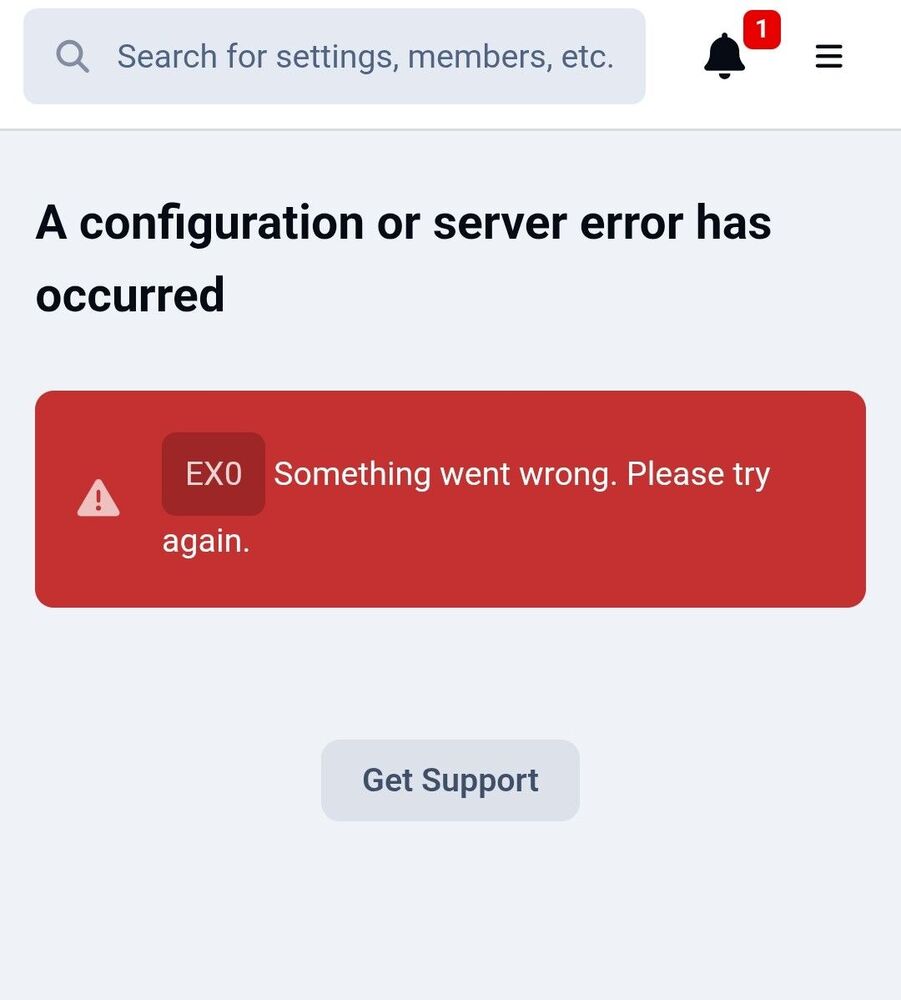
Hello, I'm trying to add a course in an invoice and it doesn't work. I always get the error. I've done this in the past many times but it just doesn't work now. See the attachment. I've tried several times without success. Your error happens when I try to add a new invoice for username naveen1308 by adding the only course available to him. Could you please tell me what's wrong? Thanks
-
It's not working after I removed all cookies and everything from the subdmain where the community is running. It stopped working after that.
-
Hello, In the last hour, I've gotton like 50 error message like this. It happens all the time in the cloud. Why is this happening? This is the first time I see this. It's happening all the time. My site has been offline for a couple of minutes now and I have no idea what is going on. I am using Google Chrome on MacOs. Bad RequestYour browser sent a request that this server could not understand. Size of a request header field exceeds server limit.
-
 michimachi reacted to a post in a topic:
Spring Update: Changes coming to Invision Community this month
michimachi reacted to a post in a topic:
Spring Update: Changes coming to Invision Community this month
-
michimachi reacted to a post in a topic:
Spring Update: Changes coming to Invision Community this month
-
michimachi reacted to a post in a topic:
Spring Update: Changes coming to Invision Community this month
-
michimachi reacted to a post in a topic:
Spring Update: Changes coming to Invision Community this month
-
Hello, I have a question on how to enroll a user to a course using Zapier. There are two options: Member ID Course. I can see a list of the courses available, so this one is easy But I'm lost with Member ID. What should I write on Member ID? I am using a WordPress form, the user will type username and password, but I have no idea what the member ID will be. So what should I set in the Member ID? Is this the flow? FlowWordPress Form → Zapier → Create Member in Invision → Get Member ID → Enroll to Course Because when Zapier creates the member, the response usually includes the numeric ID automatically? Then I should map: Member ID → output from previous step Course → selected course This is how it should be done? Thanks

-
-
-
Yes, I believe the commerce module needs lot of changes. The commerce tools have not been updated for a long time and it's a very important part for communities that sell products and subscriptions.
-
I agree. It's very difficult, almost impossible to find anything, unfortunately.





