David N.
Clients
-
Joined
-
Last visited
Everything posted by David N.
-
Great, thank you!
-
Could you test this on Tahoe 26.5 to see if the issue can be reproduced and addressed? I suspect many forum members are not yet on the latest macOS release, so this may affect a significant number of users.
-
On top of my members alerting me to this because they're experiencing it on their end, I've myself tested this on 3 Macs now, two with Sequoia, and one with Tahoe, and I could reproduce the issue on all 3, on both this website and my website (IPS default theme, no ads, no customization whatsoever). Just so we're clear: the issue isn't that you can't type, the issue is that the blinking cursor does not show up when you first click the reply box. If you type text, text is entered, and the blinking cursor appears. If you delete the text, the blinking cursor disappears. Here it is happening on macOS Tahoe 26.5. Unfortunately at the moment I cannot update these machines, and as you can imagine I can't tell all our visitors to use only the latest macOS version. david.mp4
-
I've cleared my site's cache and my browser cache several times, and the video I've provided was actually captured using this site (invisioncommunity.com), not my site. This issue has been reported by my members so it's been reproduced by multiple people. I can reproduce it on my site with a default unadultered theme, as well as on this site.
-
Can someone confirm this bug? Being that our forum's topic is a Mac software, a lot of our users are using Safari and are under the impression that they cannot reply to topics.
-
I was alerted to this issue by users who thought they could not reply to threads when using Safari. I can reproduce the same behavior on my own site (default IPS theme, no customizations), and also here. When I click the reply box at the bottom of a topic, the text editor expands, but no blinking cursor appears to indicate that typing is active. Clicking inside the editor multiple times does not make the cursor show up. However, typing still works normally, and text is entered as expected despite the missing cursor indicator. The cursor does appear as expected when creating a new topic in safari, or when using the reply box at the bottom of a topic in Chrome. Safari v26.4, macOS 26.4.1 screenshot 2.mp4
-
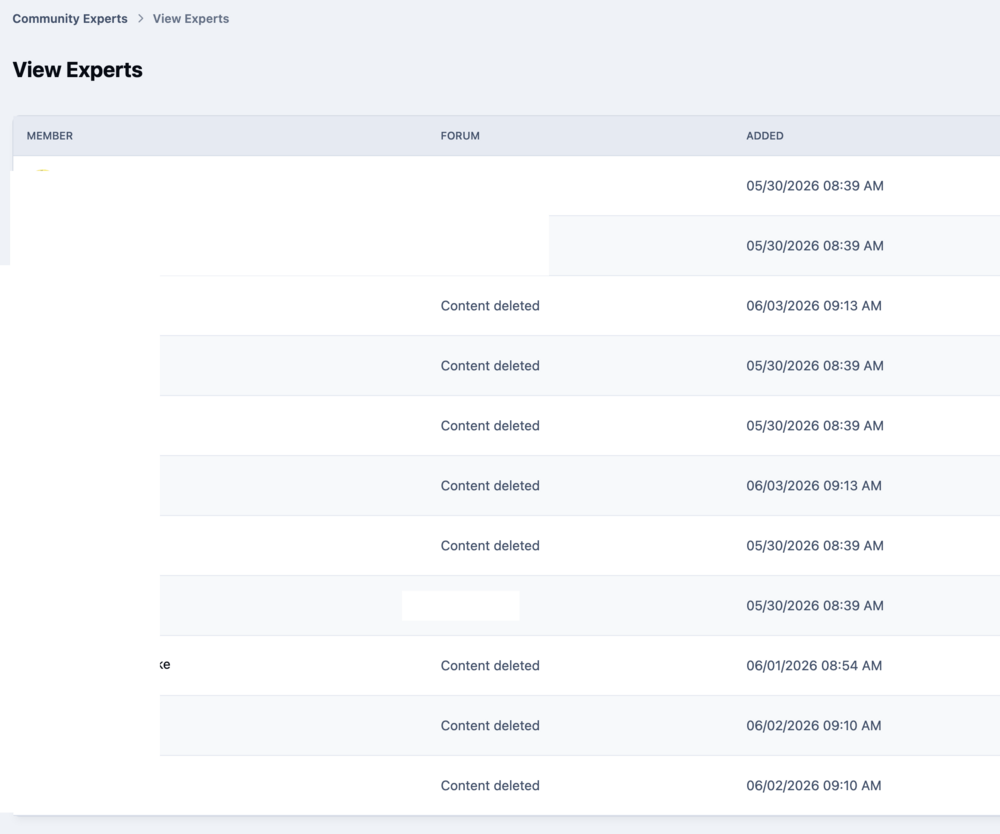
Having recently updated to v5 I started noticing some "Community Experts" badges. I found ACP > Community > Forums > Community Experts. How is it decided that someone becomes a community expert? I see some notable experts in the list, but also some members that are total beginners and are using the forum to ask questions only, not to answer them. For them, the badge "Community Expert" shouldn't apply. Is there a way to tune the way it works? When I view experts, I see that many have Content deleted in the "FORUM" column. What does that mean exactly?
-
Thank you. However can I embed the standard contact form provided by IPS with a HTML widget or do I have to create my own HTML form from scratch? I was hoping there would be a way to reuse the standard contact form.
-
Is it possible to make a custom contact page, meaning that it would be called something else, for example "ask for a quote", and would look different than the default mydomain.com/contact/ page? Or is it possible to embed a simple contact form onto a page?
-
On my site, I want to create a French-language section with pages aimed at a French audience. For SEO purposes, I intend to put all these French pages inside a /fr/ folder so all their URLs start with mydomain.com/fr/. Can I implement a language switcher dropdown that will go to the equivalent page in the selected language? For example if the visitor is on the English book page and they switch to French they land on the French book page - which is a different page, not just a translation. Anything else I should consider before I start structuring this new silo?
-
😃
-
Ok thank you!
-
When a message is pending approval, we see this banner. It would be useful if a 'Flag as spammer' button could be added right there, for a one-click solution to spam.


-
Great, thank you!
-
Is there a place to add custom CSS that works across all themes or do I have to add all custom CSS in the Theme Editor for each theme?
-
I am using two themes: Theme A for community pages (Theme A is my default theme) Theme B for the home page (set in the home page options) The home page is the default page of the site. When I am on a forum page and click “Save settings” in the Theme Editor, I get redirected to the homepage. After this happens: The Theme Editor is no longer visible on the homepage In my user menu, I can no longer access either the Theme Editor or the Page Editor If I then navigate back to a forum page, the Theme Editor is open.
-
Ok great, thanks a lot for your patience!
-
OK! So that was indeed the confusion. I was under the impression that it would affect only new posts you made. Thanks, that clears up a lot. Still the funny thing is that now that I see you've ran some test on my forum, my original posts do look different, but earlier when I was changing that setting, they kept looking the same. Maybe you have to clear system cache each time you change that setting for the CSS to apply?
-
Ok so if I'm not mistaken, in v4, that topic title was never bold even when there were new posts in that topic? I think I liked that better, so I've added the following CSS, in case others find it useful. [data-ips-hook="latestPoster"] .ipsData__last-primary { font-weight:normal; }
-
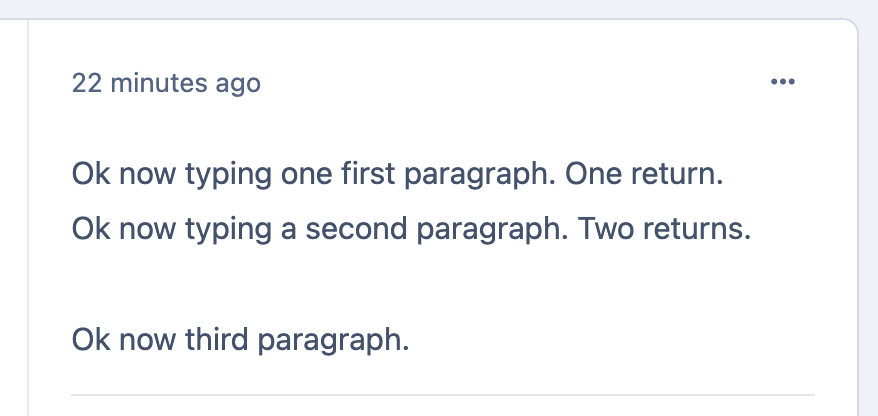
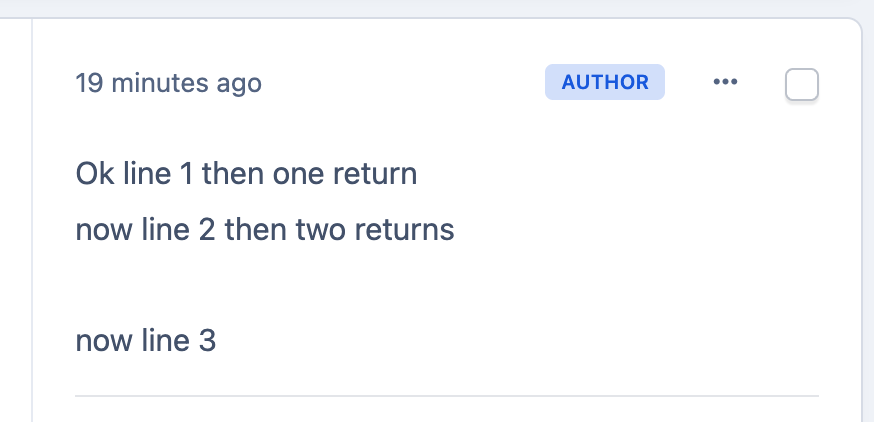
Ok then I don't see any difference? Here's a first post I posted while Go to next line was selected. And here's one I posted while Go to next paragraph was selected. The space between the lines look the same?
-
Thanks. Because I don't fully understand what to expect when choosing one setting versus the other, it's possible that I'm doing something wrong. I created a new test forum using the default IPS style with no customizations. The only difference I can see between the two settings appears in the editor before I submit the post. After I submit the post, the generated HTML is identical in both cases, and the post looks the same regardless of which setting I choose. Is that the expected behavior?
-
Ok thank you.
-
I was pasting text without style though. I tried typing and got the same results.
-
Is this by design? I find it confusing. Each time I see a bold topic title I'm thinking there's at least one post in that topic that I haven't read, then when I click it, I realize that I just read it and there are no new posts.
-
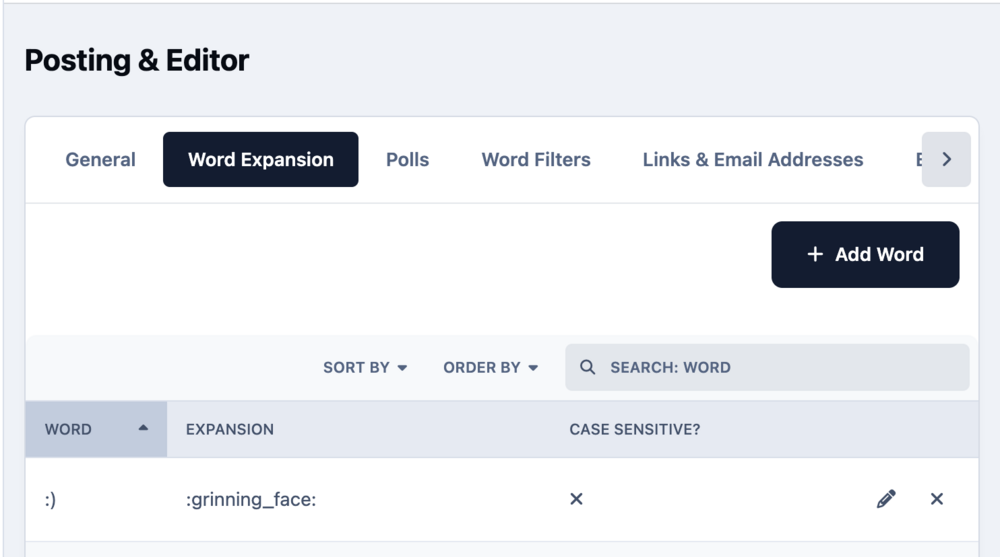
Thanks. Is there a way to make it so that typing :) would generate a smiley without having to type the name and choose the smiley from the menu as in v4? For example using Word Expansion? I tried the following, but couldn't make it work.