


Chris027
Clients
-
Joined
-
Last visited
-
-
Same thing happened to me.
-
I couldn’t think of a good title for this one, so a description is best. Currently IC Cloud must be routed through IC’s own Cloudflare proxy. Those of us with Cloudflare account have to use DNS only mode, pointing our domain to IC Cloud servers. Ideally we should be able to use our own Cloudflare account as the proxy. Perhaps IC could mandate specific settings. Why? Today Cloudflare announced its monetization gateway, enabling users to charge for nearly any use of one’s data. I don’t believe this works for IC Cloud customers because we have no control of the Cloudflare proxy used by IC. From the article: “For 30 years, the web has run on a simple economic bargain: trading content for human attention. That attention has been monetized through advertising, subscriptions, and e-commerce. This bargain funded the Internet as we know it. But as agents become the dominant Internet users, the model is breaking. An agent does not look at ads or need to maintain a monthly subscription to all the tools it wants to access. It reads a page or consumes a data feed once, takes what it needs, and moves on. Across the web, AI crawlers already request content anywhere from a hundred to tens of thousands of times for every visitor they send back. This reality demands a new model: usage-based pricing for everything.” The Cloudflare BlogAnnouncing the Monetization Gateway: charge for any resou...We're opening the waitlist for our Monetization Gateway, which will allow you to charge for any web page, dataset, API, or MCP tool behind Cloudflare. The charges will settle in stablecoins over the x
-
-
Hi Guys, for some reason text wrapping of an image isn't working on mobile. Here is a screenshot when I shrink my browser vs when it's a little larger. Question: Can anyone reproduce this or does anyone know how to fix it? Here's a link to the article as well - https://audiophilestyle.com/ca/bits-and-bytes/a-bit-more-time-with-the-wilson-audio-autobiography-r1437/


-
My users who subscribe to the paid version of Proton VPN are complaining they can’t access my site now. They receive the message, “Request not allowed from this network.” This is very annoying and of course was never an issue when I was self hosted. Please enable access to ic cloud sites via reputable VPNs

-
-
Hopefully the built-in Cloudflare “under attack” button can help n
-
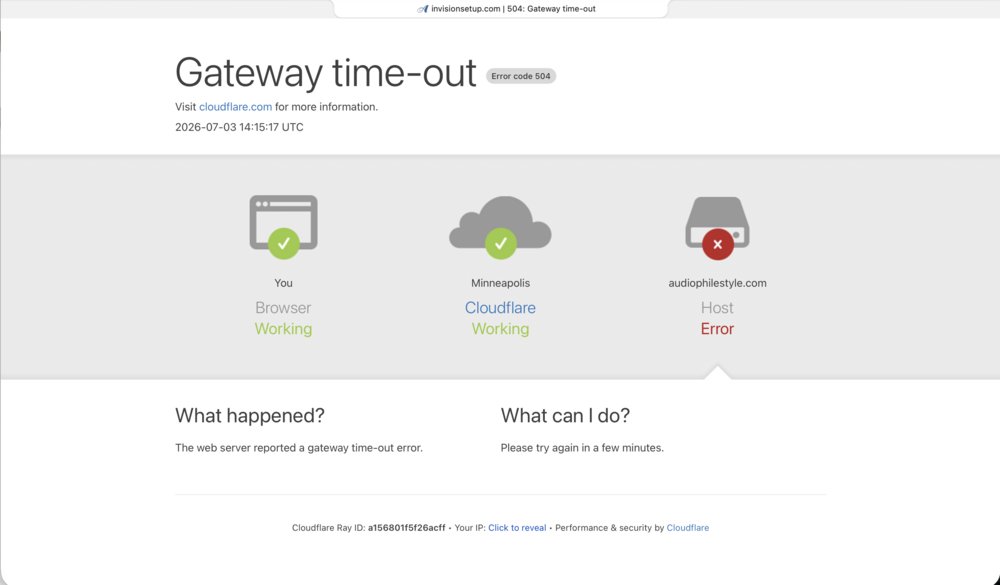
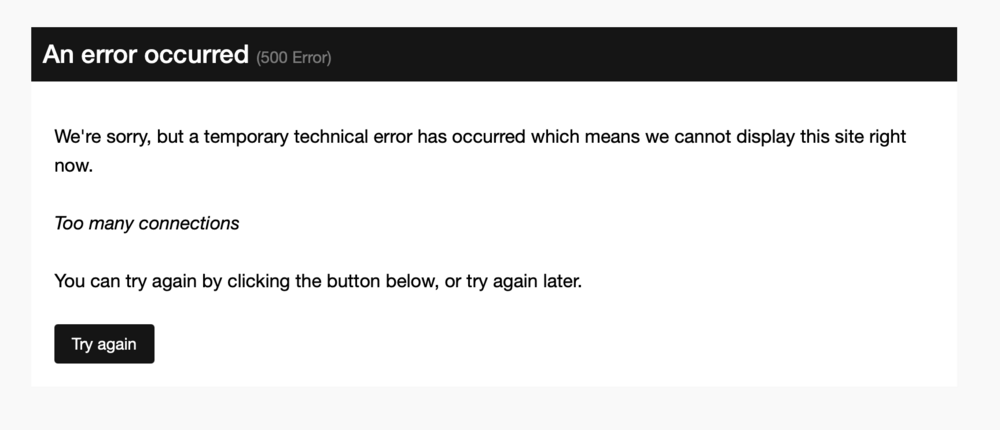
My users are complaining, now I have had this happen twice in a couple hours. This never happened when I used self hosted IC. IC Cloud performance is farily slow in general, but this is unacceptable. Question: Are other IC Cloud customers seeing this too? Now seeing this error.
-
-
New features from Cloudflare The Cloudflare BlogYour site, your rules: new AI traffic options for all cus...For our second Content Independence Day, we’re giving website owners finer options to manage AI traffic. Instead of a one-size-fits-all block, all customers can now easily distinguish and manage Searc
-
-
Really looking forward to the stable release of this. It could solve "all" my problems :~)
-
I expected zero support on this. Just wanted to raise the issue.
-
Feel free to address my community and tell them they are silly. People use this extension on all sites and only run into issues on mine. just thought I’d report it.
-
My users are reporting an issue with the Night Eye extension in dark mode. They say it works on all sites except mine. When in dark mode the text is black they say. Night EyeDark Mode - Night Eye: #1 Dark Mode Browser Extension!Dark Mode extension - Night Eye! Trusted by 1M+. Ad-free, smart dark conversion, customizable settings. Enable dark mode on any website!
-
Cache cleared. I will ask him to try again. Is there some sort of cache clearing schedule that should happening? Manually clearing cache is kind of old school.
-
One of my users is repirting that whe his clicks the button to mark the forum as READ, he receives this popup without any text on the buttons. Any idea what's up with this?

-
-
-
It would be nice if we could upload two images for the cover photo in pages articles. One for light mode and one for dark mode.
-
-
-
-
This is very confusing to me. Can you clarify?







