


LemonGrenade
Clients
-
Joined
-
Last visited
Everything posted by LemonGrenade
-
I take it that this is just labelled as a Beta but will still update as normal via admin on 5.0.4? Thanks for all your work and for taking user comments on board as 5 moves on!
-
Advert locations other than the header and footer are still not showing on the test site.
-
LemonGrenade replied to LemonGrenade's topic in Invision Community 5: Beta Testing's Beta DiscussionNo worries Marc, I just post the same in the Bugs forum?
-
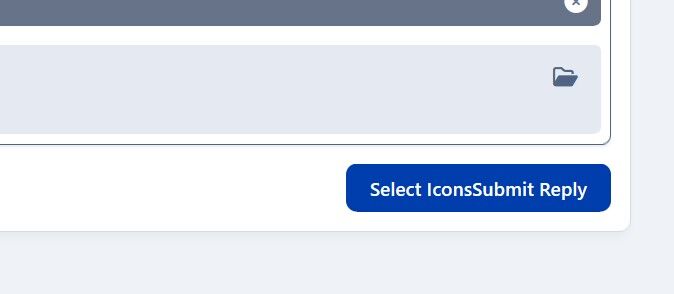
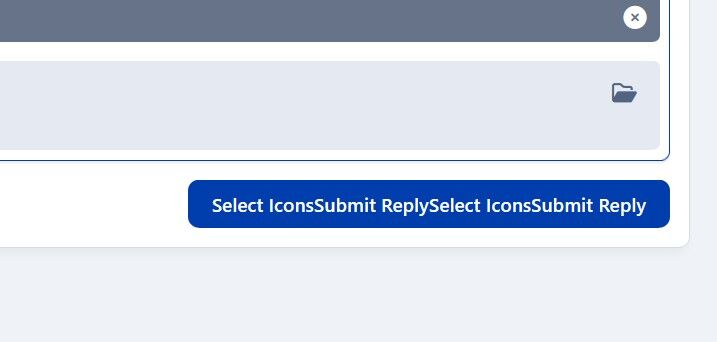
LemonGrenade replied to LemonGrenade's topic in Invision Community 5: Beta Testing's Beta DiscussionStrange! I just tried it again and while I saw the submit button as it should be this time, this was left on the submit button after posting.... I haven't hard edited the theme, only changed the colours.
-
Upgraded to the latest Beta today and noticed what might be a slight error on the theme when posting. If you select Emoji and then click on icons but don't select anything, and then post a link, I then see this on the submit button....
-
Any joy @Matt?
-
Thanks @Matt That'd be great! I'll just update the license key on the live site when it's generated.
-
Apparently, it does, so it might be there is a stray install still showing IPS end on that URL, even though that sub-directory probably hasn't been used since 2 or 3.
-
I did, but get this message even though just one (main) version of 4 running at root.
-
Installing a fresh beta install on a subdirectory to test and when adding the license number, it says it's already in use. While obviously, this is correct for the main root forum, there is the test URL listed in client area which I named to match the directory. Any help from staff or anyone who installed a fresh test on their server would be appreciated.

