


bosss
Clients
-
Joined
-
Last visited
-
-
Overwrited files and now works! 😀👍 Thanks @Drewfus
-
strange - works fine from my end
-
both sites has same apps What is "MODAL"? both sites works ok - not slow
-
Yes - no probkem
-
my main site - https://www.oldlibar.com/ can guest switch Theme (v5.0.4 Beta 2) My test site - https://www.oldlibar.com/testips5/ - NO Guests and NO Members (admin) Can not change Theme (v5.0.4 Beta 2) - (blank page witt text "here" Made htaccess for main site and for my test site bouth sites has Rewrite URLs enabled some solution? Regards 👍😀
-
where should add .htaccess ? my site has .htaccess in root! Must i do that in my main site? @Matt I tested my - test site and same problem - when you are in site = no problem att change Theme but like guest = can not test like guest please - change some theme
-
Nice @Matt but from v 5.0.0 we could not get fix for this https://invisioncommunity.com/invision-community-5-bug-tracker/guests-can-not-swich-themes-same-error-v-504-beta-1-r851/ Not only me - more users 😀🎉😀
-
Was not ok - see here - efter update to 5.0.4 B1
-
Sorry - did not see I have Giphy - like part of Chatbox+ and works perfect - in Chatbox and editor!
-
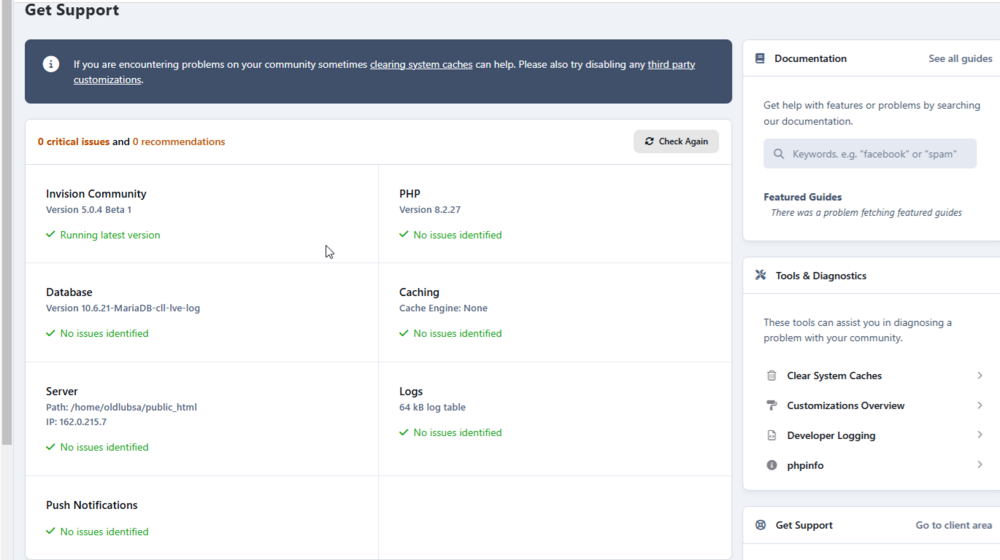
See here 😀👍
-
-
Thanks - but no patches 😀😀🎉
-
@Matt where is patch for 5.0.4 Beta 1 ❓
-
Thanks!
-
I have not this



