Invision Community
789 blog entries in this category
-
 You may have noticed many of the Invision Community apps getting updates recently. Over the last several months we have revealed revamped Events, Gallery and Downloads apps and have listened to how you have been using them. As a result, we are including some further app refinements as a direct result of that feedback. Gallery Many of you asked for more customisation options with the new overview page so 🎉 it is now possible to hide and show different sections of the overview using
- 5,720 views
-
 We love talking about our big new features, such as GraphQL and Live Topics, but we also like to shine a light on some of the smaller updates we've made to existing applications. In this blog, I'll take you through a few changes to the Download app and an update on our various API integrations. Downloads After the success of the Events and Gallery refreshes, we've brought some of those changes over to the Downloads application. Our Invision Community March '23 release will featu
- 36,443 views
-
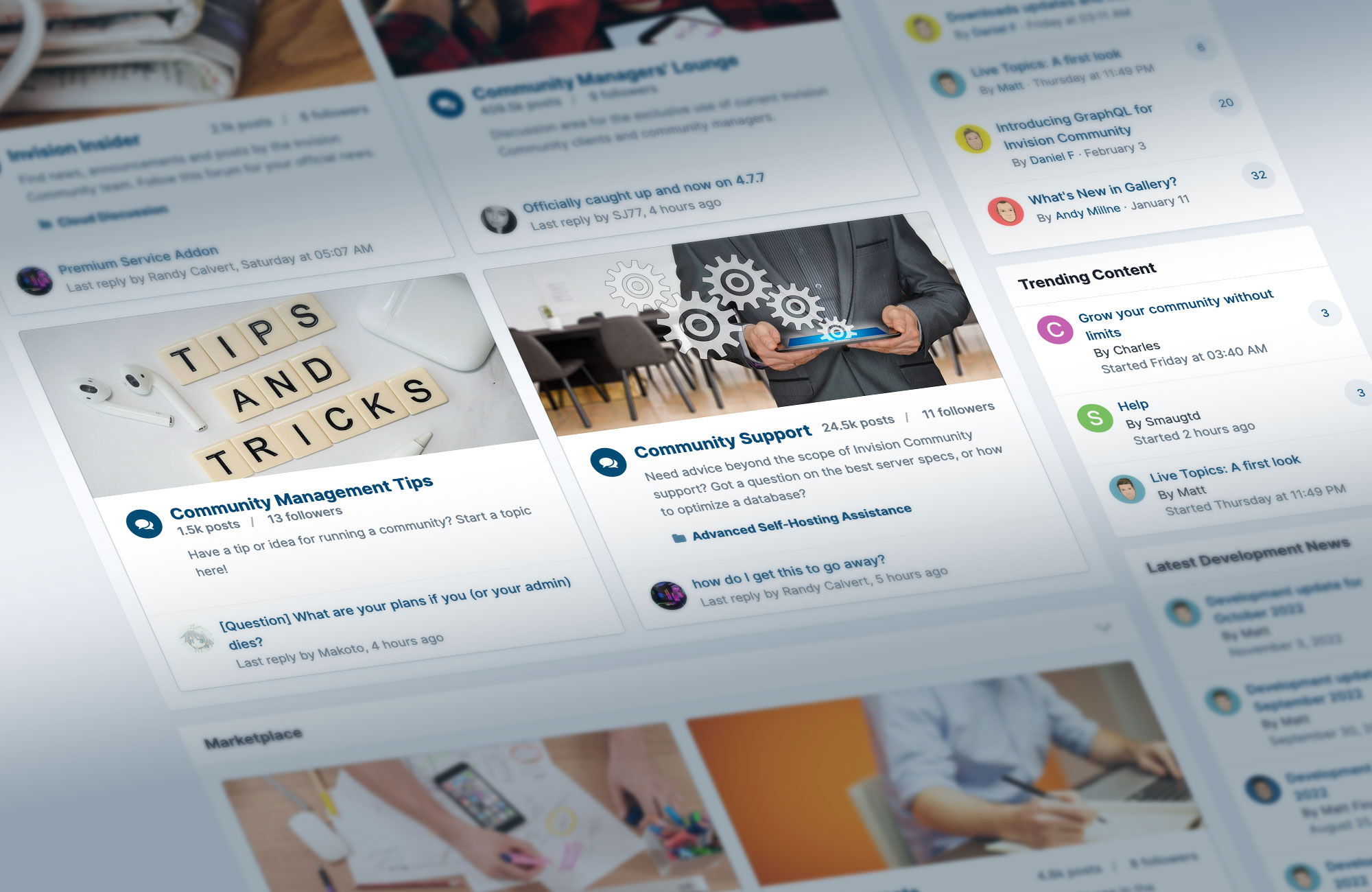 This week, we're excited to preview some of the UI changes which will be included with Invision Community 4.7.8. These changes result in improved performance for Google Fonts and better contrast for accessibility, while also fixing a few bugs along the way. When combined, these small improvements result in a much more polished UI, so lets dive in and take a look at some examples below! Google Fonts Google Fonts are now imported using the latest version of their API, which includes
- 10,800 views
-
 Over the past several years, you have seen us add many improvements to our platform packages. New features and capabilities leveraging the advanced technology we can offer you have really moved so many Invision Community powered sites into new areas of engagement. We have been investing heavily in our platform resources and have seen hundreds of clients move from classic, self-hosted environments to our platform to take advantage of new features, and the peace that never having to run a ser
- 15,228 views
-
 We're excited to bring you a first look at our new and innovative Invision Community feature: Live Topics. Live Topics is a hosted live chat and question-and-answer event that is converted into a forum topic upon completion. It combines the fun and togetherness of a live event with the permanence of a forum topic allowing you to continue the conversation long after the event has ended. Your event doesn't have to just be text based! Live Topics allows you to feature a live vid
- 5,878 views
-
 We are excited to announce that the Invision Community GraphQL API is now available. This blog takes you through what GraphQL is and what makes it better than existing APIs present in Invision Community. It does get a bit technical, but you don't need to be a developer to appreciate how GraphQL will make life easier for those that do develop. What is GraphQL? GraphQL describes itself as a query language for APIs that gives clients the power to ask for precisely what is needed and
- 62,248 views
-
 Humans are visual beings. Images attract our attention, can communicate ideas faster than the written word and can trigger meaningful discussions. At Invision Community we recognised this very early in the company history and have included a Gallery application for many years. During this time online communities have evolved substantially so we thought it was time to re-assess what it means to offer a community gallery and have some exciting developments to share. Visual Refresh The fi
- 58,920 views
-
 Last month we introduced some powerful updates with a long overdue overhaul of community events. We were very pleased by the excellent feedback received and enjoyed hearing your suggestions. We listened and have been working hard to bring some further updates to Events. Support for more streaming platforms When creating a virtual event in your Events application, you may include a link to your event and the platform will advertise it with the vendor’s logo so your community knows
- 113,703 views
-
 When we speak to community moderators of busy sites about what they want to see in future Invision Community versions, most ask for ways to improve daily workflows. Community moderators are at the heart of every community, and those working with busy sites quickly find that repeating the same tasks reveals ways to save clicks and precious time. We recently released our alert system, which is a great way to get information to a single user or an entire group of members. Alerts can be set so the m
- 46,340 views
-
 Community moderators have a responsibility to maintain a sense of normalcy and balance within a community. The Invision Community platform includes powerful tools for moderators to help them mitigate issues that may arise. We just enhanced one of them. Our new moderator approval queue feature, available in an upcoming release for all Invision Community clients, arms moderators with more information regarding why an item was sent to the approval queue in the first place. The appro
- 37,183 views
-
 Bringing your community together with both online and in-person events is one of the most powerful ways to create meaningful connections, long-lasting relationships and one-of-a-kind experiences. The pandemic put a stop to many in-person events, but now that the dust is settling and people are beginning to return to some sense of normalcy, physical events are becoming commonplace. However, we can’t ignore the recent surge in online events now that COVID inspired a new norm. Previousl
- 43,458 views
-
 Invision Community has an exciting opportunity to have customer service superstars join our team. Invision Power Services, Inc. is behind the leading community software platform, Invision Community. Our tailored solutions serve clients of all sizes, from smaller communities to the world’s biggest brands. We have been on the forefront of independent and white label engagement communities since 2002. The Role General duties could include assisting customers via forum su
- 61,848 views
-
 . Image Scanner.mp4 Invision Community AI can now automatically detect and hold images not suitable for your community. Our new Image Scanner and Discoverability tool, built into the newly-launched Smart Community section of the ACP for clients on select standard plans, has immense moderation power. This new AI feature scans images uploaded by a member, detects what objects the image contains then decides whether or not it’s appropriate to share the image within the
- 16,615 views
-
 You’ve got questions, and you’ve got answers. One of the glorious benefits to running a thriving community is its ability to be self-sustainable. We’ve added new Solved features available on both standard and self-hosted plans. While you’re working on growing the community’s presence (and the bottom line), your members are busy connecting and engaging with one another. In addition to you and your team answering questions, peer-to-peer networking is an efficient way to increase support
- 30,462 views
-
 Invision Community’s new Live Community features offer an immersive, real-time experience for members. Clients on select standard plans now have access to live components that drastically change how their users engage within the forum section of their community. These live features are included in the new Smart Community section in the Admin Control Panel. When enabled, Live Community allows a community to track and display hot spots where members are most enthralled. Admin C
- 23,944 views
-
 Community managers and moderators have a simple but powerful new tool at their disposal: scheduling a topic's future publishing date. Previously, if a community manager wanted to draft a topic for a future release, they would have to craft the content elsewhere. It wasn’t the best experience. After listening to client feedback, we implemented a path for those with moderator privileges to create topics now, but have them go live in the future. Set this new permissions setting in the Ad
- 31,289 views
-
 See how long, on average, members ascend from one Rank to the next. Screen Recording 2022-07-20 at 14.58.14.mp4 We are excited to have added this new chart to our existing statistics that shows Rank Progression. This addition, available for all plans, is included in an upcoming release of our latest version 4.7. You can find it in your Admin Control Panel -> Stats -> Users -> Rank Progression. Ranks display a members’ perceived value to the community. Th
- 20,331 views
-
 See what members are currently most engaged with in real time in your community by using our new Trending Content feature included in our latest release, 4.7.0. Our new Trending Content feature, available on our Business & Corporate/Enterprise plans, automatically rounds up a list of engaging topics that are most active in the present moment within your community and proudly displays them for other members to see and contribute to. Trending Content is one of the best ways to stay
- 39,491 views
-
 In a digital world with no shortage of places to connect, a beautiful theme will help you stand out from the crowd. We previously touched on the importance of branded communities, and now we’re unveiling new functionality that will help make your theme more functional: easy access to header and footer tabs within our new simple theme editor. Invision Community already has a powerful and advanced theme editor allowing total control over every aspect of your community’s UI, however thi
- 28,142 views
-
 Take control of your community messenger inbox. Topics, replies and reviews are an incredible way to engage with members in a community, but sometimes a conversation needs to be had in private. Invision Community's built-in messenger is a powerful system that allows members to privately message another member, or a group of members, directly within your community. However, allowing your members unrestricted access to reach out could clog up your community inbox (and mind!). Ther
- 48,011 views
-
 Invision Community’s forthcoming release includes an exciting new feature available for all. Announcing the Alert System! 🚨™ The Alert System is a new tool for community managers to communicate with their members. There are times when a community manager needs to bring information to the attention of either a single user, or a group of users; when existing systems such as PMs or warning points are not suitable. So, we developed a happy medium to empower you. The new alert system
- 36,336 views
-
 To celebrate Invision Community turning 20-years-old (an eternity in Internet years), I interviewed the company's founding fathers. Ahh the good ol' days. Remember simpler times? This new video interview touches on Invision Community's past, present and future thanks to the invaluable insight from @Charles, @Matt and @Lindy. In our chat together, these gentlemen... Take a nostalgic trip down memory lane and reflect on the company's origins Explain the power
- 93,543 views
-
 Improving SEO with your community is a hot topic with community managers. Many minor tweaks can move the needle in the right direction, but the most significant changes come with increasing crawl efficiency. I recently wrote about changes we made to Invision Community to improve crawl efficiency. By removing thin content pages and being laser-focused on what you want to be crawled, you present a more efficient site ready for crawling. Crawl depth is another metric that impacts crawl ef
- 7,805 views
-
 There’s a fine line between freedom of speech and censorship. Invision Community always aims to empower community leaders with options to encourage an open dialogue within a community, while including barriers for members who choose to ignore the guidelines. Invision Community’s latest release, 4.6.11, includes a simple but powerful new feature to help you shape your community’s tone. It’s called Block Submission. Block submission stops a member’s message from being posted
- 49,016 views