


Charles
Management
-
Joined
-
Last visited
Everything posted by Charles
-
Yes, feel free to contact me or reach out to sales and we can chat about it.
-
We hope to provide a preview pretty soon. For our first release we are going to keep this pretty simple and then get feedback from clients on how you want it to evolve.
-
We can certainly do that but have always been wary of altering user generated uploads without a reason.
-
This new feature is now complete and will be in our May release. It will also be available on all Cloud plans. The previous post excluded the Beginner plan. Expect a blog entry soon with details. In the meantime, if you have questions @Matt Finger can answer.
-
I never thought I would see the day that Apple actually did this.
-
Yes, we do just that. You can subscribe to the status page and get email updates.
-
Be sure to subscribe to our status page. We use that for updates during events. https://status.invisioncommunity.com/
-
Totally agree.
-
Unfortunately we experienced an issue with AWS this morning that even AWS is not sure what is wrong at this point. It was not really down as long as that reports there as we put up a message and did not remove it until we were sure everything was good. Any systems can have downtime events, even something like ours with redundancy built in. It is regrettable especially when we do everything right to avoid it but something outside our control breaks. Especially when no one, not even your provider, can tell you what went wrong. This is really the first major downtime event in years but of course that does not matter in the moment. Frustrating all around 🙂
-
We deployed WebP support today for both US and EU regions. This was honestly an oversight on our part and I want to thank @Dll for pointing out that WebP was not properly enabled.
-
The topic that is generated happens once the Live Topic event is over. Once you end the Live Topic, the generated topic is posted within a few seconds.
-
Yes, a video is not required. You can also just do text based Q&A.
-
I would love to chat about your concerns there. Feel free to PM me 😀
-
I am not sure I agree there. Even hobby communities can take advantage of new features. You have to move forward if you don't want to get left behind 🙂
-
Totally understand many do. It's why we will continue to offer the Classic edition in v5 🙂 Always open to hear from people on what is holding them back though even if we cannot change your mind it's good to chat and learn. Always open for PMs 🙂
-
We may bring Courses to Classic in the future. For the moment, Courses is a value addition to those on our cloud platform. The statistics improvements are mostly available for both cloud and classic editions other than a few extras that are cloud only. Feel free to PM me or we can do a Zoom call to discuss options about switching to cloud to take advantage of new technologies.
-
It will not for the first version but we do plan on Clubs integration.
-
Olivia always says I am so easy to work with.
-
Live Topics can create Events so sounds like we just need to integrate Events with Courses.
-
An issue was fixed today impacting communities in the EU region using video transcoding services. The transcoding services were not properly recognizing requests for transcoding a video as US vs EU and therefore failing.
-
Update on Live Topics: Live Topics will be available as an open beta in the April release. It will be available to all package types during the beta stage without limits.
-
When you say integrate with Events how would you see that working?
-
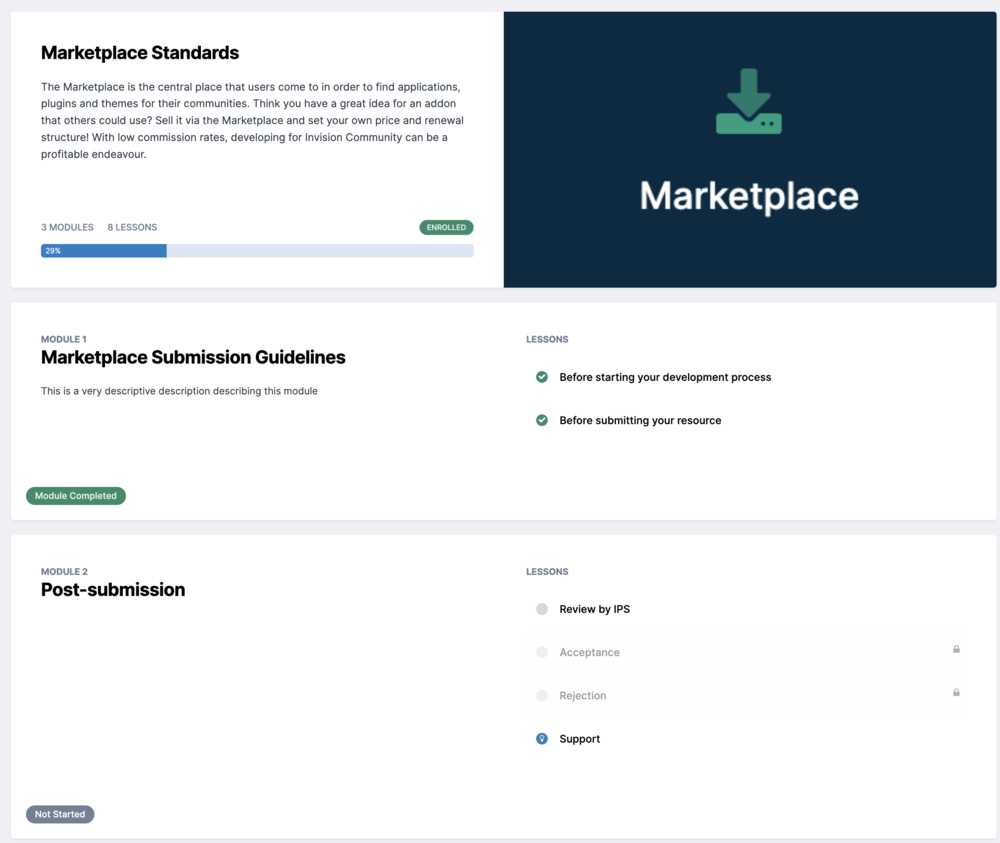
Just teasing new Courses feature in production but I mean it DOES support "required" Courses so maybe I could make you 😉
-
-
For those of you on Creator Pro and up: you can move your community to our EU region at no cost. Just contact support if you want to move.





