Daniel F
Clients
-
Joined
Everything posted by Daniel F
-
Thanks, I have confirmed and fixed this for an upcoming release.
-
Thanks, I have logged a bug report for this.
-
Database items support tags, but you have to enable them on the database settings page in the ACP
-
There are several ways to accomplish this, but it really depends on the scope and what you want to do with the data. You could use the REST API to get all records and custom field values. You could use a custom RSS feed to get the records.
-
Is any error appearing? What exactly is not working? Are you able to place the widget and change the text, but then after closing the block manager and reloading the page, it disappears? Do you see any errors in the system log?
-
Hi, yes I'm sorry, this is automatically handled for cloud.
-
You can define how long the notifications stay in the database via the ACP => Members => Notifications => Prune Settings (it's the top right button)

-
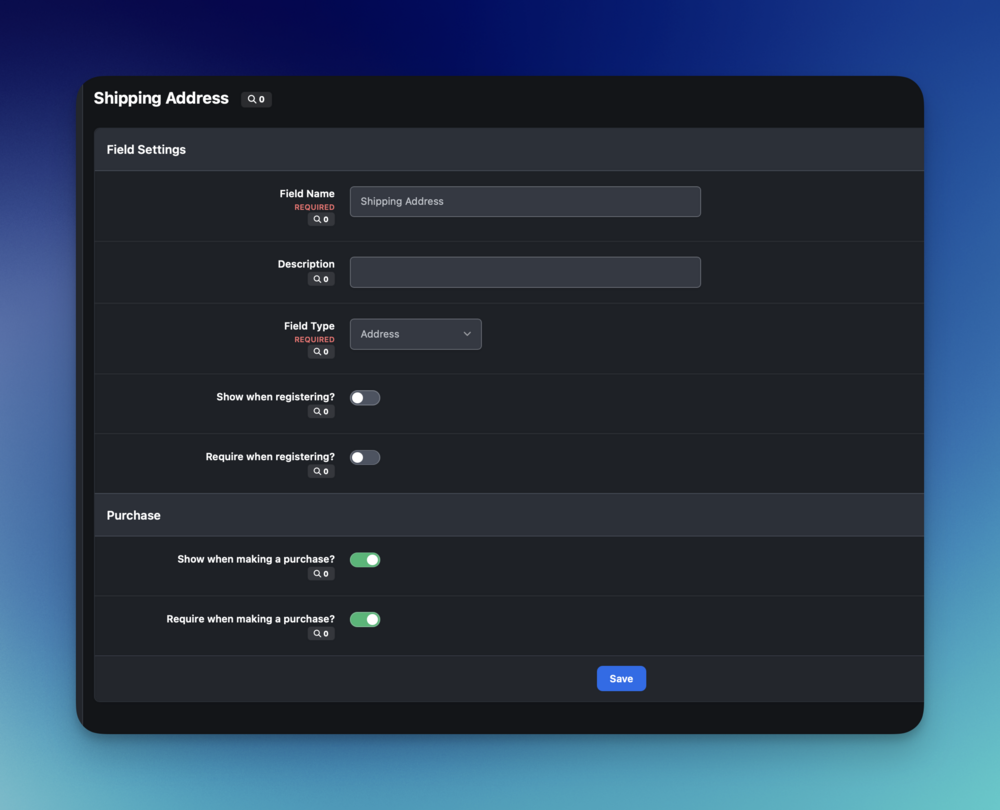
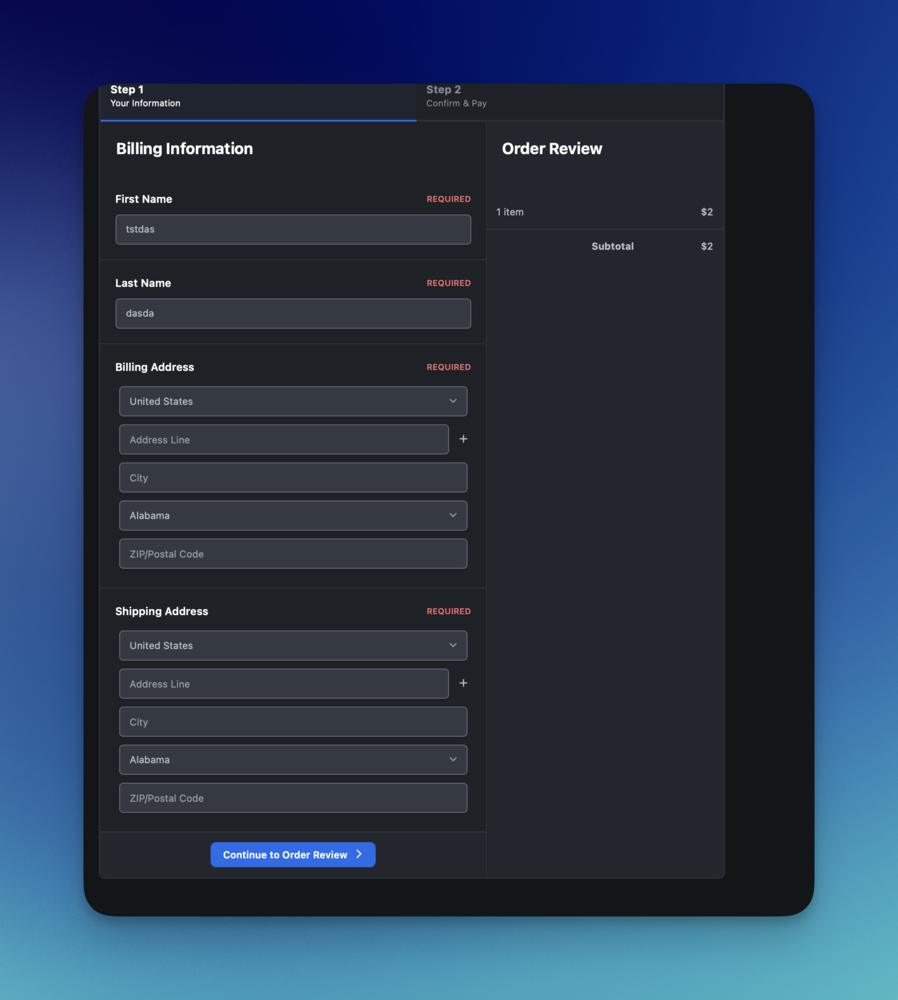
No, a CUSTOMER( not product) custom field, would appear on the checkout page. Result:
-
Couldn't you use a customer custom field for this and make it required while making a purchase.
-
Do you mean for your issue with the broken "move tags" task? Yes, it's included in 5.0.15
-
You could try the condition with an additional OR part which checks if \IPS\Request::i()->app is set , if it's probably not set at all for the Landing page!
-
You could use a global template hook like front/global/globalTEmplate , with target PrimaryColumn , after the opening tag with an condition for the app request parameter. {{if \IPS\Request::i()->app == 'forums'}} this will be shown on all forum sites {{endif}}
-
Thank you for bringing this issue to our attention! I can confirm this should be further reviewed and I have logged an internal bug report for our development team to investigate and address as necessary, in a future maintenance release.
-
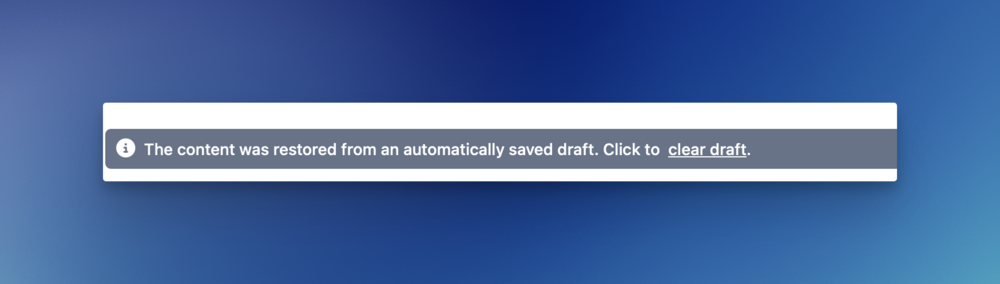
Could it be that you had the old editor content stored locally on your system?
-
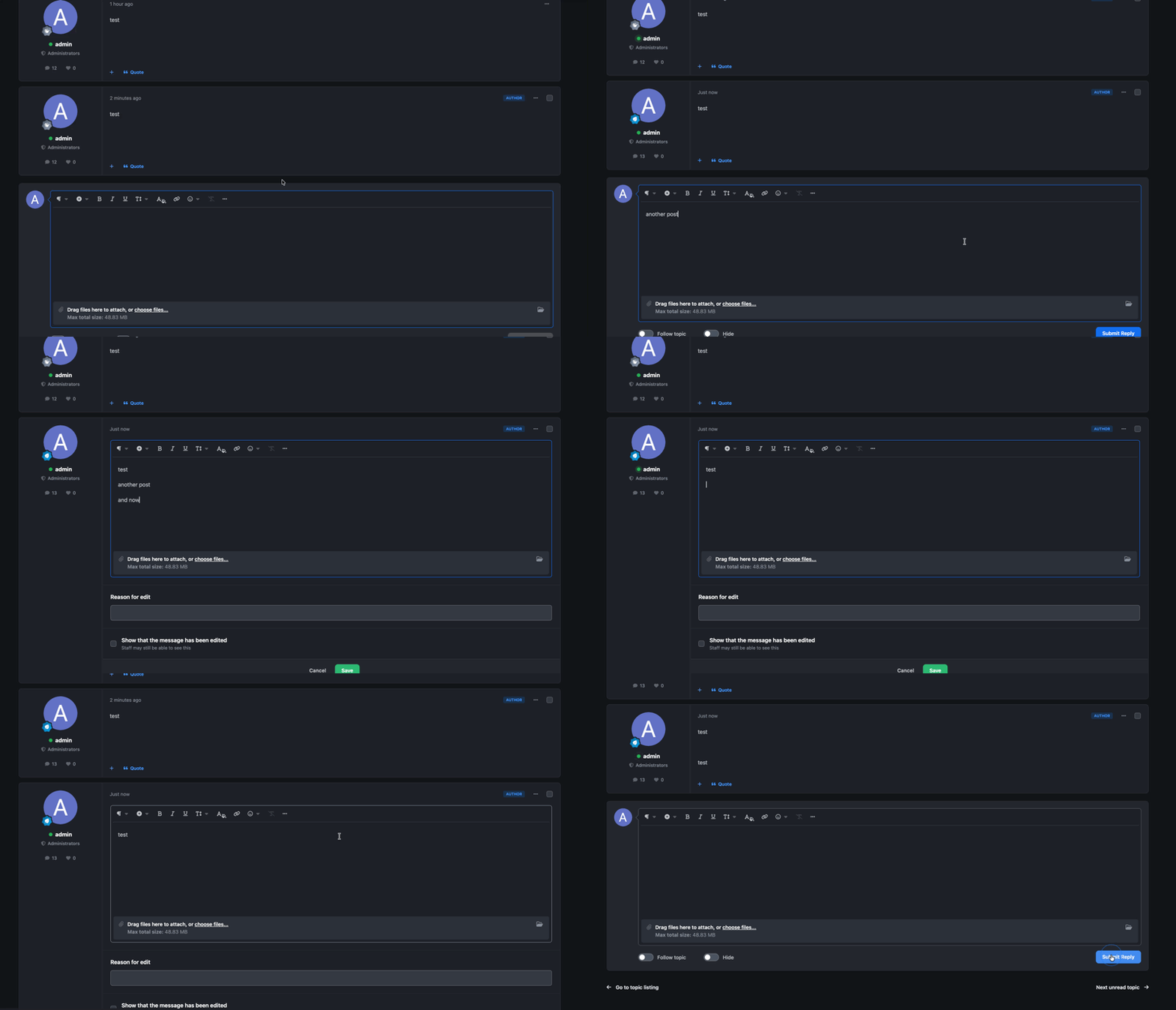
I can't reproduce this. Am I missing here any steps :
-
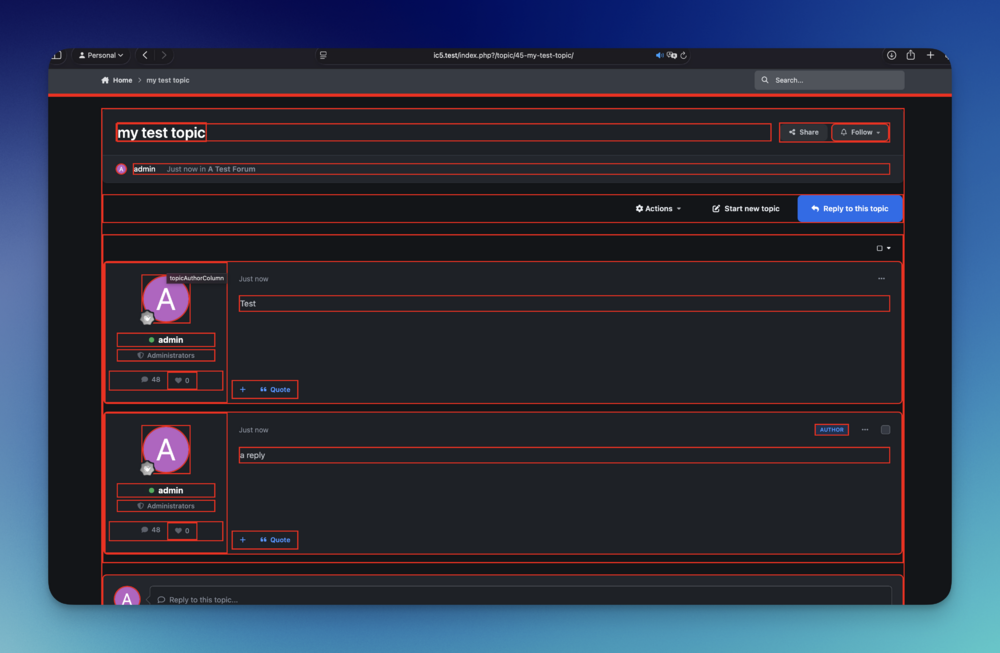
Your Dev is wrong, IC5 has template hooks https://invisioncommunity.com/developers/devblog/blog/ic5-theme-tools-r14/ but it's indeed a different system compared to IPS4. If you take a look at r you'll see that all your requested areas are indeed covered with hooks.
-
{{if $record->author()->contentProfileFields()['core_pfieldgroups_X']['core_pfield_Y']}} {$record->author()->contentProfileFields()['core_pfieldgroups_X']['core_pfield_Y']|raw} {{endif}}Get the group and field ID from the ACP. replace X and Y in my above code with the real IDs and insert this into your template
-
There's no clean way to achieve this because the content columns contain the content as HTML code, so one can't just count the words, so first you'll need to remove it;) You could try this: SELECT SUM( LENGTH(TRIM(REGEXP_REPLACE(post, '<[^>]+>', ''))) - LENGTH(REPLACE(TRIM(REGEXP_REPLACE(post, '<[^>]+>', '')), ' ', '')) + 1 ) AS total_word_count FROM forums_posts WHERE TRIM(REGEXP_REPLACE(post, '<[^>]+>', '')) != '';to get the total word count from all forum posts (this DB query doesn't contain any filtering for only visible, published ones)
-
414 means that the REQUEST_URI was too long https://www.rfc-editor.org/rfc/rfc2616#section-10.4.15 I assume you're trying to create a topic or post via Zapier? And with 5000 characters do you mean the real character count of the content, also including all the HTML formatting? It seems Zapier removed the ability to share Zaps, could you probably create a screenshot of the create topic/post action and send it to me via PM?
-
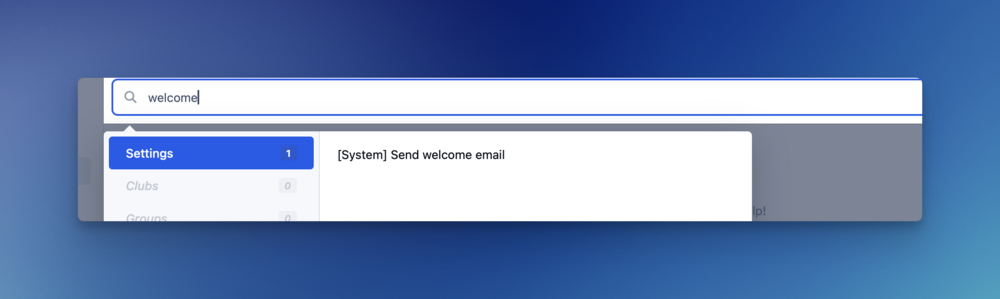
I would suggest to use the search feature every time you can't find something in the menu.
-
You can change the numbers via our constants.php file. It affects all topics, also older ones
-
I still can't reproduce this. Changing the order on the applications page, changes also the order in the submenu for me. That said, can you take al look at your core_acp_tab_order database table and see if there's a row with the same id which your member _id is? If you changed the order in the past, this order will be used rather than the default one, which is based on the applications order.
-
This is controlled via a group setting, so make sure that "Can view Follower information" (Under the Social Tab) is enabled for your group.
-
Yeah, the first and most important question: Do guests have access to visit the topic? If yes, are you using cloudflare and blocking AI crawlers?
-
It was changed "5000910": "5.0.10 Beta 2"