
Jim M
Invision Community Team
-
Joined
Everything posted by Jim M
-
Yes, this kind of functionality is not native in version 4. Unfortunately, I cannot reproduce this. When I insert an ad every 5th topic in a Fluid view container, it stays at those intervals. There likely is something which may be adding in those extra ads in between your ads there.
-
What is your exact advertising configuration and do you have any other advertisements set for this configuration?
-
If you're using our own Cloud email handling, it sends from our own email domain and address so no. If you are sending via your own email service, then it would rely on the email service and your DNS like it would outside of Cloud.
-
Thanks! I see you have a ticket in this so we will continue this there :) .
-
OK, please try a bigger amount and check the browser console
-
If you do a lower number of topic moves does it work or is it no matter the number? If you get this again, can you please pull up your browser console to see if there are any errors?
-
Have you cleared the cache of your community? It may just be the block cache holding on to it if you recently changed it.
-
Thank you. I have transferred this to a ticket so we can further investigate. Please watch your email for further correspondence.
-
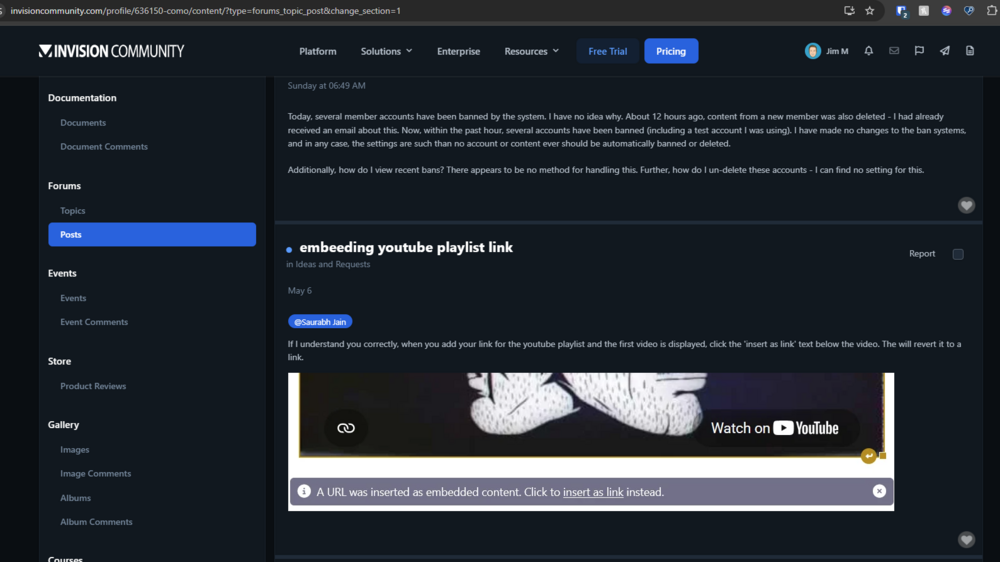
As mentioned, please provide 1 specific example I can investigate. Without that, it is a wild goose chase. I want 1 example that we are 100% comparing apples to apples.Please provide those advertisement names and the corresponding user's display name you expect to see them as requested.I would need a specific example here as you have many advertisements setup and for many cases.I am seeing the top banner on our support account. Could you please provide what advertisement you're expecting to show there in the sidebar and to what's user's display name?Make sure that you enable the Advertising setting to always show the sidebar. Currently, you do not have a sidebar so it makes sense no ads would be shown if that setting is disabled.Logged this as a bug as I am seeing that the image file being utilized is the same exact one from the original theme so not sur somewhere along the line something is getting crossed.Was the file touched or changed on the original theme that you copied?Glad to hear you figured it outI am seeing that post on your activity:
 THat should be sufficient. Is this the only group you're in?You will need to check if you have permissions to "Can Convert Links to iframes" in ACP -> System -> Posting & Editor -> Editor Permissions. Then you would need to ensure your member group has the correct " Editor Permission Level" to match that.Does your user has authorization to post embeds?Glad to hear that the issue is resolved.Please see your ticket. This is due to one of your groups had "Can access site?" removed from their permissions.We would need the link to diagnosis further.unfortunately, I can’t reproduce this. Could you please provide the url?