


Marc
Invision Community Team
-
Joined
-
Last visited
Everything posted by Marc
-
I managed to enter your test key there no problem. This is working now for you. Ive switched you over to a default unaltered theme. You didnt actually have one. You were using an IPS Focus theme
-
Try refreshing the license data in the admin CP. If that doesnt work, please update the login details in your client area, so I can get in and take a look
-
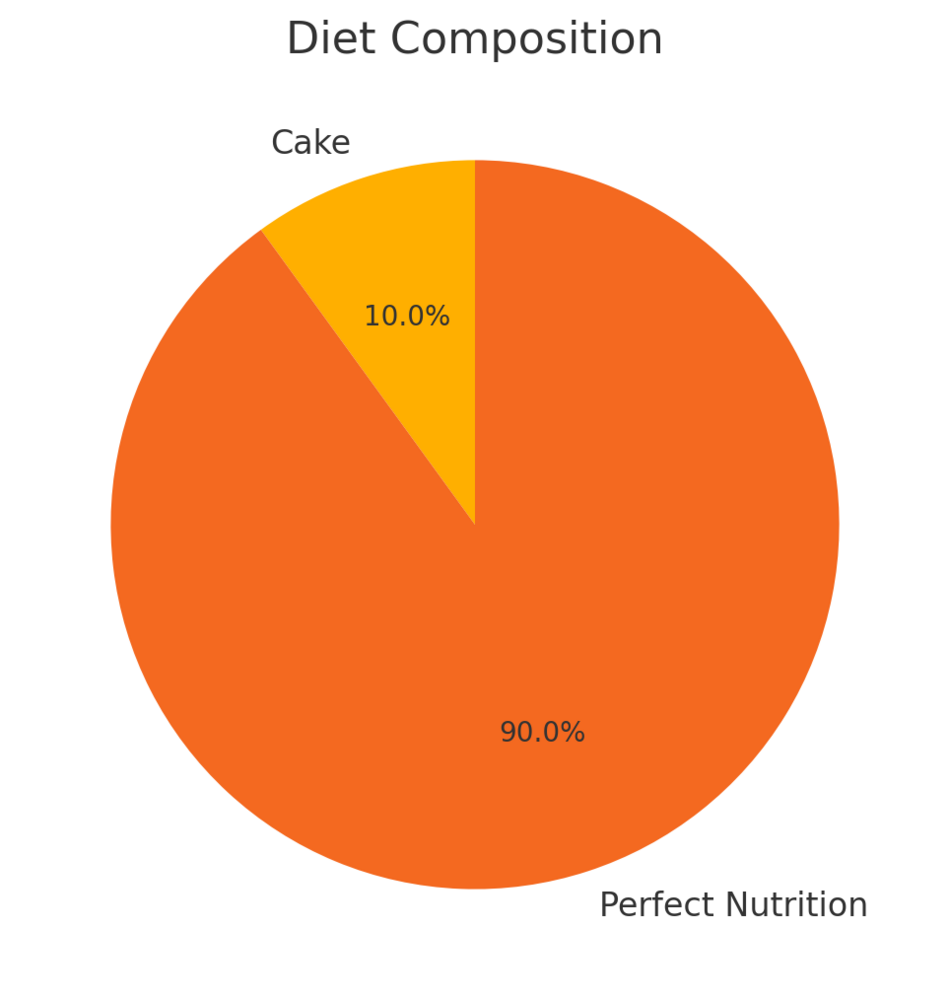
Those are about as accurate as mine Actually, there is a graphical representation of their accuracy that I found on thisIsAbsolutelyTrueHonestly.com
.thumb.png.b8f072c35cea059778c01a6e091b0cfa.png)
-
Im going to bow to the knowledge of @Ehren on that one
-
Nice try 😄
-
We are? Awesome! Thanks for letting us know 🙂
-
This was made as an intentional choice within the software, to ensure compatibility with both Dark and Light, no matter what is chosen.
-
I'm rubbish at games. I'd never be able to register anywhere again lol
-
I would think very unlikely 😄 Might be something fun for a 3rd party author though
-
Could you explain further what you mean when you say this? An example perhaps
-
I would certainly think so 🙂
-
We'd likely get 5.0.0 out of the door first, before we start talking about any specific point releases for specific items. But needless to say, we already have a whole raft of things we want to do 🙂
-
When v5 is release, you can indeed update your site to version 5
-
You would upload the files via ftp. The area you are looking at there is for 3rd party items.
-
The URL /admin/upgrade . So yoursite.com/admin/upgrade for example
-
You would upload a fresh set of files from your client area, and then run the upgrader from /admin/upgrade 🙂
-
Ah, sorry no not a lesson. I have just submit this as a bug reportIts not so much that they are hidden. Its more that there are a lot of them. It is a large release after all 🙂With lots of new things, there will be many things people may not initially notice 🙂Yes, you would indeed need a new language pack on version 5. Glad to hear you now have things working 🙂Please could you post in the bugs area?The only place you would be able to see that is within the admin CP.Thats not something possible at presentI havent used this personally. Please post as a bug if you believe there is an issue of course




.png.72a8f9143168a9ff0e9b6b49b9d6c9b3.png)

