


Everything posted by Kirill Gromov
-
@Esther E., @Matt, will we be able to develop our own custom fields for Pages?
-
It looks like Matt is off on a well-deserved vacation and sunbathing on the beach with a cocktail.
-
Cool feature, but it seems to me that a large number of icons will interfere with the perception of content in the community.
-
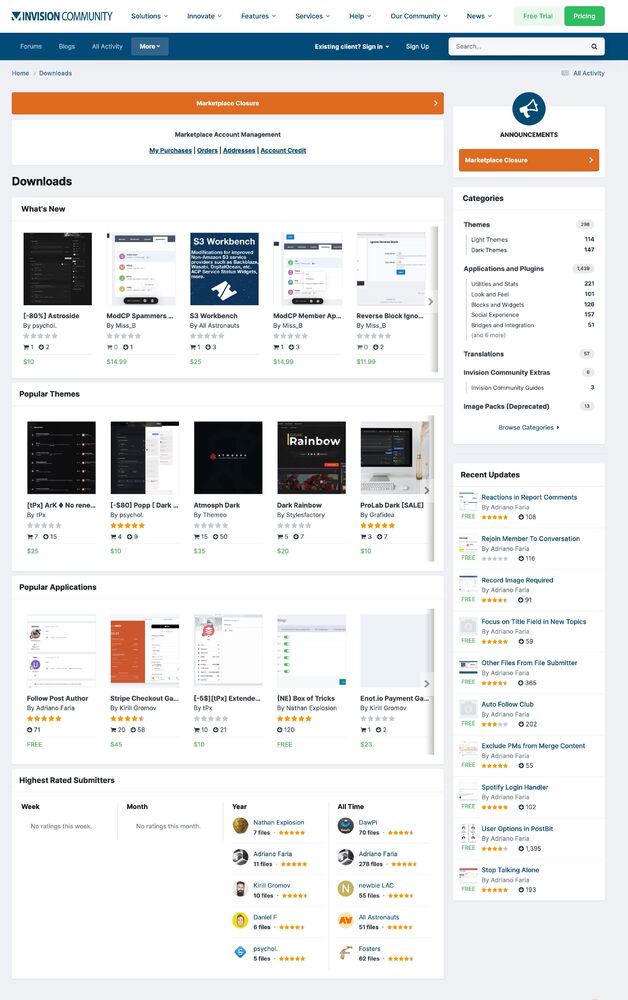
We will miss you, marketplace 😢
-
Will there be similar changes in Commerce and Page? User profile view?
-
Waiting for a demo so we can try it out.
-
Looks great, love the compact look of the posts! 👍
-
Great! Now we need to experience it in practice. 👌
-
I think it's because you are not interested in developing the market. I see a trend to close the community in the future in the cloud with paying customers, they are more profitable. IMHO. One of the advantages of IPS was its good extensibility and variety of applications and extensions.
-
The hooking of methods seemed to me close to ideal in IPS4 (although it had big problems), I did not think that IPSs would abandon this coding trick in IC5, which helped to fill the market with excellent solutions. Disappointed. But I still hope the team will please us with good news. Pending.
-
When is alpha testing planned?
-
@Charles can you roughly tell the ratio of cloud to self-hosted?
-
It's sad to read such news. The design of the IPS was an inspiration for me and an example of a user-friendly interface in modern times, which was directly developed by Rikki! You are a Talent with a capital letter! Well done!
-
Sooner or later, the graph will drop below the red line, when it will no longer be profitable to sell self-hosted licenses.



