Everything posted by Kirill Gromov
-
Yes!
-
https://invision-market.com/apps/members/hover-cards-r497/
-
This code restores the hover effect for reactions. Add to Theme Designer: Core CSS & JS ;(function () { 'use strict'; // Extend the native controller, including reactions added by AJAX. ips.controller.mixin('reactionHover', 'core.front.core.reaction', true, function () { const initialize = this.initialize; this.initialize = function () { initialize.apply(this, arguments); if (this._singleReaction) { return; } const button = this._reactButton[0]; const menu = button && document.getElementById(button.getAttribute('popovertarget')); if (!menu || typeof menu.showPopover !== 'function') { return; } const desktop = window.matchMedia('(hover: hover) and (pointer: fine)'); let openedByHover = false; let closeTimer; this.on('pointerenter', '[data-role="reactionInteraction"]', function (event) { const pointerType = event.originalEvent?.pointerType || event.pointerType; if (!desktop.matches || pointerType !== 'mouse') { return; } clearTimeout(closeTimer); if (menu.matches(':popover-open')) { return; } const previousFocus = document.activeElement; // i-dropdown focuses its first item. Hover should keep the current focus. menu.addEventListener('toggle', function (toggle) { if (toggle.newState !== 'open') { return; } window.requestAnimationFrame(function () { if (!openedByHover || !menu.contains(document.activeElement)) { return; } if (previousFocus === document.body) { document.activeElement.blur(); } else if (previousFocus?.isConnected) { previousFocus.focus({preventScroll: true}); } }); }, {once: true}); openedByHover = true; menu.showPopover({source: button}); }); this.on('pointerleave', '[data-role="reactionInteraction"]', function () { if (!openedByHover) { return; } // Allow the pointer to cross the gap between the icon and its menu. closeTimer = setTimeout(function () { if (openedByHover && menu.matches(':popover-open')) { menu.hidePopover(); } openedByHover = false; }, 250); }); this.on('keydown', '[data-role="reactionInteraction"]', function () { clearTimeout(closeTimer); openedByHover = false; }); }; }); }());
-
Why did you remove profile information from mobile devices?

-
@Ehren, are you planning on making any changes to profile page design in 5.1?
-
@Matt , any news?
-
I can join too.
-
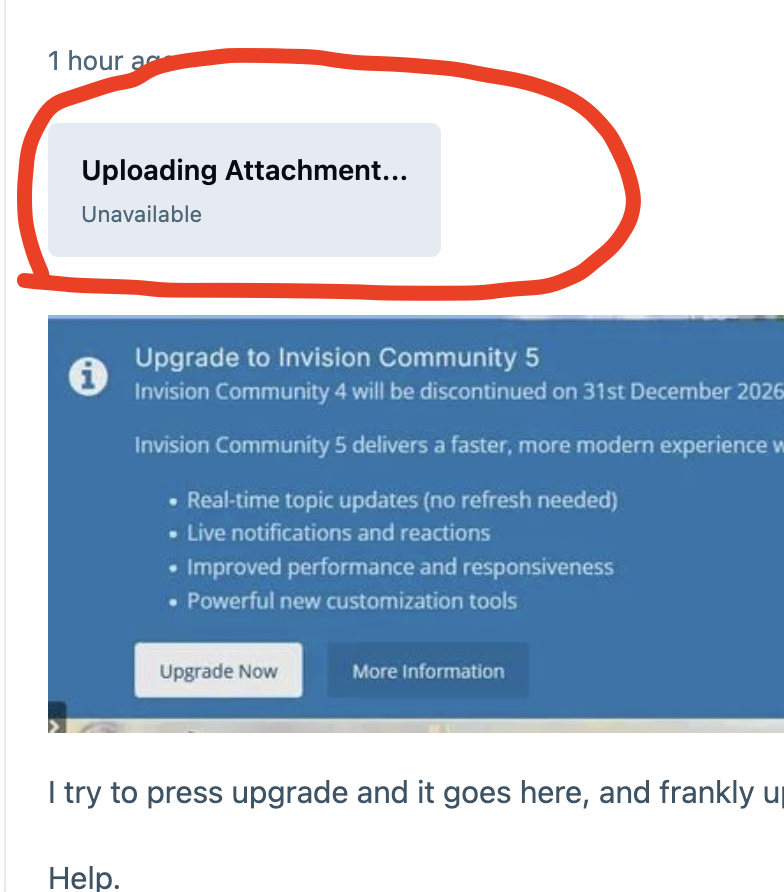
What is this?
-
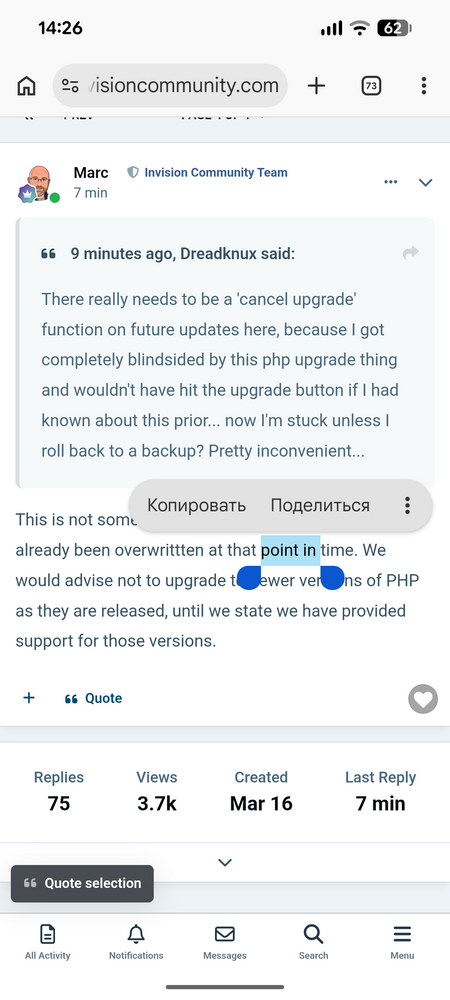
The quote button on mobile versions has moved down!
-
Matt, do you no longer need third-party modifications to your products?
-
This profile icon has long been deprecated. Editing default theme resources is not possible in IPS5. You can replace the icon using JS. I'm currently writing a tool that will allow to replace standard resources and edit theme code (how it was in IPS4).
-
It's a very strange decision to remove the link to the application, considering that you yourself implemented a similar tool in ips4.
-
<<<link removed>>>
-
You mean like Avatar Hub?
-
Kirill Gromov replied to Adriano Faria's topic in Invision Community 5: Beta Testing's Beta DiscussionI have the same problem with screenshots..

-
Kirill Gromov replied to Adriano Faria's topic in Invision Community 5: Beta Testing's Beta DiscussionHave you tried it? Can you show me some code?
-
Kirill Gromov replied to Adriano Faria's topic in Invision Community 5: Beta Testing's Beta DiscussionDon't forget form tabs! https://invisioncommunity.com/forums/topic/480849-form-tabs/
-
Kirill Gromov replied to Adriano Faria's topic in Invision Community 5: Beta Testing's Beta DiscussionSame bug
-
Only for cloud customers?
-
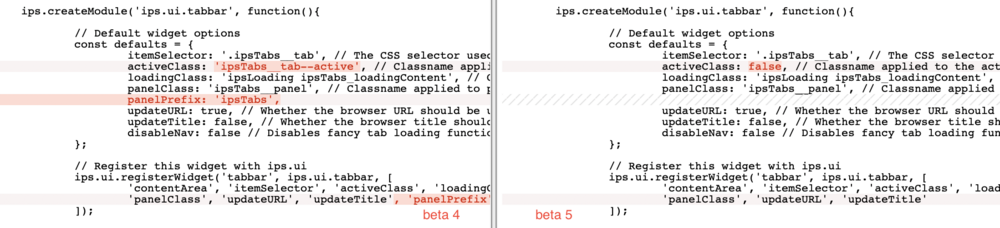
Hello. There were changes in the ips.ui.tabbar between beta 4 and beta 5. Should we adapt the html code of the tabs to the new js code? Or is it a bug?
-
Kirill Gromov replied to Kirill Gromov's topic in Invision Community 5: Beta Testing's Beta Discussion@Esther E., is it possible to add more methods to the node listener?
-
Hello. We see the method onCreateOrEdit on the content listener, but the model does not have a similar method? Why?
-
When can we test the developer tools?
-
they have accumulated over a long period of time almost all of them are of course useless
-
If I have 60 thousand tags now, what will I get after updating?