


-
-
I can join too.
-
-
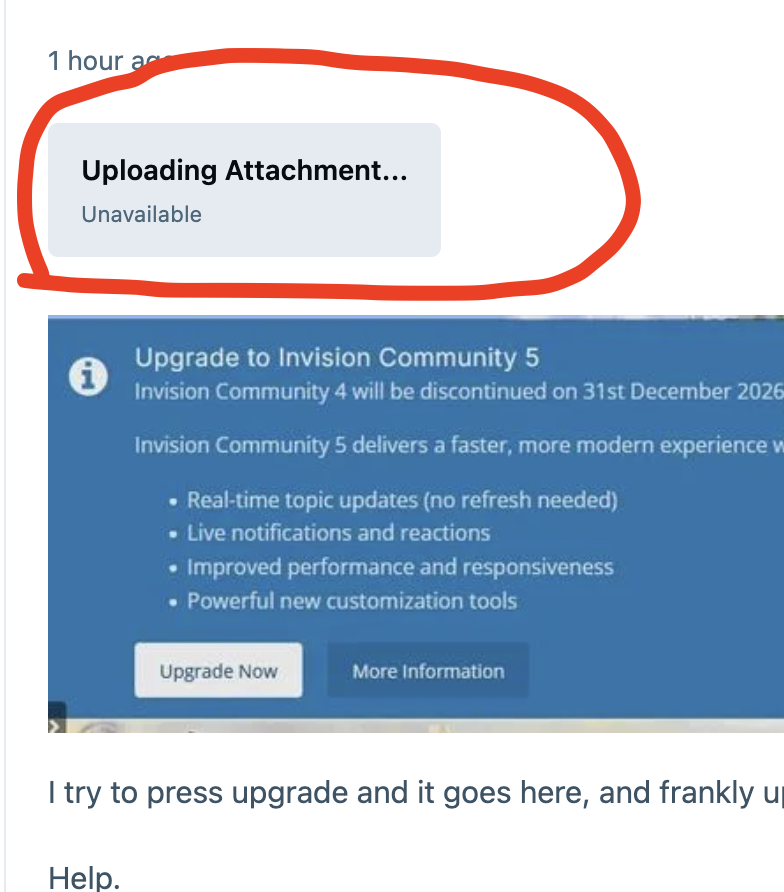
What is this?
-
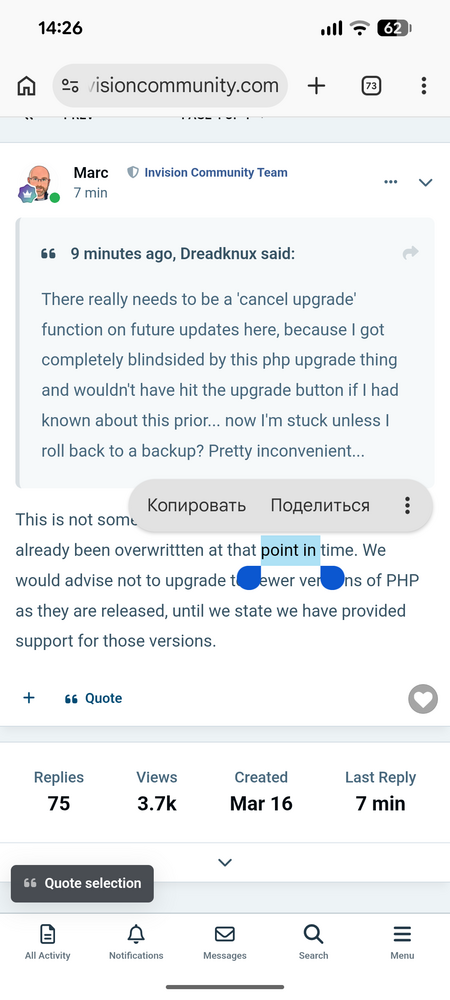
The quote button on mobile versions has moved down!
-
Matt, do you no longer need third-party modifications to your products?
-
This profile icon has long been deprecated. Editing default theme resources is not possible in IPS5. You can replace the icon using JS. I'm currently writing a tool that will allow to replace standard resources and edit theme code (how it was in IPS4).
-
It's a very strange decision to remove the link to the application, considering that you yourself implemented a similar tool in ips4.
-
<<<link removed>>>
-
You mean like Avatar Hub?
-
Kirill Gromov replied to Adriano Faria's topic in Invision Community 5: Beta Testing's Beta DiscussionI have the same problem with screenshots..
-
Kirill Gromov replied to Adriano Faria's topic in Invision Community 5: Beta Testing's Beta DiscussionHave you tried it? Can you show me some code?
-
Kirill Gromov replied to Adriano Faria's topic in Invision Community 5: Beta Testing's Beta DiscussionDon't forget form tabs! https://invisioncommunity.com/forums/topic/480849-form-tabs/
-
Kirill Gromov replied to Adriano Faria's topic in Invision Community 5: Beta Testing's Beta DiscussionSame bug
-
Only for cloud customers?
-
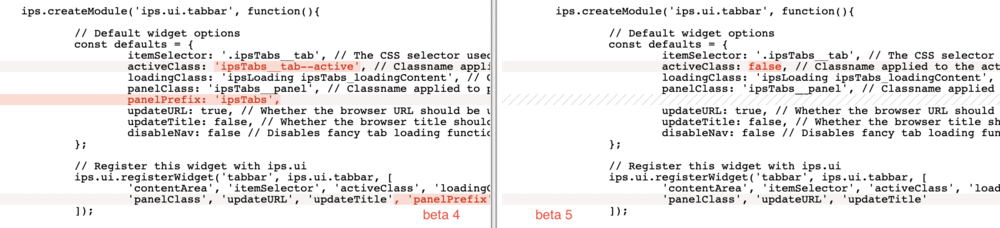
Hello. There were changes in the ips.ui.tabbar between beta 4 and beta 5. Should we adapt the html code of the tabs to the new js code? Or is it a bug?
-
Kirill Gromov replied to Kirill Gromov's topic in Invision Community 5: Beta Testing's Beta Discussion@Esther E., is it possible to add more methods to the node listener?

View in the app
A better way to browse. Learn more.





