


Marc
Invision Community Team
-
Joined
-
Last visited
Everything posted by Marc
-
My colleague just mentioned it may be "where" you are referring to. Please check on a default unaltered language pack, as Im not seeing that issue on this end
-
Im not sure what it is you believe you are missing there? You would point at the usersname, as shown here, to get more options. Apart from with guest, which there are no options to give

-
Could you provide access in your client area so I can take a look?
-
Any specific areas?
-
Thats because the text you are translating there appears to be present twice in the 3rd party application you are using. You would need to contact the author of that application to address the issue on that one. The text wrapping I will of course get a bug report in for
-
Thank you for letting us know
-
Are you seeing anything else other than that? I ask as thats the stack trace rather than the error itself
-
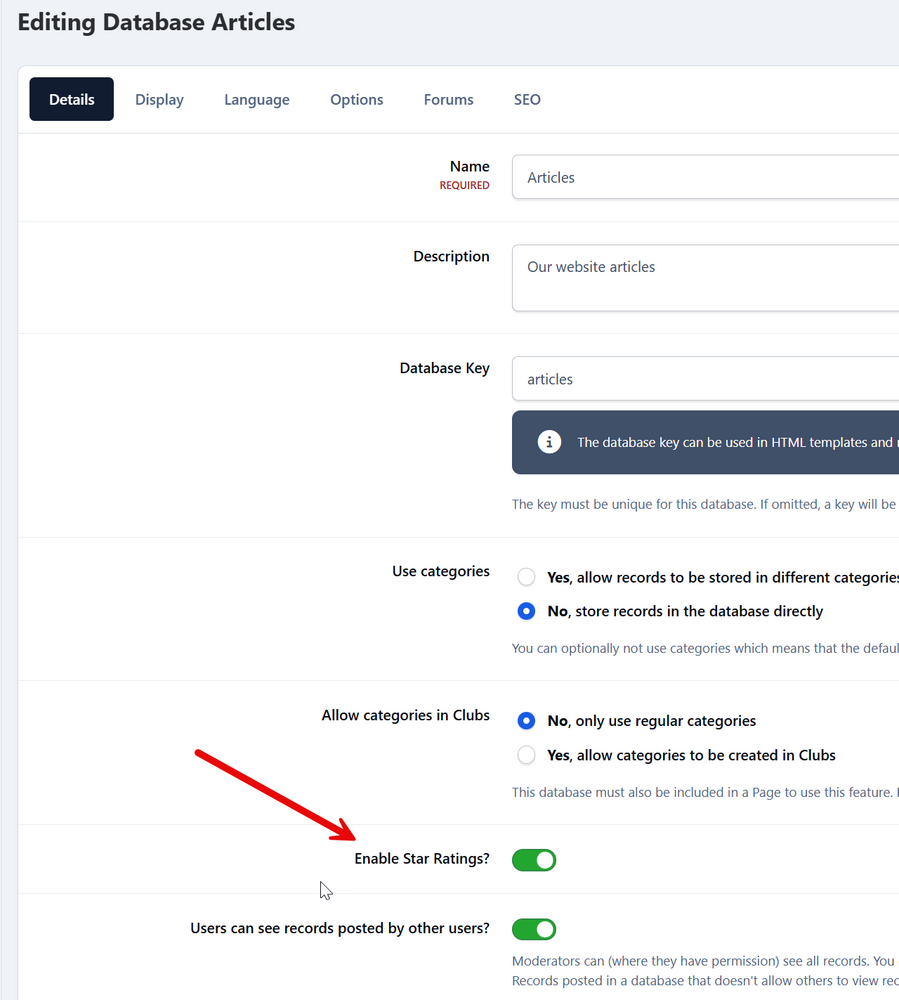
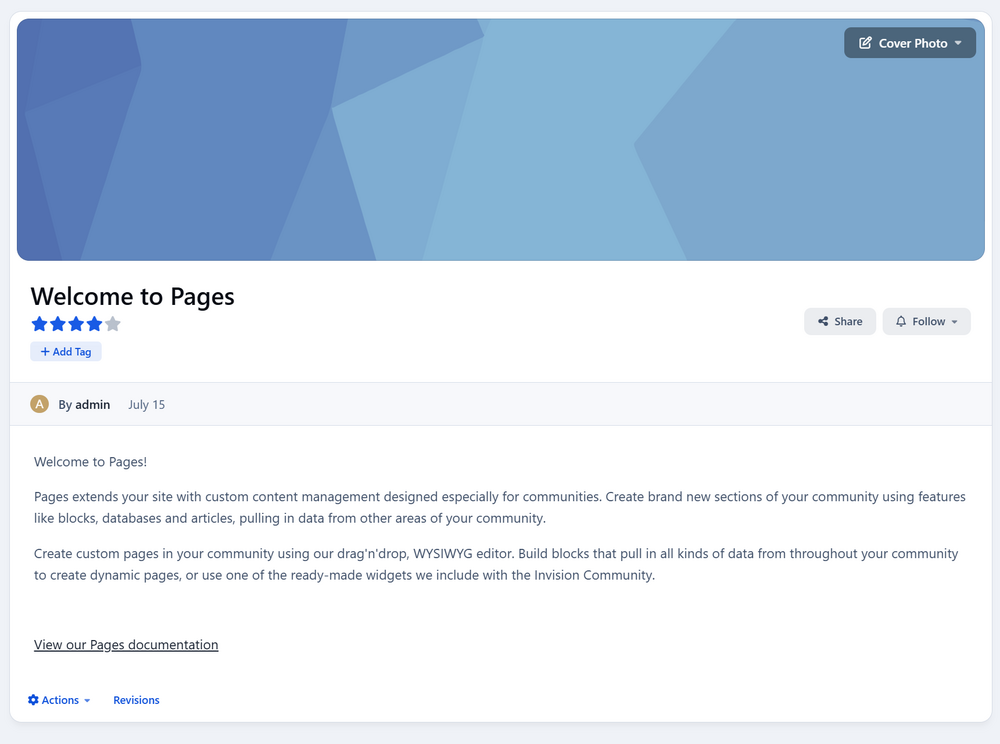
Reviews are used in quite a few areas. Forums dont have reviews (not previously either). Areas like downloads, commerce products, and pages databases if switched on would have reviewsAnd we will look at them of course 🙂Ratings have not been removed from pages. Only forums. So there isn't anything for you to do thereIts a carousel, so i intentionally that way. You can scroll through them.There is no longer any way to access the raw templates. This is an intentional change. Changes now should be done by ether injecting code via template hooks, CSS, or the built in theme editor. However it is worth having a play with the system. Its built in a very different manner than previous versions, and made so you can manipulate a lot more than you could on version 4, without the need to modify codeAs mentioned by Matt in the message you quoted there, this was to reduce the complexity of what people can choose, and reduce issues within the platform.Yes, that is correctIs this what you are referring to? 🙂
 If you have a look at the page here, this explains what can/cant be done for different platforms 🙂 Of course, if you have any other questions, please let us know https://invisioncommunity.com/clubs/page/3-beta-information/Click ok on the cookie barNo problem. Its been added to our bug tracker now in any caseHad you previously opened the services page? I ask as thats what I had done there, but it then doesnt closePlease log this as a bug We can then take a look for you.Could you give me some examples on your test instance of the oddities, so I can take a look? From what you describe, it sounds like a bug, but I can certainly confirmYou need to be checking your server error logs, not consoleThere is no way in which to show them in that size without modification at presentIf you are getting an internal server error, you should be getting errors being logged from that too. The above are from the upgrade, so not recent




