


Hatsu
Clients
-
Joined
-
Last visited
Everything posted by Hatsu
-
If you are on self-hosted you have to do a manual upgrade. There is no automatic updater. On cloud I think IPS can help you.
-
It's called Classic for a very long time now. This isn't something new.
-
First, I like the new look which is by far more v5 than the old one 🙂 I understand the separation of the support forums for Cloud/Clasic. But why did you split the Feedback forum? We should post suggestions for improvements and new features there and I think both would benefit from having access and discuss suggestions for new features / improvements, don't you think?
-
From my understanding the limit comes from the underlying database and not Invision. The default limit is 3 characters. You would have to change it in the database config. https://dev.mysql.com/doc/refman/8.4/en/fulltext-fine-tuning.html
-
I'm glad that it's now marked at all. In the beginning you had to read the whole text to get this information. I like that Pages gets some love now. The new reusable template block and field templates come in very handy. 😊
-
Yes, there is. Works both when using the mobile app and in Safari.
-
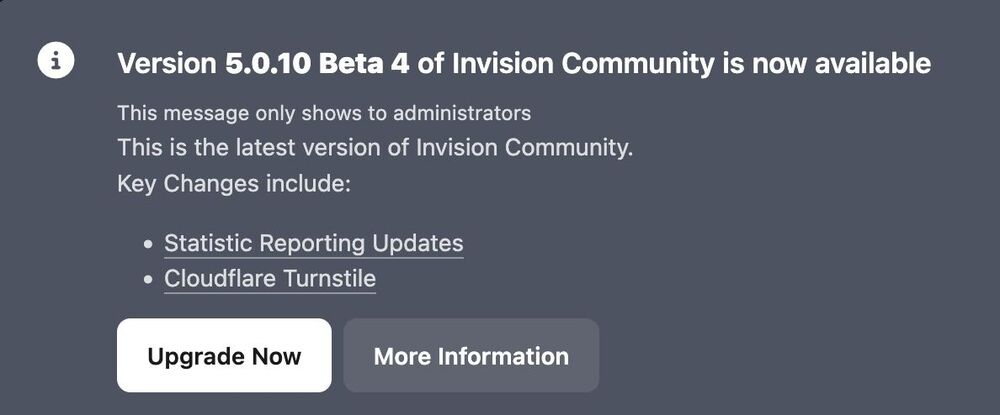
I just got on my non IN_DEV site the message to update to the Beta 4. Seems wrong to me :) The changes are from 5.0.9.
-
No, the menu for Tags is in ACP -> System -> Content Discovery. You need to have IPS version 5, though.
-
I can confirm this, too. Got update email and notification in ACP.
-
Once every day.
-
Yes, it did.
-
I updated my credentials. Please use my dev url and not the live site. Thank you.
-
On my dev site. But it's running vanilla. Should I update the credentials to my dev site? I didn't update my live site.
-
I cleared my browser cache(s) on FF and Safari. Still there. Both as a guest and registered user.

-
Still there...
-
Perhaps it is because plugins are not supported anymore but only applications?
-
Hatsu replied to Allan - TheTechTribe's topic in Invision Community 5: Beta Testing's Beta DiscussionDid you run the upgrade script on /admin/upgrade Do this on a test environment please... 🙂 My guess is you have to upgrade first to 5 before uploading the dev tools.
-
I can imagine doing this event based circumvents the reason for caching. If you have a small forum and less traffic it doesn't matter. But on a large forum you would perhaps increase the number of queries more than without caching (depending on the block).
-
Do your users actually complain about the speed?
-
Why hardcode it at all?Upgrade went smoothly.While I don't think it's bad to get new things I don't think it's the optimal strategy to hide it. Even though unintended... 🙂Ah, found it. Group settings -> Permission -> Change layoutsSure.




