Invision Community
789 blog entries in this category
-
 For a very long time Invision Community has allowed community owners to choose how open or private their communities should be. Communities could optionally allow guests to post without registering, they could allow the use of pseudonyms or they could require the use of real names. This covers a diverse range of communities but feedback from our clients made us realize that some use cases have not been accounted for. For some types of community, where discussion topics are particularly
- 21,727 views
-
 If you're preparing to upgrade to Invision Community 4.5, there's now an easy way to test it out. We have updated our Invision Community demo system to use Invision Community 4.5! This is a quick and easy way to take 4.5 for a test drive and test all the new functionality before making your upgrade plans. Taking out a demo is very simple, just head over to our demo sign up page, follow the instructions and within a few minutes you'll receive your own private demo log in.
- 15,432 views
-
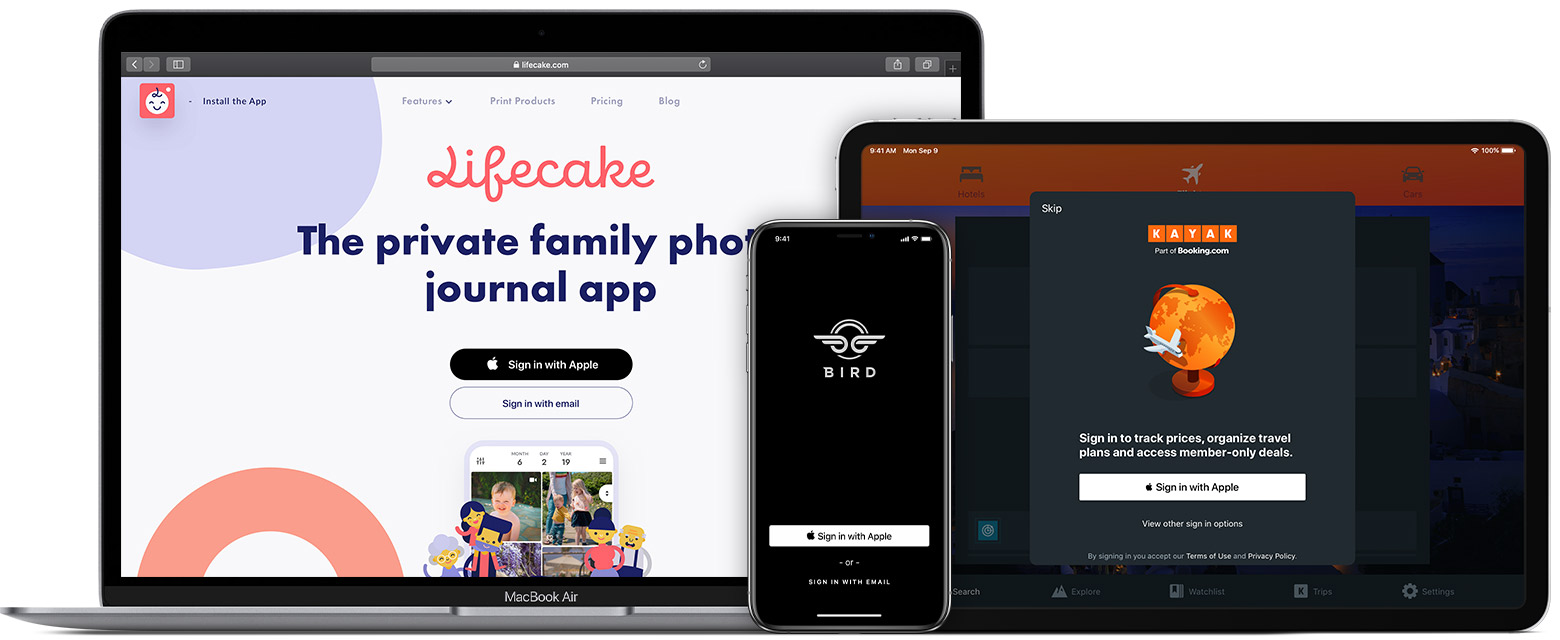 Since the feature was announced at last year’s World Wide Developer Conference (WWDC) we have received lots of requests to implement Sign in with Apple in Invision Community. We’re pleased to announce that as of 4.5 this is now available. You will need a paid Apple developer account to use it but once enabled users will be able to sign in using their Apple ID and all the convenience that brings. Touch ID and Face ID is supported natively where available and works across all your devices.
- 49,917 views
-
 We've been on a little journey together since we announced the first Invision Community 4.5 feature way back in November 2019. The first feature we announced was a revamped Admin Control Panel interface which created more visual space and brightened it up. Actually, we made it so bright that the first feature request was to add a dark mode (which we did). In the space of three short months, we had spoken about Club improvements, invites and referrals, RSS feed improvements, blog catego
- 20,117 views
-
 Almost ten years ago we launched the Marketplace; a place to connect Invision Community owners with talented developers creating new functionality. Over the decade, the Marketplace has grown to hold thousands of applications, large and small. For many Invision Community owners, the Marketplace has become an essential resource. Our aim was always to have the Marketplace available inside your Admin Control Panel to make it even easier to purchase and install extra functionality. I'm p
- 21,573 views
-
 As the deadline slowly comes down, two last feature additions race towards the descending door and slide in underneath with seconds to spare. If you've never seen "Raiders of the Lost Ark", then you probably think this is a weird way to start a blog. As we wrap up development for Invision Community 4.5, we squeezed in two extra features that I want to talk about today. Per Topic Post Approval The first is a way to cool down a heated topic without locking it. Right now you can p
- 13,297 views
-
 One of the most popular requests we get for Commerce is for a free trial period for subscriptions. We've heard from many clients that wish to allow their members a free, or reduced cost trial period before auto-renewing the full price. I'm pleased to say that we've now added this functionality into Invision Community 4.5. Let us take a look at how it works. Initial Terms In 4.5 you can now specify an initial term that is different to the normal renewal term for any subscri
- 25,437 views
-
 We started talking about Invision Community 4.5 way back in November of last year. Now, less than six months later, it's ready for you to test. While we put the finishing touches to a few features, we have set up a preview site so you can test out the new features, leave your feedback and make a note of any bugs you spot. Head over now to the Invision Community Alpha test site. Please be aware that this test site is running in 'development mode' so it is automatically updated with
- 13,248 views
-
 We have announced a lot of new things coming soon with Invision Community 4.5. Most of these are pretty big new features worth a blog on their own. However, we've made a lot of smaller changes that may not deserve their own blog but still have a significant impact. Let's run through some of those. Performance Improvements For every major release, we take some time to run through the code and look at ways to make Invision Community run more efficiently. For Invision Communit
- 17,496 views
-
 Ever since Invision Community 4.0, there has been a huge focus on making communities multi-lingual by providing translation features inside the AdminCP. We have received a lot of feedback on our multi-lingual and translation tools over the past year, and we're happy to announce these new features coming to Invision Community 4.5. Pages Phrase Tools If you have the Pages application, you can also use these phrases in HTML pages and HTML Blocks without needing to visit the translation t
- 10,909 views
-
 If you've been around Invision Community for a while, you'll know our frontend default theme hasn't significantly evolved since the early days of 4.0. Indeed, the last significant refresh came with 4.2. With the upcoming release of 4.5, we wanted to revisit the default theme and give it a facelift for 2020, as well as make incremental improvements to the underlying codebase as a stepping stone to a bigger re-engineering in a future version. In this entry, I want to talk a little about
- 25,788 views
-
 If you've been around Invision Community for a while, you'll know our frontend default theme hasn't significantly evolved since the early days of 4.0. Indeed, the last significant refresh came with 4.2. With the upcoming release of 4.5, we wanted to revisit the default theme and give it a facelift for 2020, as well as make incremental improvements to the underlying codebase as a stepping stone to a bigger re-engineering in a future version. Keep an eye out for our next blog for more on the
- 10,678 views
-
 Invision Community introduced drag and drop widgets many years ago. These widgets allowed anyone to add blocks to existing views, and to build up entirely new pages. These widgets were great for quickly adding content to a page, but they weren't incredibly customizable. For Invision Community 4.5, we've added three new Page Builder widgets which allow you a little more control. For an overview of this new feature, please take a look at the video below. As you can s
- 15,480 views
-
 Managing a community as a team makes internal communication an essential part of its successful management. There are times where you want to leave notes for other staff on specific topics that you're watching. Perhaps a member is close to breaking the rules, or it might be that you want to keep the topic focused and on point so wish to split off-topic posts into a different area. Whatever the reason, Invision Community 4.5 adds the ability to leave private staff notes on topics.
- 8,568 views
-
 Installing Invision Community for the first time is a fun and exciting process. After all, you're about to launch a new community that is going to thrive and attract members from all over, and you want to make sure you set it up just right to facilitate a painless experience for your visitors. If you're new to Invision Community, however, it can be a little daunting when you think about "ok what now?" immediately after installing the software. Though experience, and researching the ana
- 7,030 views
-
 Invision Community has had different view modes for a good number of years. Forum grid view was added to create some visual interest when listing forums, and we've had expanded and condensed view modes in streams since they were introduced. We've taken both of these views a step further in Invision Community 4.5 Forum Grid View To create even more visual interest, the grid view now allows you to upload, or choose a stock image for the header. This instantly makes for a more dyna
- 10,349 views
-
 Zapier is a service that allows you to connect over 2,000 web apps. In Invision Community 4.5 we are launching a beta service of Zapier integration for Invision Community in the Cloud. What does Zapier do? Zapier acts as a bridge between Invision Community and other apps, such as Google Docs, Twitter, Facebook, Slack, Trello, Facebook Ads, ActiveCampaign, Zendesk, Asana, Salesforce, Hubspot, Discord, Stripe and more. Zapier has over 2000 apps registered currently, and that number grows
- 43,554 views
-
 A topic is more than a collection of posts; it's a living entity that ebbs and flows over time. Evergreen topics can see month-long gaps between posts and longer topics spanning numerous pages can end up hard to navigate through to find useful content. With this in mind, we've added numerous improvements to the topic view to bring context and summaries key areas within the topic. Topic view updates Topic Activity The first thing you likely spotted in the above
- 13,486 views
-
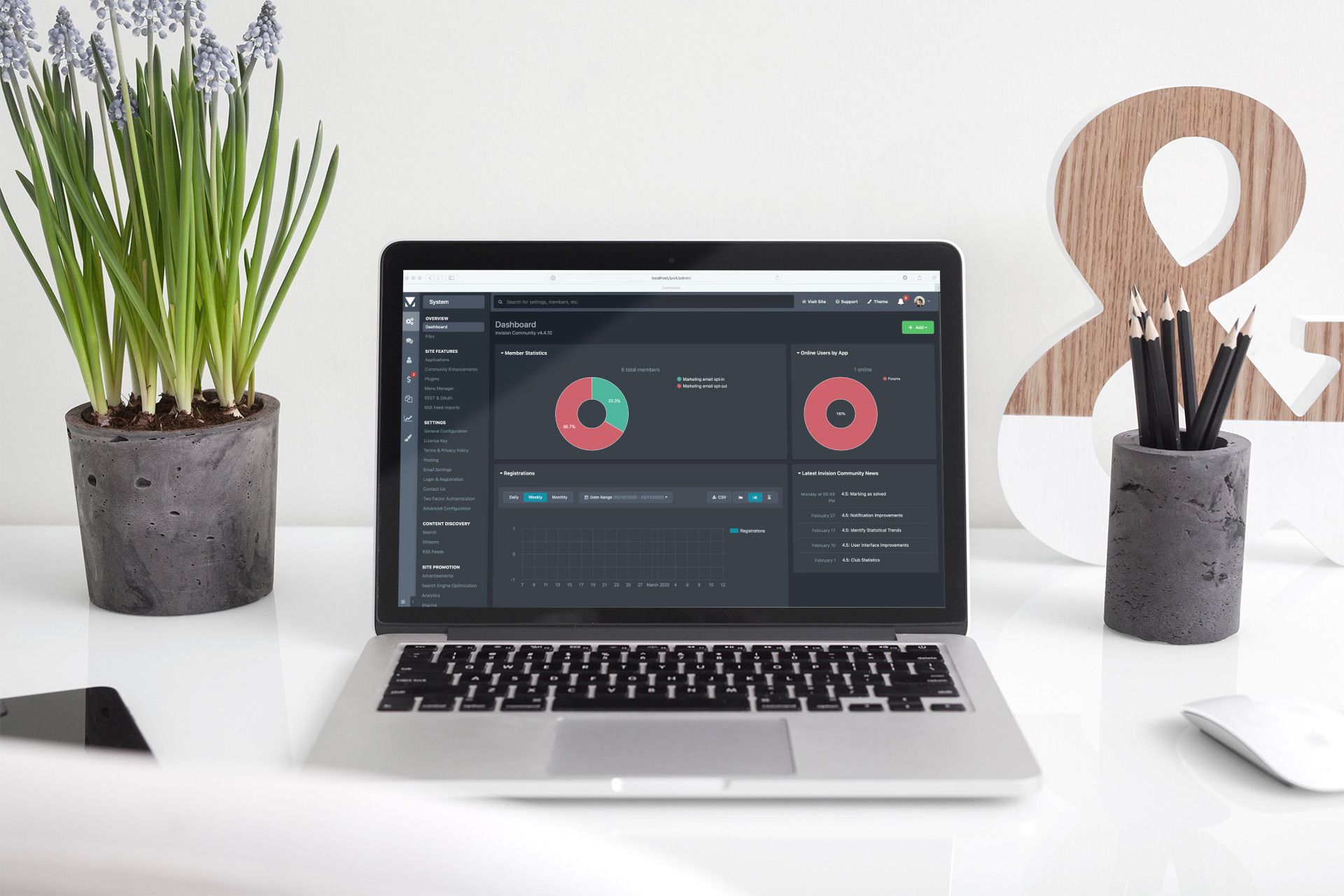 A short while ago we revealed the new look Admin CP for Invision Community 4.5. The focus was on increasing the workspace, brightening and modernising the look. However, for some this new look was perhaps a little too bright, especially when setting your OS to use dark mode. Rather than cause an increase in sales for sunglasses, we went ahead and implemented a dark mode for the Admin CP. You can set it to work inline with your OS preference, or you can choose to enforce light or d
- 12,028 views
-
 Invision Community has had a question and answer mode for a good few years now. This mode transforms a forum into a formalized way to handle your member's questions. Members can upvote answers, and the topic starter and your community management team can mark a reply as the "best answer". This is great when you want to add rigour to specific forums which encourage your members to find solutions. The existing "QA" mode But how about a way to mark a topic as solve
- 10,503 views
-
 Notifications are a crucial feature in enticing members back to your community to read updates and post their replies. It makes sense that there should be as little friction as possible when setting up notifications. We want to encourage members to enable notifications relevant to them. The current notifications form in Invision Community is functional but overwhelming and confusing for new members. Thankfully, we have simplified it to make it clear what notifications are availabl
- 47,408 views
-
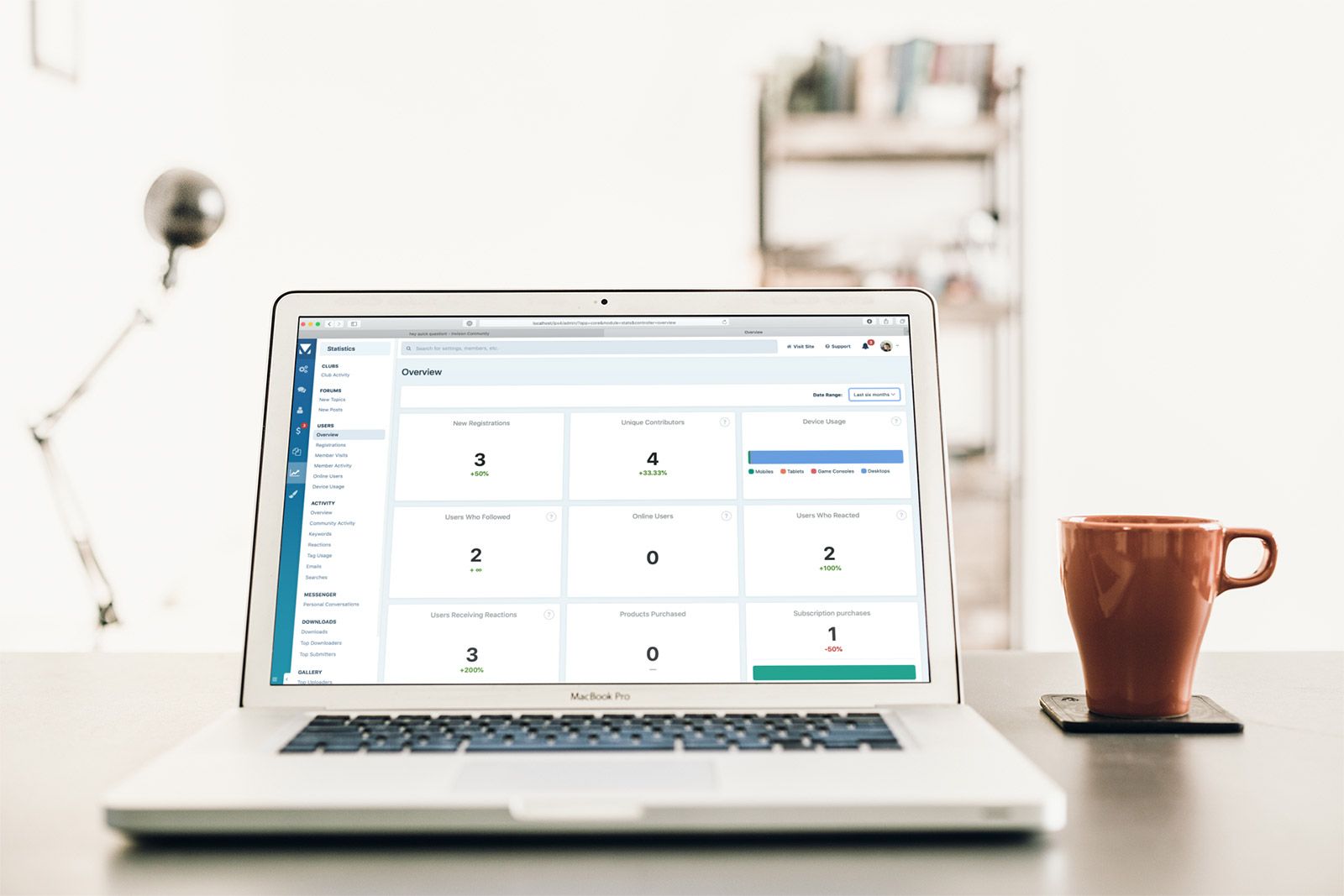 One of the benefits of using Invision Community as your community platform is that you control and own your data. There are several ways to review this data. One of which is via the Admin Control Panel which offers a suite of statistic views which helps to convert the raw data into something easily understood. However, it's not always easy to determine trends and community sentiment from these singular views. Invision Community 4.5 adds two new interactive views for user and activ
- 15,719 views
-
 Invision Community has certainly changed a lot over the years as we've moved through major updates and large user interface changes. While large scale changes offer a dramatic difference, it is sometimes the smaller changes that bring the most satisfaction when using your community daily. This blog entry rounds up some of the UI improvements Invision Community 4.5 brings. Content View Behavior What do you want to happen when you click a topic link? Are you taken to the first co
- 18,107 views
-
 Statistics can help you manage and monitor the direction of your community, giving you valuable insight into how your visitors are interacting with your site and what areas of your community deserve the most of your attention. With the popularity of Clubs in Invision Community, we determined that some statistics aimed at helping administrators review how this feature is being received by their end users was warranted. Club activity statistics overview When access
- 13,992 views






.thumb.jpeg.beabd3e950acc9626a39df2efa937da3.jpeg)