


Maker Dad
Clients
-
Joined
-
Last visited
-
-
-
-
-
-
PWA's are something a lot of people are sleeping on when for over a decade we've been conditioned in "you have to have an app" mentality. Looking forward to the next update for this.
-
-
-
-
-
But 11.1 is 11+1= 12!!!!! IC 12!!! Bring on the tinfoil
-
Easy upgrade without any issues. Nice to see that we're getting into the home stretch.
-
Saw that after I had made the thread lol, reported my thread here to be deleted.
-
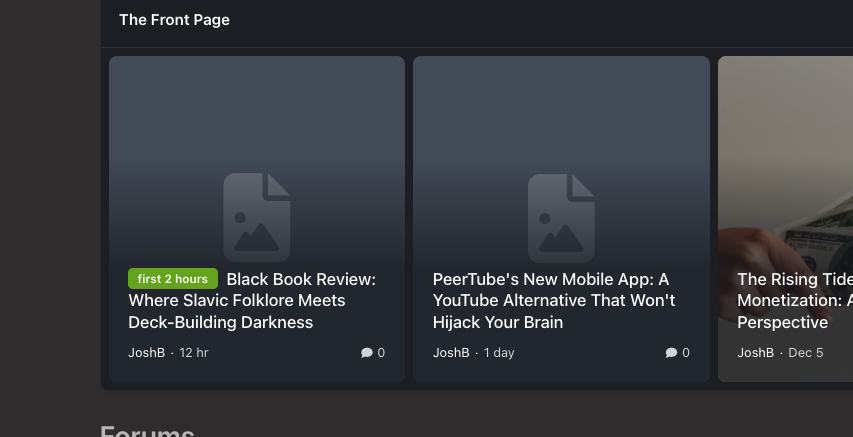
Recently noticed that the cover photos of the recently added articles have been disappearing, even after uploading them again. Haven't seen anything in the logs for errors.
-
Another upgrade and everything working as intended.
-
Definitely a bug, even if putting text in there the embed doesn't appear and having nothing in gets you the error bar.Getting the same when I tried with putting in a Steam embed link. Also, there is that small message at the bottom of the editor about "This field is required" Not sure what this is referring to or what.We have one Monday but, what about second Monday?Just went through the update process via the AdminCP and everything seems to have gone through just fine.I love what you did with the fanclubs site, this is what IC5 is all about. I'm just drawing a lot of inspiration from those who are posting their forums, and I'm on the side of I'll wait until IC5 is released.My understanding was that the process in v4 was more involved with adding the iframe HTML within the settings, this new process is much more streamlined by just adding the whitelisted domain without having to do much more.The Page editor is 100% better due to those highly talented IC crew.





