Maker Dad
Clients
-
Joined
-
Last visited
Everything posted by Maker Dad
-
PWA's are something a lot of people are sleeping on when for over a decade we've been conditioned in "you have to have an app" mentality. Looking forward to the next update for this.
-
-
But 11.1 is 11+1= 12!!!!! IC 12!!! Bring on the tinfoil
-
Easy upgrade without any issues. Nice to see that we're getting into the home stretch.
-
Saw that after I had made the thread lol, reported my thread here to be deleted.
-
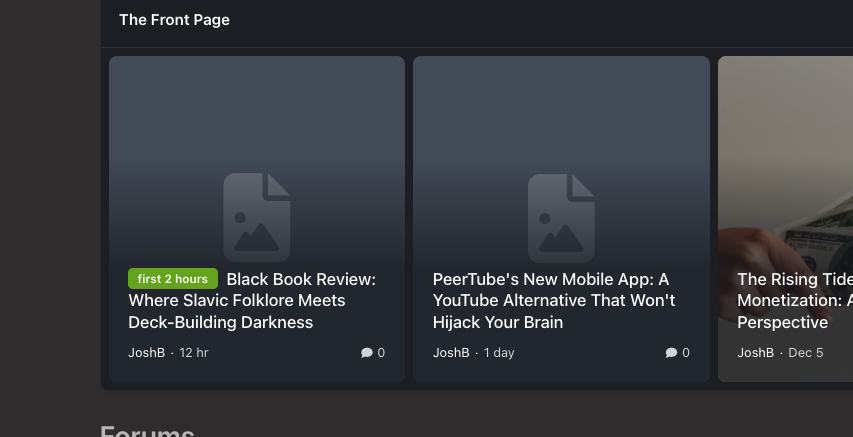
Recently noticed that the cover photos of the recently added articles have been disappearing, even after uploading them again. Haven't seen anything in the logs for errors.
-
Another upgrade and everything working as intended.
-
Definitely a bug, even if putting text in there the embed doesn't appear and having nothing in gets you the error bar.Getting the same when I tried with putting in a Steam embed link. Also, there is that small message at the bottom of the editor about "This field is required" Not sure what this is referring to or what.We have one Monday but, what about second Monday?Just went through the update process via the AdminCP and everything seems to have gone through just fine.I love what you did with the fanclubs site, this is what IC5 is all about. I'm just drawing a lot of inspiration from those who are posting their forums, and I'm on the side of I'll wait until IC5 is released.My understanding was that the process in v4 was more involved with adding the iframe HTML within the settings, this new process is much more streamlined by just adding the whitelisted domain without having to do much more.The Page editor is 100% better due to those highly talented IC crew.Ok, the embeds for the Captivate links are going through just as they should be. I was pasting the URL into the link dropdown but wasn't seeing the globe icon that is now showing up. Not sure if I was giving it enough time but it does work now. The only issue is coming from the Peertube side as it's just displaying a white block.Of course, for the allow embed settings I have the following setup. And for the link I'm using from Captivate is the following. https://player.captivate.fm/episode/98c8beb9-f160-4ac2-91a1-a94538c67e7e/
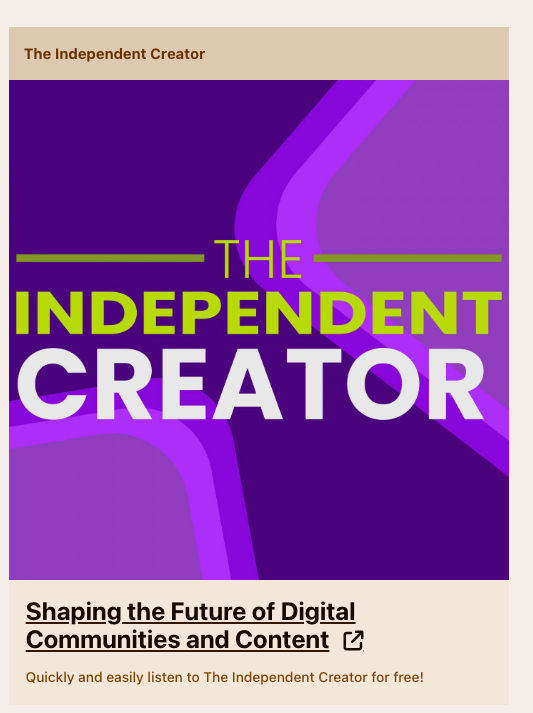
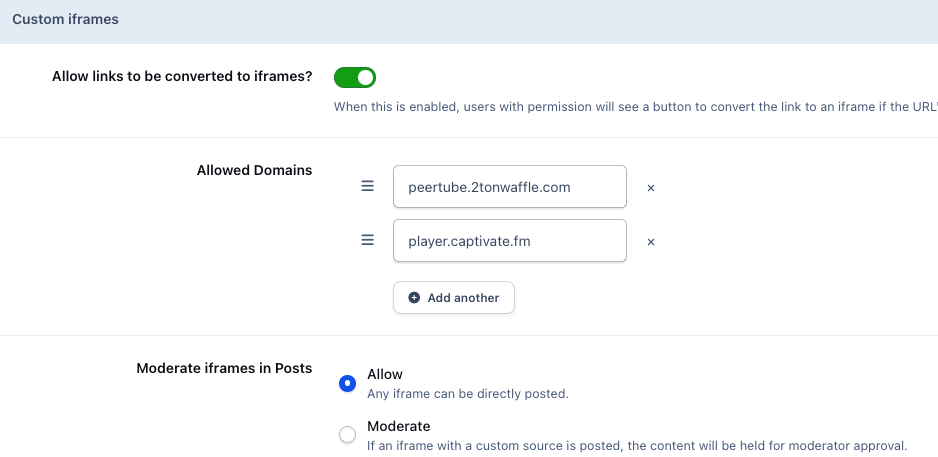 Exploring the new Beta, which is, for one thing, pretty swell, I'm working on the new custom iframe feature for embeds. One of the concerns I had prior to seeing that the source code feature was being removed was that I would not be able to insert the iframe code for podcast episode mini-player directly into a post or topic. Currently, it looks like this within v4 I've added the domain "player.captivate.fm" as an allowed domain, but it only inserts the thumbnail with a link to the mini-player, which, when you click on the link, takes you to the player itself as a new tab. I've tried with just captivate.fm as the allowed domain but, I get the same results. Wondering if this is just how it will be going forward. I'm excited about these new features and changes that have been added to Invision Community. Many of the changes will require some getting used to and making some changes to workflows but, that's part of moving into a future forward-thinking process.
 Tried getting a Wasabi account for object storage earlier this year, it's a much different experience as they are looking closer into what you are doing. Essentially putting you through an interview before allowing access to their service. I would look into Backblaze B2.This is great news and one that I can't wait to play around with. Thank you for giving us the updated tools for frames and embeds, reason 1432 out of unlimited in how IC continues to innovate and listens to the community.Source mode was typically used in my case for iframe embeds from our podcast host to have the latest episodes show up within a post.Would have to agree, had only used the Blog and Pages add-ons but always looked at adding the Commerce module. Just couldn't bring it into the mix budget-wise. Now though, all of that and a few more for just a little more is just fine with me.