


bskdisplay
Members
-
Joined
-
Last visited
-
-
-
-
Looking forward to the new features, I pray they are available for self hosting
-
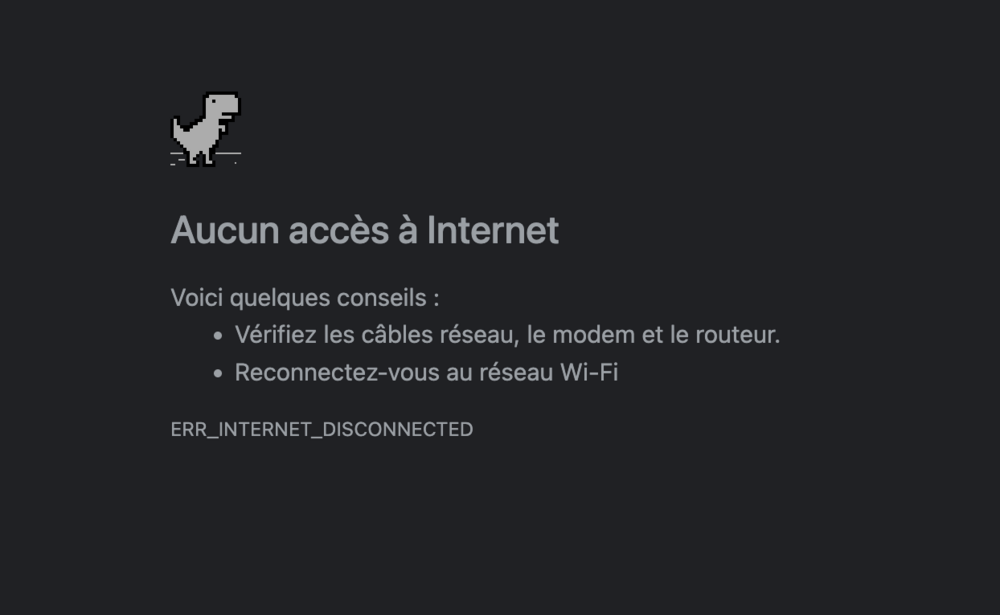
It's nothing to do with the update, but I find this internet connection error page very attractive, good, unlike the standard page. Otherwise, the beta 2 update was successful.

-
-
Updated successfully
-
-
-
-
-
-
Since version 5.0.6, it is impossible to access blogs, the store, or downloads (error 500), some blocks have disappeared and others report an error. (Simply write "error" in the block)
-
I have updated my FTP information
-
I just updated to beta 2, and here's some feedback:Some widgets no longer work on the home page, and I can't drag and drop them. When I browse my website, I encounter a lot of random 500 errors.

-
-
Update completed successfully. Let's run some tests. After the update, can I delete the constant file? I'm self-hosted.
-
-
Update completed successfully and my problem with the image widget has been resolved. Thank you team

-
Update completed successfully. I'm encountering 2 problems at the moment: - My photos of store presentations are no longer displayed - The background of the photo widget has disappeared
-
I so agree with you! This should be an essential feature in all offers. Especially since many self-hosted customers are asking for it... Let's hope the Invision team changes the game!
-
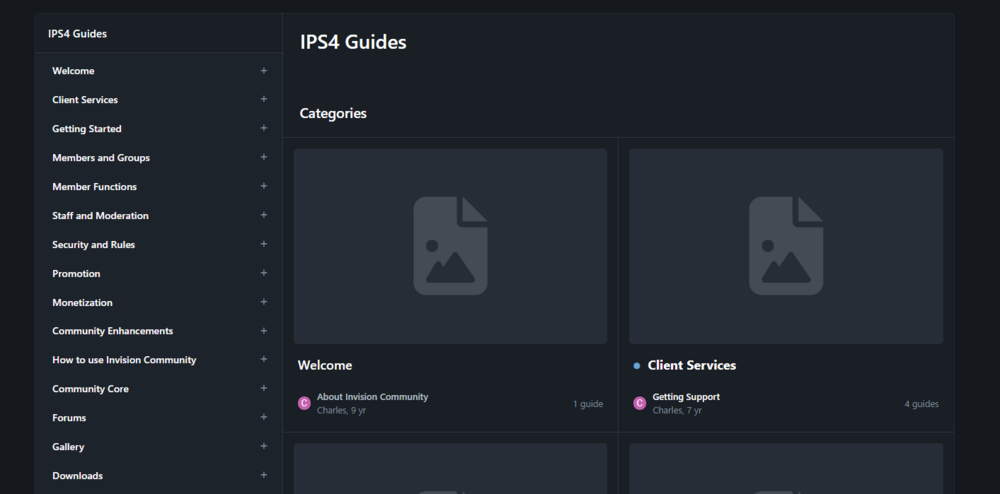
Hello everyone, I don't know if I'm in the right place and sorry for my bad English. I tried to create a table of contents like in the example below, but without success, I looked for topics that talk about it but nothing works. Thank you
-
Okay, so here we go for a relentless translation of 824 key pages... When will we be able to upgrade to v5 for a Creator? The story is that I don't translate all these keys for nothing. Thanks for the response
-
No, v4, it seemed functional to me until I tried to read a topic
-
Hello everyone! I have a problem on V5 with a French language xml file Import successful, the only problem is when I want to access a topic I get an error 500. On the other hand, when I deactivate the rewriting of URLs in the administration, the bug disappears! Clarification: this bug is only for administrators and moderators, members have no problem.







