SjorsK
Clients
-
Joined
-
Last visited
-
 Mr. George reacted to a post in a topic:
Data at Your Fingertips: Explore Our New Reporting and Statistical Capabilities
Mr. George reacted to a post in a topic:
Data at Your Fingertips: Explore Our New Reporting and Statistical Capabilities
-
Interesting! 🙂 More insights are always better!
-
-
 everzel reacted to a post in a topic:
Strengthening Community Trust with Privacy and PII Data Features
everzel reacted to a post in a topic:
Strengthening Community Trust with Privacy and PII Data Features
-
-
Awesome! Some more GDPR compliance features! This is great!
-
-
-
-
I wonder this too, my core business is actually education and we would love to be able to use it. And cloud is not an option for us. 😉
-
Yes, our core business runs on subscriptions 😉 We use IPS as a learning/community platform (Community is mostly for SEO reasons. Unique content sells!). And learning is our core business and people subscribe to get access. Feel free to check it out: Lowepost, creative learning platform Only issue is that we have to manually remove all subscriptions as soon it expires since that bug was introduced. Otherwise people can not re-subscribe. We solved this by running a SQL query with a regular interval.
-
-
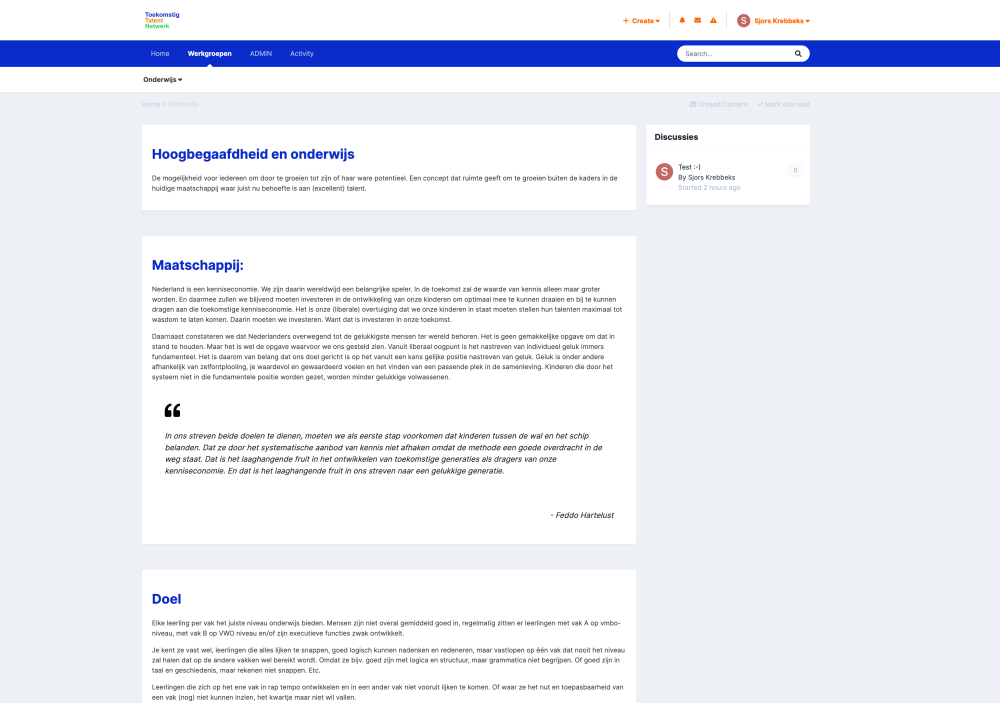
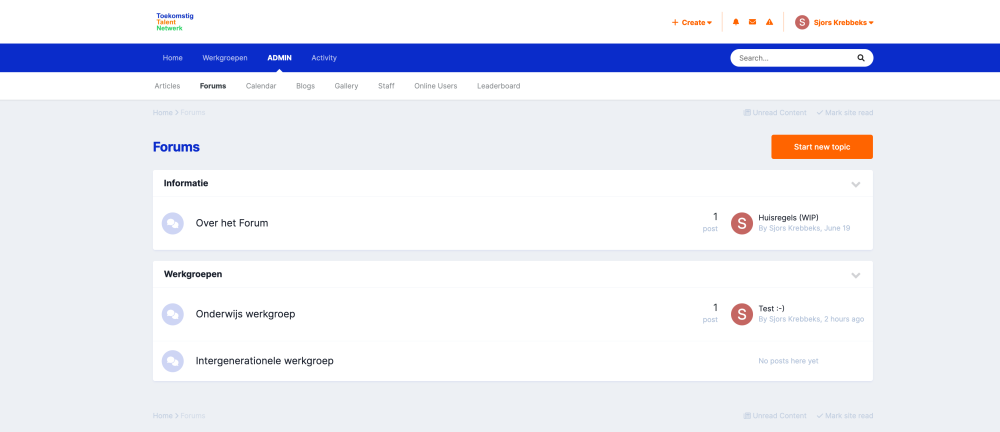
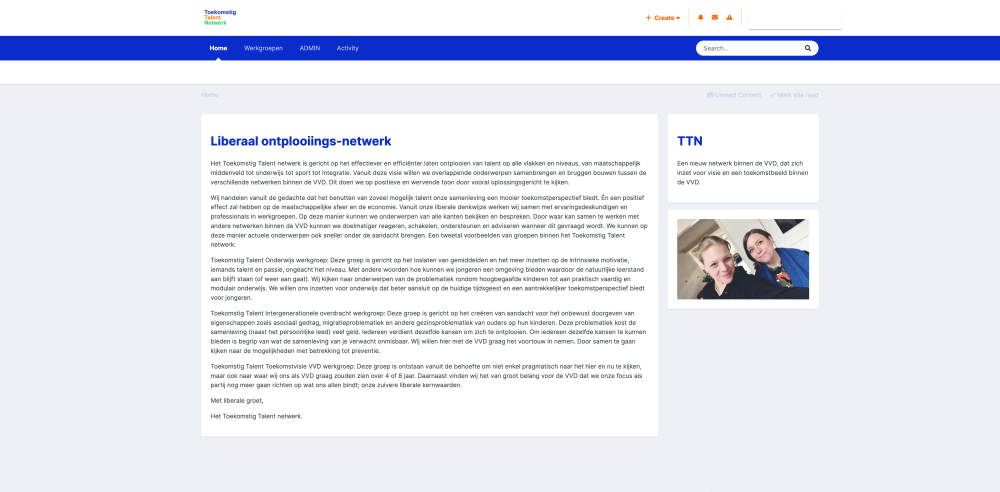
This will be a website with community aspects for enabling the development of personal talents (side project, volunteer, not for profit). Kinda happy how it's turning out with relatively minimal effort. There are some minor theme tweaks 😉 Here is the for profit community I have developed: Lowepost, creative learning platform (Which basically pushes the limits of the IPS suite kinda everywhere) (n.b. I need to put some effort into making the forum prettier once again 😉 ).