


Pescao6
Clients
-
Joined
-
Last visited
-
-
-
-
-
I think it had previously added /forums to everything when I used the Live Meta Tag Editor because Forums was the default app, but I found out I could edit the URLs and just remove '/forums' and that's working to bring them back. Thanks!
-
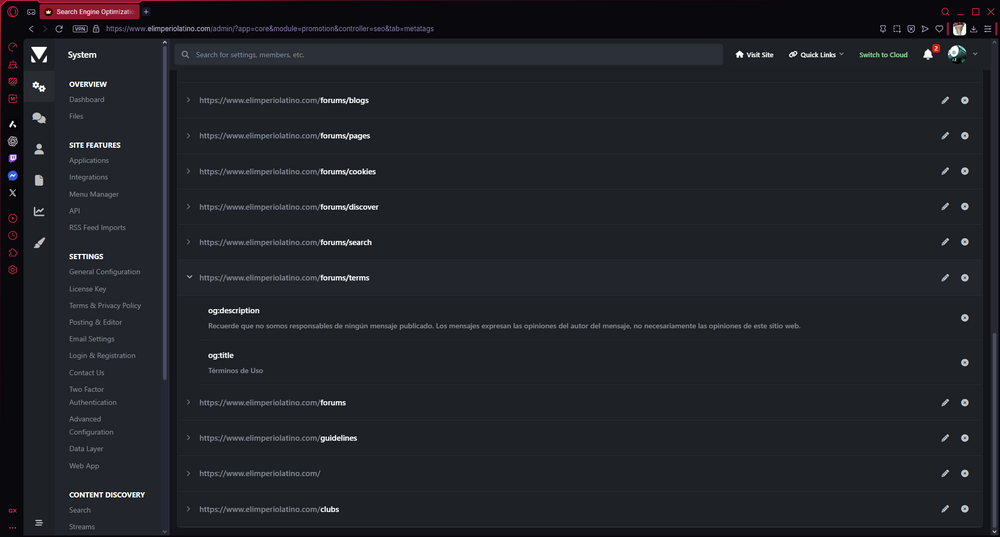
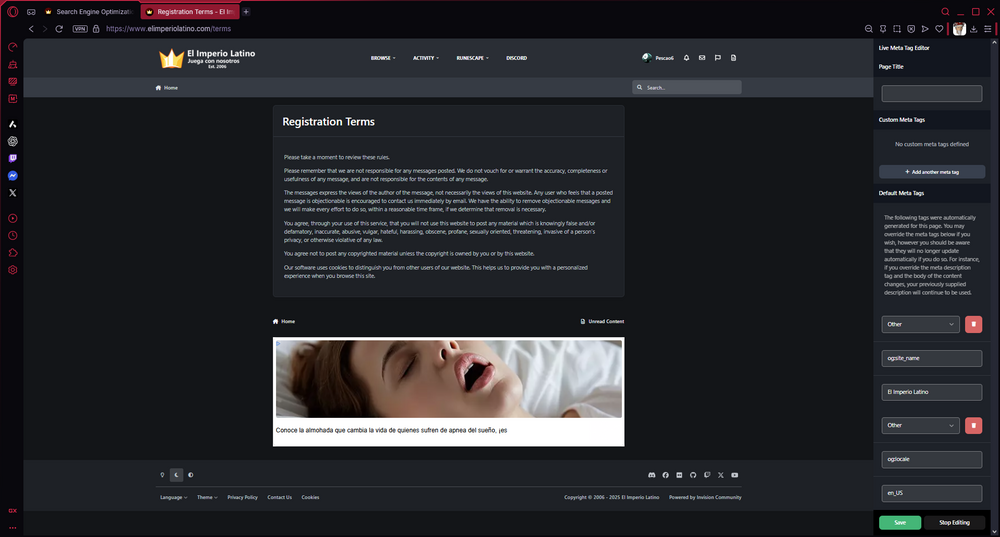
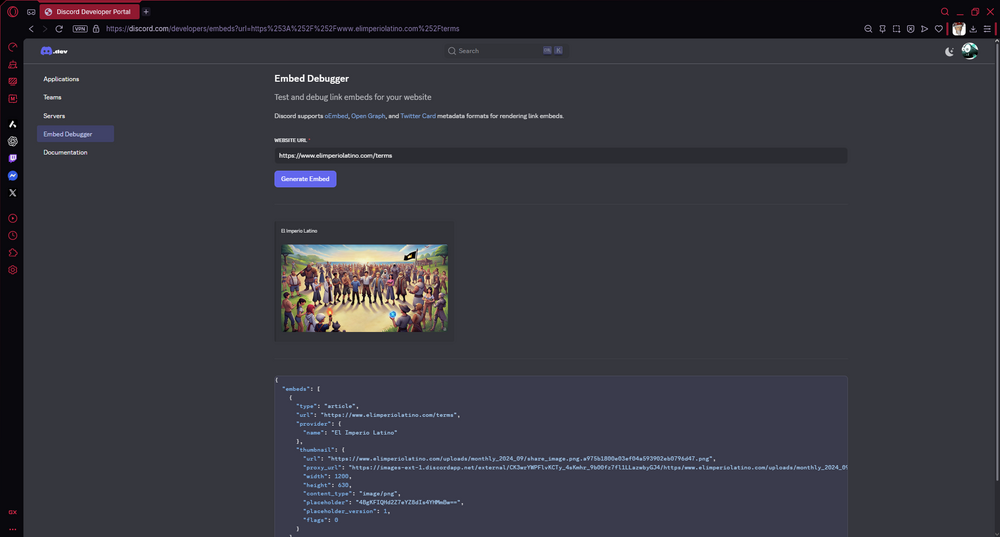
You can see the og:description and og:title are missing from the Live Meta Tag Editor even though they show up in the ACP. Do you think there might be a query I could do to put them back without manually doing adding them 1 by 1?
-
I just upgraded to 5.0.12 and my meta tags are gone. 😭 Homepage was unaffected. I can still see them in the ACP, but they've been removed from the Live Meta Tag Editor. ~ I hope you guys can fix this so it doesn't happen with future versions. 🫡
-
LLMs like ChatGPT don't crawl your entire site, but in theory they can crawl anything guests can view with the right prompt. llms.txt is a new, experimental standard some sites are starting to publish to declare their rules for large language models, but it has not been adopted yet. For now, the best thing you can do is run a test to make sure ChatGPT can crawl your URL and it's not being blocked by something like Cloudflare. Because ChatGPT would probably ignore the replies from forum posts, one work-around might be to use wget to download the pages and then upload the HTML files to ChatGPT allowing you to fully scan them.
-
Stop breaking my website!!! 😭
-
Configuring ads on my site was a challenge, but one that I enjoyed as a learning experience. I've definitely thought about using subscriptions for ad removal, but haven't had the time to find out how to do that. Are there are any guides you'd recommend for creating an ad removal subscription?
-
Just got around to start using it for closed forums. So far so good, easier to work with than changing members' groups.
-
@Jordan Miller For me, it comes down to these: Writing down the things we want to do Scheduling plans to actually do things Attempting to meet planned deadlines @Marc Stridgen A big struggle for me recently has been trying to figure out where to post what. Does it go on Discord, does it go on Social Media, does it go on the Website? Where would the content get the best kind of engagement? Am I looking for short term high activity or to preserve content for the long term? And even within the website, does it go better on the forums, the clubs, the blogs, the articles? A lot of clients probably haven't gotten all of the features, but for those who have them all it's a blessing and a pain to have options on how we want to present our content to our communities. And for communities that are starting out or have small teams, I usually advise them to focus on no more than 2-3 channels. I'd be cautious to recommend doing this. I see a lot of companies do this thing where they'll post a blog and then share it on Facebook, LinkedIn or Twitter. And I wonder, why? Instead, I think it'd be best to write unique messages on each platform. The occasional backlink is fine, but it should be the exception not the standard especially considering most members probably won't engage in more than 2-3 channels of a community.




