Phantom_OTIB
Clients
-
Joined
-
Last visited
Everything posted by Phantom_OTIB
-
I will ask the question and come back to you
-
Good Morning As always, Thank you for the support and guidance offered, it really is invaluable One of my fellow admin has message me with a problem, and it turns out a few of our members are getting the same issue. When they are logged into a laptop and a mobile phone at the same time, when they return to either they are automatically logged out of their account The odd thing is that I am always logged in on both my mobile and work laptop with no issues As above it is only impacting a handful of people, I just wondered if there were any possible solutions / reasons?
-
Hi @Adriano Faria As per my post above, this is exactly what I need I have tried to create an account but it says I must have an IPS profile URL - I have no idea what that is, can you assist please?
-
A solution was posted on the last thread you created Mark Content As Read Via Forum Icons - Feature Support - Invision Community
-
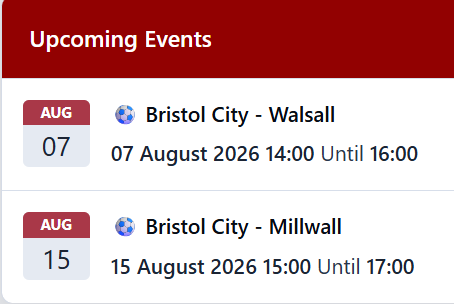
As a football forum we have just added the "Upcoming Events" tab and added an RSS feed so we have the upcoming fixtures showing I was wondering if there is a way to change the heading from "Upcoming Events" to something of our choosing please? Additionally in each event it has the ability to add a "Cover photo" to the event, is there a way we can import the same picture into all upcoming events or do we need to upload individually? At the moment we have 47 events, and I don't have the will power to upload the below into each one As always "Thank you" for your help

-
Always welcome opposition supporters. I can't think of the persons username now, but there is a Wednesday supporter who posts on there quite a bit
-
Thank you for your kind help. It was as suspected, to do with us linking to a non approved thread. Out of interest is there a way we can remove the ability to select to leave a link to the merged thread? I now it's a tick box, but I'm not confident all the moderation team will remember not to select it and potentially create the same problem again
-
Apologies, I have no idea how to do that
-
This is something that has been raised to me too
-
Good to hear there is a fellow football forum on here I look after www.otib.co.uk
-
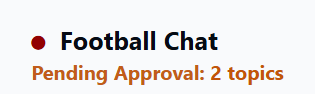
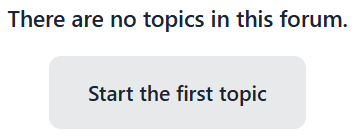
We currently have two posts showing as awaiting approval When I click on the highlight it usually takes me to a post that needs to be manually approved, but when I click on the link there are no posts there I have gone into the admin control panel and there are no posts in the awaiting approval area Any ideas how I can move on / clear the message please?
-
Looks good 👍🏼
-
I'll pass this onto the forum Thank you for your help
-
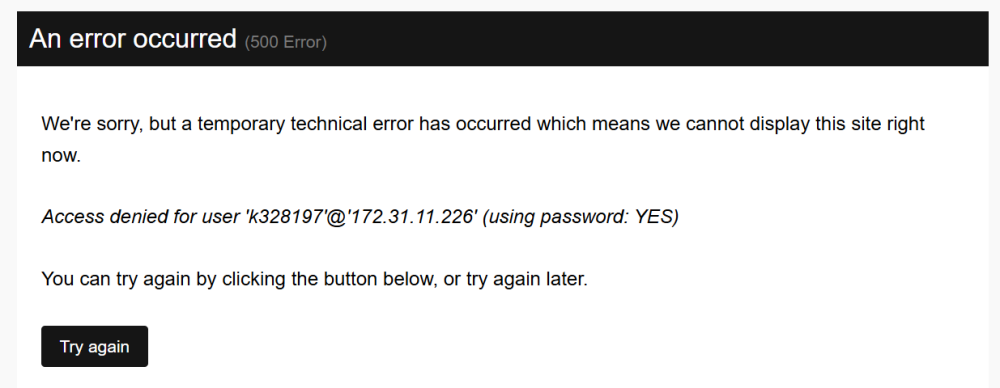
Good morning This morning I have had a number of users message to say they are getting the following error message. With a refresh it temporarily goes but soon returns again Grateful for any a please
-
The below is what shows for a 'Newbie' Looking at their profile in the Member View are of their account, when they were moved to "Banner", it shows them moving from "Member to Banned" That looks like they went straight to being a "Member" rather than being a "Newbie" - there is no mention of them being a 'Newbie' I am guessing I need to be looking at what group a newly registered person goes into, as it looks like they are going to step 2, rather than step 1. Is that something that I can correct please?
-
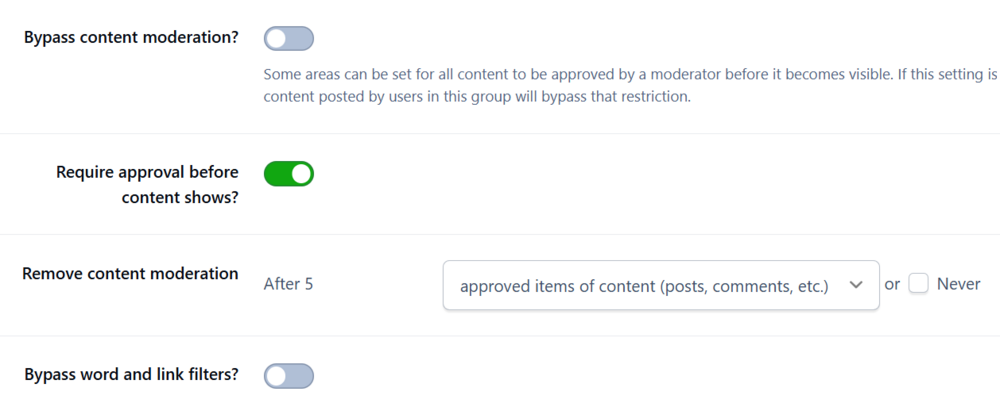
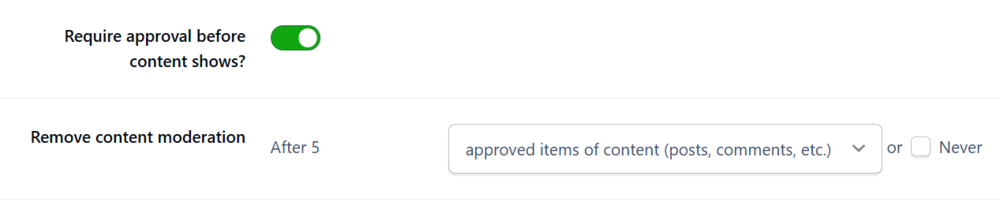
Thank you for the information @Jim M We already had the below set up, the user I mention posted twice (first posts) directly onto the forum last night without needing approval Uploading Attachment... Interestingly this morning, it has become apparent some words we have blocked in the filter have been getting through as well
-
Apologies for another question We have a user group called 'Newbies', this has always been a group people go into when they first create an account. We had an incident last night where a new poster registered etc, but was then able to post false and offensive claims about an employee of a Football Club. Is the below possible please? When someone first joins, they join the 'Newbie' group They are unable to send Personal Messages in this group Their first 3 post have to be approved before appearing After 5 posts they move from 'Newbie' to 'Member' Members are able to send Personal Messages I hate to say I have no idea how or where to start with the above, but would be grateful if all or some of it could be explained please
-
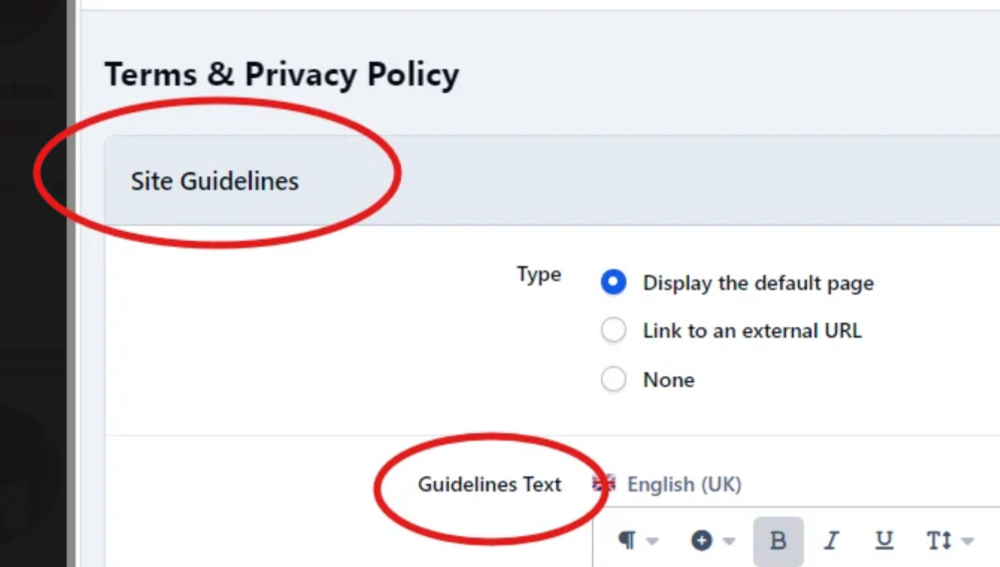
Bit of a picky request here, on our site our Rules etc and known as "Rules and Regulations" but the heading seems to be locked as "Site Guidelines" Is there anywhere "Site Guidelines" can be amended, as our policy isn't really a guideline, it is more a rule and a fact Any help or guidance would be greatly appreciated
-
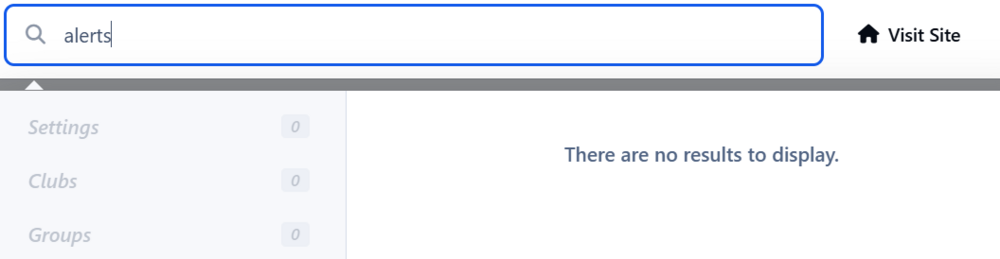
Apologies for the delay in replying, bank holiday vacation time :-) I have had a look for this, when I search for alerts nothing is found, should I be searching under something else?
-
Thank you I am not sure we would ever use it again so not sure about buying an add on Does that mean we would have had a paid add on in the past to enable us to have done it?
-
We are looking to push our paid membership that we offer. I am sure in the past on V4 we had the ability to both message all registered users - the preference would be to get the message on the forum rather than via an email, as we are not sure how many actually read their emails. Also when we upgraded to V5 before the upgrade we put a message that appeared on the top of the page when someone logged in next I hate to say that I can't see how I can do either, I have searched various topics but to no joy. If the above is possible, I (we) would be very grateful for any assistance
-
Brilliant - Thank you, found what I was looking for and more
-
Just piggy backing on this topic @Jim M , is there anyway to hide the "Who's online" list completely? It doesn't show on our mobile version, but as we have hundreds of users online it takes up a lot of the page online. There is an option to see the "Full list" I guess if the list could be collapsed and only viewed if someone clicks on expand button it could help - maybe even just for admin
-
Sorry to keep on, I can't seem to find that area. This is the options we have

-
Thank you, I will have a look at the list Silly question, how do I go about installing V5?