


.png.141d1f12207da855a4d6f208abb79117.png)
Jimi Wikman
Clients
-
Joined
-
Last visited
Everything posted by Jimi Wikman
-
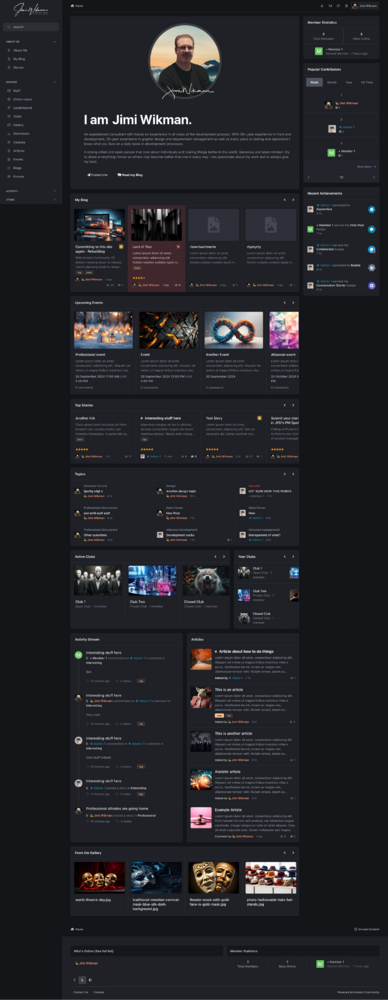
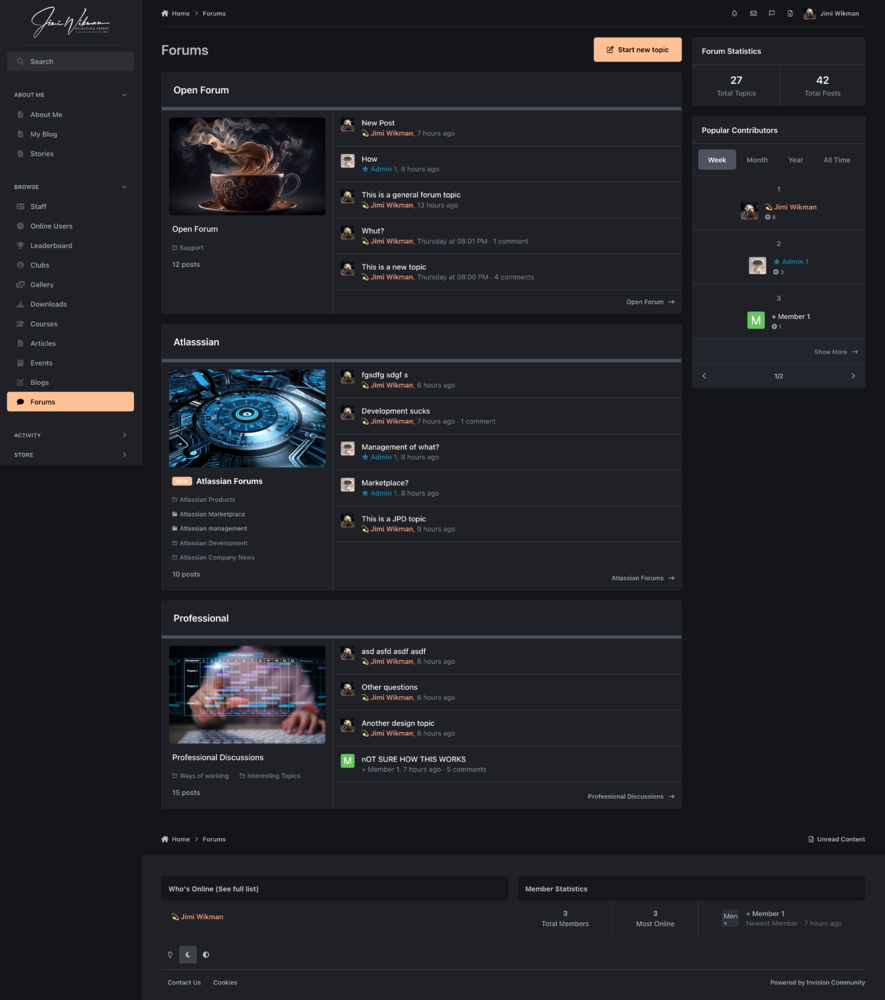
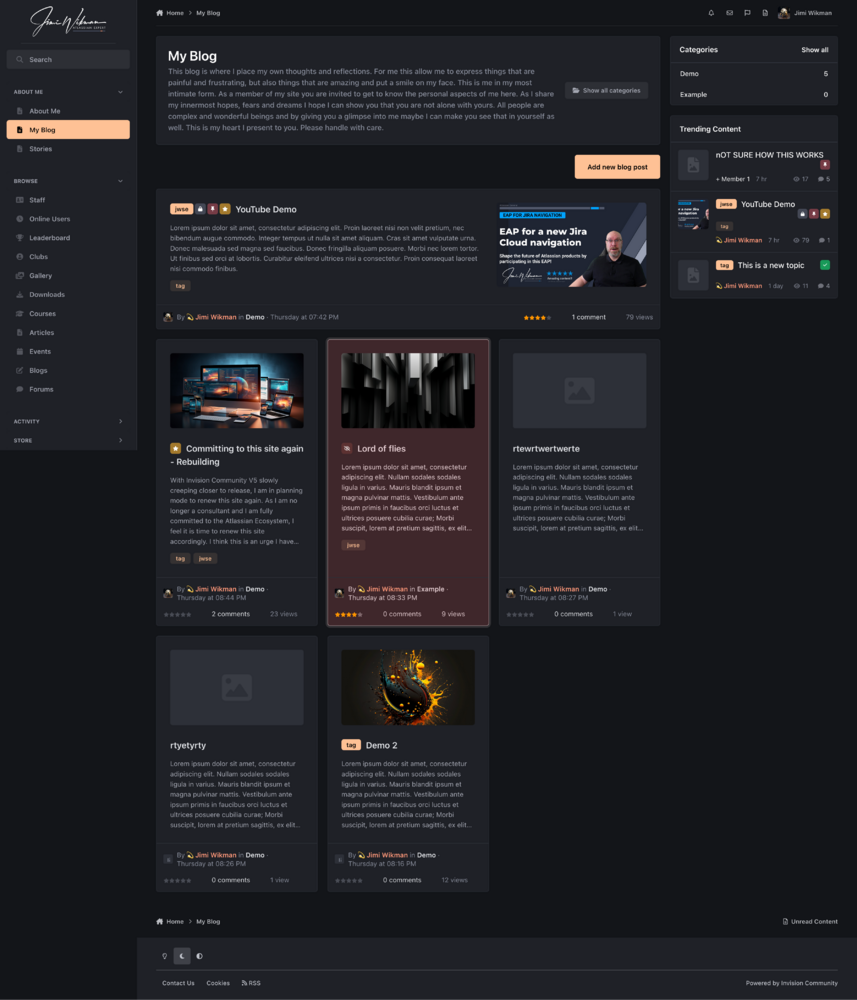
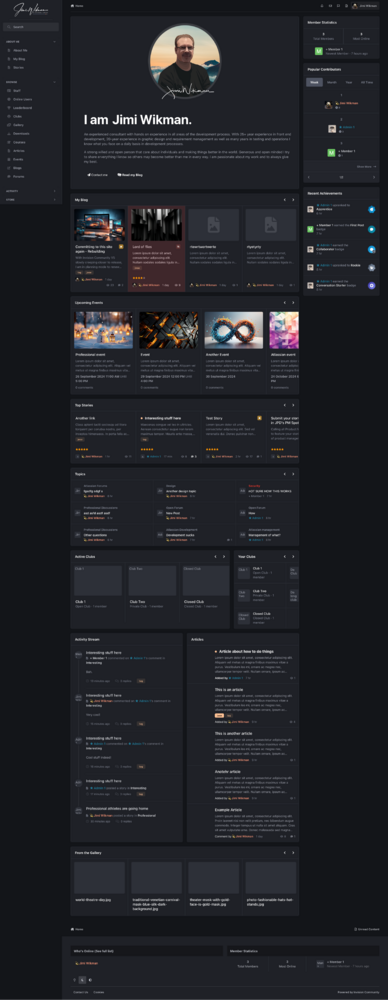
This is my playground: https://j332207.invisionservice.com/ Where is yours so I can see what you are playing around with 🙂
-
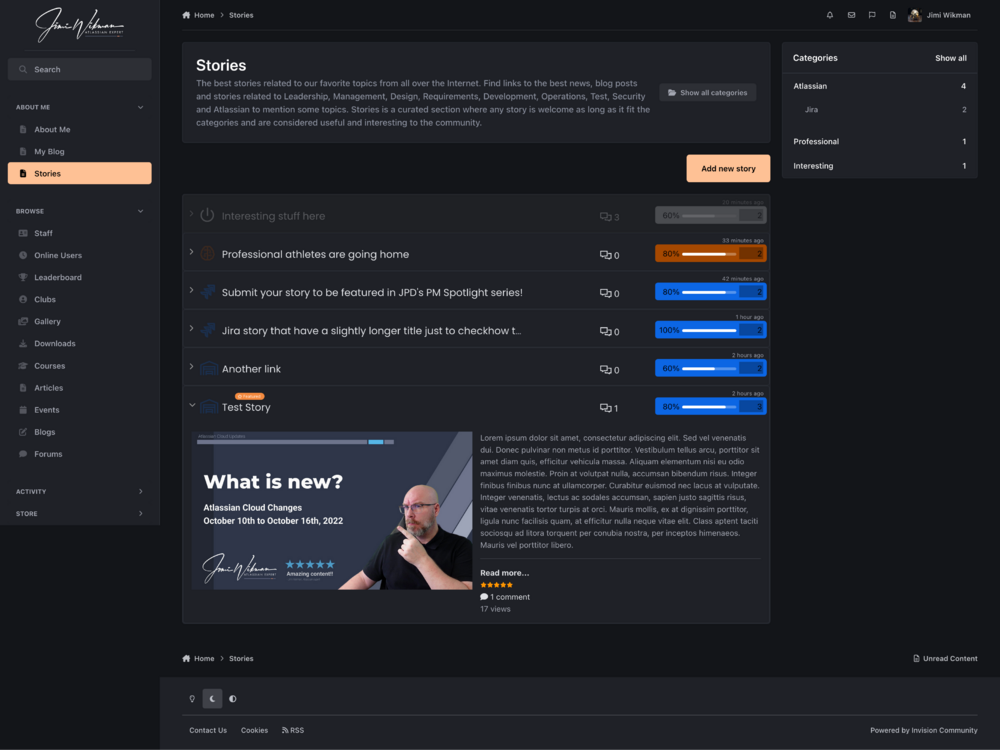
I am always happy to test 🙂 Good stuff Matt, I am really looking forward to see what you have come up with for Pages 🙂
-
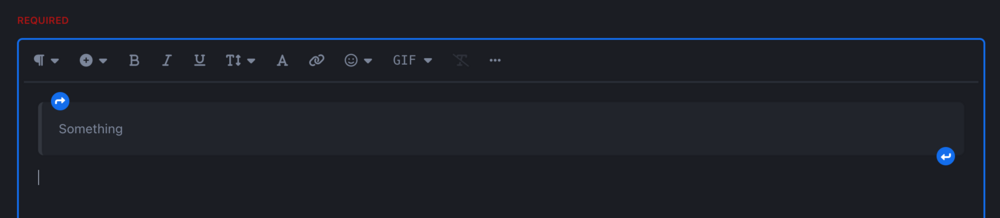
Am I correct to assume that the blue arrows here have designated CSS classes or ID's? If that is true, then it is possible to style them so then you can have the transparent block below and above if you want. Same functionality and both UI's are possible. All through the magic of CSS 😉
-
Hmmm...that reminds me, will the new editor have a clear formatting function? I figure that will help with those pesky cut and paste from other tools that add garbage to the text?
-
Will we be able to use official extensions, or is the solution too customized so it will not be possible? Will we by any chance be using TipTap for the Pages editor as well, as I see it has content sitebuilder capabilities?
-
First of all, this is great. Really great. Secondly, I think you are getting closer and closer to having all the ingredients for making a very nice ITSM tool for support purposes 🙂
-
@Matt@Ehren I have not seen anything about Pages yet. Is that because you are saving the best for last? 😉 Will these template changes also impact templating for Pages, and if so, could you show a little of how that would work? For example, how do we create templates from when we link databases and how we can customize forms?
-
I think this is a very important question, and it seems to have been left without an answer? I also do a lot of changes to the core functionality when playing around with the templates, and I would like a run-down on how we will work with Pages specifically in the new editor?
-
Not a bad thought. That would give customers a bit of option and if it is ok then the customer could choose to make public at any time.
-
My thoughts turned into a blogpost instead 🙂 https://jimiwikman.se/articles/professional/the-importance-of-communication-when-trust-dies-horribly-and-organizations-fail-r229/
-
I would say the thing that is most important is to lower the entry level for new users. Add 5-10 templates for each of the category listing, entry and start page with icon representations that show the structure. That way, you can pretty much build anything you want out of the box and never touch any code. Custom templates should of course still be an option for those that want to tinker with that. The second thing I would suggest is a WYSIWYG for custom fields in the templates. Make it easy to drag and drop custom fields into the template structure, and also how to present each of the types of fields. Third, I would suggest reworking the way database relation fields work so we get a new template in Pages rather than in the theme structure to control output. Again, this should come with a few preset templates that is easy to get started with. I think this would increase the adaptation from people that don't want or can't do code. Make things easy to use out of the box, and then build tools for the advanced users later.
-
Tried it and playing around with it on my test site. Looks awesome and so far no issues that I have found.
-
Minimalistic design, maximum awesomeness as content. I like it!
.thumb.png.8f2c1c8a9510568e17c05769e940592c.png)




