SoloInter
Clients
-
Joined
-
Last visited
Everything posted by SoloInter
-
I did the update. As it's happened during betas : ALL pictures on widget on the home page doesn"t show up anymore. But the picture is still in the records :

-
Maybe should be "mt_isdraft" as we can see "mt_hasattach" and not "mt_has_attach".
-
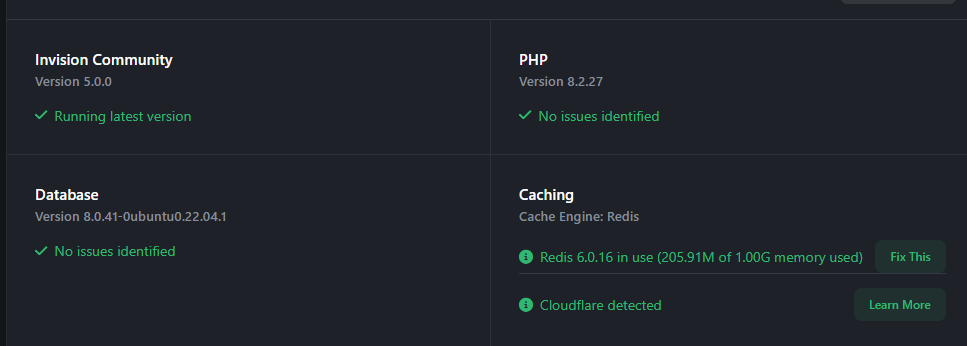
Just did the upgrade. All good thanks Just this :

-
All good thanks !
-
Just upgraded. All good.
-
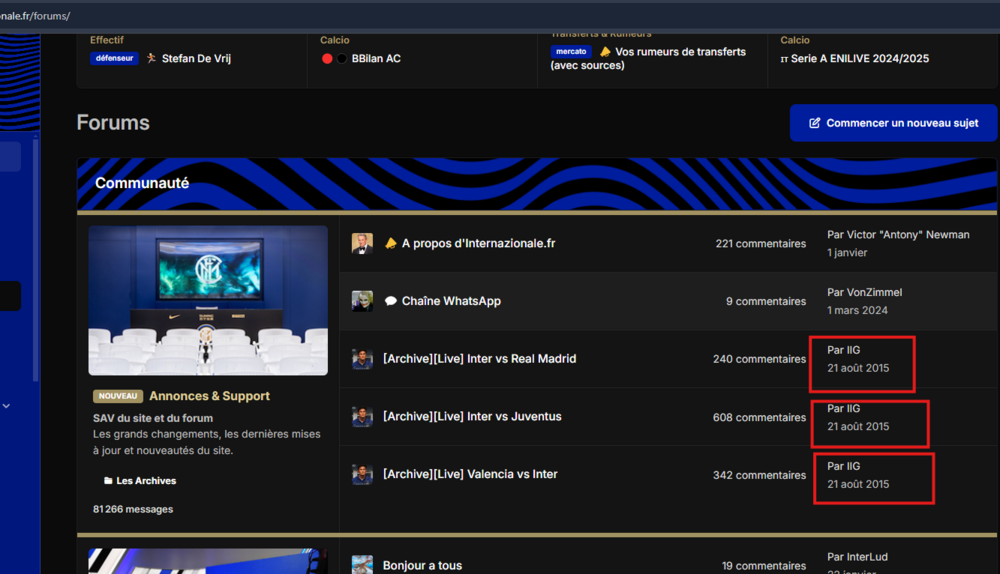
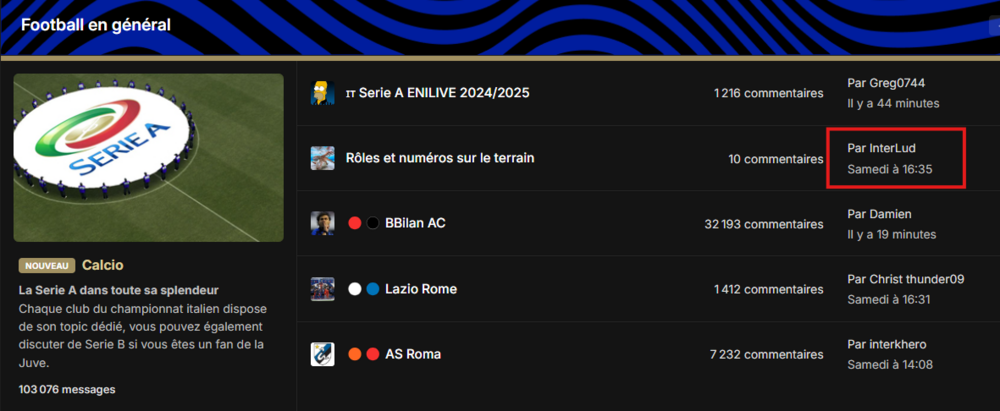
Since the update, main index forum doesn't list topics as before. Topics from 2015 who are archived, pop now on the home page. Also, this one was updated on saturday at 4h35pm, but the other are 44min ago and 19min ago. I did exactly this : Saw the invite to upgrade to B14. did it install was finish and I saw buttons to go to Front or Admin. After I clicked, I get the error 500 things. Download BET14 from here Extract and upload with FTP After all files was uploaded, I goes to the website Website is loading well without any issue anymore. So I just upload a fresh install. Nothing more.
-
I upload a fresh install with ftp and it's back without anything else. No need to re-upgrade it's all good. But tricky.
-
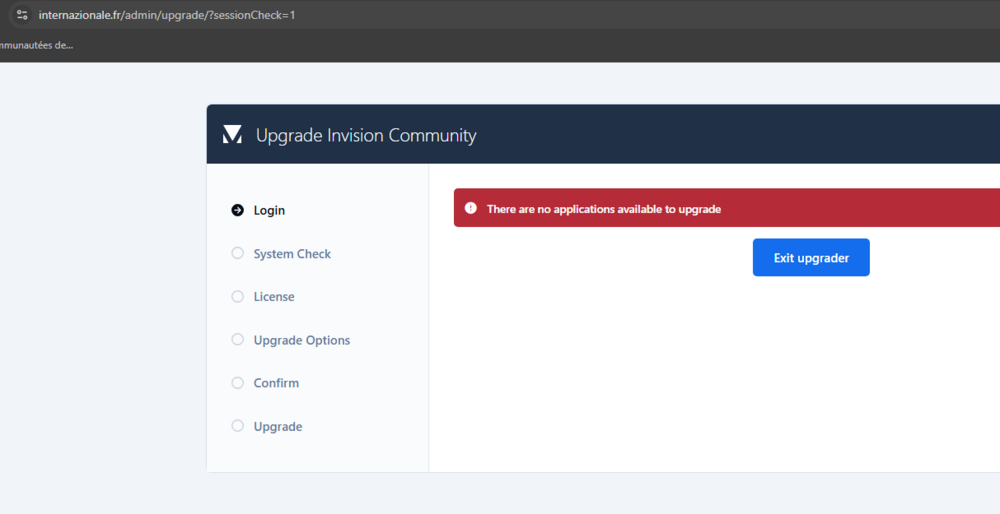
Me it say no upgrade available I will try to download, send new install with ftp and try to re-upgrade/install
-
It's all stuck. We are out for a while.
-
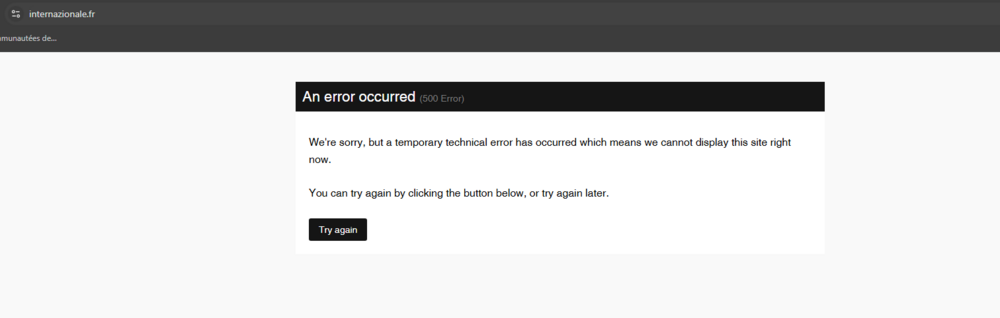
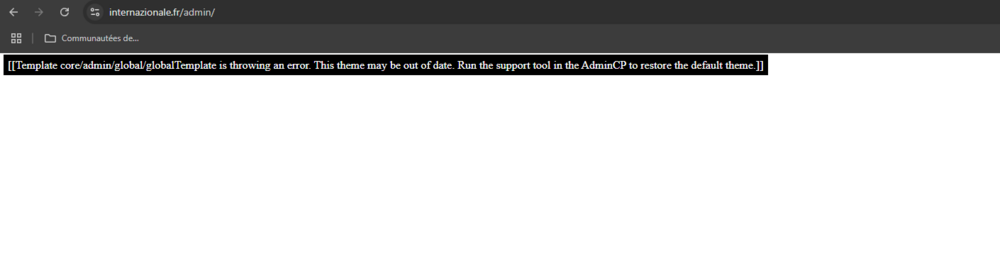
I did the update. All was good, I saw the 2 button to go to the site or admin then : And ACP Admin return :
-
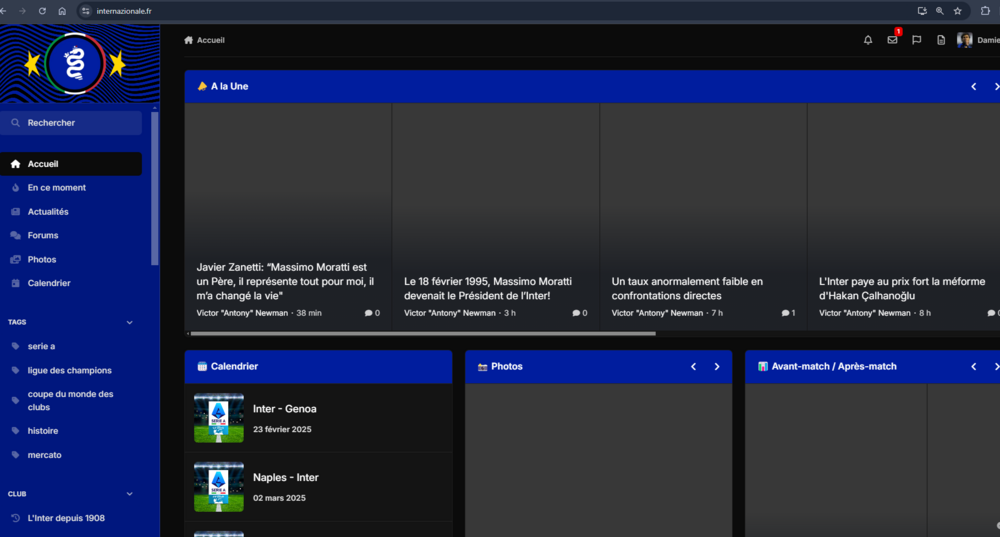
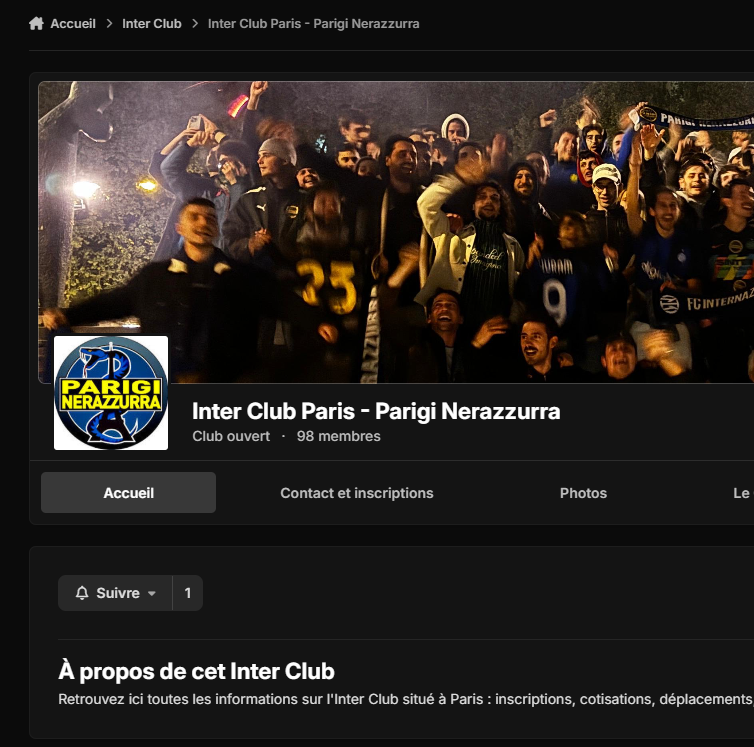
All good. Thank you. Also for me. Profil pictures are not showing up anymore on the widget. But they are still here on the main page of the club.

-
You should know also that you want to open cloud features to self hosted clients. 🤝
-
With Monday and Friday on a boat. But I don't know if it's Monday or Friday who falls into the water 🤔
-
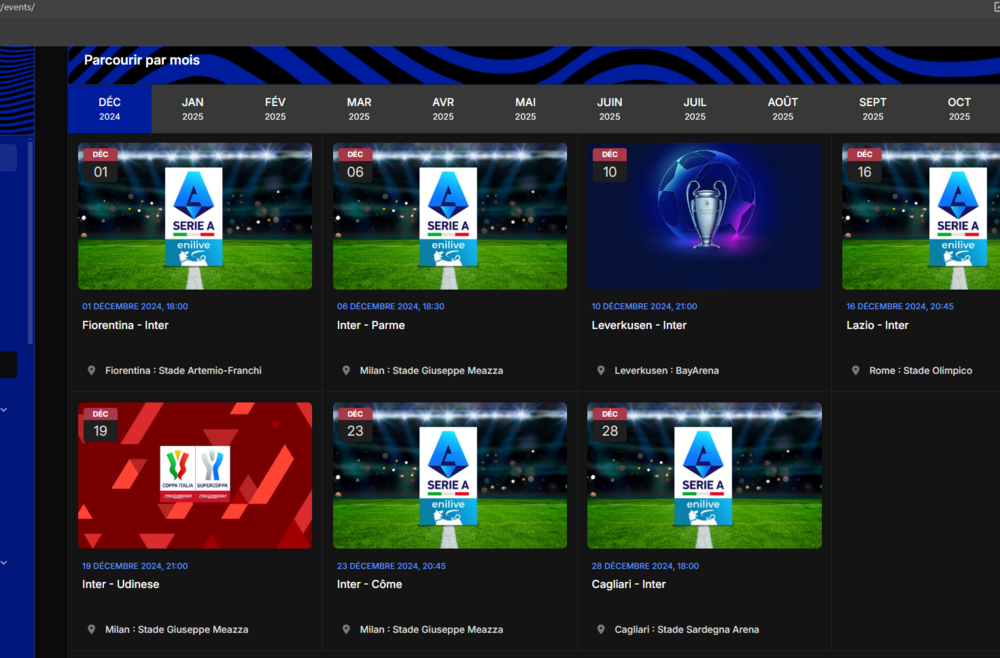
Always asking me why there is a big thing like Calendar at the same level than Page, Downloads, Gallery, ... but so limited. We can not navigate on the past using the beautiful view on the main page of the app, we can not really play with the data. Would be great to have one option like date range to show any event in there.
-
Is there a way to display past events from a range of date ? Example : Displaying this but for a start & end date in the past :
-
Thanks ! All good. Install smooth & fast. (php 8.2.26)
-
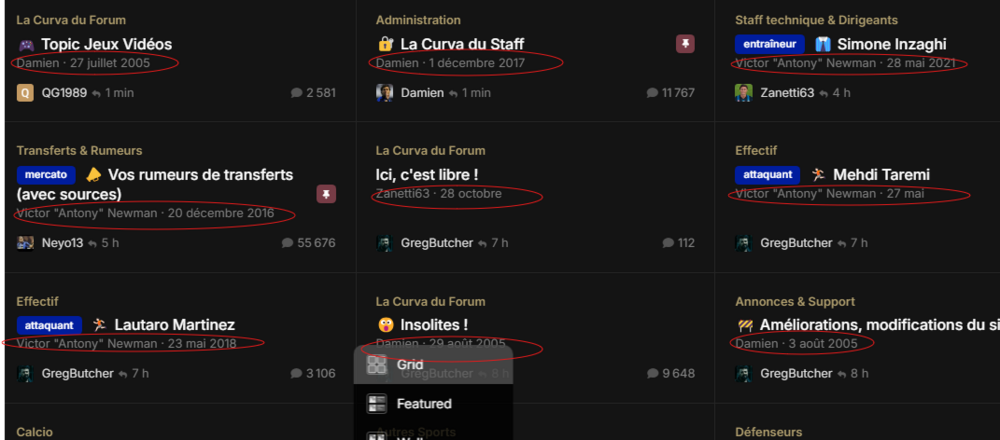
Thanks. Sorry but it doesn't work as I wish. This code is hidding last author post and is showing author. And if I try this : .ipsData--grid.ipsData--topic-feed-widget{ --i-data--show-last-author: ; --i-data--show-last-reply: initial; } it's showing both. I want to hide author post and keep last poster
-
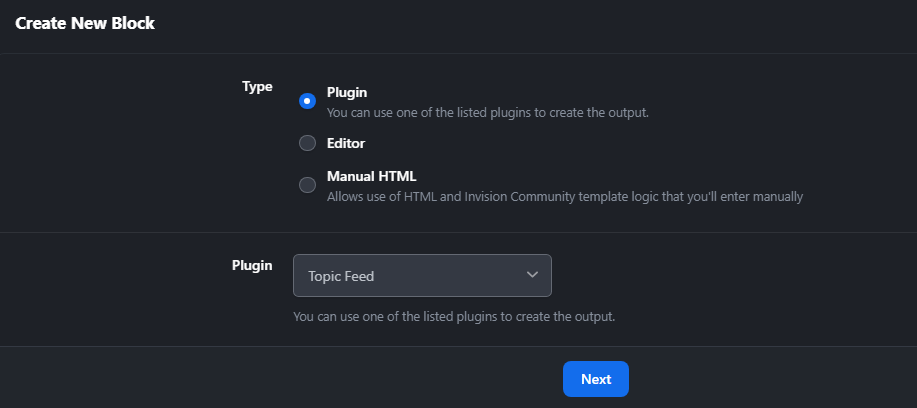
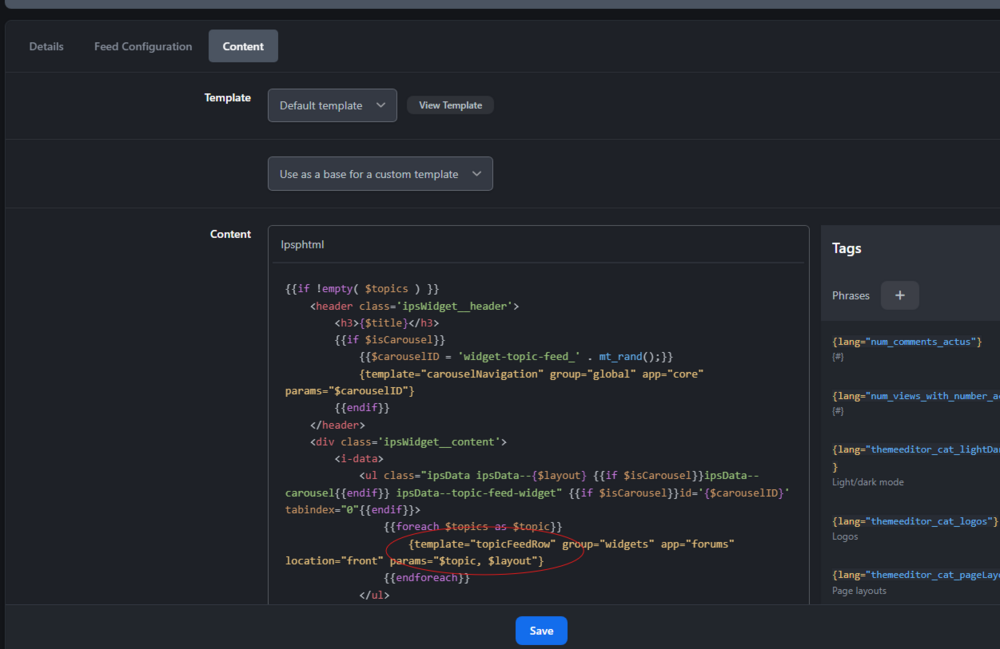
Yes, this is working too. I will use yours. Thanks.Thanks. No this is for the last poster. Not the author. .ipsData__meta { display:none !important; } This is working. But I don't know if it's hidding other things somewhere else.No it's more about the class and name I have to put to touch the element I want to hide. This, I shared, it's not working.Sometinh like that ? div[data-ips-hook="row"] .ipsData__meta { display:none; }I don't want to show the autor on this view. Is there a way with blocks (as we can did on 4.7) ? Where I need to go or how I can edit this template ?
 😃😃😃 this is Monday soon ?!Upgrade B4->B5 without any problems. Thanks