


Brian Lane_61409
Clients
-
Joined
-
Last visited
Everything posted by Brian Lane_61409
-
shall do!
-
Deleted users - and the messages seem to be mostly from 2017? I wondered if it could be because many of our users accounts are very old, mine for instance is over 20 years. Perhaps that is where the old messages are vomiting up into our pms? We can ignore it, and have been, but it is not ideal. Today I was looking at the messaging settings, and wondered if I set a cap on it, if the 2017 and older PMS would be purged by doing that? However we will still want to be able to send and receive new pms.
-
Yes, it certainly is weird. It doesn't happen just with that user, I could find other examples (and will soon). In those specific examples, the user 'Duncan' is a current member, and the 2017 message injected prior to the message was from their old user account. Which made me wonder if it is something to do with their ISP? Third-party items on our website are 'back to the top button, and another for displaying awards. Nothing to do with emails. Is there perhaps a way to clear any storage of no longer active members pms. That would surely solve it.
-
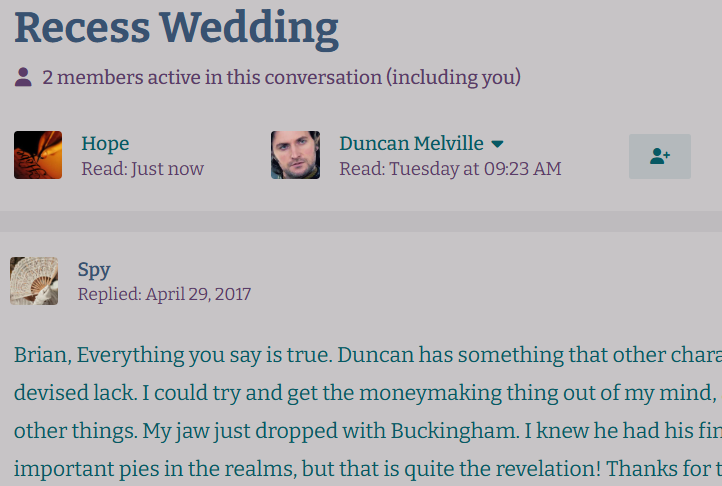
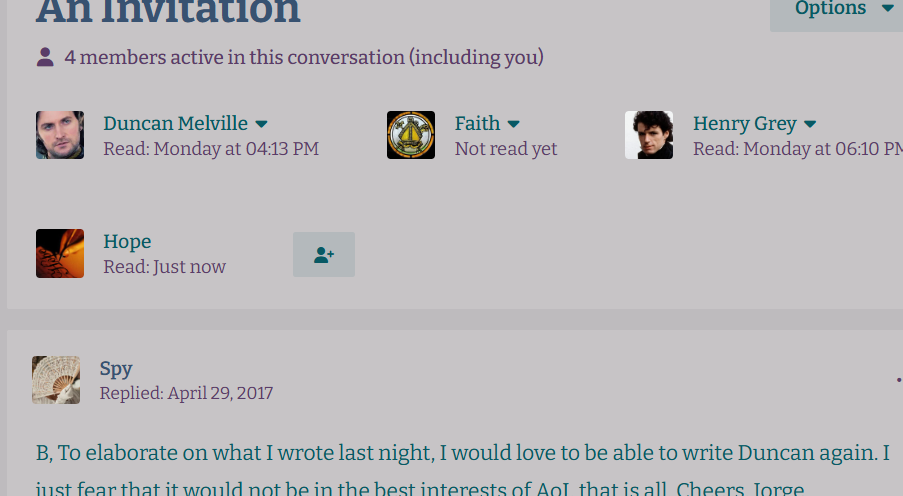
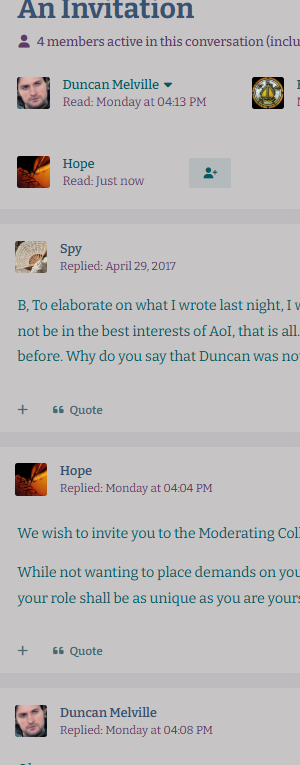
Here are 3 pms sent this week - note the very old pm from a no longer registered account gets inserted at the top, above my actual new pm.
-
Reporting a glitch that has happened on our boards for a while now. I thought it was just me, but other members have no mentioned it. At the top of many (but not every) private message threads, an old message appears. Different in each thread, and unrelated to the recipient. Usually, it's an old pm from a no longer registered member.
-
Hmm, ok, I will see what I can do! Thanks for the reply.
-
We are utilising the Tags system on our site, and loving it. However, I have a glitch in setting who can add tags after a thread has been created. We have an assistant moderator group, and I want them to be able to edit and add more tags to an thread. Can anyone direct me to where I can allow that? Currently, they are set to be allowed to use tags, but that only applies to new thread creation.
-
I checked on this, as we have our established date for copywrite, rather than curent year. Found out his:
-
Ack, you are right. Sorry
-
I am having trouble trying to find how to turn on a stream for listing posts without replies. This was a very handy management tool I'd like to use again. I hope someone can help me add this!
-
We can still edit the pm after it was sent. I cannot see why you'd want to make it impossible to actually delete the pm - what is the thinking behind this? The worst part is that if the recipient replies to the 'deleted for the sender only' pm, the sender does not receive the reply. I suppose, currently, I will just alert the community not to delete a pm, but to edit it instead.
-
Hi We have discovered that deleting a PM does not delete it to the person you sent it to, which we feel is the main point of wanting to delete the pm. Further, if the recipient of the 'deleted pm', who can still see it, replies to the sender, the sender cannot see the reply. Previously, we could delete a pm. The recipient would get a note that someone deleted a pm. And it was simple. We would like to return to that system. And hope that this might be something looked into in a future update. 🤞
-
I noticed Invision's Forums bold new/unread posts. Is there an easy way to duplicate that on our forum? Cheers
-
Thanks for the reply. I tried out that css, and some adaptions with the font-size too, but had no effect. Feeling stumped. Here is a post with the emoji issue shown Emoji too small and high on the line
-
Hi! I have an odd problem: my converted emoticons are superscript when selected from the emoticon selector (smaller and raised above the rest of the text). I am not CSS-literate, but I think I can address this in that section. And I think it is something to do with these words, but I'm not sure what to do with them. font-size: vertical-align: line-height: Alternatively, would it be better for me to download the old converted emoticons, sort them into non-superscript versions, and then upload them? Suggestions or advice would be appreciated. Thanks!
-
Oh. I thought that this was a place to put up a collection of standard pics our members would use from within the site. Thanks for the swift reply Jim
-
At least we know what the problem is (its not a bug!)
-
I'd like to add some stock images for my community, but cannot find where that is section is. I'd appreciate some pointers please.
-
I have hunted all over the place and cannot find where I can make the navigation (side/vertical) panel narrower. Am I missing something obvious, or is this something that needs css to do? Thanks!
-
The work around that I did, a kinda cheat: I went into 'edit' on the category, and turned it into a 'discussion'. That allowed me to go into the customisation tab and upload a custom icon. Then I went back into the main tab, and turned it back into a category before saving.
-
I have a couple of different themes, but I'm having trouble getting them to look the way I want at 100%. The mobile navigation, when set as a sidebar, always disappears over 90%. And the sidebar on the right, with widgets, gets pushed to the bottom of the page, too. SoI would like to set the ideal viewing size for new arrivals (or just for myself in fact!) to see it optimally. This viewing size varies across themes, ranging from 75% to 90%. Is it possible to do this through the ACP or CCS?
-
Letting everyone know this application is great, and the community is enjoying it loads. The support received has also been excellent.. Thanks Adriano
-
Hi! Our community is enjoying using badges for the first time in V5. I'd like to put up a page with the feed of current badges. I looked in page design, but can't find this as an existing option. Can it be done as a page? I can see how I'd draw the information from the ACP however. Or can it be done as a custom block? Any advice would be much appreciated.
-
Wow, amazing thanks!
-
In our site some users have multiple logins, and it is a fairly common problem that people post content in the wrong one. Is it possible to add the 'Change author' into Version 5? Cheers


