Jump to content
View in the app

A better way to browse. Learn more.

Invision Community

A full-screen app on your home screen with push notifications, badges and more.

To install this app on iOS and iPadOS
  1. Tap the Share icon in Safari
  2. Scroll the menu and tap Add to Home Screen.
  3. Tap Add in the top-right corner.
To install this app on Android
  1. Tap the 3-dot menu (⋮) in the top-right corner of the browser.
  2. Tap Add to Home screen or Install app.
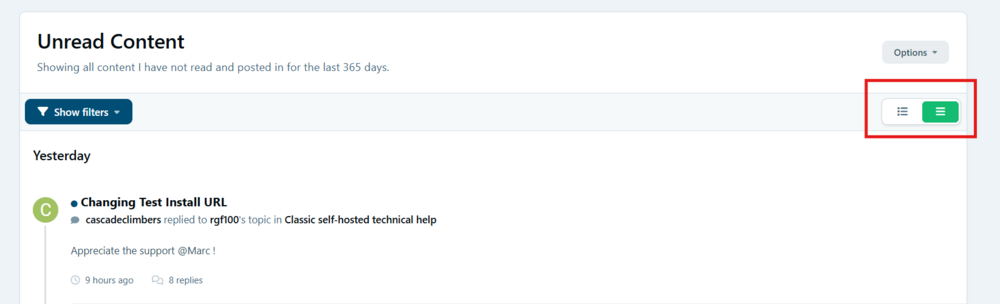
  3. Confirm by tapping Install.

bags_ppp

Clients
  • Joined

  • Last visited

  1.    bags_ppp reacted to a post in a topic: 5.0.17 is now available!
  2.    bags_ppp reacted to a post in a topic: 5.0.17 is now available!
  3.    Joriz reacted to a post in a topic: 5.0.17 is now available!
  4. Safari users are reporting following issue: After opening topic on the forum and switching pages content will randomly not be rendered. (header and footer are there) I can reproduce same behavior on this topic as well (click page 1 and then again page 2):
  5.    Stuart Silvester reacted to a post in a topic: 5.0.17 is now available!
  6. Quote selection does not work on Beta 2.
  7.    bags_ppp reacted to a post in a topic: 5.0.17 is now available!
  8.    bags_ppp reacted to a post in a topic: 5.0.17 is now available!
  9.    Stuart Silvester reacted to a post in a topic: 5.0.17 is now available!
  10. Sorry, I did not explain first issue very well. (I am only Messenger in this case) After click on "Submit comment" nothing happens. web console
  11.    bags_ppp reacted to a post in a topic: 5.0.17 is now available!
  12. These two buttons also do not work:
  13. No errors in browser console or logs:
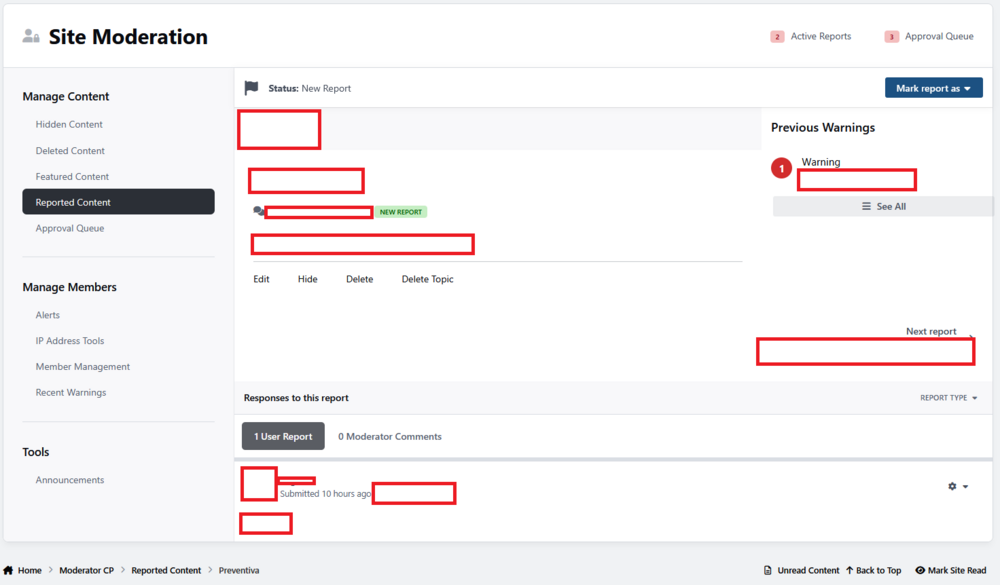
  14. Report forum post Go to ModeratorCP Try to comment but there is no editor
  15.    Stuart Silvester reacted to a post in a topic: 5.0.17 is now available!
  16. Load more activity issue I can reproduce here as well:
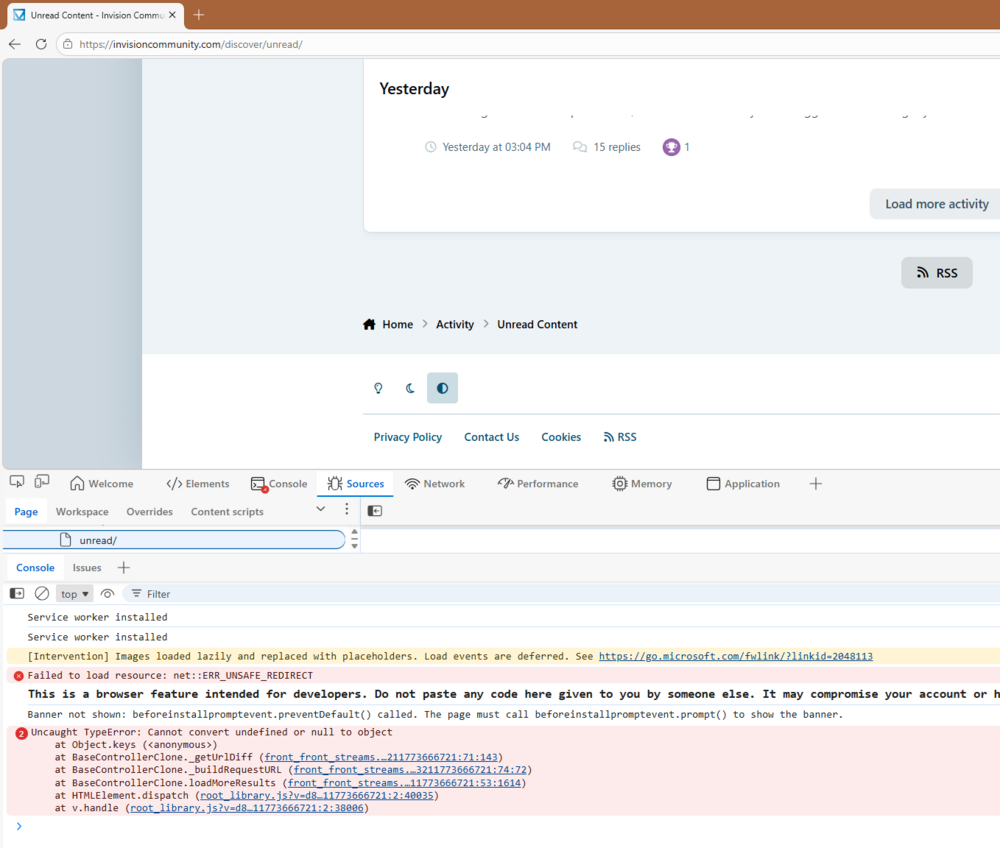
  17. Two issues: "Load more content" on activity streams does not work the editor for creating comments on the reports is not being shown.
  18. It is just google cache. :) I can not turn off Cloudflare challenge for USA , it is like 99% bots and scrapers. There are two solutions: Find out gmail servers and make rule for them in CF Embed pictures in the emails
  19. I think that most probable reason is that Cloudflare is blocking email server with managed challenge.
  20. It is not only gmail. We did not change original templates. 5.0.15 was fine but of course it can be something else like Cloudflare.
  21. I lost profile pictures in the email notifications. ( gmail )
  22.    Stuart Silvester reacted to a post in a topic: 5.0.16 is now available!
  23.    Moestuin reacted to a post in a topic: 5.0.16 is now available!
  24. In the production as well. 😁
  25.    Manuel Monroy reacted to a post in a topic: 5.0.15 is now available!
  26. A lot of useful fixes but something is very odd with performances: Spoiler
  27. This is not fixed for my community after patching. It works only with default reason. Points and remove points are working again.


Account

Navigation

Search

Search

Configure browser push notifications

Chrome (Android)
  1. Tap the lock icon next to the address bar.
  2. Tap Permissions → Notifications.
  3. Adjust your preference.
Chrome (Desktop)
  1. Click the padlock icon in the address bar.
  2. Select Site settings.
  3. Find Notifications and adjust your preference.