


bags_ppp
Clients
-
Joined
-
Last visited
Everything posted by bags_ppp
-
All clear. Honestly I would always prefer security fixes over bugfixing over new features. :)
-
Unfortunately bug with notifications and PMs that I mentioned on this topic is still not fixed. Personally I would not release 5.1 without that fix. Many notifications and PMs are getting currently missed and customers will be angry.
-
Beta 3. When? 🙂
-
@Square Wheels if you click one more on settings correct results will appear.
-
Several members reported and I saw it also once: quite randomly it is taking 10 seconds for editor to be loaded and whole page has this loading message. As soon as editor is loaded all is ok again.
-
Three mouse clicks for simple PM is too much. There should be message button directly on the profile.
-
It is not working like that on my community. Here are steps to reproduce bug: Create with user A couple notifications for user B Login as user B, click on notifications button Open any topic on forum (it does not need to be one relevant for the notification) Click on notifications All notification items are suddenly marked as read I can not confirm same bug here, because I do not know how to create notifications for myself.
-
After upgrade to 5.1 it is really like that. Immediately after clicking on the notification button every single notification is marked as read. It is very annoying. Is this feature somehow connected with redis? After upgrade to 5.1 I did upgrade redis to version 8 and php to 8.4. There are no errors in logs.
-
Only two thing that people are complaining about in my community after upgrade to 4.1: After click on notifications icon in toolbar, automatically all notifications are marked as read. Double click reactions
-
Solve. I had this in theme editor css: /* 30px of hover-leniency around hovered reactions */ .ipsReact_types ul::before{ content: ""; position: absolute; inset: -30px; }
-
Is it maybe because of PHP 8.2?
-
Chrome( vanilla, no single addo) and my default Firefox.
-
When you click on them nothing happens. Now it works here again, but not on my community: 20261009-1342-23.8978209.mp4 I cleared cache in IC and Cloudflare. It does not work even with default theme. Nothing in dev console.
-
Sometimes reactions do not work on desktop neither here nor my community.
-
Profiles on the mobile look really nice. Reaction icons are too far left.
-
In my community there are several users using Windows 7 and had similiar problems like you. 🤦♂️ It is possible to use more modern versions of chrome for windows 7: https://github.com/win32ss/supermium/releases Of course it would be much better to update to supported OS.
-
@The Old Man You can solve that issue easily with little CSS in the theme editor: .ipsIconPicker [data-role="icons"] { display:flex; flex-direction:column; } .ipsIconPicker__container [data-icon-category] { order: 2; flex: 0 0 auto; } .ipsIconPicker__container :is([data-icon-category="Emoticons"]) { order: 0; }
-
Safari users are reporting following issue: After opening topic on the forum and switching pages content will randomly not be rendered. (header and footer are there) I can reproduce same behavior on this topic as well (click page 1 and then again page 2):

-
Quote selection does not work on Beta 2.
-
Sorry, I did not explain first issue very well. (I am only Messenger in this case) After click on "Submit comment" nothing happens. web console
-
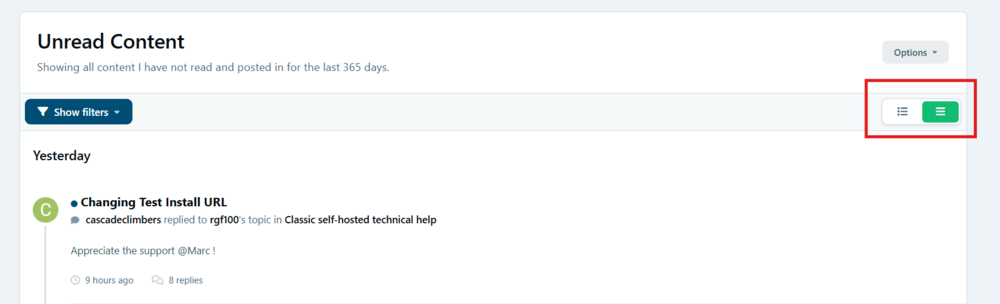
These two buttons also do not work:
-
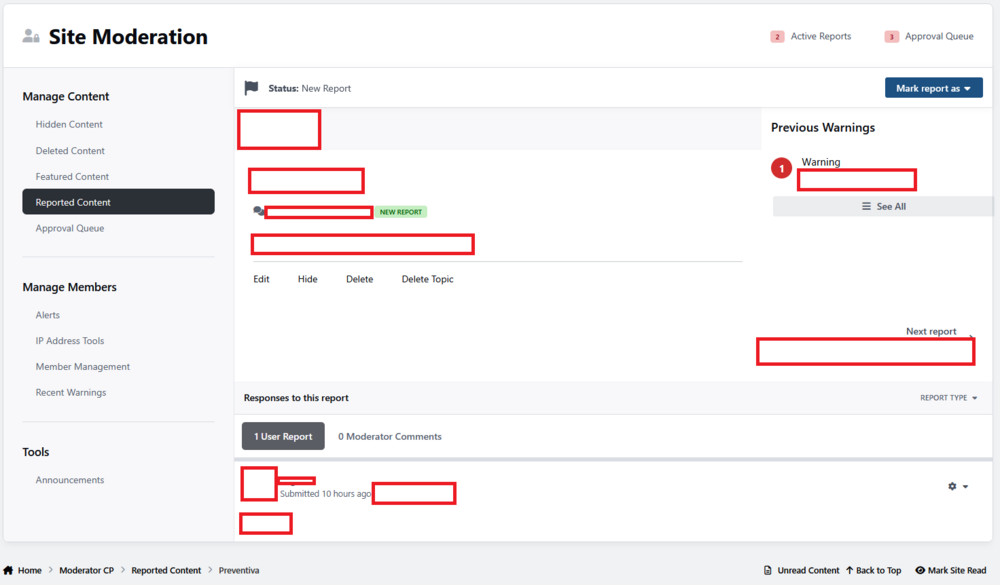
No errors in browser console or logs:
-
Report forum post Go to ModeratorCP Try to comment but there is no editor
-
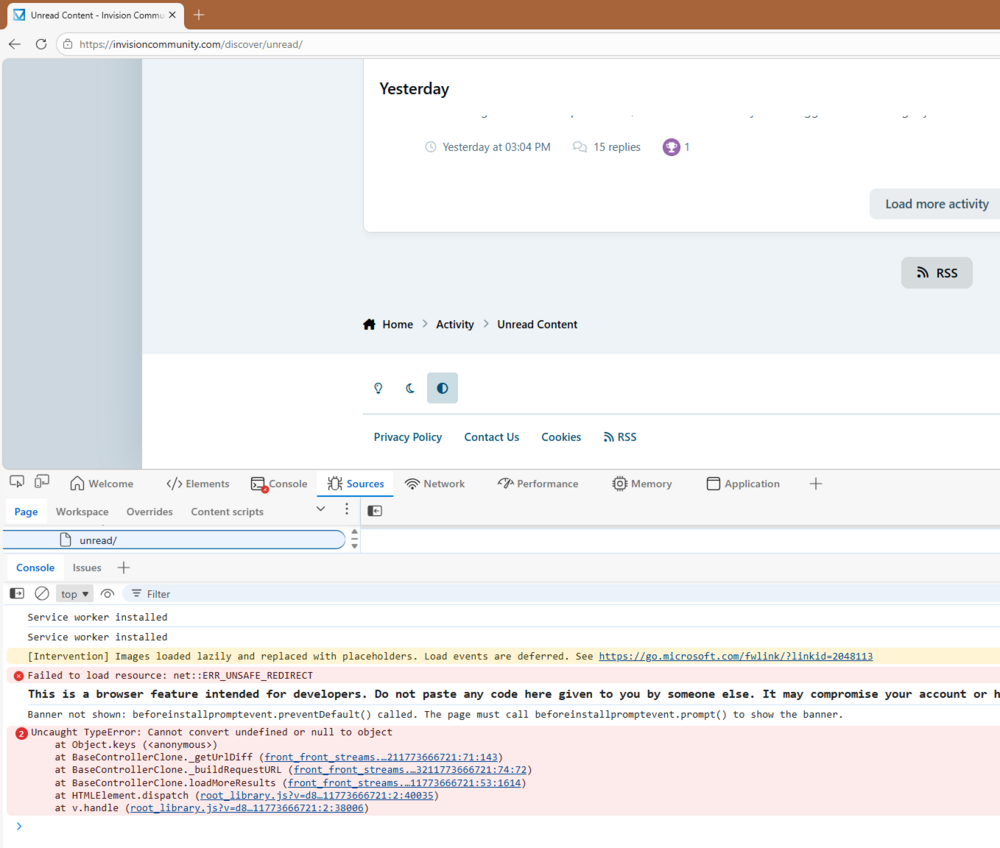
Load more activity issue I can reproduce here as well:
-
Two issues: "Load more content" on activity streams does not work the editor for creating comments on the reports is not being shown.





