flrn98
Members
-
Joined
-
Last visited
-
Since the update my theme is out of date, even tho was the default one with minimal modifications (the most modification I had was some JS to show the online status of some servers).. I did remove all modification from the ACP, even created a new default theme and set it default, but still the theme is out-of-date. Cleared cache, everything I could think of. Any idea? And I'll update my details in the client area, if anyone needs a closer look.
-
-
I really do hope there will be something like a monthly subscription to access the cloud exclusive features for a self-hosted client like me. Quests looks amazing, but from the Team package at 239$/ a month it's expensive for a forum that I keep online just for old times sakes.
-
-
-
this is the correct release notes link
-
nothing of that kind. im using cloudpanel on my vps and toggle pagespeed on/off and everything works perfectly now, weird thank you
-
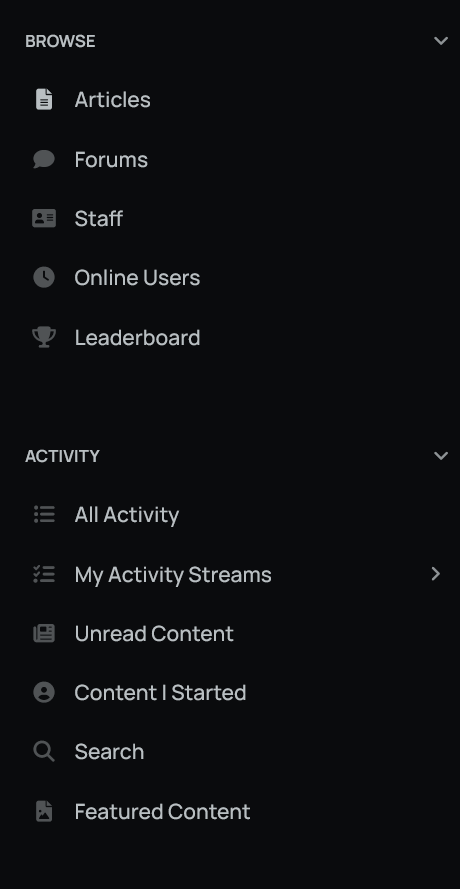
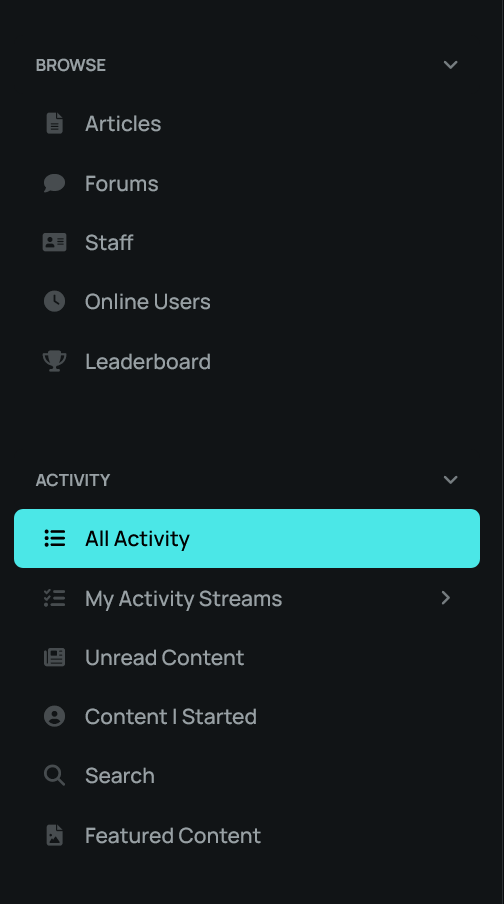
Hey. New v5 installation, changed just the background color and the menu, now is in the left side of the screen. I'll attach two photos: and Normally, the menu and the color should be like in the second photo, but for some reason on some pages loses the color like in the first photo. I cleared the cache. I didn't notice on Beta 11 the problem, it might be just the Beta 11.1, not sure. Any sugestion? Thanks.