Jump to content
View in the app

A better way to browse. Learn more.

Invision Community

A full-screen app on your home screen with push notifications, badges and more.

To install this app on iOS and iPadOS
  1. Tap the Share icon in Safari
  2. Scroll the menu and tap Add to Home Screen.
  3. Tap Add in the top-right corner.
To install this app on Android
  1. Tap the 3-dot menu (⋮) in the top-right corner of the browser.
  2. Tap Add to Home screen or Install app.
  3. Confirm by tapping Install.
Marketplace Closure

Marketplace Account Management

My PurchasesOrdersAddressesAccount Credit

Invision Community Guides

This contains all our downloadable guides

3 files

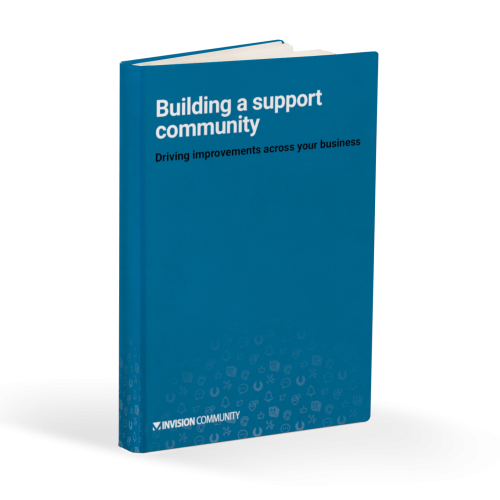
  1. Driving improvements across your business.
    • Free
    • 818 Downloads
    Updated
  2. How to deal with toxic members within your community.
    • Free
    • 978 Downloads
    Submitted
  3. Your 10 point plan for a successful migration.
    We take you through all the steps you should consider before, during and after migrating to Invision Community. From drawing up your migration plan, to managing your members.
    • Free
    • 935 Downloads
    Updated

Account

Navigation

Search

Search

Configure browser push notifications

Chrome (Android)
  1. Tap the lock icon next to the address bar.
  2. Tap Permissions → Notifications.
  3. Adjust your preference.
Chrome (Desktop)
  1. Click the padlock icon in the address bar.
  2. Select Site settings.
  3. Find Notifications and adjust your preference.