Jump to content
View in the app

A better way to browse. Learn more.

Invision Community

A full-screen app on your home screen with push notifications, badges and more.

To install this app on iOS and iPadOS
  1. Tap the Share icon in Safari
  2. Scroll the menu and tap Add to Home Screen.
  3. Tap Add in the top-right corner.
To install this app on Android
  1. Tap the 3-dot menu (⋮) in the top-right corner of the browser.
  2. Tap Add to Home screen or Install app.
  3. Confirm by tapping Install.

Nuclear General

Clients
  • Joined

  • Last visited

Everything posted by Nuclear General

  1. I have not reported it, but since the Bug Tracker was set to "invisible" where no one can see it now, where is the new appropriate location to report bugs? But maybe you can reproduce this your end. When installing applications on 5.0.10, and then reordering them like I do, which is in Alphabetic order, they reorder in that order. On 5.0.11, they do not do this.
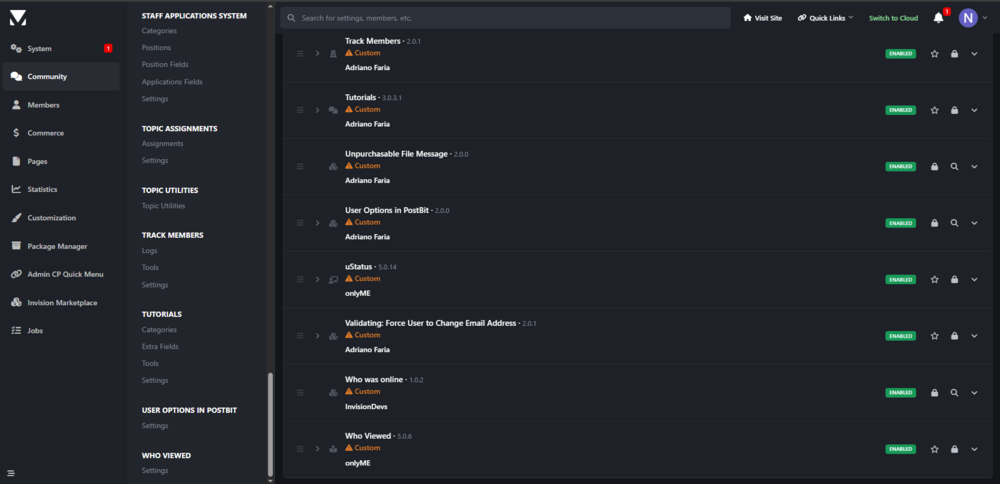
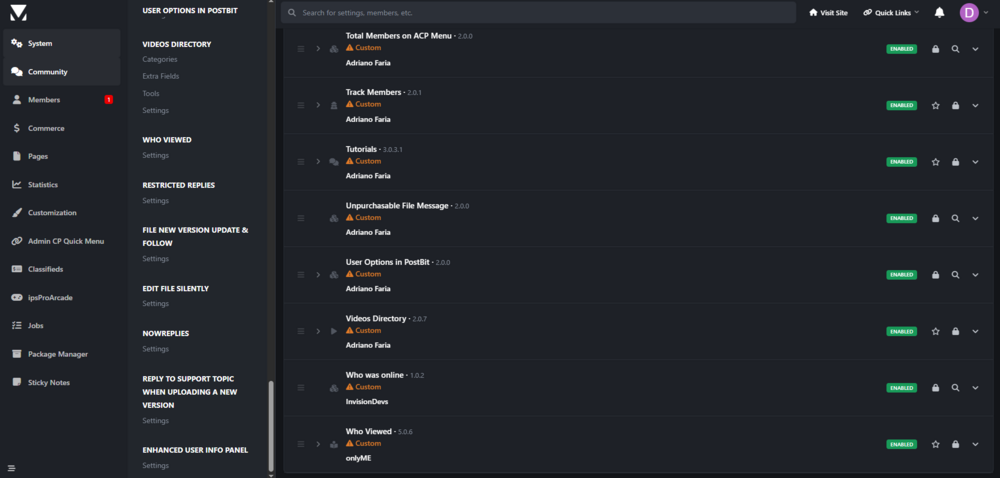
  2. From version 5.0.10 to 5.0.11, the ACP does does reorder menus anymore. I don't see in the changelog for 5.0.12 Beta 1 that this issue has been addressed. On version 5.0.10, when reordering applications on the Applications page, it usually reorders them in the menus, such as the Community Tab menu, or Members Tab menu according to their respective order on the Applications page. This functionality does not work on 5.0.11 as it used to on 5.0.10. Will this be addressed on 5.0.12? 5.0.10: 5.0.11:
  3. I've been creating plugins and applications for IPS products since 2009, and have been using the software even longer than that, since it first came out with version 1, when it was Freeware. I do Custom Application development for Invision Community Suite 4 & 5. Bring Old Apps Back to Life: Still using an essential app that’s been abandoned by its developer? I can make it work flawlessly with the latest IPS release. Upgrade to the Latest IPS Release: Stay up to date and secure! I’ll upgrade your community to the newest IPS version while preserving your apps, settings, and customizations. Pre-Built Applications Available: Beyond custom development, I offer a curated collection of pre-built applications tailored for various industries and purposes. Each solution is fully tested, optimized for performance, and ready for immediate integration — saving you valuable time and development costs. Driven by quality and collaboration, I help clients of all sizes transform ideas into success. Whether you’re just starting out or scaling up, I deliver cutting-edge IPS solutions built for growth. Let’s connect and shape the future of your business together.
  4. Switch to light version? Lol 🤣 I had to as well because of the text color. Chrome on iPadOS.

Account

Navigation

Search

Search

Configure browser push notifications

Chrome (Android)
  1. Tap the lock icon next to the address bar.
  2. Tap Permissions → Notifications.
  3. Adjust your preference.
Chrome (Desktop)
  1. Click the padlock icon in the address bar.
  2. Select Site settings.
  3. Find Notifications and adjust your preference.