


michimachi
Clients
-
Joined
-
Last visited
Everything posted by michimachi
-
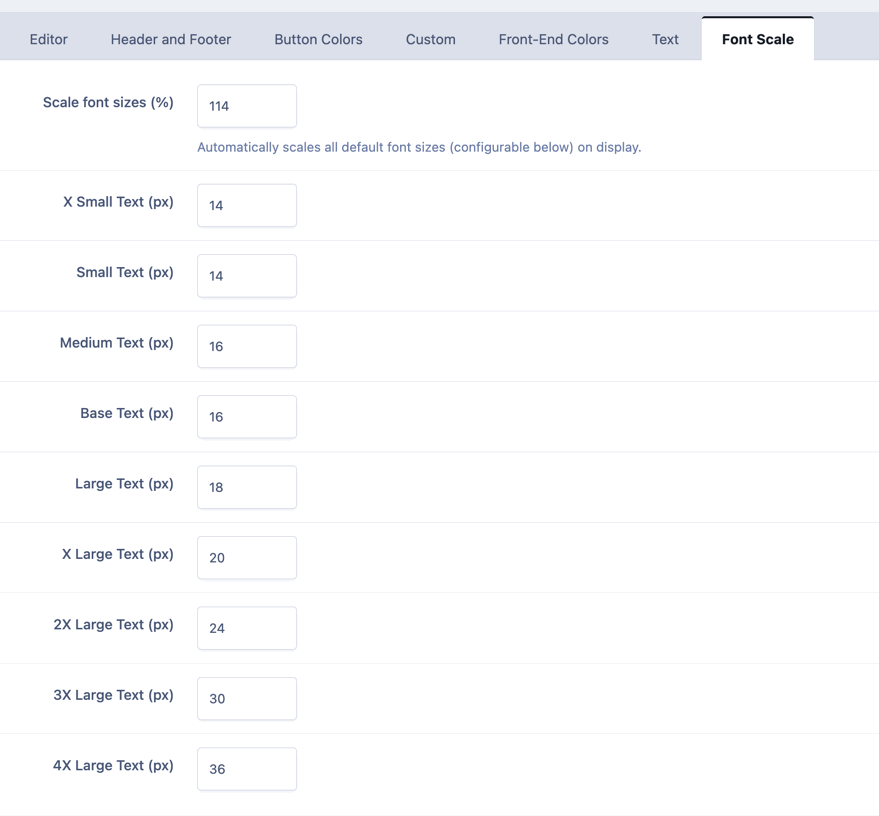
Out of all these variables, whcih one is for the text body when we write a new topic, add a comment, or anything? Which one should I change?
-
The forum's size looks "ok". The thing is that when I am editing the courses text, I see the size "ok", the same as in the forums, but when I save the lesson, the font size changes and is much smaller. That's why I want to change it. I don't know why that happens, but if the font size I see as I write the lesson is bigger than the final font size when the lesson is saved. That doesn't happen when i create a new topic or comment on an existing topic. Why is that? By the way, where in the templates (location) can I change the default font size (global). What is the parameter? Thanks
-
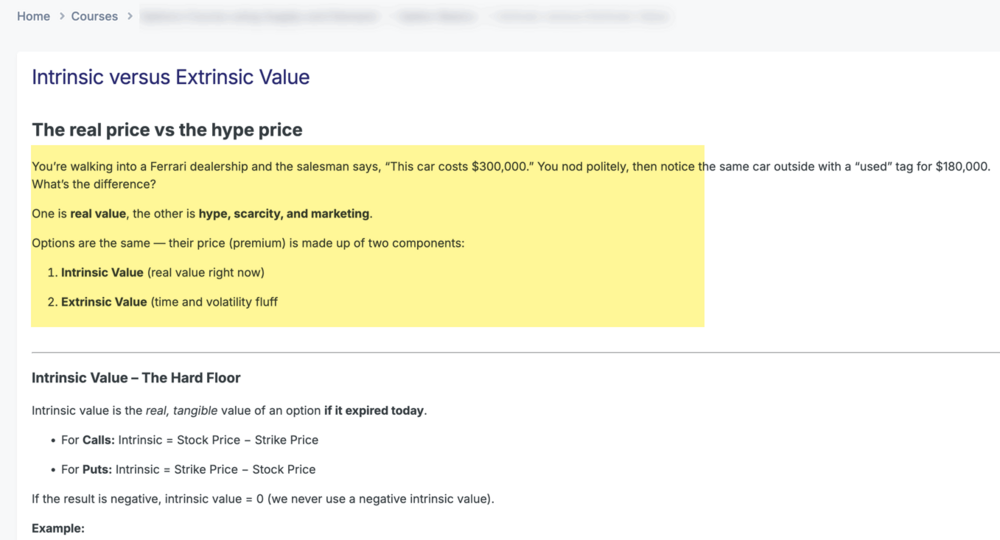
Hello, I wonder where I can change the font size of the body text used in the courses. The font is very very small and I would love to make it much larger. Where in the templates can I change the font size for the normal text and the header so that the default values are bigger? See the attachment. In yellow, it's the body, it's far too small. Thanks a lot.
-
There I could find it but not on ACP. Thanks
-
Would you be so kind to point where? I can't see that information. I've clicked everywhere I see. Your screenshot doesn't show where I should click. Sorry.
-
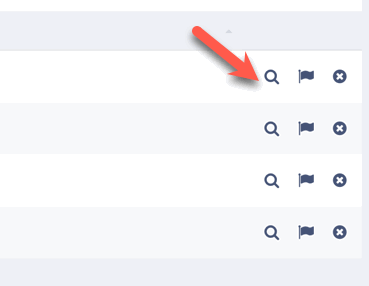
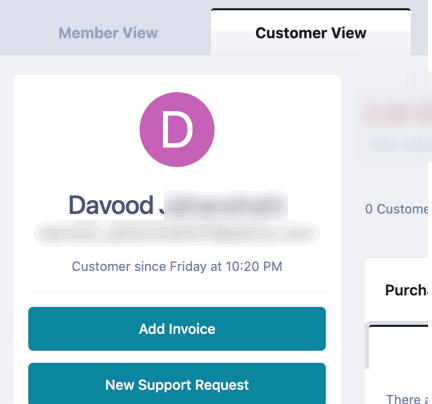
Thanks a lot! I can't find it, sorry. When I go to ACP -- Memebers, there is no option to edit, I can only View the member where I was trying to find the option. Once inside the member, I can't edit his email, username, etc, but not his last name. That's what I'm trying to find. Neither in customer view nor member view can I edit his last name, only the username.
-
Hello, How do I change a member's last name on ACP? I've been trying to do it because a member requested it and I can't see the option. Thanks
-
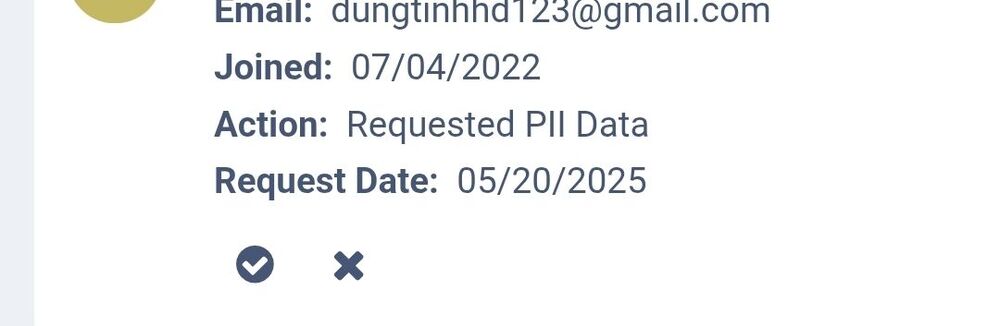
Good morning, I have just seen a notification in my ACP where a member is requesting PII data? This is the first time I see this. What does it mean? Thanks
-
Marking it as spam (already done), will not delete all his posts or uploaded images. So, there's no way to delete the user's content without eliminating the user?
-
Hello, How can I deleted all the posts, topics and images created by a user? I would like to "void". the account of a user and remove all the content he created., images, topics, etc How can I do that? Thanks

