


Larry Kachadorian
Clients
-
Joined
-
Last visited
Everything posted by Larry Kachadorian
-
@Terabyte sorry to bother… is there also a way in V5 to eliminate the “Search” field from the header area? I see it can be moved around but I’d like to remove it completely.
-
Marvelous ! Thanks much.
-
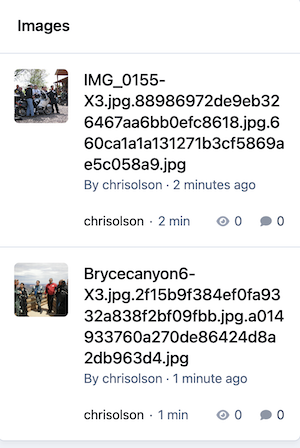
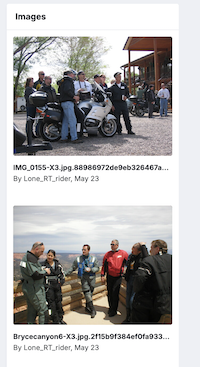
This issue just jumped off the monitor to us while reviewing a V5 Creator Pro trial vs V4.7.21. It's a glaring difference. V5 changed how photos are presented the using the built in Gallery Image feed ...see screen shots. Members want to see photos, not file names. Standard block placed in sidebar in both versions pulling from a member gallery. And yes, we did see the new for V5 images block , but it requires manually uploading each photo. I can see a use case but it doesn’t answer my issue. Multiple photos also auto generate a carousel ... in the sidebar this doesn't work well. What are we missing ? Is there a way to revert to the old presentation or as an option ? Hard to sell this as an improvement to Members V4.7.21 vs V5.08 hard to tell its the same photos
-
In V5 is there any way to reorder the default order of the groups/types of emoji as they appear in the dropdown?
-
Perfect ... Thanks !
-
This works in v4 to remove the Forums and Start Topic .cForumHeader{ display: none; } what is the comparable for V5 ?
