Jump to content
View in the app

A better way to browse. Learn more.

Invision Community

A full-screen app on your home screen with push notifications, badges and more.

To install this app on iOS and iPadOS
  1. Tap the Share icon in Safari
  2. Scroll the menu and tap Add to Home Screen.
  3. Tap Add in the top-right corner.
To install this app on Android
  1. Tap the 3-dot menu (⋮) in the top-right corner of the browser.
  2. Tap Add to Home screen or Install app.
  3. Confirm by tapping Install.

Melvin HRN

Clients
  • Joined

  • Last visited

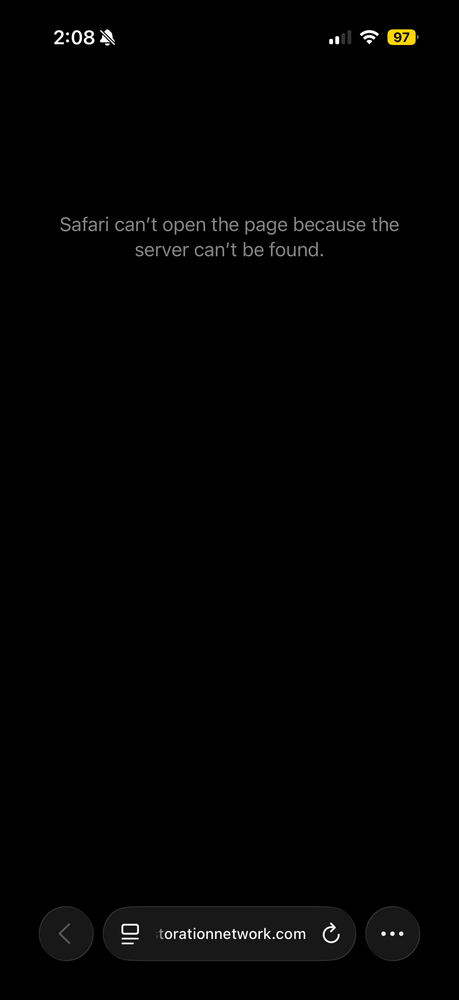
  1. No, I tried on my wifes phone and she has NEVER logged into our site and its down. Send a Screenshot of the community. I’ve tried on my laptop after clearing cookies and cache and on my wifes phone, its down.
  2. Our community has been down several hours. I emailed marc and Jim and have received no response. With the holiday weekend, we need our community to be up. Melvin- Hair Restoration Network
Account

Navigation

Search

Search

Configure browser push notifications

Chrome (Android)
  1. Tap the lock icon next to the address bar.
  2. Tap Permissions → Notifications.
  3. Adjust your preference.
Chrome (Desktop)
  1. Click the padlock icon in the address bar.
  2. Select Site settings.
  3. Find Notifications and adjust your preference.