C Thompson
Clients
-
Joined
-
Last visited
-
Thanks Mark, but I can't find any language pack - what area of the dashboard is it within? Thankyou
-
-
Good morning, I have the same query as above but am not sure where I find the 'language pack' to alter the phrase in the body of the email. Please could you advise? Thanks
-
Thanks - but that is very strange as all of our members are Beacon web users as their secondary group. The e-member is not the defining group for them (its a hangover from a previous set up). And no one else is reporting the same issues....? I'll go in and have a look THanks Marc - I've updated the beacon web users permissions so that should do it. No idea why / how it got turned off but good it is now back on. Thanks
-
THe user name is MotherhoodAndApplePie and it is for all threads in the Chat Area. Many thanks!
-
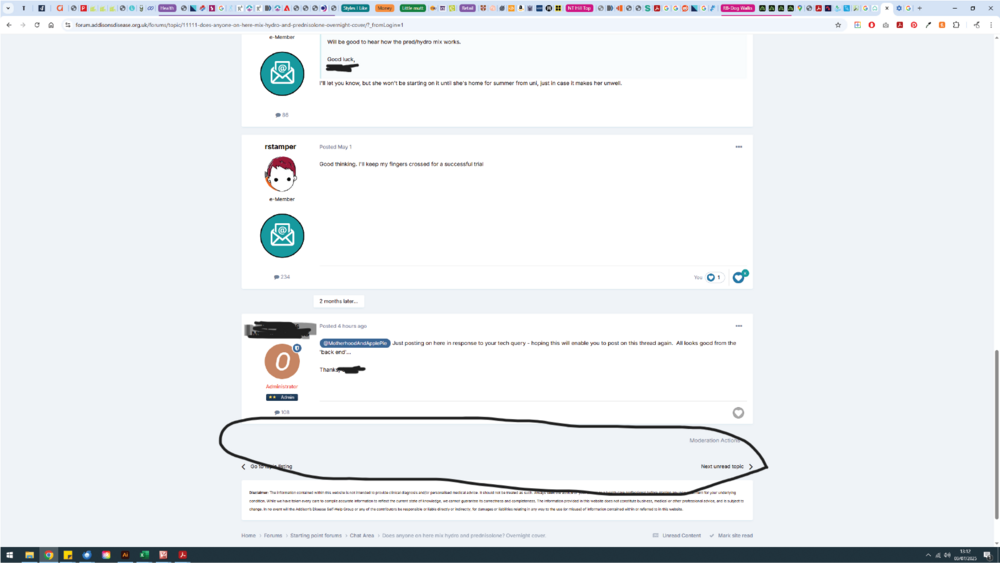
Hi, I wonder if you can help. I have a member who is able to post in some areas but not others. She started a topic thread, posted several times, and then is now unable to post in it (the window to post just isn't visible at the bottom of the thread as it should be). It isn't an issue with the thread as I am able to log on and post on it, as are others. It isn't an issue with her account (I've checked that and there are no restrictions / bans etc. Stuck as to what to advise her. She has cleared her cache and logged out and back in and no difference. Thankyou!