


Chris027
Clients
-
Joined
-
Last visited
Everything posted by Chris027
-
This is what I have set.
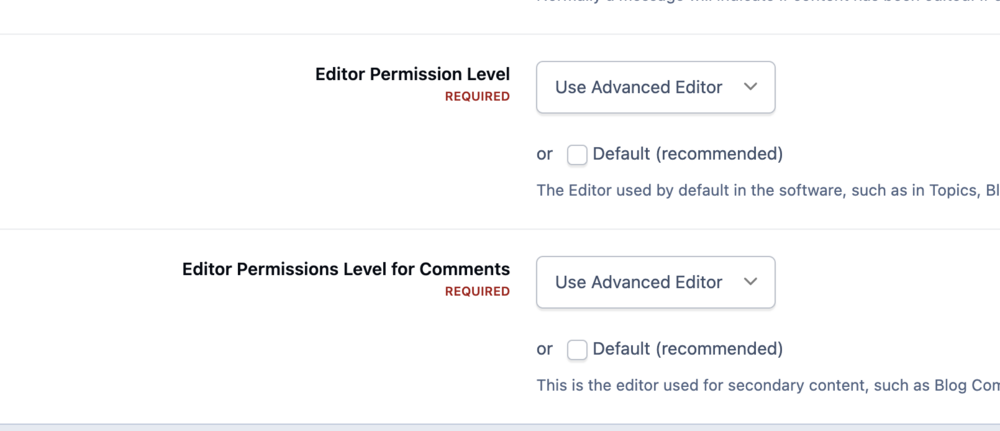
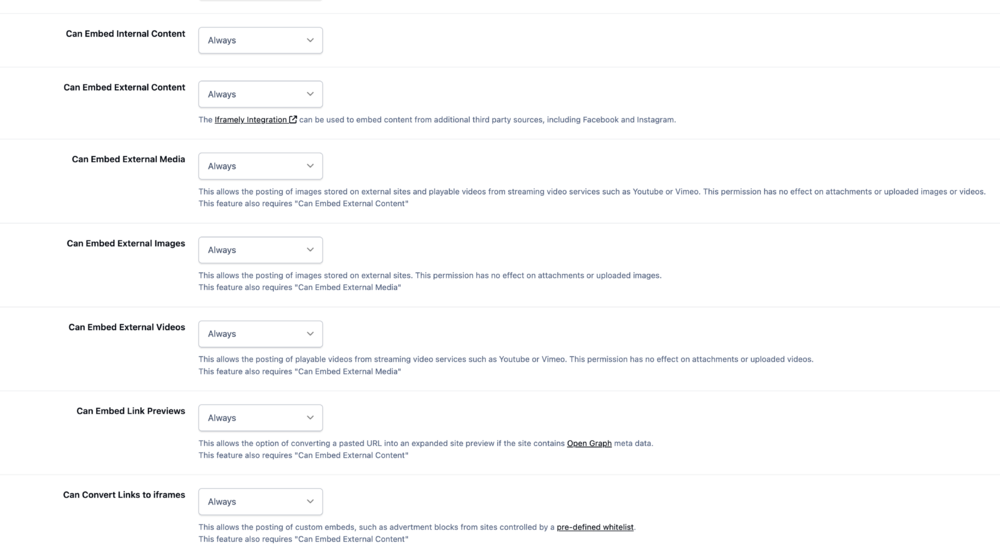
-
I'm logged in as Admin and have given myself all authorizations I can find. It works with YouTube just fine as a test.
-
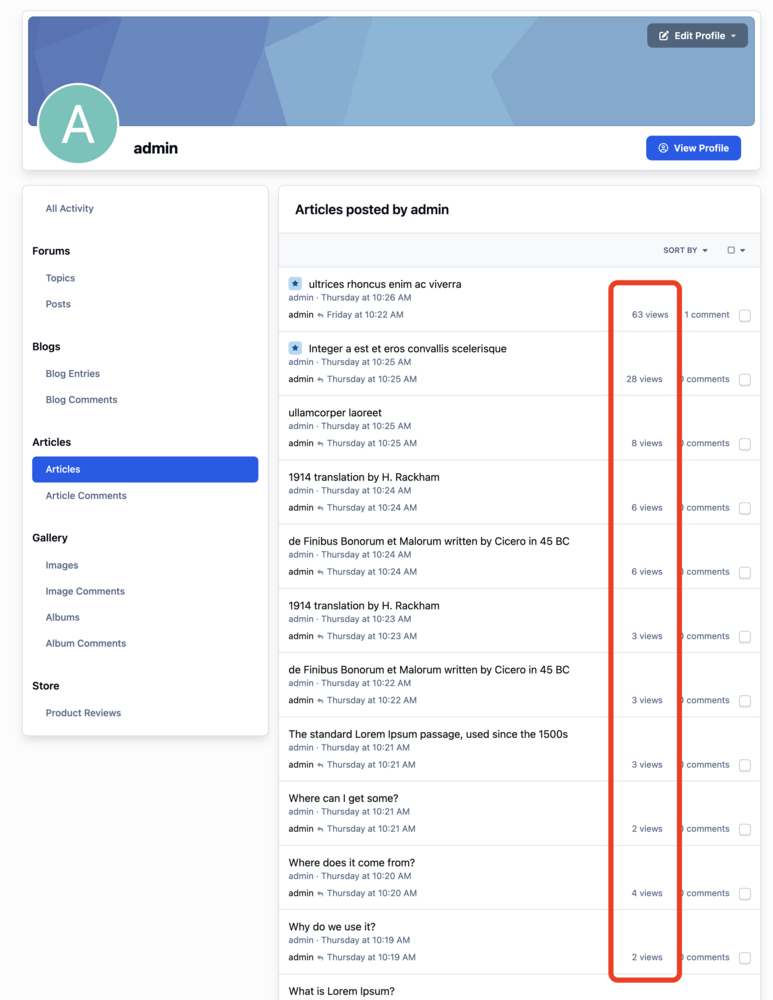
Hi Guys, in v4 I hid this by editing the template. In v5 I can't figure out how to hide the views on this page. Question: Is there any way to hide the views on this page, either through CSS, editing a template, or otherwise?
-
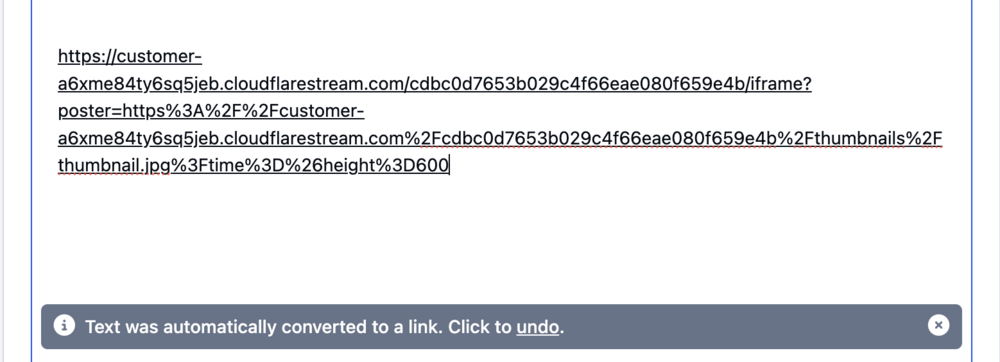
When I paste the entire video URL, my browser can see it. I do limit the domains that can embed the videos, but when that kicks in, there's at least a message. When I paste the URL into a pages article, it turns it into a link automatically, rather than embed it.
-
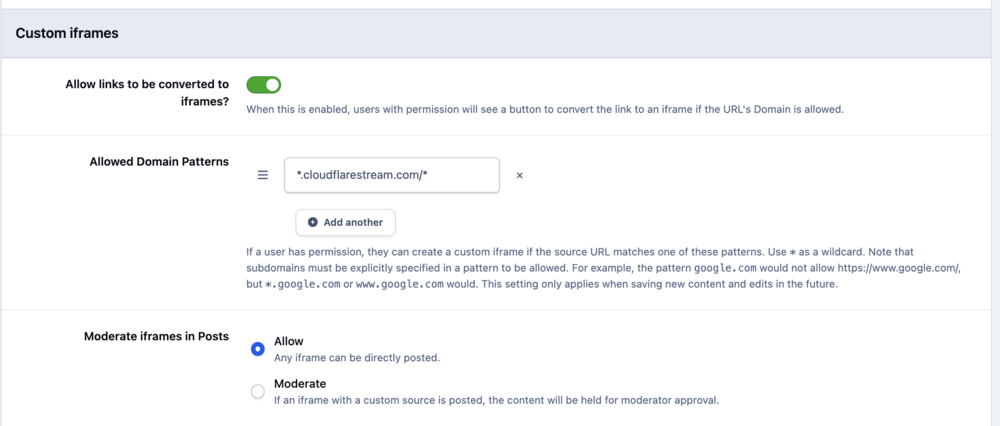
I've been trying to get this to work since Saturday and can't get it. My Cloudflare Stream embed code, supplied by Cloudflare is the following: <div style="position: relative; padding-top: 56.25%;"> <iframe src="https://customer-a6xme84ty6sq5jeb.cloudflarestream.com/cdbc0d7653b029c4f66eae080f659e4b/iframe?poster=https%3A%2F%2Fcustomer-a6xme84ty6sq5jeb.cloudflarestream.com%2Fcdbc0d7653b029c4f66eae080f659e4b%2Fthumbnails%2Fthumbnail.jpg%3Ftime%3D%26height%3D600" loading="lazy" style="border: none; position: absolute; top: 0; left: 0; height: 100%; width: 100%;" allow="accelerometer; gyroscope; autoplay; encrypted-media; picture-in-picture;" allowfullscreen="true" ></iframe> </div> I've tried many iterations of that URL and I've allowed the URL in Embeds (see below), but nothing works. Any ideas on how to get this to work? I prefer to host my own videos, avoiding YouTube and the other the giants like the plague.
-
Perfect.
-
Yes, that solves it.
-
Done. Thank you.
-
Hi, I usually copy embed code from Cloudflare Stream after I upload a video to it, then paste that code into the source of my v4 articles. Question: How can I embed Cloudflare Stream videos in v5, if we can't access the source of an article?
-
I had to delete the site cookie. All fixed now.
-
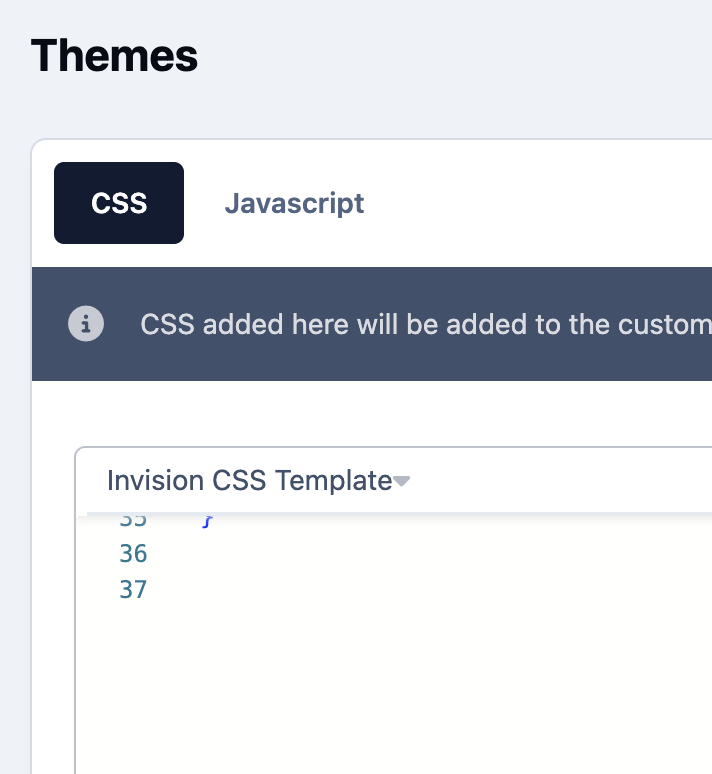
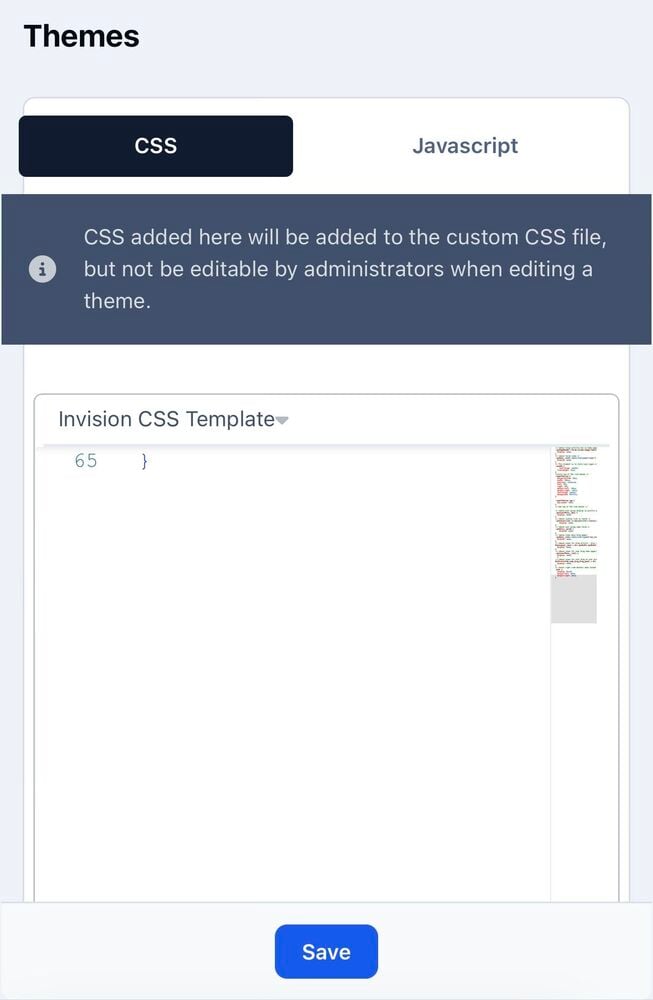
Hi Guys, I've added some CSS to a theme in the standard spot AdminCP > Themes > Theme Designer: Core CSS & JS. The CSS is working when browsing the site juste fine. I've made edits to this from two different computers and my phone. Problem: One computer is only showing my edits through line 35 (nothing listed after that), while the other computer and my phone show all edits through line 65. I've cleared site/system cache, browser cache, browser data etc... and can't figure this out. Question: How can I get all my browsers to show the same version of this CSS edits? One computer: Phone:
-
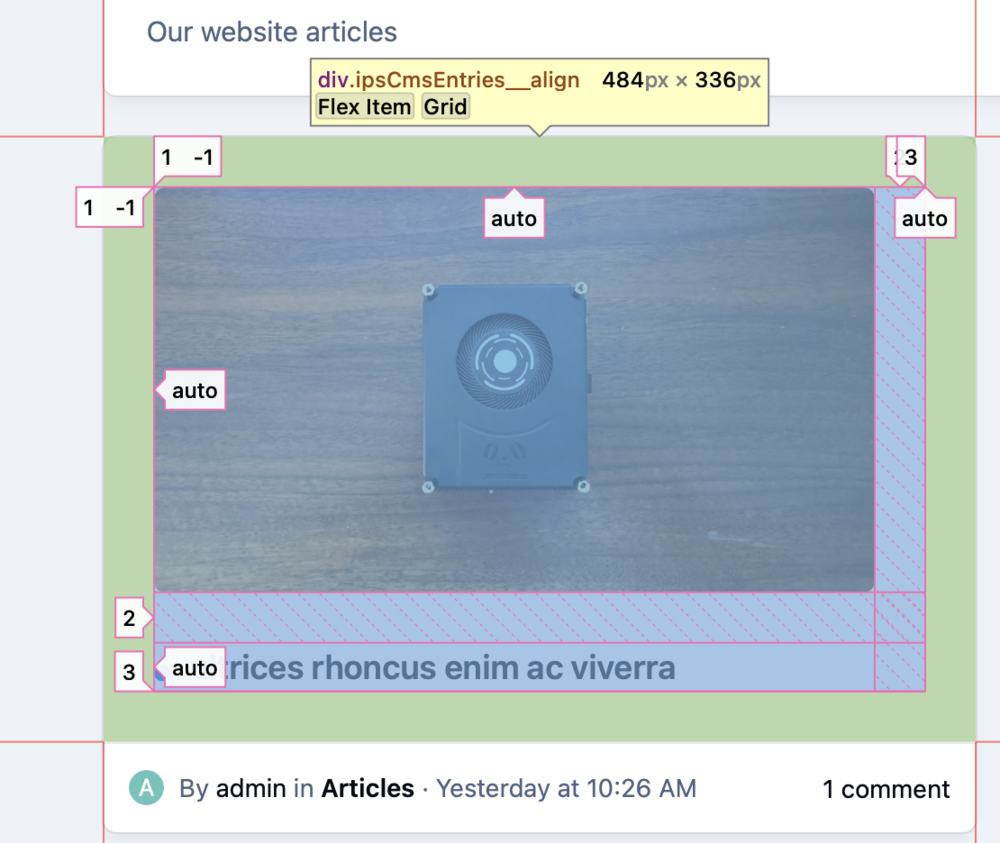
Here's more info.
-
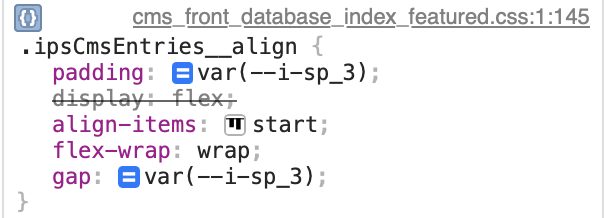
In Safari, I can resolve the issue by disabling the gap in the css show here. Perhaps that gives you more info. I'd rather keep the url private for now, but will share with you via PM or something if that's possible. Or just look at my account for my new v5 cloud site.
-
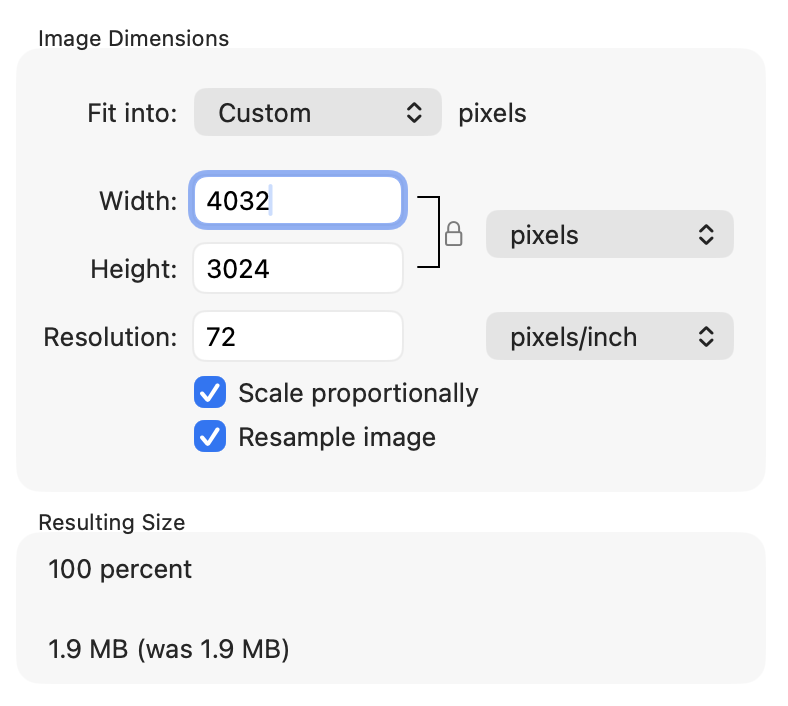
I just uploaded a photo that's 4032 x 3024 and it's still left aligned.
-
Default everything. They align perfectly in all other browsers
-
I just created a new theme, left everything default, switched to the theme and it's the same.
-
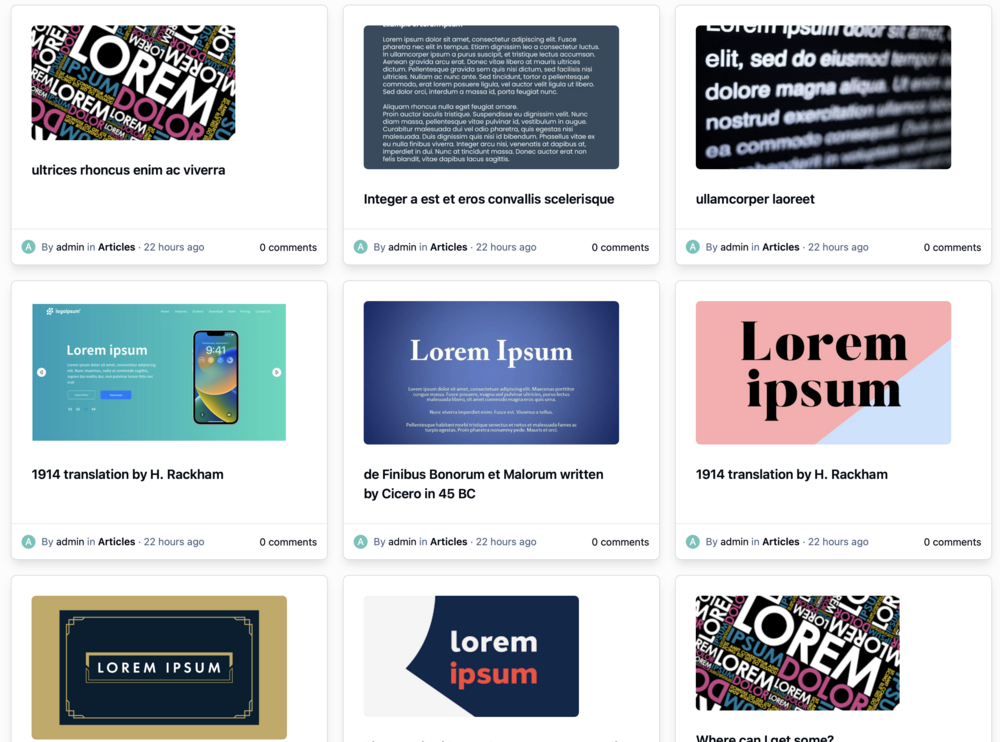
Maybe it's a safari / webkit thing. I opened Safari on my Mac and see this now.
-
It's the main page on my new v5 install that I'm prepping for a move from v4 I can't get the images to look like this on any desktop browser, no matter how I resize it. I also don't know how to change the default alignment of these.
-
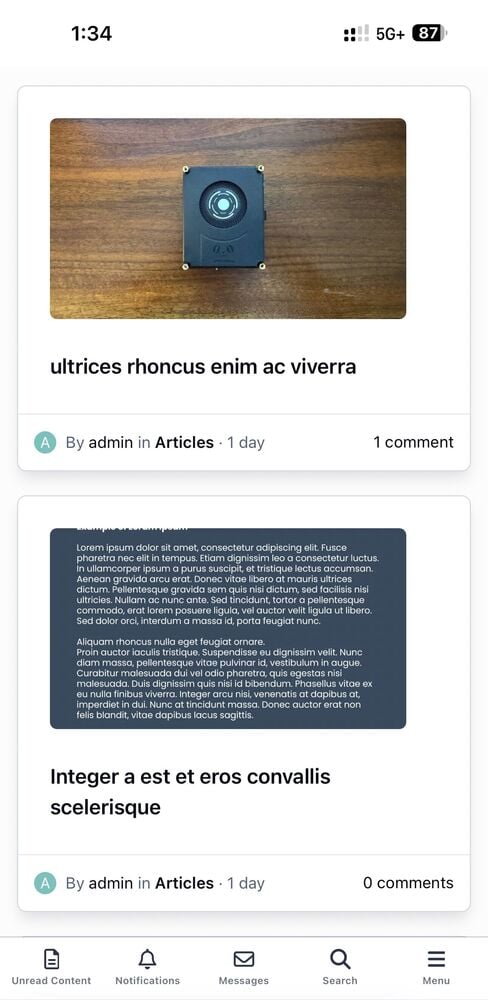
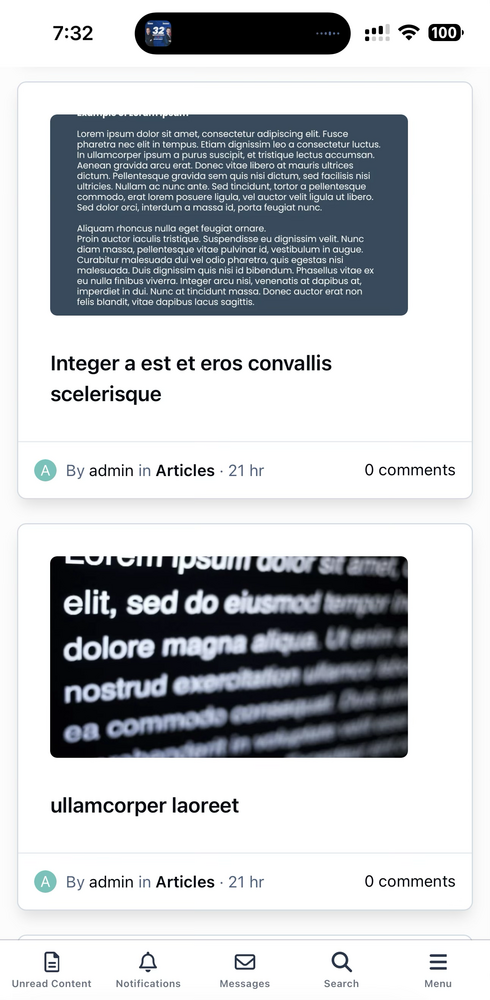
On all browsers on my iPhone, these images are off center using the default template. Am I doing something wrong?
-
Thank you so much. I tried to figure this out with css but just couldn’t find the right thing / selector / element or whatever it’s called :~)
-
Is it possible to remove this cookies link at the bottom of the default theme?

-
I think I can accomplish this with a template hook.
-
I think I got it @Jim M ! Thank you!
-
Ooooh. Is there any documentation how these hooks work? I will create one.
-
Thanks for the help, but I don't think you understood the issue. I can create all the blocks I want, the problem is that none are global like advertisements are global. I would need to manually add these blocks to many pages and edit each of those when the ads change. It's a huge inefficient process.





