Jump to content
View in the app

A better way to browse. Learn more.

Invision Community

A full-screen app on your home screen with push notifications, badges and more.

To install this app on iOS and iPadOS
  1. Tap the Share icon in Safari
  2. Scroll the menu and tap Add to Home Screen.
  3. Tap Add in the top-right corner.
To install this app on Android
  1. Tap the 3-dot menu (⋮) in the top-right corner of the browser.
  2. Tap Add to Home screen or Install app.
  3. Confirm by tapping Install.

AngelsWin.com

Clients
  • Joined

  • Last visited

Everything posted by AngelsWin.com

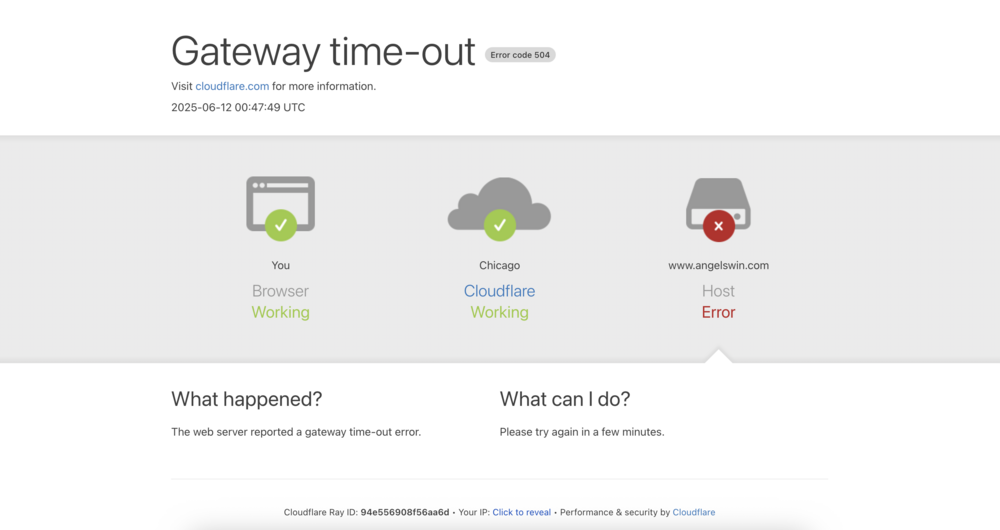
  1. Looks like the website is back up now. Please let me know what caused this. Far too many down times of late for my website. I'd love to know what's causing them to know if it's something on my end or something you can address on your side.
  2. This doesn't make sense. My website has been down for over two hours.
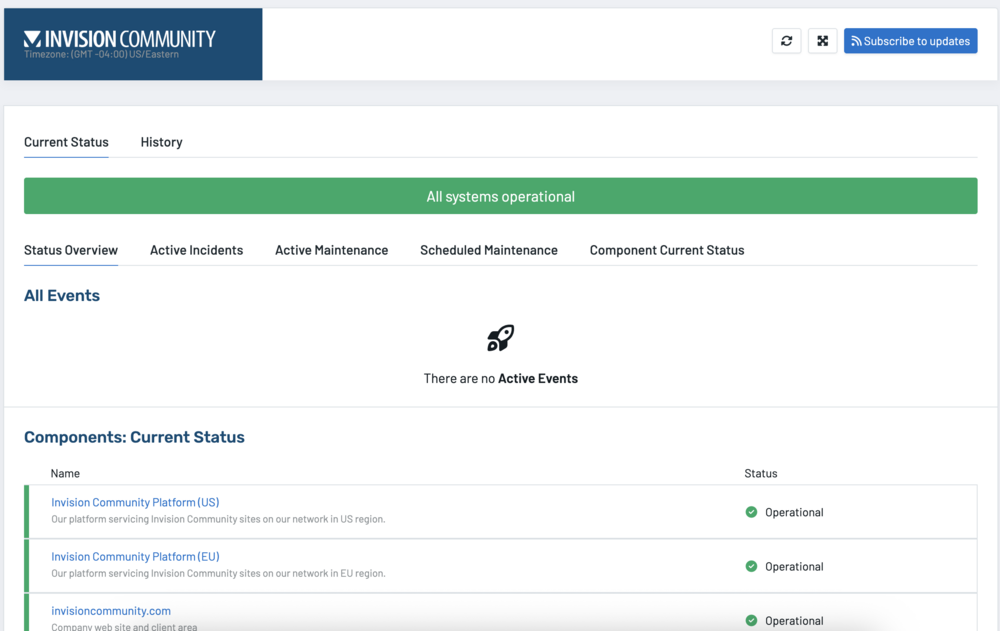
  3. Been getting Gateway errors (504) for the past hour and a half. I wasn't even able to load this invisioncommunity forum for a bit. The uptime network status was good and in the clear until the past 15 minutes. Help?
  4. Question? When will the full version be released of v5?

Account

Navigation

Search

Search

Configure browser push notifications

Chrome (Android)
  1. Tap the lock icon next to the address bar.
  2. Tap Permissions → Notifications.
  3. Adjust your preference.
Chrome (Desktop)
  1. Click the padlock icon in the address bar.
  2. Select Site settings.
  3. Find Notifications and adjust your preference.
