TDS
Clients
-
Joined
-
Last visited
-
-
-
-
Are hooks specific to themes or site wide?
-
So, in the example, can two forum sections have different ads, would I still need to create unique themes for each section, such as General Discussion and Tools? Then be able to place different ads in the General Discussion section and the Tools sections as they each have individual sponsors? How exactly would I be able to do this?
-
Will the built in ad tools allow me to place 3 ads in the header and specific to a theme?
-
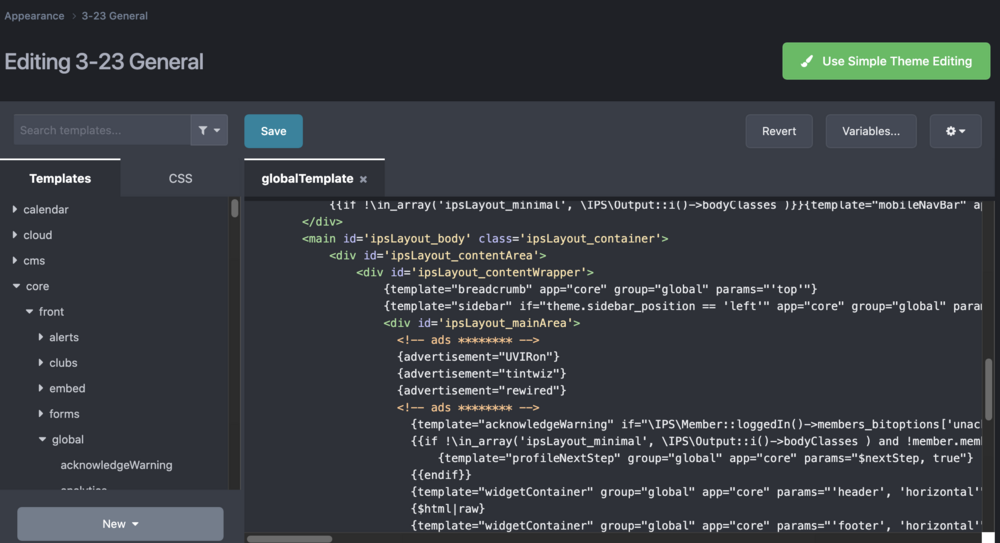
Will we still be able to edit templates? This is how I show the ads and I need to rotate positions nightly in the Global Template::
-
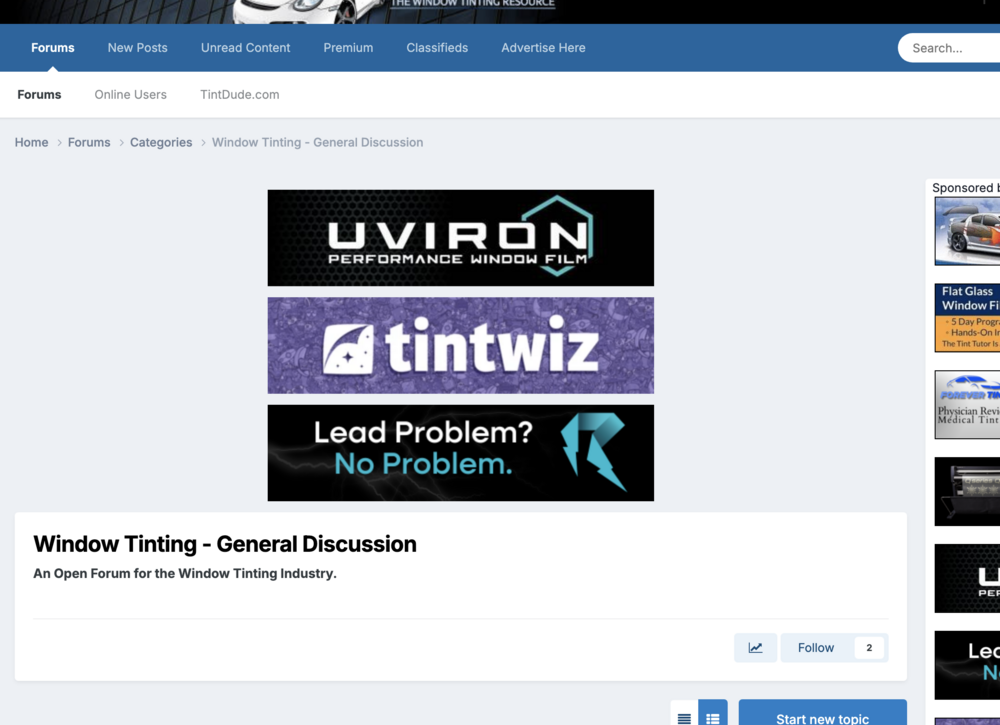
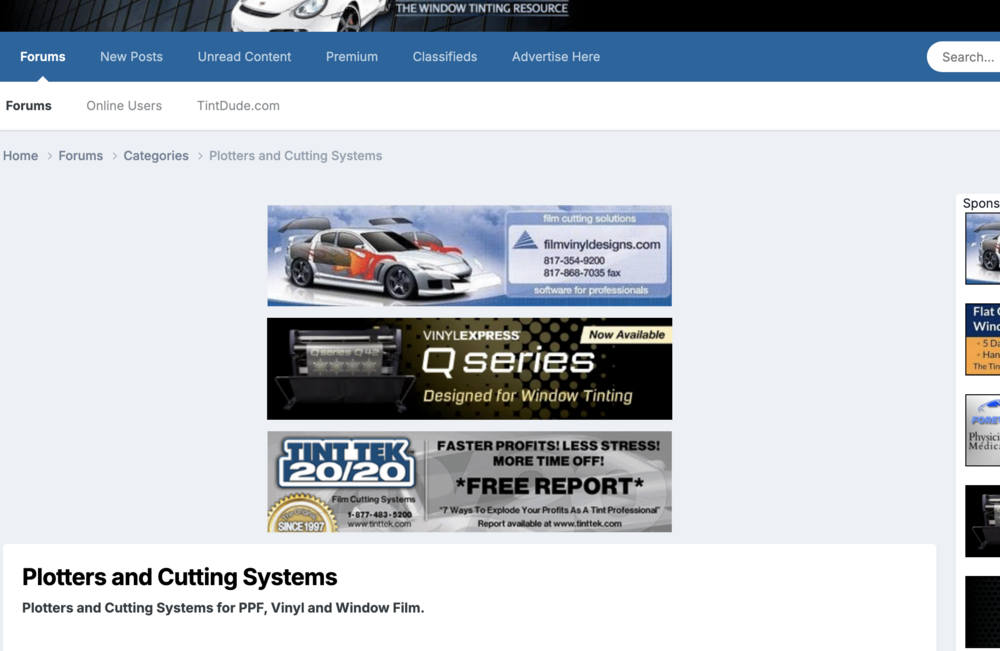
I have a question about upgrading from 4 to 5. My site uses several themes, one default for forum sections with no ads in the header, and one for each specific section of the site so that I can show different ads in the headers for those sections. If I can only have one theme, I wont be able to have ads only show for certain sections. For example, the General Discussion section has specific advertisers, and another section for tools has its own sponsors in the header. Will I be able to do this in version 5? If not is there a workaround that would accomplish this? Examples: